Hey all,
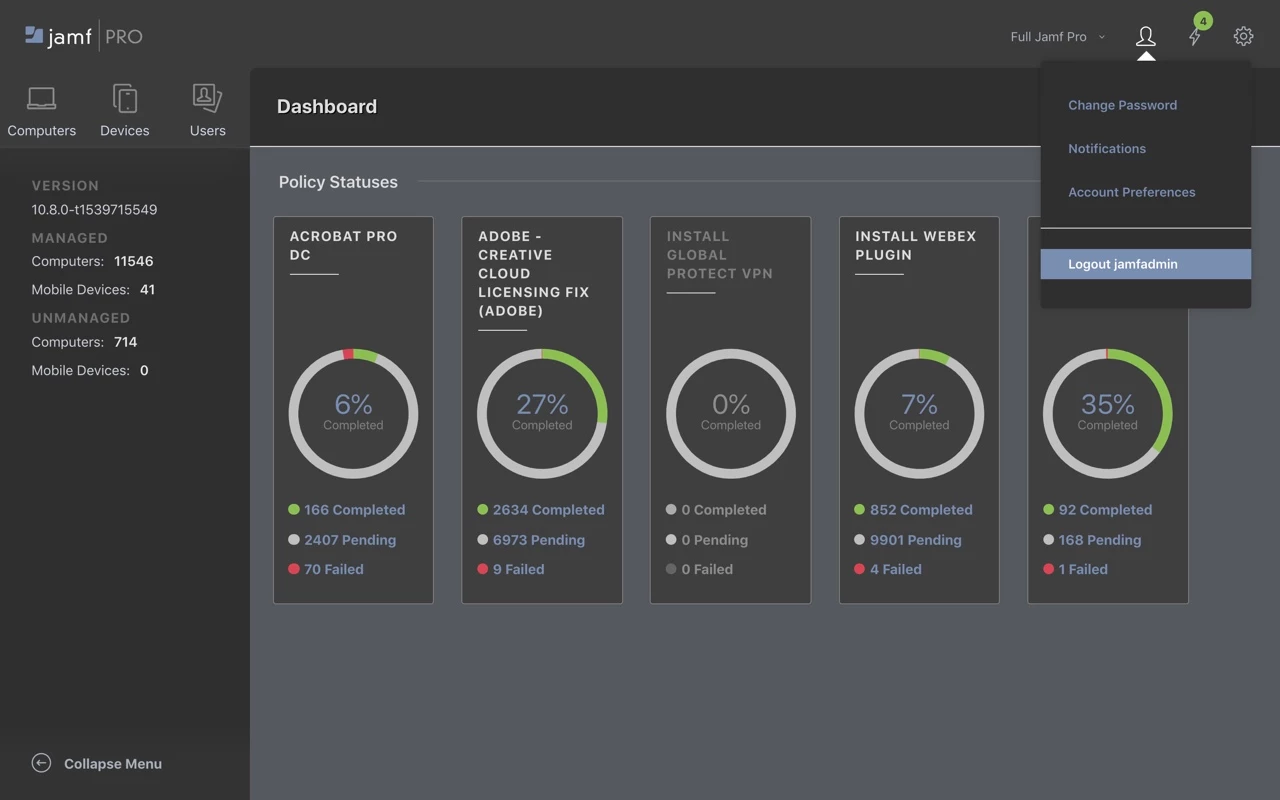
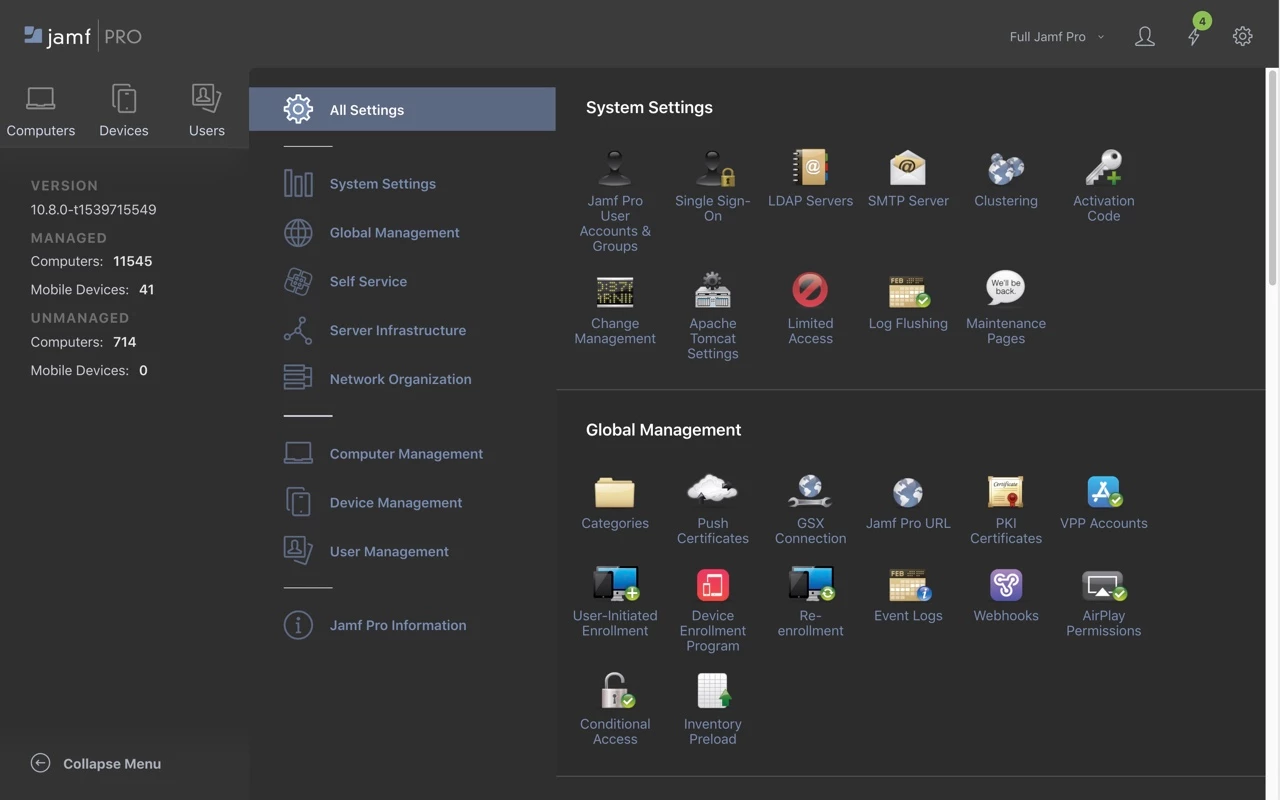
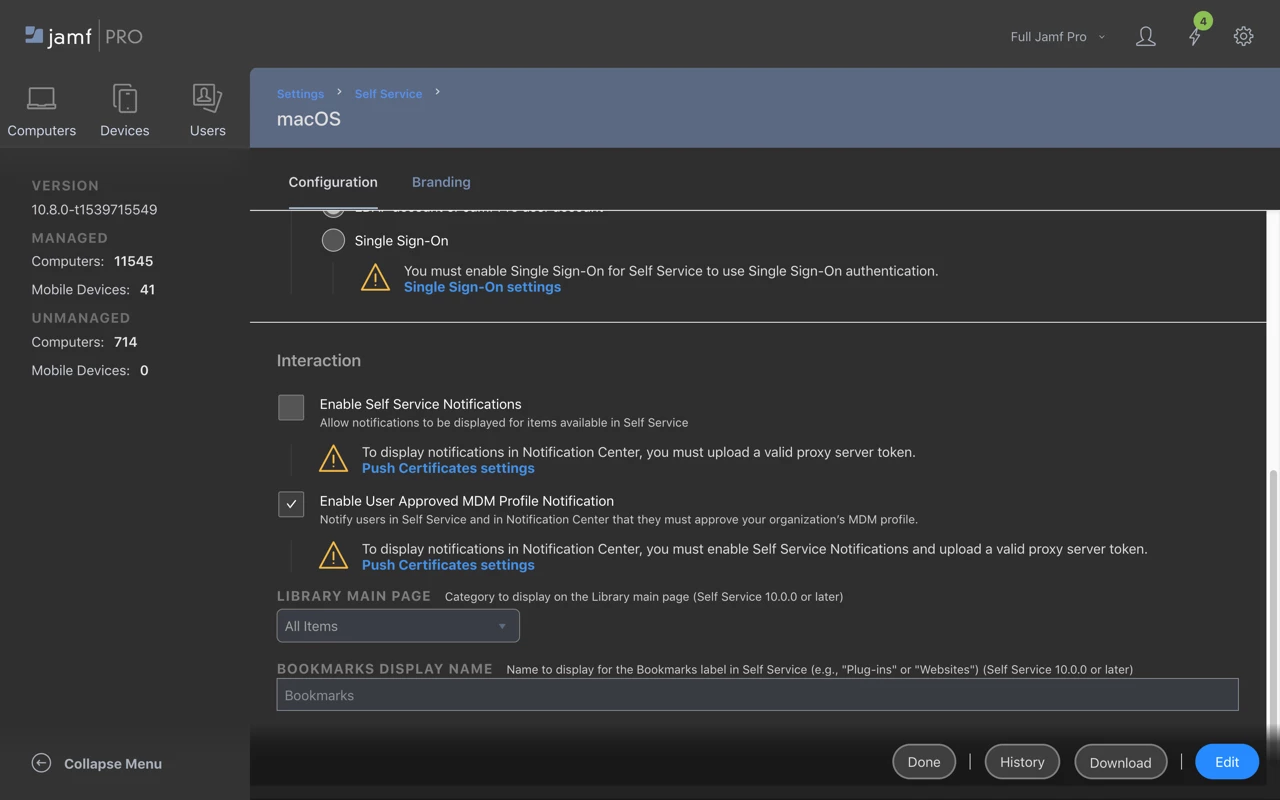
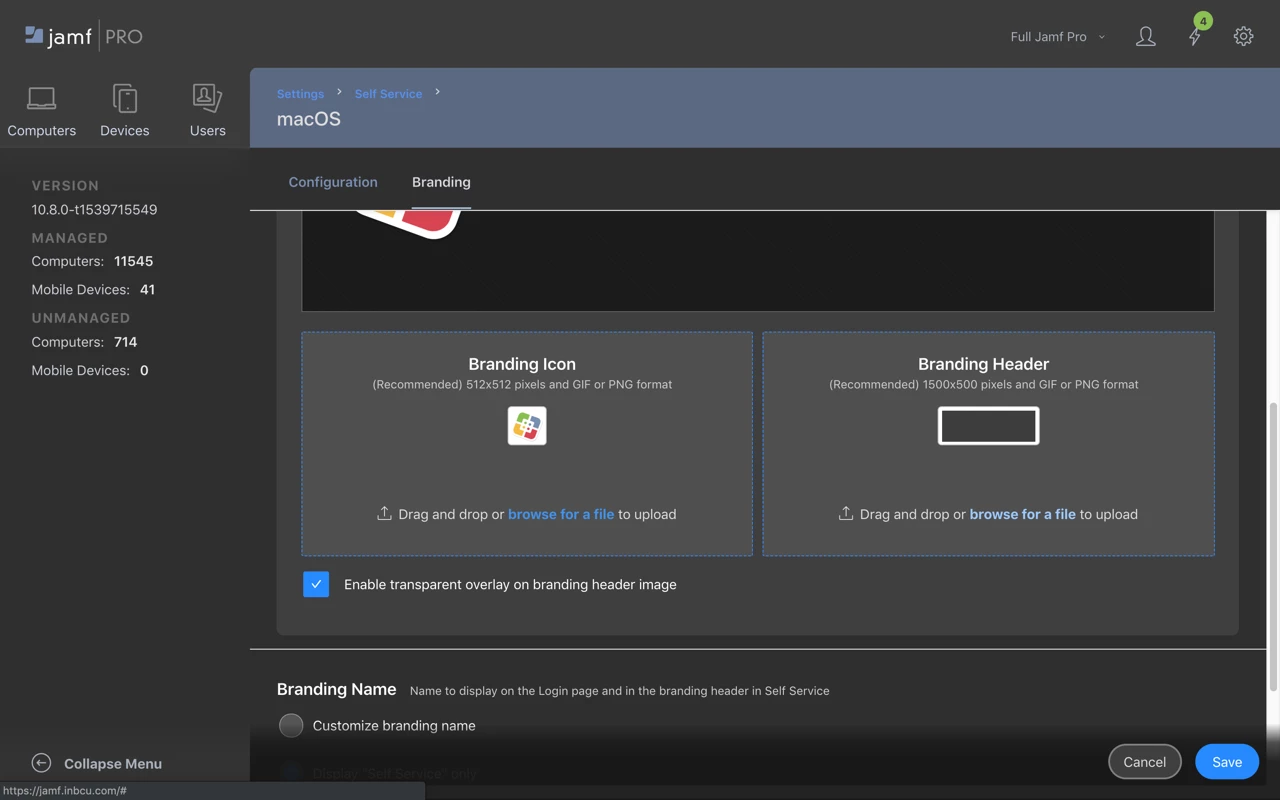
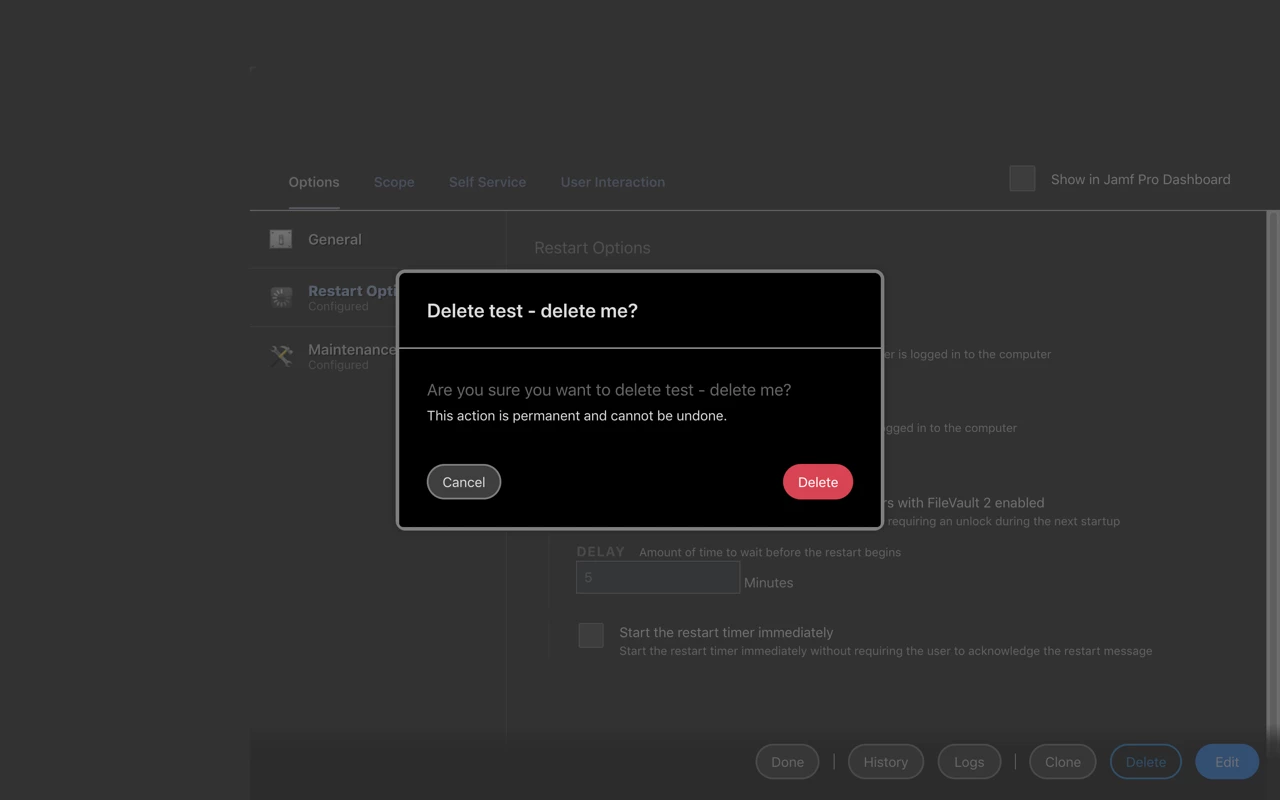
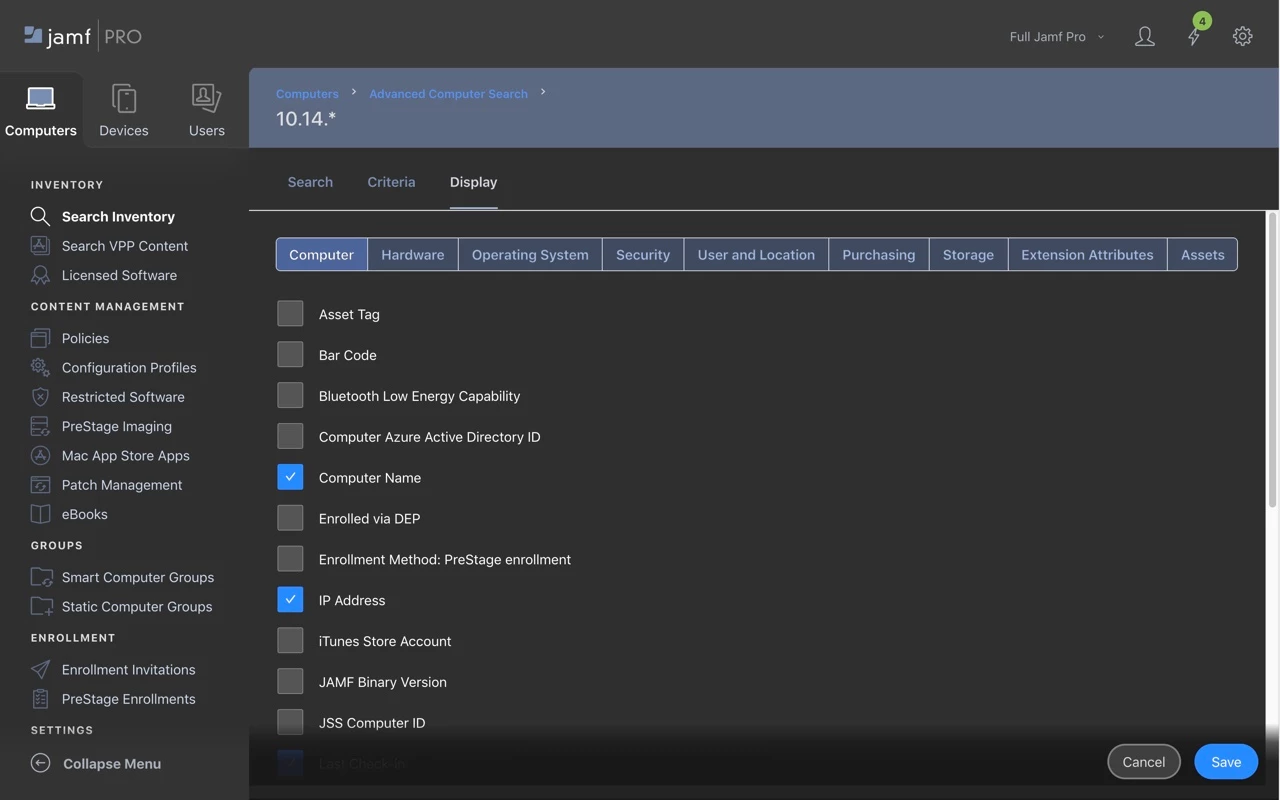
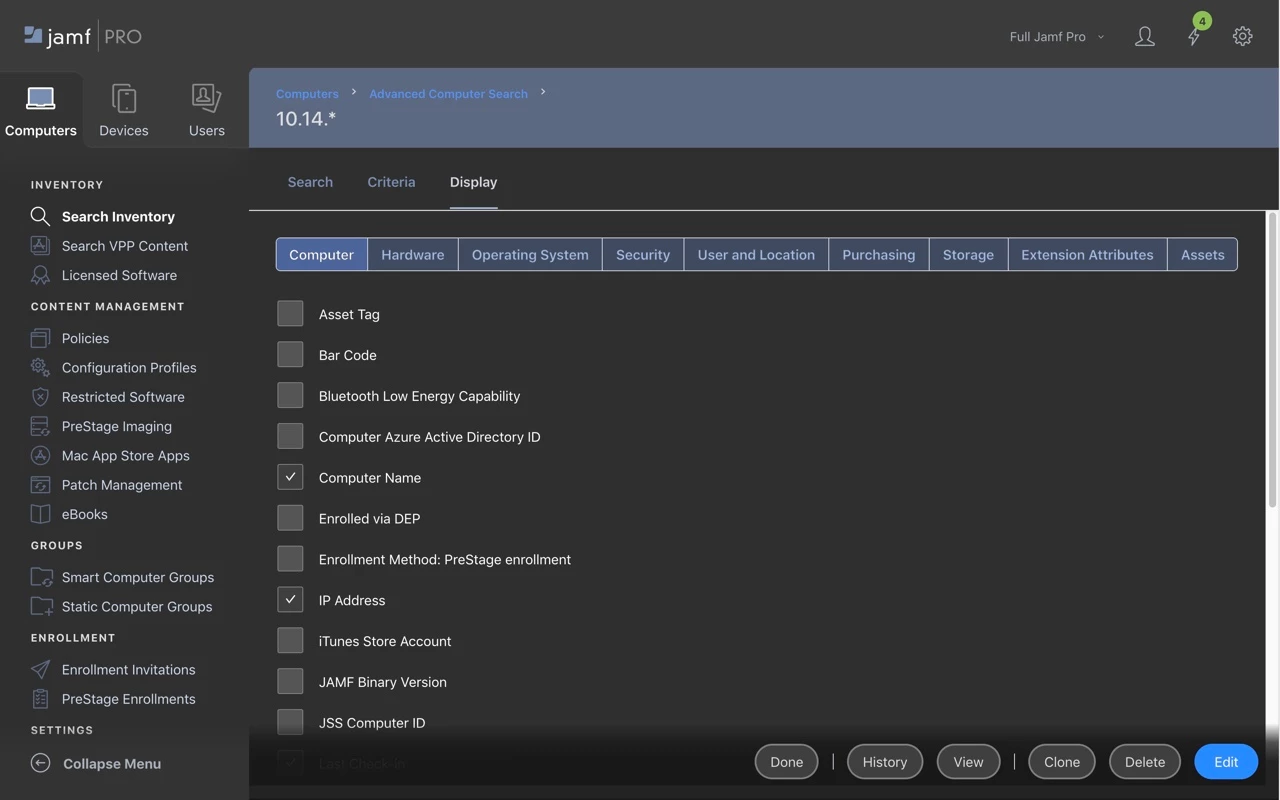
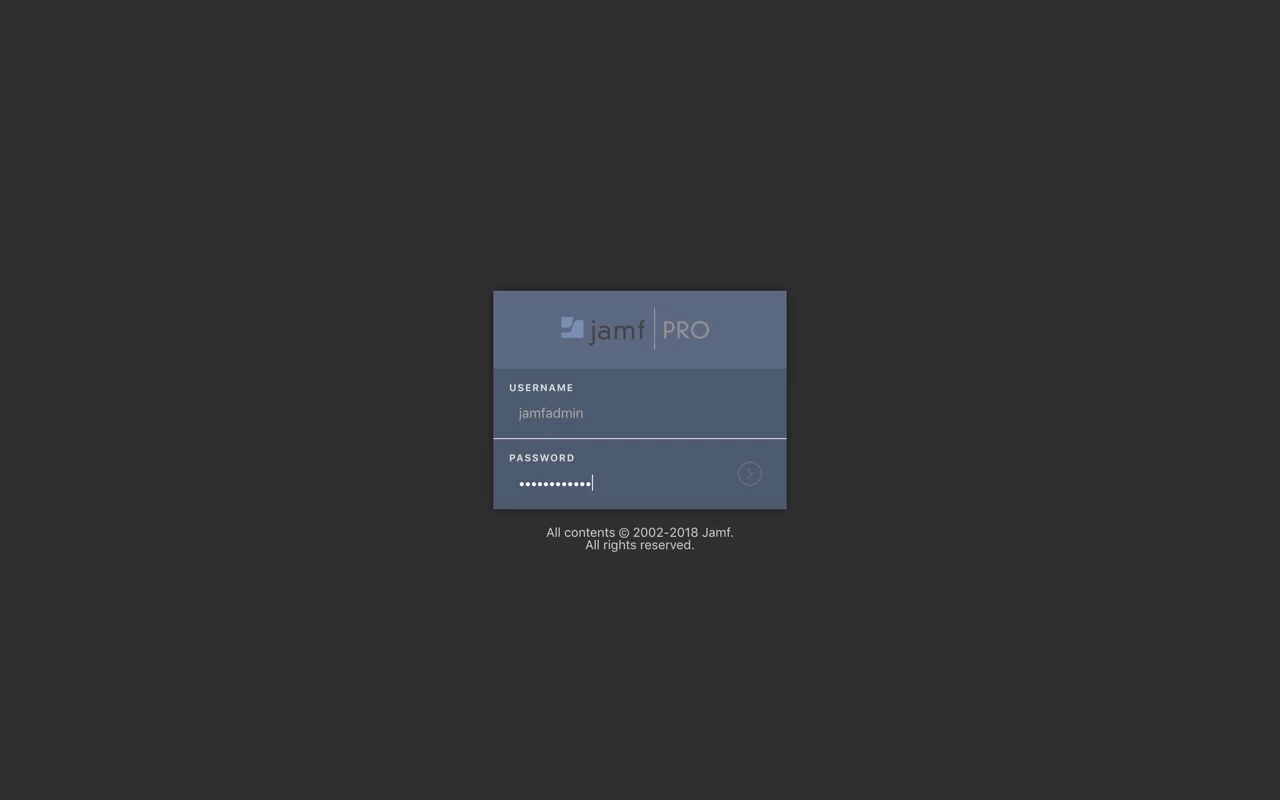
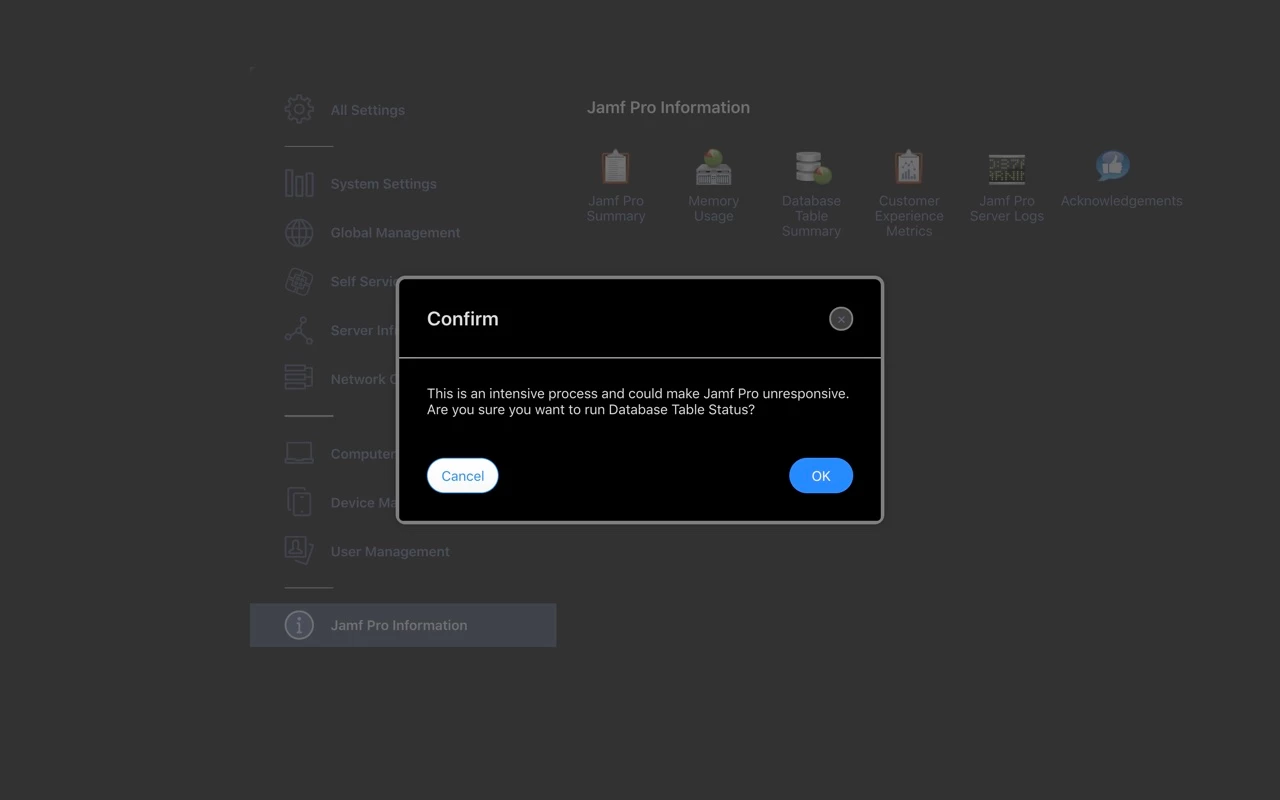
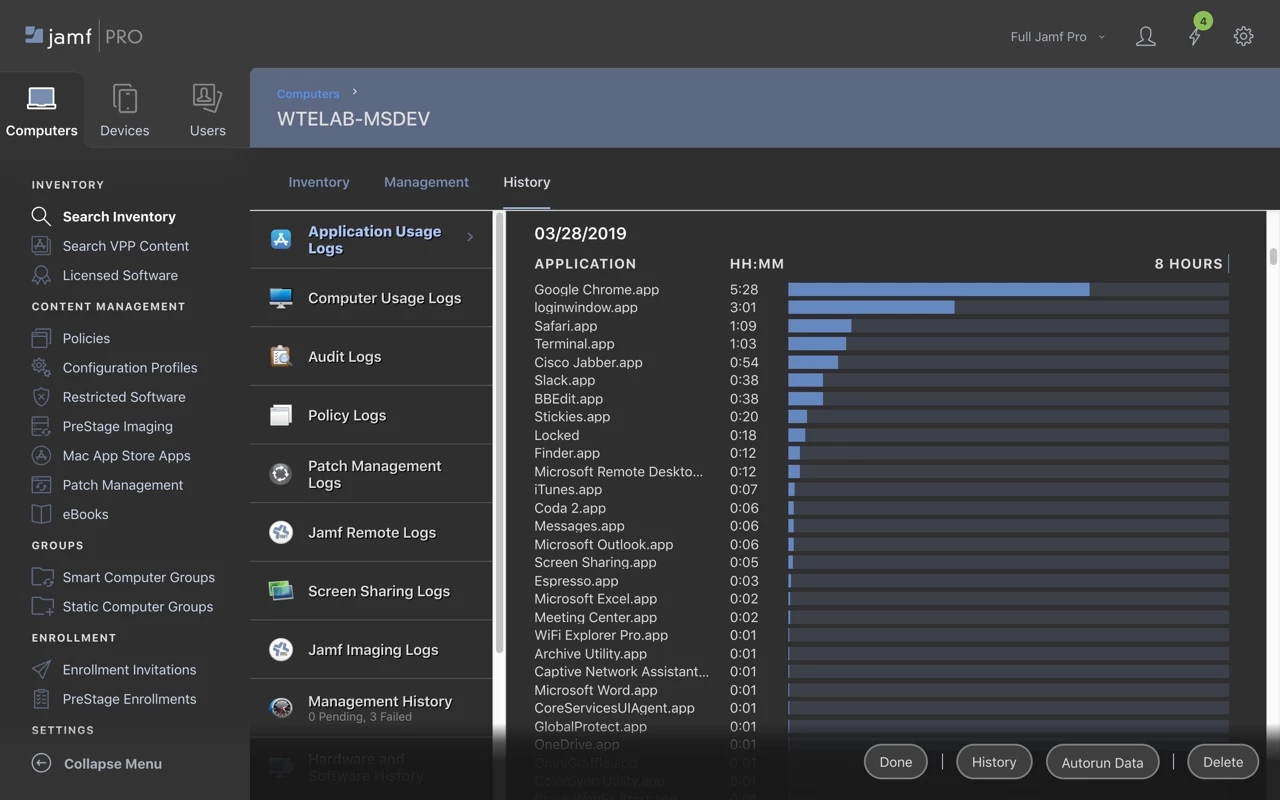
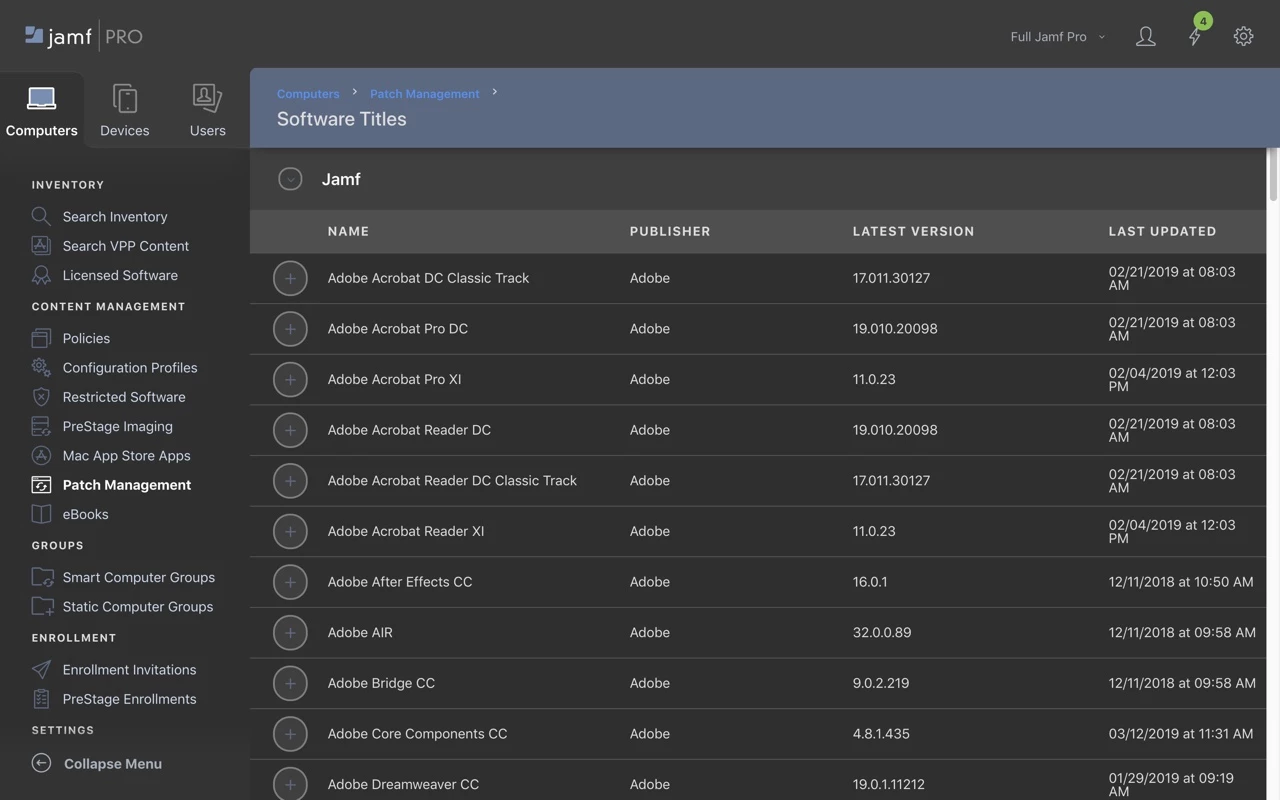
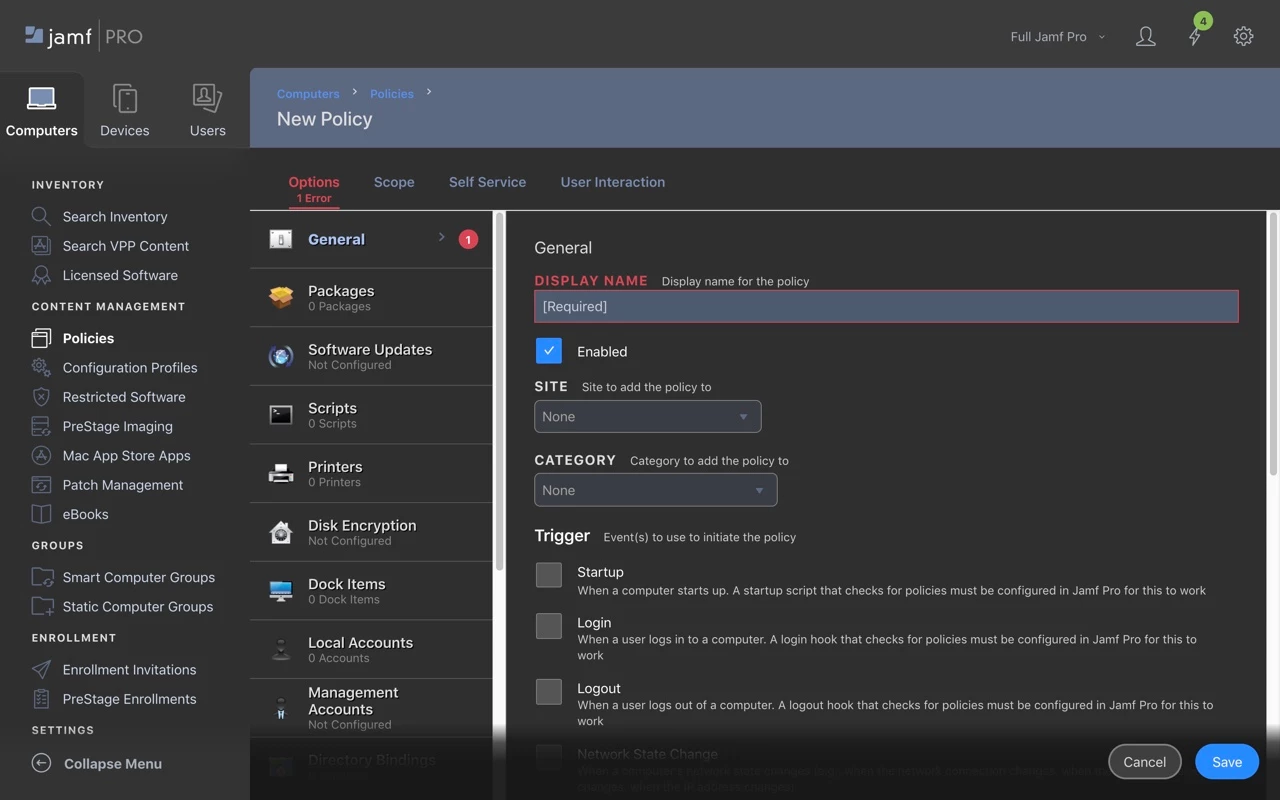
I made a thing to save my eyes (and hopefully yours):
https://userstyles.org/styles/170527/jamf-pro-dark-mode
GitHub Source
Please read the installation notes carefully to activate the style.
Tested pretty extensively in Chrome; works in Firefox too. Unfortunately Safari is not possible at the moment until Stylish (or someone else) submits an app for Mojave / Safari 12. While Safari can load custom CSS via Preferences > Advanced, Jamf's CSS has some 'global' declarations in the first few lines for typefaces and I can't easily work around that AFAIK.
This is my first attempt to do anything remotely approaching 'front end web development' in over a decade. If I've missed anything obvious or made an amateurish / inefficient CSS gaffe, please let me know here and/or make code suggestions at my github repo.
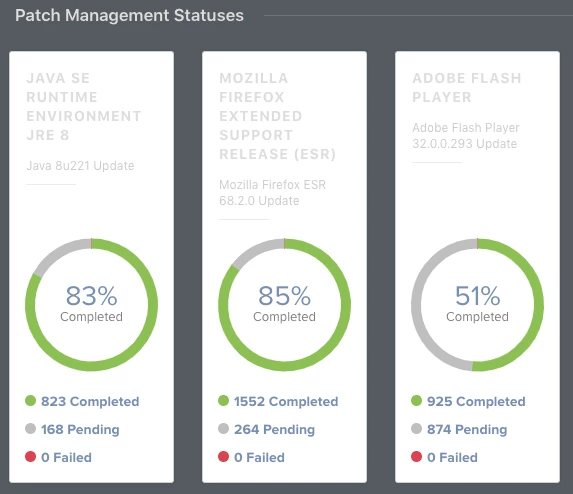
I've uploaded some screenshots here to whet your appetite.