EDIT: To anyone wondering, this was a bug in version 10.20 - it has been resolved in 10.21.
Hello everyone,
Could anyone please let me know if they have the same issue as me?
I'm on JamfCloud, currently version 10.20.1-t1584039255, and I've noticed that LDAP extension attributes for macOS devices are not being updated during recon.
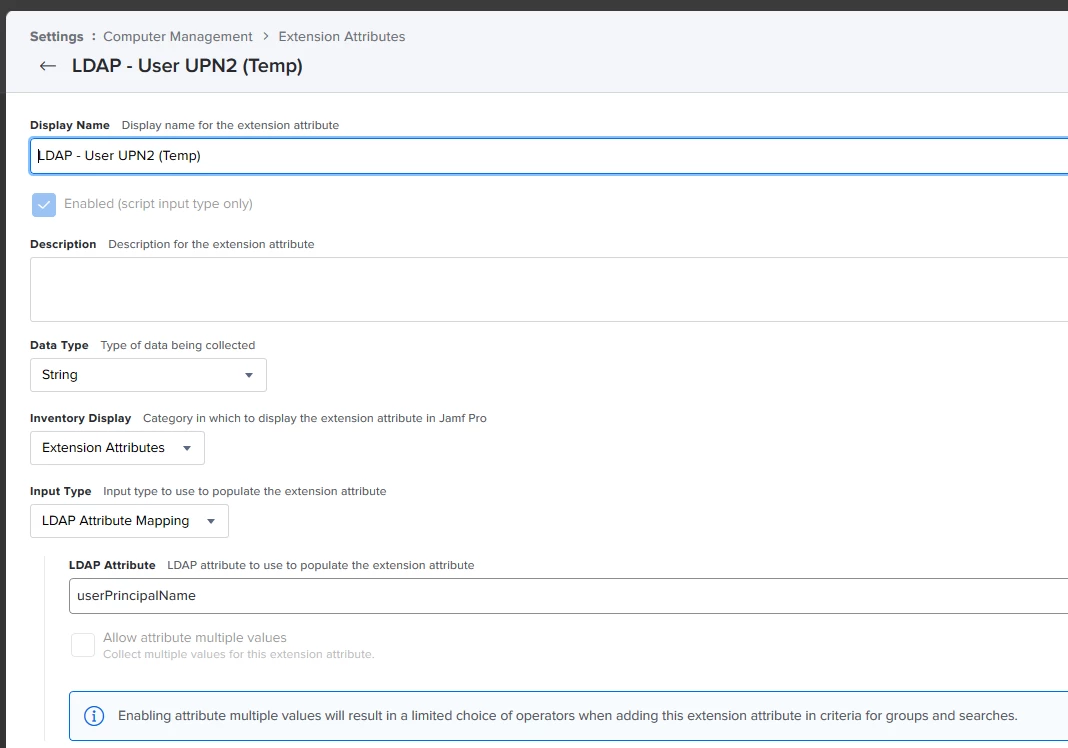
To test this, I simply duplicated an LDAP attribute I already had:
Display Name: LDAP - User UPN2 (Temp)
Data Type: String
Input Type: LDAP Attribute Mapping
LDAP Attribute: userPrincipalName
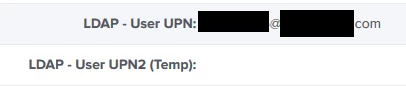
I then run a "sudo jamf recon" but this new attribute never gets populated (see screenshot). You can see the previous attribute (configured the same way) maintains the existing result from when this process was working.
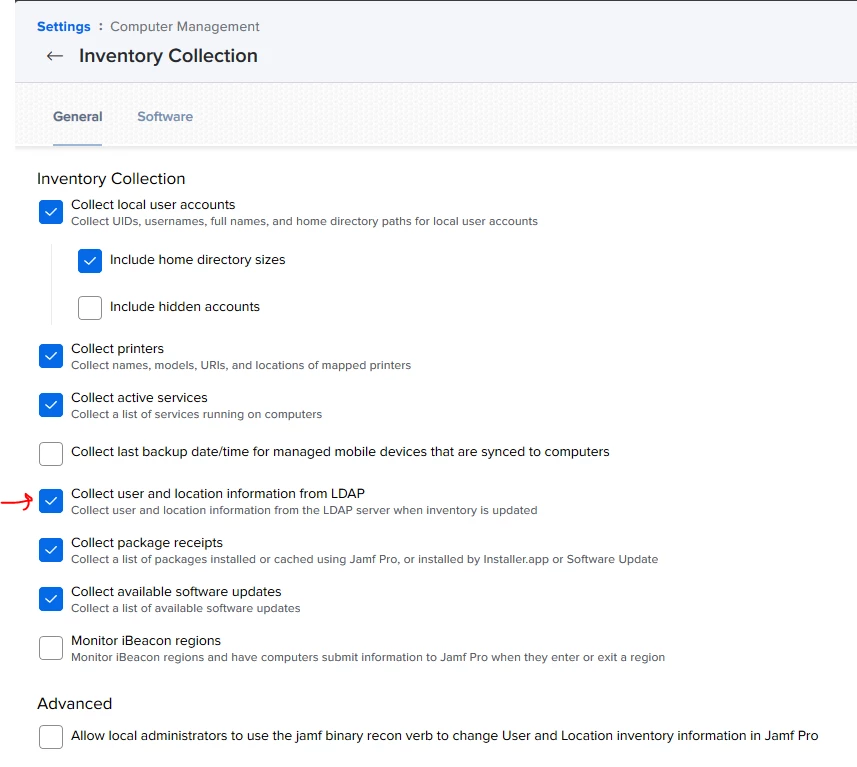
I can confirm that I have "Collect user and location information from LDAP" checked under Settings -> Computer Management -> Inventory Collection. I have also tried to toggle the new feature "Allow local administrators to use the jamf binary recon verb to change User and Location inventory information in Jamf Pro" but neither option works.
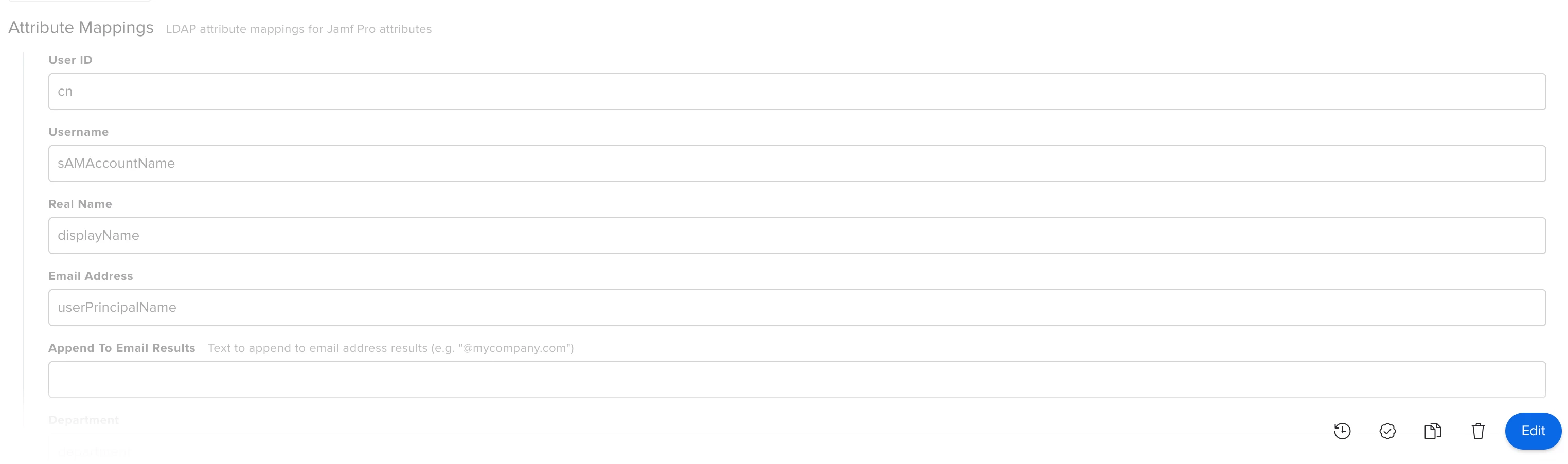
Doing a test under my LDAP configuration works great, and users can still be searched through the User and Location -> Edit -> Search process.
I have a ticket open with Jamf support, but am awaiting a response. This issue seemed to start when I was upgraded to 10.20.1-t1584039255 - it would be great if someone else could test this scenario.