Question

Mac OS network issue 210922

  • September 22, 2021
  • 10 replies
  • 95 views

Forum|alt.badge.img+3
NetworkA is our company Wi-Fi,normally the devices can connect to NetworkA after installing the network certificate. Currently i'm facing a network issue on Mac computers.
After installing the network certificate , the Mac computers can connect to company Wi-Fi(networkA),but the networkA will be disconnected if i log out.
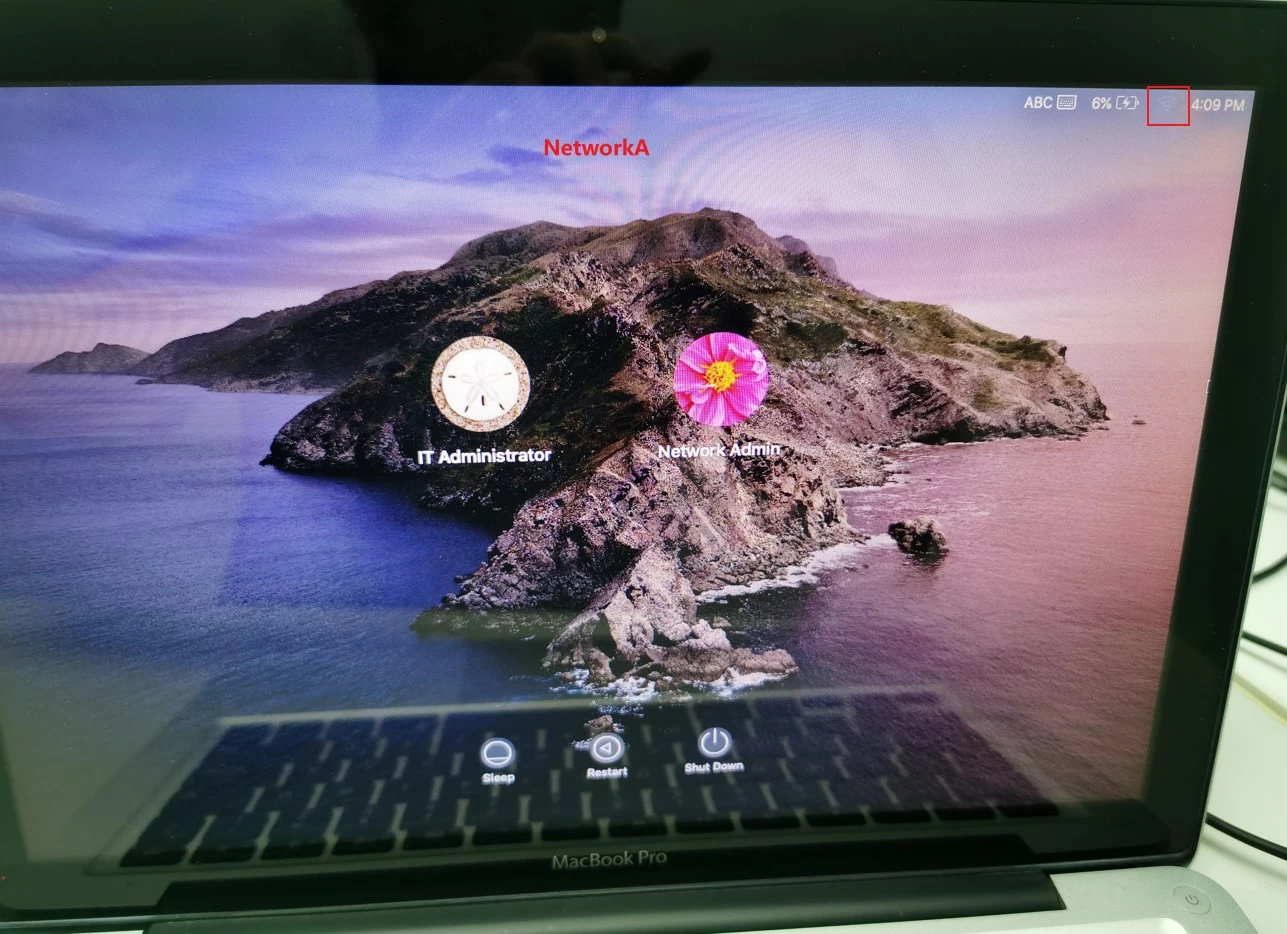
 
NetworkB is a non-company Wi-Fi,it won't be disconnected if i log out.
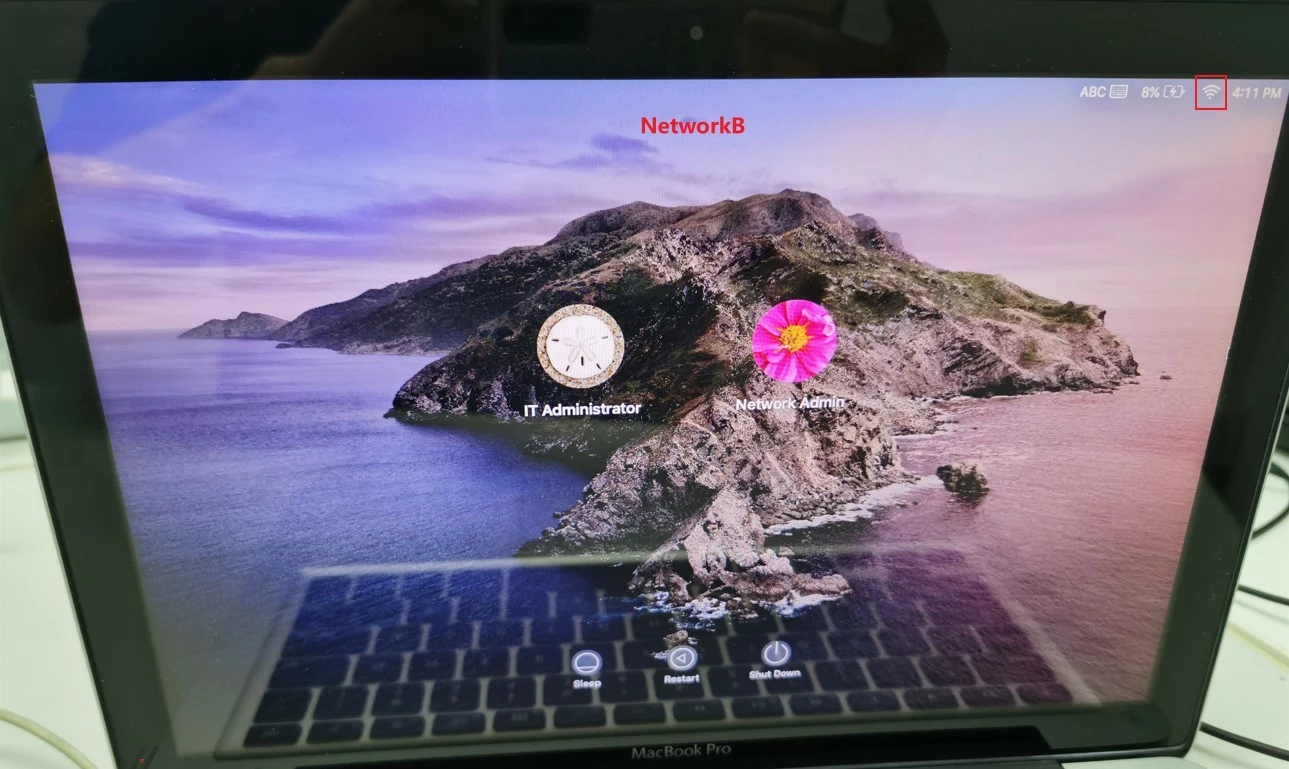
 
May i ask why the networkA will be disconnected if i log out , is there a way to keep the networkA connected under Mac OS login window ?
Thanks in advance.

10 replies

Forum|alt.badge.img+16
  • Contributor
  • September 22, 2021

Was the wireless network joined manually and conversely the certificate manually imported into the users keychain? If so that's your issue. You need to deploy this network and it's cert using a configuration profile and ensure you select Use as a Login Window configuration.


Forum|alt.badge.img+3
  • Author
  • New Contributor
  • September 22, 2021

@mainelysteve 

Thank you .

I imported the certificate into keychain manually .

Ok , i see .

How can i create and deploy a configuration profile , can i do that without jamf?


Forum|alt.badge.img+16
  • Contributor
  • September 22, 2021

@mainelysteve 

Thank you .

I imported the certificate into keychain manually .

Ok , i see .

How can i create and deploy a configuration profile , can i do that without jamf?


Yes, you can but you really need an MDM service to install it though. Do you have one?

Push comes to shove you can use Profile Creator to create it and install it manually on the client. That won't scale well at all though so you're back to needing an MDM service.


Forum|alt.badge.img+3
  • Author
  • New Contributor
  • September 23, 2021

Yes, you can but you really need an MDM service to install it though. Do you have one?

Push comes to shove you can use Profile Creator to create it and install it manually on the client. That won't scale well at all though so you're back to needing an MDM service.


Thanks !
We haven't have one yet , may i ask will jamf provide MDM service ?
I think we will deploy jamf eventually, but we want to do some test under current environment first , currently we can install the profiles manually.
I've created a configuration profile by Profile Creator and installed it .
The certificate will be imported into keychain , i can connect to networkA , but networkA will be disconnected under Login Window .
Is there an option similar as "Use as a Login Window configuration" in Profile Creator ?

Forum|alt.badge.img+16
  • Contributor
  • September 23, 2021
Thanks !
We haven't have one yet , may i ask will jamf provide MDM service ?
I think we will deploy jamf eventually, but we want to do some test under current environment first , currently we can install the profiles manually.
I've created a configuration profile by Profile Creator and installed it .
The certificate will be imported into keychain , i can connect to networkA , but networkA will be disconnected under Login Window .
Is there an option similar as "Use as a Login Window configuration" in Profile Creator ?

Yes, Jamf is an MDM provider. Depending on how many Apple devices you have you can either look at Jamf Pro or Jamf Now. If you're in the education sector they also have Jamf School. Go to their main website and fill out a contact form if you're interested in any of them.

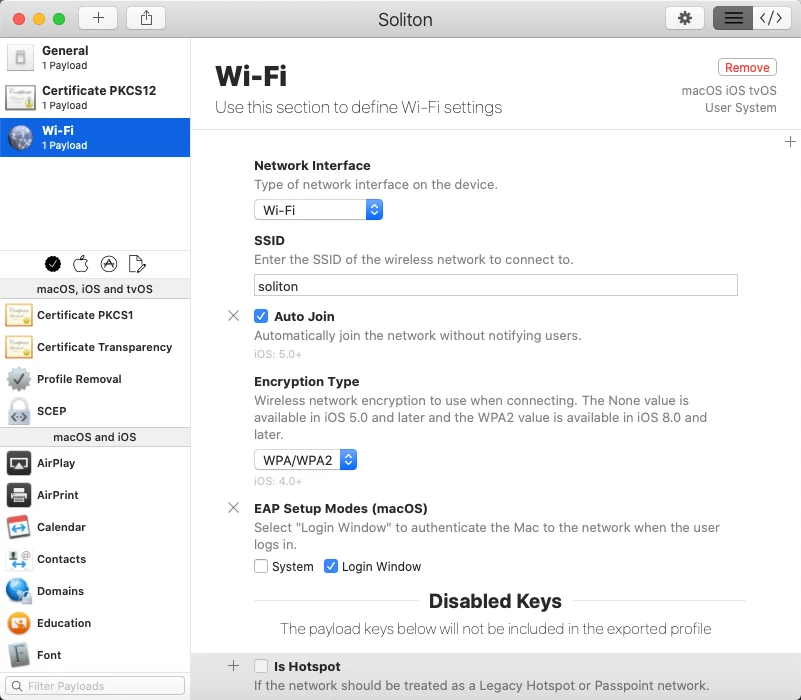
In Profile Creator you're looking for EAP Setup Modes in the Wifi Payload section. Also ensure the certificate is in the same profile otherwise it won't work.


Forum|alt.badge.img+3
  • Author
  • New Contributor
  • September 24, 2021

Yes, Jamf is an MDM provider. Depending on how many Apple devices you have you can either look at Jamf Pro or Jamf Now. If you're in the education sector they also have Jamf School. Go to their main website and fill out a contact form if you're interested in any of them.

In Profile Creator you're looking for EAP Setup Modes in the Wifi Payload section. Also ensure the certificate is in the same profile otherwise it won't work.


Yes , we will deploy jamf once we are ready .

Do you mean select "Login Window" like below ?

I've tried , but networkA will still be disconnected under Login Window ..


Forum|alt.badge.img+3
  • Author
  • New Contributor
  • November 26, 2021

Yes, Jamf is an MDM provider. Depending on how many Apple devices you have you can either look at Jamf Pro or Jamf Now. If you're in the education sector they also have Jamf School. Go to their main website and fill out a contact form if you're interested in any of them.

In Profile Creator you're looking for EAP Setup Modes in the Wifi Payload section. Also ensure the certificate is in the same profile otherwise it won't work.


@mainelysteve 

I've installed the profile .
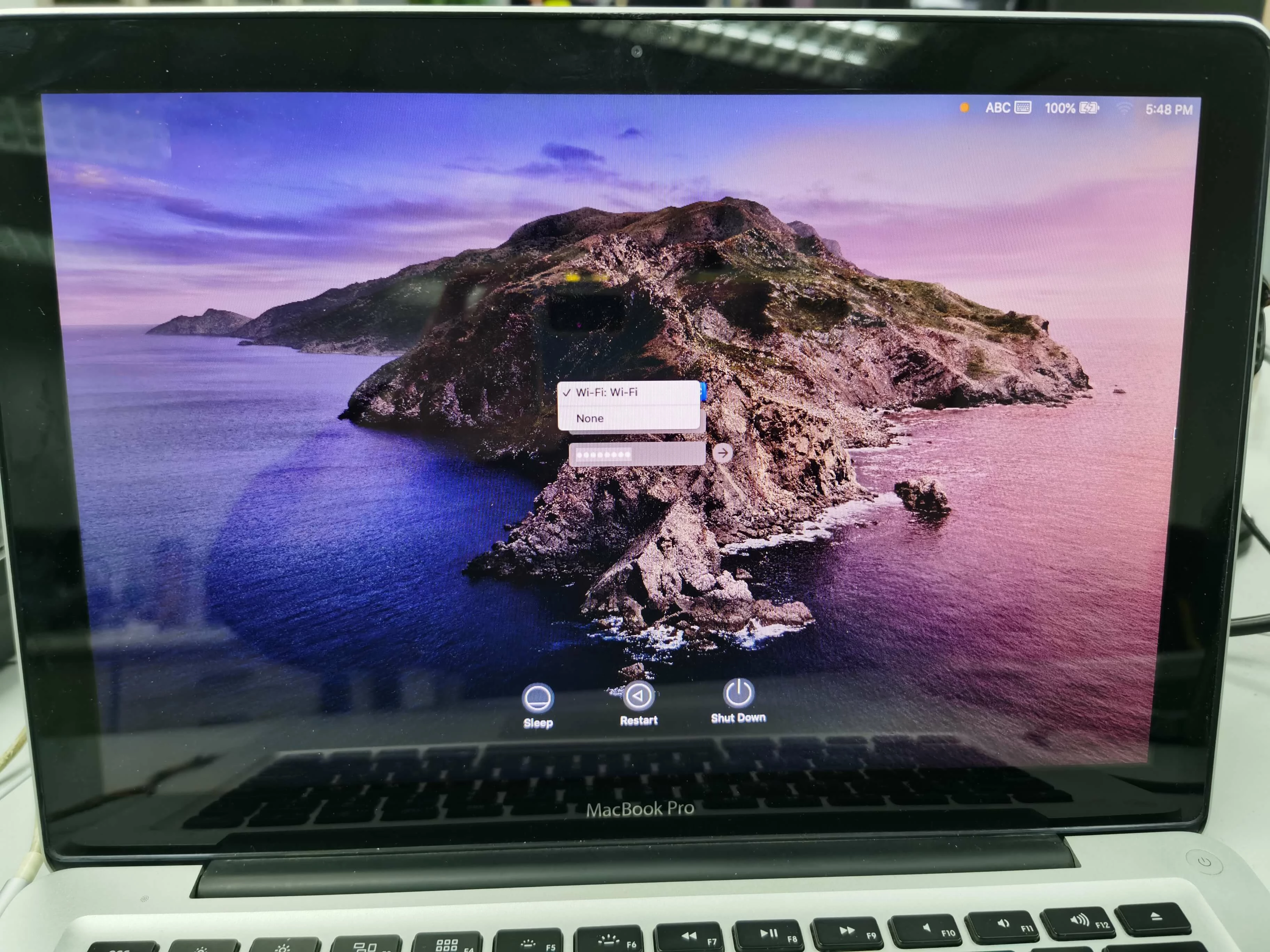
I'm going to authenticate the wi-fi at login screen,but i can't find the correct SSID in the pull-down menu..

Forum|alt.badge.img+16
  • Contributor
  • November 29, 2021

@mainelysteve 

I've installed the profile .
I'm going to authenticate the wi-fi at login screen,but i can't find the correct SSID in the pull-down menu..

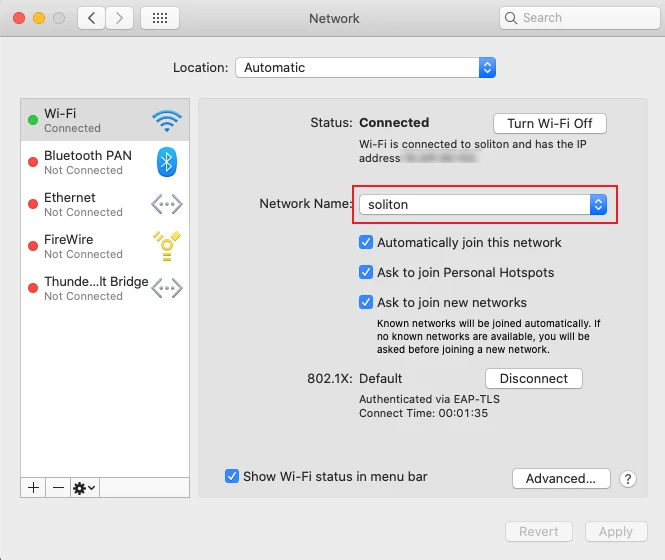
If you login using a local admin account do you see the network in your preferred networks list in System Preferences > Network > Wifi ?

Double check the ssid and the encryption type.


Forum|alt.badge.img+3
  • Author
  • New Contributor
  • December 1, 2021

If you login using a local admin account do you see the network in your preferred networks list in System Preferences > Network > Wifi ?

Double check the ssid and the encryption type.


Yes , i can see the network in Wifi panel .
The encryption type was set to WPA2 .


Forum|alt.badge.img+16
  • Contributor
  • December 1, 2021

Yes , i can see the network in Wifi panel .
The encryption type was set to WPA2 .


Then it most likely can't connect without a user logged in. Check that the certificate is loaded into the system keychain and not anywhere else i.e. login keychain. 

I suspect it's due to the lack of MDM management as a support article dated in 2018 mentions MDM, but doesn't explicitly state it's necessity.