Question

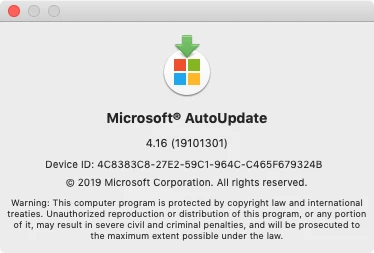
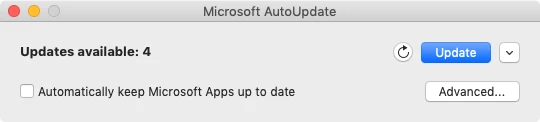
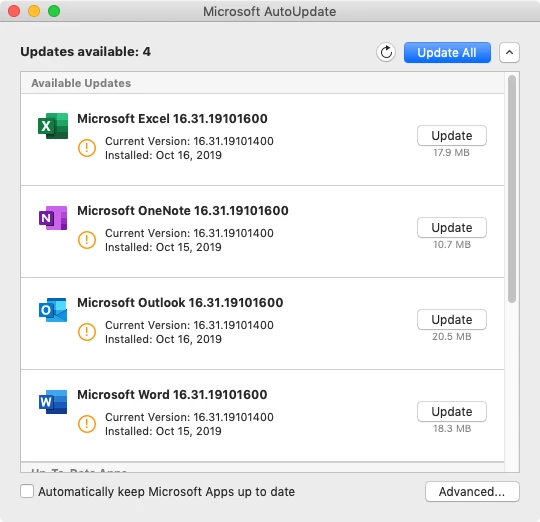
MAU 4.16 (oooohhh...shiny!!!)

  • October 17, 2019
  • 7 replies
  • 50 views

donmontalvo
Forum|alt.badge.img+36

@pbowden Just saw it, didn't test it, but loving it already. :D

7 replies

dan-snelson
Forum|alt.badge.img+30
  • Honored Contributor
  • October 18, 2019

Ditto, @pbowden! Great job.


Forum|alt.badge.img+15
  • Valued Contributor
  • January 5, 2021

Does anyone know how to use Jamf to have MAU automatically run and update Microsoft software without any interaction? I was trying to see if there is a schema available for MAU, however, haven't found any. My goal is to set the channel to "Current Channel", then, have it set to download and install the updates automatically. Thanks!


Forum|alt.badge.img+11
  • Valued Contributor
  • January 5, 2021

There's an msupdate command in MAU in /Library/Application Support/Microsoft/MAU2.0/Microsoft AutoUpdate.app/Contents/MacOS

You may be able to program silent updates.

https://github.com/pbowden-msft/msupdatehelper


Forum|alt.badge.img+10
  • New Contributor
  • January 5, 2021

@bcbackes You can find information on this Youtube page and the MacAdmins website.
https://www.youtube.com/playlist?list=PLcUacJY1uG-gYEErYVx1wBqZzsAGSowWn
https://macadmins.software/


easyedc
Forum|alt.badge.img+16
  • Esteemed Contributor
  • January 5, 2021

@bcbackes You'd need to set the settings via a configuration profile. All the keys are available here but essentially it'd look something like this. One of the keys you can set is to force it to keep updated, if that's your goal.

<key>PayloadContent</key>
    <array>
        <dict>
            <key>PayloadContent</key>
            <dict>
                <key>com.microsoft.autoupdate2</key>
                <dict>
                    <key>Forced</key>
                    <array>
                        <dict>
                            <key>mcx_preference_settings</key>
                            <dict>
                                <key>ChannelName</key>
                                <string>Production</string>
                                <key>DisableInsiderCheckbox</key>
                                <true/>
                                <key>HowToCheck</key>
                                <string>AutomaticDownload</string>
                            </dict>
                        </dict>
                    </array>
                </dict>
            </dict>

Or you could script/jamf policy run command one of the options from

/Library/Application Support/Microsoft/MAU2.0/Microsoft AutoUpdate.app/Contents/MacOS/msupdate

and just update specific apps/specific versions.


dwenger
Forum|alt.badge.img+13
  • Contributor
  • January 5, 2021

@bcbackes There is a built-in Microsoft maintained schema for MAU and their other apps. In JPS 10.26 it's under the External Applications subsection of the Application & Custom Settings profile payload. The source is Repository, then choose your desired Application Domain, Version, Variant.


Forum|alt.badge.img+15
  • Valued Contributor
  • January 5, 2021

Thanks everyone! @dwenger it appears that the version in the Jamf Repository only goes to 4.18, however, I'll test it on what I have (version 4.30). Looks like it will do exactly what I'm looking for. Thanks again!