Hello, fellow Mac Systems Administrators,
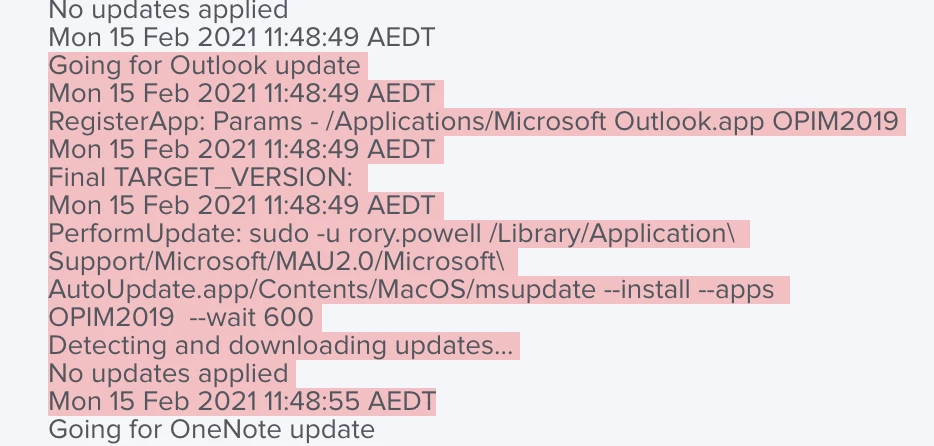
I imagine a lot of you are here to maybe see if this solution will work with possible issues you've been having on your AutoUpdating for Mac 2019, we've spent quite some time on it on and off, and I think we've come up with a solution that works well (at least in our environment).
First off I'd like to start by giving credit to the people who've contributed to this project:
@pbowden for creating resources and utilities and providing the tools and scripts to make this work - And the countless hours of endless support given to the community.
Duper51 a fellow co-worker of mine who helped immensely with the debugging and solution of this.
Carl Ashley for providing some useful documentation on viewing the MacOS TCC log to solve the PPPC violations that no one really knew were happening.
GitHub repo to our modified @pbowden script and MobileConfigs: https://github.com/GN/Microsoft-AutoUpdate-for-Mac-Jamf-Deployment
The problems:
With the release of macOS 10.14 (Mojave), there were a lot of security changes namely PPPC restrictions that caused the command-line MSUpdate tool to not be able to communicate with the Microsoft AutoUpdate Daemon, and JAMF not having the correct PPPC permissions to run and interact with everything that it needed to. @pbowden's MobileConfig seems to not be updated to the latest security settings that we've determined JAMF, and the AutoUpdate tools need. This is where we think most of the issues are occurring with people's deployments.
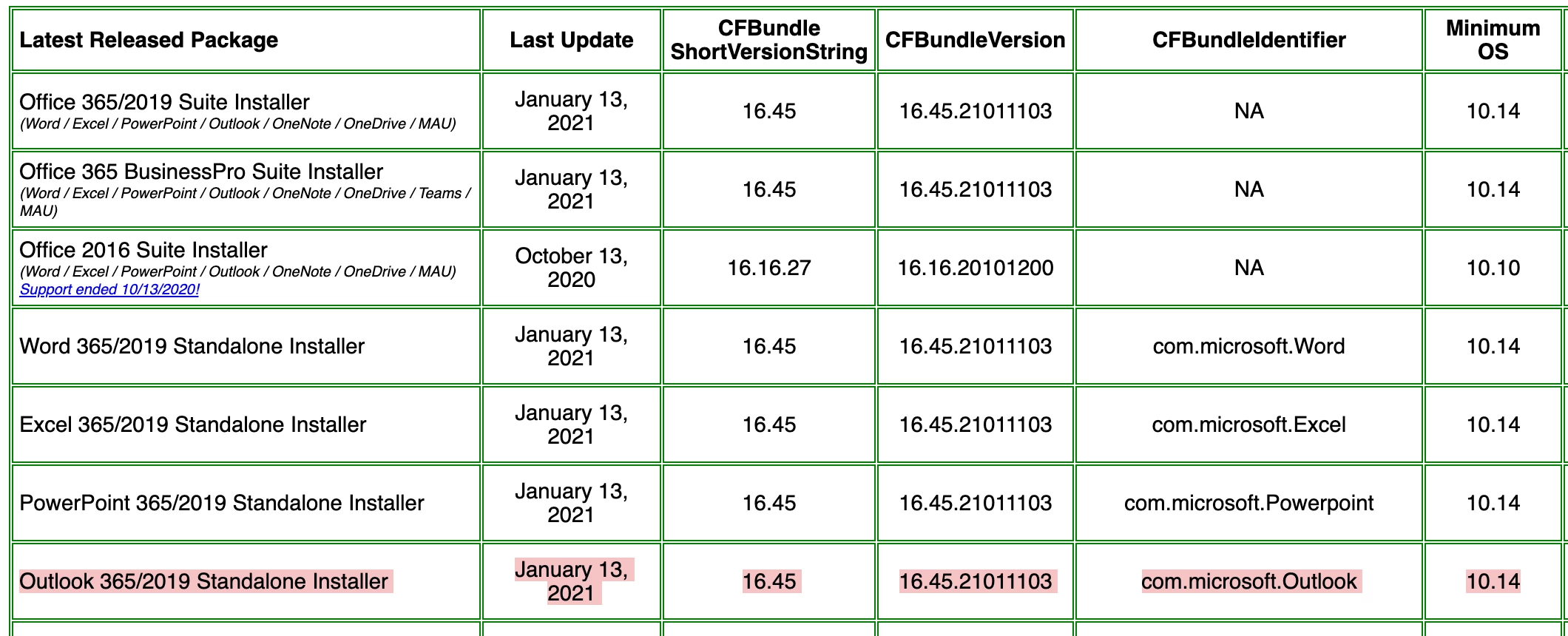
The old script MSUpdateHelper4JamfPro.sh provided by @pbowden (which is what we're currently using - we haven't tried the new one. We didn't realize there was a new one released but what we have now works) calls to update the Microsoft AutoUpdater. For whatever reason this function was not working as intended/expected for us, so we shimmed a function in called "downloadMAU()" this downloads and installs the latest release of MAU into its standard location. This mitigates the issue(s) of not having the latest version of MAU and applications not updating because of it.
Please note: Every time the script runs it will download and install the package. With a little bit of work its definitely possible to check the currently installed version and compare it to the one that will be downloaded.
Update: We've updated it with some logic that will check the current version installed v.s. the latest release from Microsoft and if they don't match it'll download and install the latest release(We got un-lazy and made it work)!
We've created an updated script and a new PPPC MobileConfig which provides JAMF and the Microsoft AutoUpdate tools the permissions it needs to run the AutoUpdate cycle. Everything we've made has been published in the provided GitHub repository, it should be a relatively simple plug-n-play solution, we've also added Microsoft ATP as a supported application for this script.
Installation Instructions:
At a minimum, you will need the "PPPCPermissions.mobileconfig" imported to JAMF and scoped to your environment.
To prevent users from updating and/or changing update settings the "MSUpdateFullyManaged.mobileconfig" disables and frontend users from interacting directly with the Microsoft AutoUpdater Application.
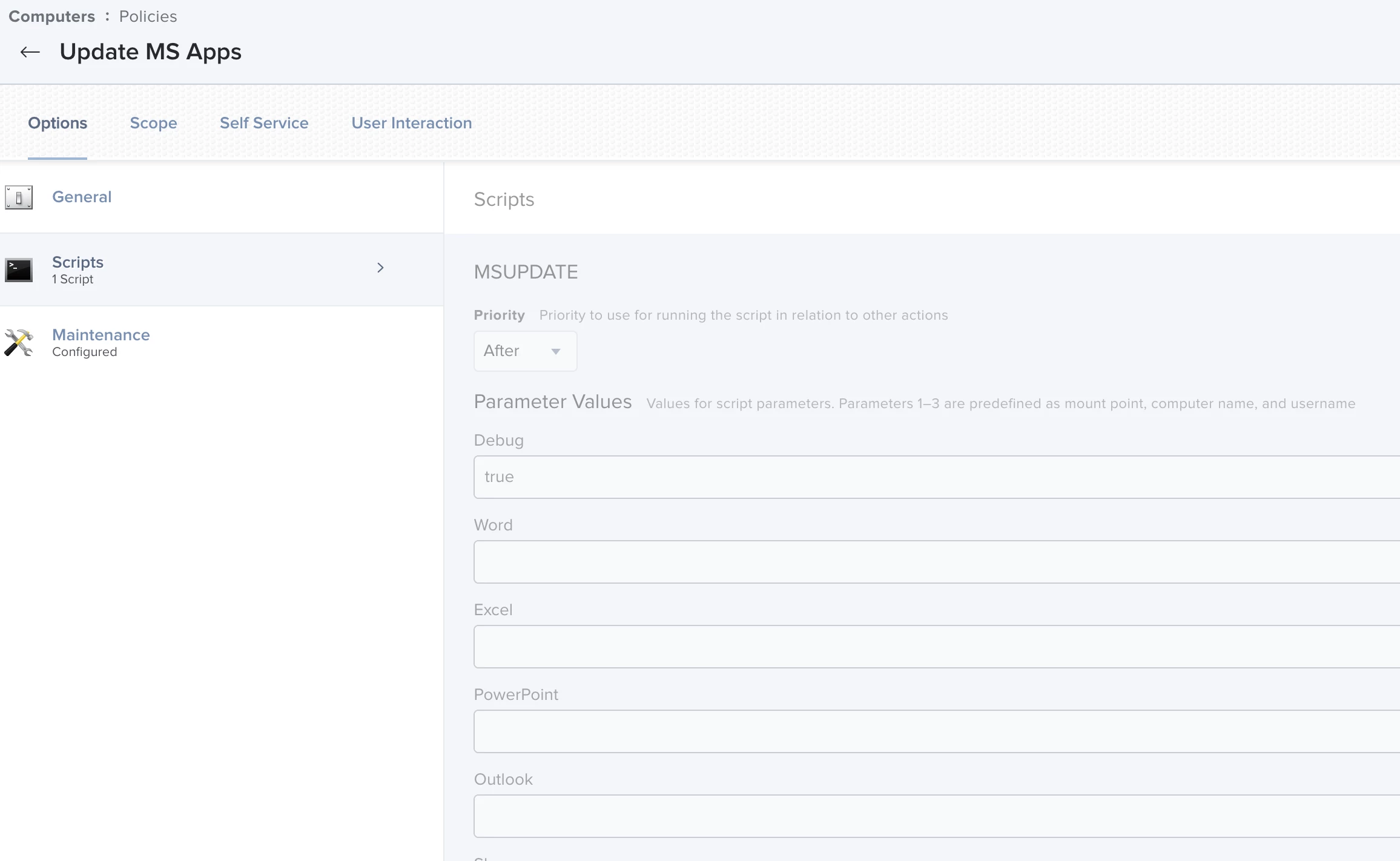
The "MSUpdateHelper4JamfPro.sh" must be placed in a policy and scoped to the machines you wish to push automatic updates to.
(Optional) - Change the "UPDATE_*" variables using "true" or "false" to determine which software(s) you'd like to update.
Note(s):
- We've tested this on an outdated version of Microsoft Office back to 16.29
- We've tested this on High Sierra, Mojave, and Catalina.
Lastly, I would like to say: Your mileage may vary, this is just a solution that we've come up with that works in our environment. Be sure to test any and everything in a non-production area to be sure nothing breaks.
I hope this helped someone or everyone!