Question

MySQL update disconnects database

  • January 3, 2017
  • 8 replies
  • 27 views

Forum|alt.badge.img+3

Hi, very new at all this - recently installed a MySQL update to fix an issue with MySQL not starting on our Mac server. Now MySQL is running but Casper Admin can't connect. Are there any instructions out there on how to restart the JSS database?

8 replies

Forum|alt.badge.img+5

What is your MySQL database installed on? RHEL, Ubuntu, macOS, Windows? What version was it on before and what did you upgrade to? Can you connect to your database through the web?


Forum|alt.badge.img+3
  • Author
  • New Contributor
  • January 3, 2017

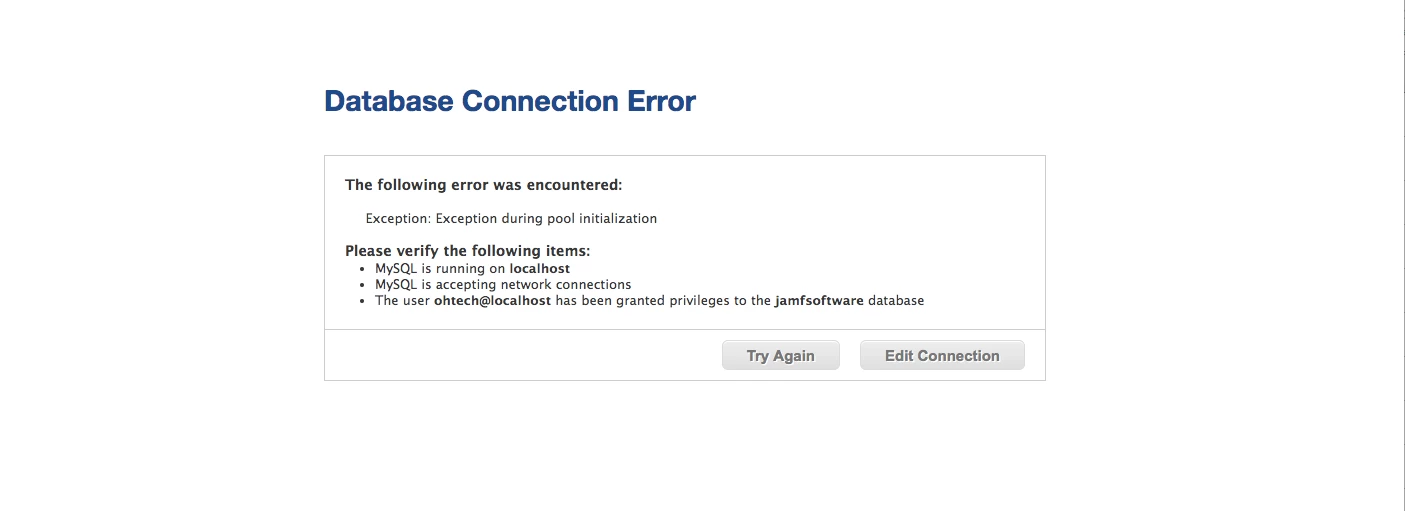
MySQL installed on macOS, New version installed is v5.7.17, not sure what the previous version was. When I try to connect to JSS thorugh the web I get this error screen.


Forum|alt.badge.img+5

Did you click "edit connection" and re-enter your database credentials?


Forum|alt.badge.img+3
  • Author
  • New Contributor
  • January 3, 2017

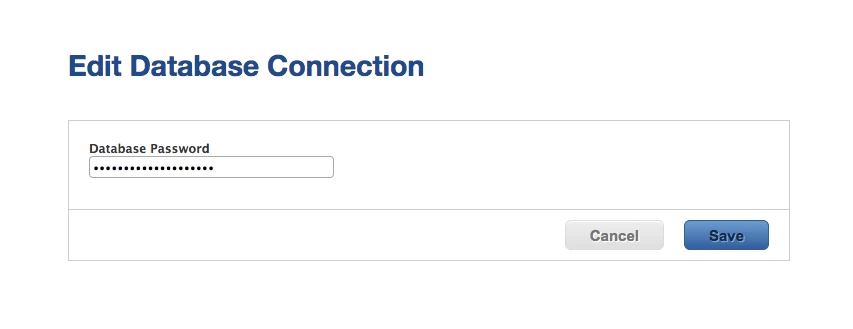
"edit connections" brings up the screen below. I put in the proper password and still run into the same problem.


Forum|alt.badge.img+18
  • Honored Contributor
  • January 3, 2017

You may need to re-grant permissions to "jamfsoftware" for your DB using the command line interface. The directions are in the Admin Guide.


Forum|alt.badge.img+10
  • Contributor
  • January 4, 2017

hi, i might be wrong but if i remember that version of mysql was giving me that kind of errors until somebody told me to install 5.6.33 instead... and all was working fine after


Forum|alt.badge.img+18
  • Honored Contributor
  • January 4, 2017

@jmercier Ah yeah I missed that. Jamf is not recommending 5.7.x as of yet. 5.6.33 is the ticket.


Forum|alt.badge.img+5

What version of jamf are you running?