Question

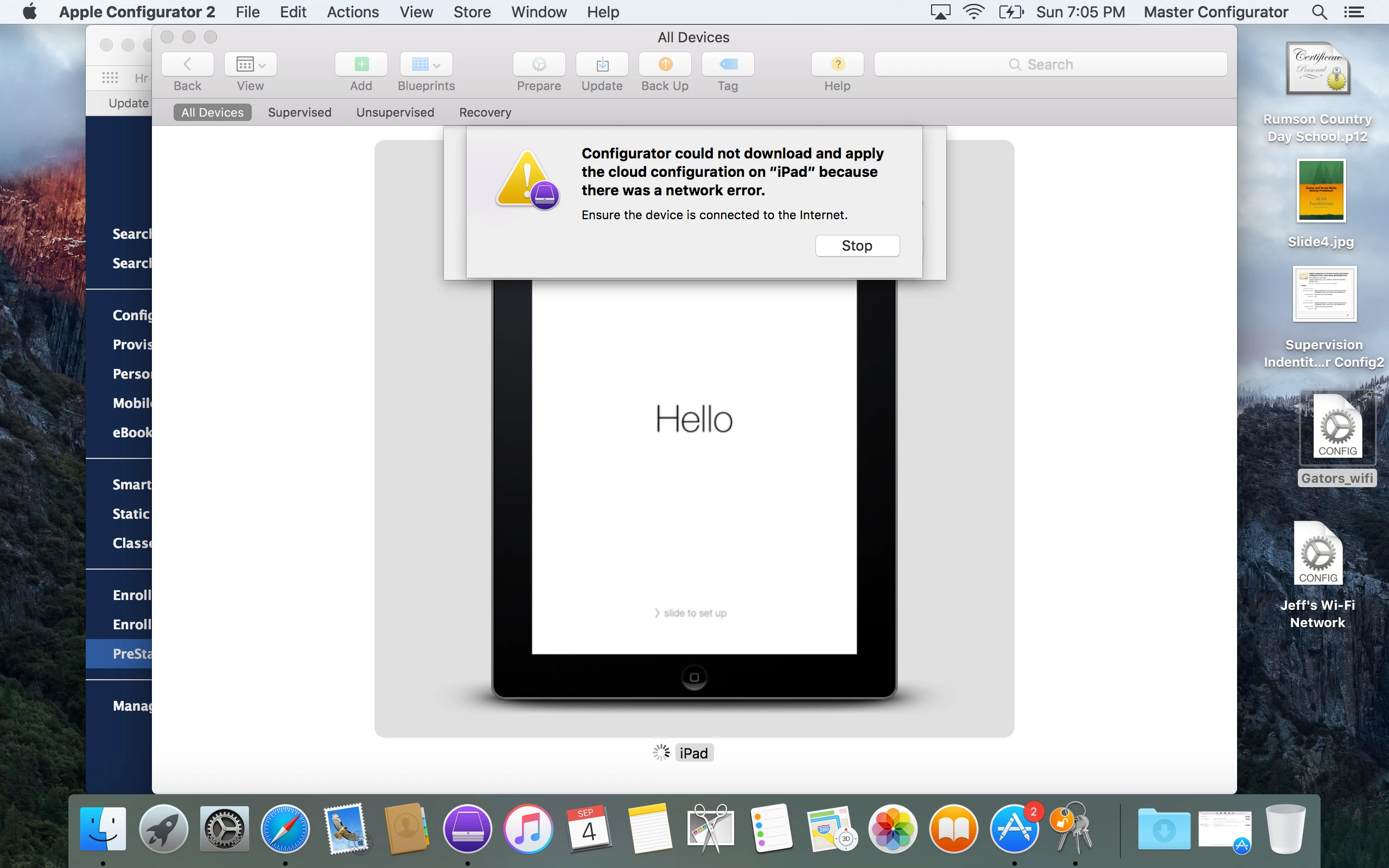
Network Error when using automatic preparation in Apple Configurator 2

  • September 5, 2016
  • 2 replies
  • 116 views

Forum|alt.badge.img+3

I can't seem to get past this error. Every time I try to prepare an iPad with Apple Configurator 2 blueprint, I get the attached error message. My wifi network is working, I have a working wifi profile installed on the blueprint, but preparation fails with the network error.

2 replies

Forum|alt.badge.img+14
  • Valued Contributor
  • September 6, 2016

I've barely worked with Configurator 2 but in version 1, I ran into issues where I had to have the wifi network configuration profile labeled in a way alphabetically so that it applied first. Maybe give that a try.

For what it's worth I just recently started looking at Configurator 2 when I was configuring an Apple TV and it had trouble accessing jss so I did it in 2 steps where I only did wifi and then went back and did the rest. It worked when I did that so I'm assuming right now that the same problem exists. Maybe someone else will pipe in here with more knowledge or experience.


Forum|alt.badge.img+26
  • Esteemed Contributor
  • September 6, 2016

I used AC 2 all summer to enroll K4 iPads into DEP with a shared supervision identity.
My process was to first update iOS and install a local (created in AC2) wifi profile that would expire in 5 days

Then I would apply my DEP blueprint which includes a wifi profile downloaded from the JSS.
I I did not do step 1 with the wifi, and relied on the wifi in the blueprint,I frequently got that error.

I used two different profiles so that I would not get the "Do you want to replace...." question.

This was the most reliable method I came up with... 1427 iPads later