Solved

OneDrive Known Folder move workflow

  • September 8, 2022
  • 46 replies
  • 533 views

Show first post

46 replies

Forum|alt.badge.img+3
  • New Contributor
  • January 24, 2023

I have tried enabling OneDrive KFM on mac in the following way but results are not in the expected way. 

1.Configuration Profile ( /Library/Managed\\ Preferences/com.microsoft.OneDrive.plist ) - By this method, consistency is missing. By mistakenly if user unlink an account from OneDrive, cant able to enable back through profile again. 

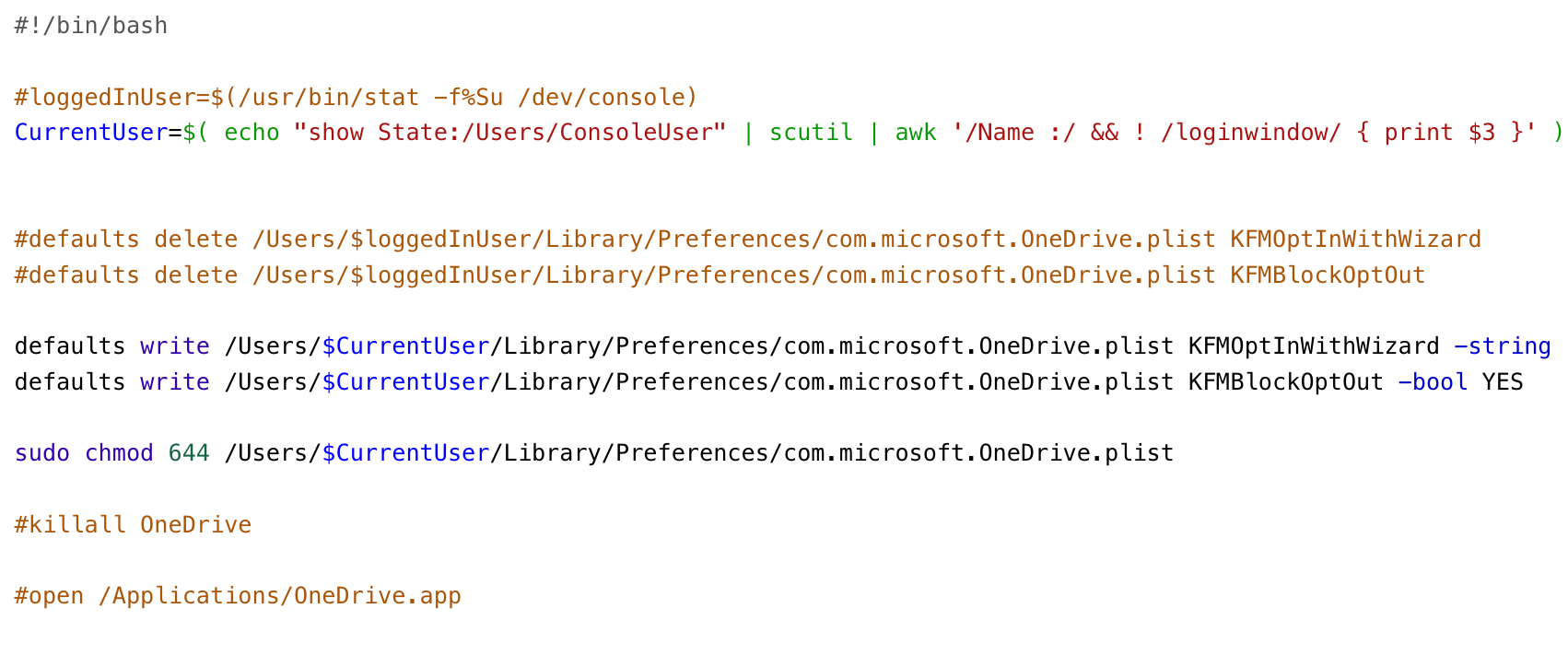
2.Scripts ( ~/Library/username/Preferences/com.microsoft.OneDrive.plist ) -  if we manually run the command on terminal its working but through Jamf Scripting its not enabling ( image attached). 


markdmatthews
Forum|alt.badge.img+18
  • Contributor
  • January 24, 2023

1. Add Configuration Profile > Privacy Preferences Policy Control
Identifier: com.microsoft.OneDrive
Identifier Type: Bundle ID
Code Requirement: identifier "com.microsoft.OneDrive" and anchor apple generic and certificate 1[field.1.2.840.113635.100.6.2.6] /* exists */ and certificate leaf[field.1.2.840.113635.100.6.1.13] /* exists */ and certificate leaf[subject.OU] = UBF8T346G9
App or Service: SystemPolicyAllFiles Access: Allow

2. Configuration Profile > Application & Custom Settings
Preference Domain: com.microsoft.OneDrive
Property List:
<?xml version="1.0" encoding="UTF-8"?>
<!DOCTYPE plist PUBLIC "-//Apple//DTD PLIST 1.0//EN" "http://www.apple.com/DTDs/PropertyList-1.0.dtd">
<plist version="1.0">
<dict>
    <key>DisableAutoConfig</key>
    <integer>0</integer>
    <key>DisablePersonalSync</key>
    <true/>
    <key>DisableTutorial</key>
    <true/>
    <key>OpenAtLogin</key>
    <true/>
<key>KFMSilentOptIn</key>
   <key>####</key>
<key>KFMSilentOptInDesktop</key>
    <true/>
    <key>KFMSilentOptInDocuments</key>
    <true/>
<key>KFMSilentOptInWithNotification</key>
    <false/>
<key>KFMBlockOptOut</key>
    <true/>
        <key>AllowTenantList</key>
        <dict>
   <key>####</key>
   <true/>
   </dict>
    <key>BlockExternalSync</key>
    <true/>
</dict>
</plist>

NOTE: IF attempting on a device with OneDrive already installed (in use) you will need to quit and re-open OneDrive.


markdmatthews
Forum|alt.badge.img+18
  • Contributor
  • January 24, 2023

I have had zero luck getting the "Production" ring/tier to work in the com.microsoft.OneDriveUpdater.plist

Deferred and Insiders work as expected:

<?xml version="1.0" encoding="UTF-8"?>
<!DOCTYPE plist PUBLIC "-//Apple//DTD PLIST 1.0//EN" "http://www.apple.com/DTDs/PropertyList-1.0.dtd">
<plist version="1.0">
<dict>
<key>EnableFasterRingUpdate</key>
<integer>0</integer>
    <key>Tier</key>
<string>Production</string>
</dict>
</plist>

Confirmed with MSFT Engineer Tier/Ring 'Production' does not work to enfore or limit access in com.microsoft.OneDriveUpdater.plist (like it does for Insider or Deffered)


markdmatthews
Forum|alt.badge.img+18
  • Contributor
  • January 24, 2023

I have tried enabling OneDrive KFM on mac in the following way but results are not in the expected way. 

1.Configuration Profile ( /Library/Managed\\ Preferences/com.microsoft.OneDrive.plist ) - By this method, consistency is missing. By mistakenly if user unlink an account from OneDrive, cant able to enable back through profile again. 

2.Scripts ( ~/Library/username/Preferences/com.microsoft.OneDrive.plist ) -  if we manually run the command on terminal its working but through Jamf Scripting its not enabling ( image attached). 


That is expected behavior using 'defaults write' ... to enforce use a managed Plist (Configuration Profile) > Application & Custom Settings


Forum|alt.badge.img+2
  • New Contributor
  • January 25, 2023

That is expected behavior using 'defaults write' ... to enforce use a managed Plist (Configuration Profile) > Application & Custom Settings


@markdmatthews, based on what @Jamftechelp wrote above and some testing I did, if the user manually stopped backing up the folders from OneDrive Preferences, we cannot re-enable it using the Configuration Profile.

To work around that we have pushed a configuration profile to all our Macs to block OneDrive KFM while it was still available only in Insiders, and once we enable it to a specific group of devices we block them from opting out. That way, they cannot enable or disable it manually by mistake.


Forum|alt.badge.img+2
  • New Contributor
  • January 25, 2023

Confirmed with MSFT Engineer Tier/Ring 'Production' does not work to enfore or limit access in com.microsoft.OneDriveUpdater.plist (like it does for Insider or Deffered)


@markdmatthews, have you found a way to have the Macs on Production tier and have the "Get OneDrive Insider Preview updates" check-box disabled and greyed out?


markdmatthews
Forum|alt.badge.img+18
  • Contributor
  • January 25, 2023

@markdmatthews, have you found a way to have the Macs on Production tier and have the "Get OneDrive Insider Preview updates" check-box disabled and greyed out?


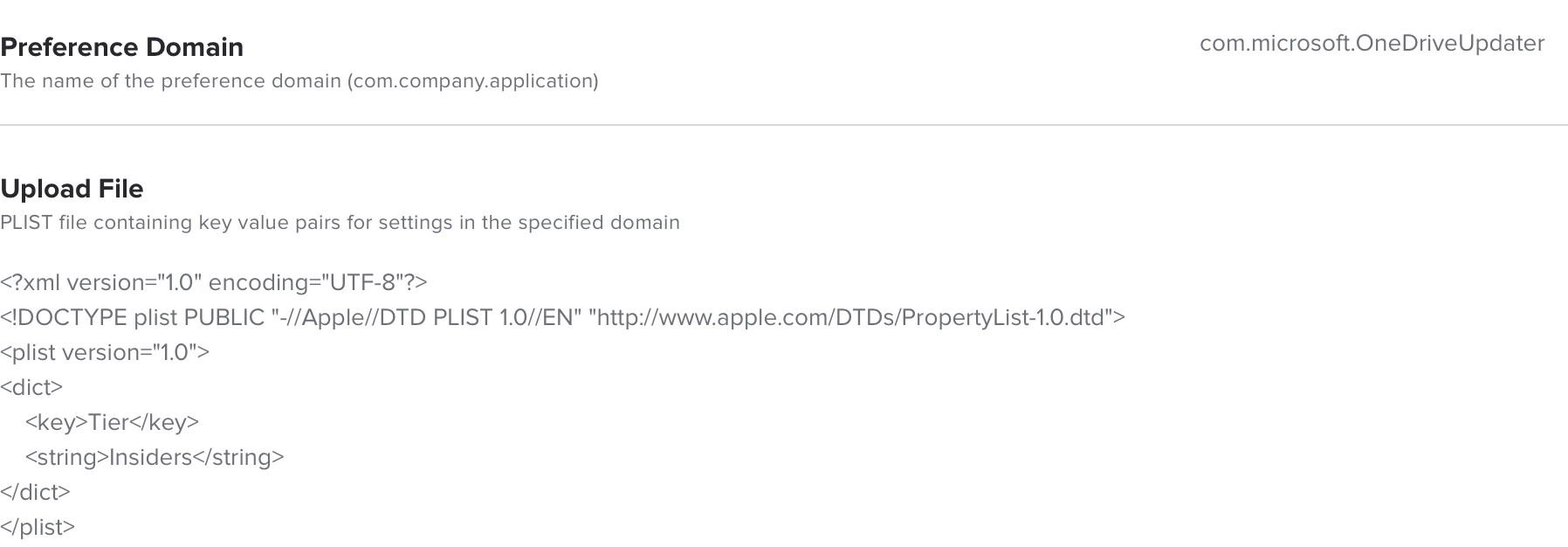
Configuration Profile > Application & Custom Settings > Upload
Preference Domain: com.microsoft.OneDriveUpdater
Property List:

<?xml version="1.0" encoding="UTF-8"?>
<!DOCTYPE plist PUBLIC "-//Apple//DTD PLIST 1.0//EN" "http://www.apple.com/DTDs/PropertyList-1.0.dtd">
<plist version="1.0">
<dict>
<key>EnableFasterRingUpdate</key>
<integer>0</integer>
    <key>Tier</key>
<string>Insiders</string>
</dict>
</plist>


stutz
Forum|alt.badge.img+5
  • Contributor
  • May 2, 2023

Has anyone been successful with actually turning on the Backup Desktop and Documents feature automatically using a profile?  I've used both KFMOptInWithWizard and KFMSilentOptIn settings and it doesn't turn on automatically.  The user still has to click the "Start Backup" button.


Forum|alt.badge.img+2
  • New Contributor
  • May 3, 2023

Has anyone been successful with actually turning on the Backup Desktop and Documents feature automatically using a profile?  I've used both KFMOptInWithWizard and KFMSilentOptIn settings and it doesn't turn on automatically.  The user still has to click the "Start Backup" button.


@stutz, we are using the KFMSilentOptIn key and it works for us. There are however two things we noticed:

1) Once you push the config profile with the KFMSilentOptIn key, OneDrive needs to be restarted.

2) If the user has manually disabled the Backup option prior to the admin pushing the config profile, the Backup feature will not start automatically even after a restart of the app, and the user will need to manually click on the "Start Backup". This has caused us headaches during the testing phase...


stutz
Forum|alt.badge.img+5
  • Contributor
  • May 3, 2023

@stutz, we are using the KFMSilentOptIn key and it works for us. There are however two things we noticed:

1) Once you push the config profile with the KFMSilentOptIn key, OneDrive needs to be restarted.

2) If the user has manually disabled the Backup option prior to the admin pushing the config profile, the Backup feature will not start automatically even after a restart of the app, and the user will need to manually click on the "Start Backup". This has caused us headaches during the testing phase...


@pabohr thanks for confirming.  Are you using any other KFM keys besides KFMSilentOptIn in your configuration?


Forum|alt.badge.img+2
  • New Contributor
  • May 3, 2023

@pabohr thanks for confirming.  Are you using any other KFM keys besides KFMSilentOptIn in your configuration?


We have the following keys configured:

<key>HideDockIcon</key> <true/>

<key>KFMBlockOptOut</key> <true/>

<key>KFMSilentOptIn</key> <string>5*******-****-****-****-***********c</string>

<key>OpenAtLogin</key> <true/>


stutz
Forum|alt.badge.img+5
  • Contributor
  • May 3, 2023

@pabohr perfect, thanks for your help.


Forum|alt.badge.img+3

@pabohr perfect, thanks for your help.


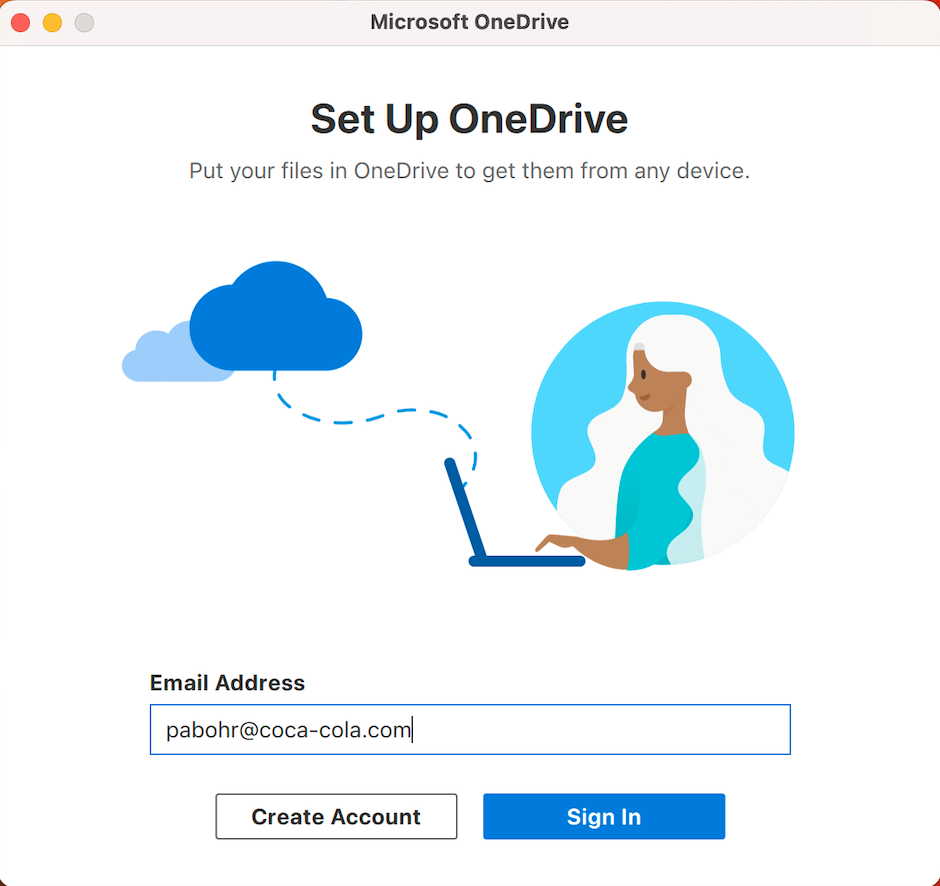
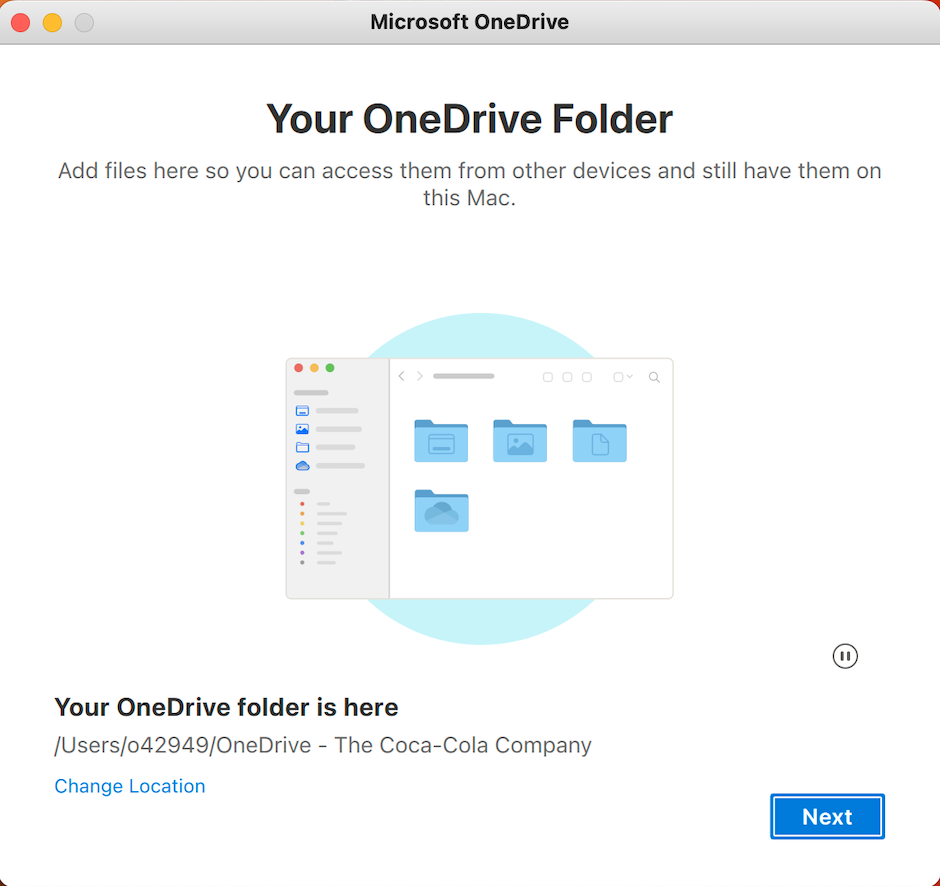
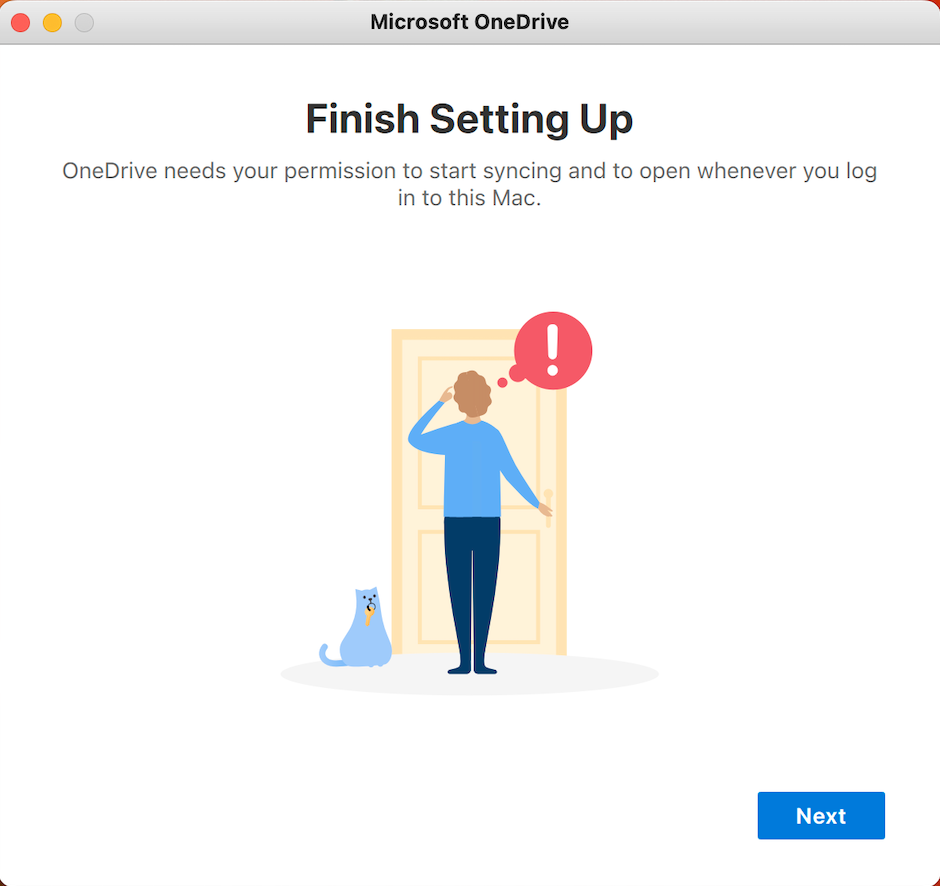
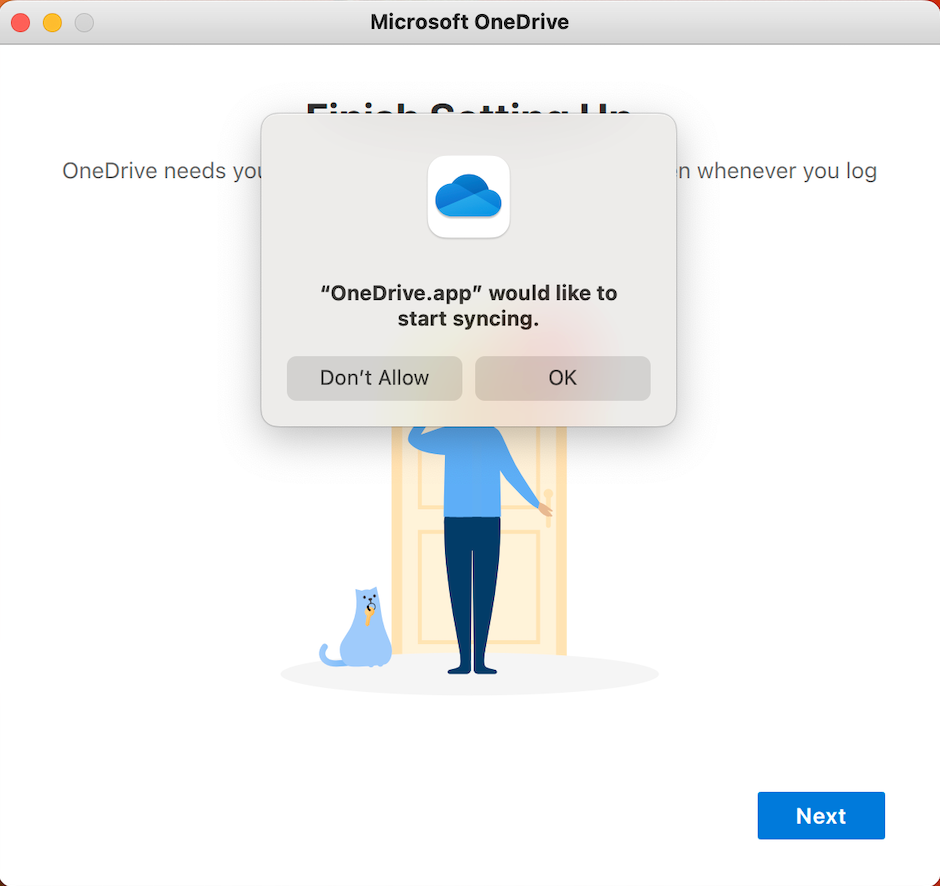
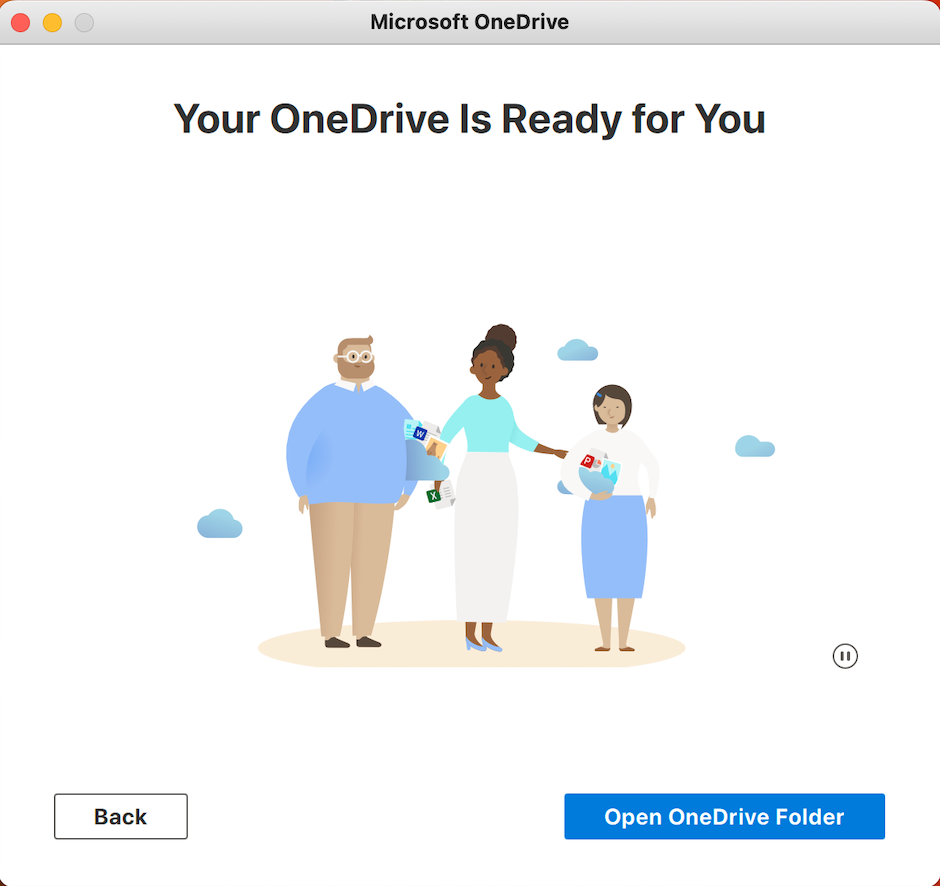
Can you share what happens when the user first opens OneDrive?

For us the user see the following screens:

  1. Your OneDrive Folder
  2. Sign In Screen
  3. Finish Setting Up - Your OneDrive needs your permission to start syncing and to open whenever you login to this mac
  4. OneDrive.app would like to start syncing
  5. Your OneDrive Is Ready for You

We've pushed the following Configuration Profile

<?xml version="1.0" encoding="UTF-8"?>
<!DOCTYPE plist PUBLIC "-//Apple//DTD PLIST 1.0//EN" "http://www.apple.com/DTDs/PropertyList-1.0.dtd">
<plist version="1.0">
<dict>
<key>AllowTenantList</key>
<array>
<dict>
<key>XXXXXX</key>
<true/>
</dict>
</array>
<key>DisableHydrationToast</key>
<true/>
<key>DisablePersonalSync</key>
<true/>
<key>DisableTutorial</key>
<true/>
<key>EnableAllOcsiClients</key>
<true/>
<key>FilesOnDemandEnabled</key>
<true/>
<key>HideDockIcon</key>
<false/>
<key>OpenAtLogin</key>
<true/>
<key>Tier</key>
<string>Production</string>
<key>KFMSilentOptIn</key>
<string>XXXXXX</string>
<key>KFMSilentOptInWithNotification</key>
<false/>
<key>KFMSilentOptInDesktop</key>
<true/>
<key>KFMSilentOptInDocuments</key>
<true/>
<key>DisableAutoConfig</key>
<integer>0</integer>
<key>KFMBlockOptOut</key>
<true/>
</dict>
</plist>

Seems that the user still has to login and setup some permissions. Is this what others are seeing?


Forum|alt.badge.img+3

Can you share what happens when the user first opens OneDrive?

For us the user see the following screens:

  1. Your OneDrive Folder
  2. Sign In Screen
  3. Finish Setting Up - Your OneDrive needs your permission to start syncing and to open whenever you login to this mac
  4. OneDrive.app would like to start syncing
  5. Your OneDrive Is Ready for You

We've pushed the following Configuration Profile

<?xml version="1.0" encoding="UTF-8"?>
<!DOCTYPE plist PUBLIC "-//Apple//DTD PLIST 1.0//EN" "http://www.apple.com/DTDs/PropertyList-1.0.dtd">
<plist version="1.0">
<dict>
<key>AllowTenantList</key>
<array>
<dict>
<key>XXXXXX</key>
<true/>
</dict>
</array>
<key>DisableHydrationToast</key>
<true/>
<key>DisablePersonalSync</key>
<true/>
<key>DisableTutorial</key>
<true/>
<key>EnableAllOcsiClients</key>
<true/>
<key>FilesOnDemandEnabled</key>
<true/>
<key>HideDockIcon</key>
<false/>
<key>OpenAtLogin</key>
<true/>
<key>Tier</key>
<string>Production</string>
<key>KFMSilentOptIn</key>
<string>XXXXXX</string>
<key>KFMSilentOptInWithNotification</key>
<false/>
<key>KFMSilentOptInDesktop</key>
<true/>
<key>KFMSilentOptInDocuments</key>
<true/>
<key>DisableAutoConfig</key>
<integer>0</integer>
<key>KFMBlockOptOut</key>
<true/>
</dict>
</plist>

Seems that the user still has to login and setup some permissions. Is this what others are seeing?


@markdmatthews @pabohr Do you know the answer for which screens are shown? 


Forum|alt.badge.img+2
  • New Contributor
  • May 19, 2023

@markdmatthews @pabohr Do you know the answer for which screens are shown? 


@user-LTribFTuLL Here are the screens that are shown for us:

I believe it is the same as you.


Forum|alt.badge.img+3

@user-LTribFTuLL Here are the screens that are shown for us:

I believe it is the same as you.


Thanks I had hoped the user didn't have to sign in and agree to more permissions/syncing. 


Forum|alt.badge.img
  • New Contributor
  • August 9, 2023

@pabohr perfect, thanks for your help.


@stutz i think I’m in the same boat.  Were you able to get KFMSilentOptIn to work so that there is zero user interaction?


stutz
Forum|alt.badge.img+5
  • Contributor
  • August 9, 2023

@stutz i think I’m in the same boat.  Were you able to get KFMSilentOptIn to work so that there is zero user interaction?


@Al_from_IT Yeah we got it working once I added the following keys to my configuration.  We decided on letting the users choose to enable this option and not forcing it for everyone.  But I did test both user enablement and auto enabling, so both options worked.

<key>AllowTenantList</key>
<dict>
<key>Tenant ID</key>
<true/>
</dict>
<key>KFMOptInWithWizard</key>
<string>Tenant ID</string>
</dict>


Forum|alt.badge.img+4
  • Contributor
  • October 6, 2023

1. Add Configuration Profile > Privacy Preferences Policy Control
Identifier: com.microsoft.OneDrive
Identifier Type: Bundle ID
Code Requirement: identifier "com.microsoft.OneDrive" and anchor apple generic and certificate 1[field.1.2.840.113635.100.6.2.6] /* exists */ and certificate leaf[field.1.2.840.113635.100.6.1.13] /* exists */ and certificate leaf[subject.OU] = UBF8T346G9
App or Service: SystemPolicyAllFiles Access: Allow

2. Configuration Profile > Application & Custom Settings
Preference Domain: com.microsoft.OneDrive
Property List:
<?xml version="1.0" encoding="UTF-8"?>
<!DOCTYPE plist PUBLIC "-//Apple//DTD PLIST 1.0//EN" "http://www.apple.com/DTDs/PropertyList-1.0.dtd">
<plist version="1.0">
<dict>
    <key>DisableAutoConfig</key>
    <integer>0</integer>
    <key>DisablePersonalSync</key>
    <true/>
    <key>DisableTutorial</key>
    <true/>
    <key>OpenAtLogin</key>
    <true/>
<key>KFMSilentOptIn</key>
   <key>####</key>
<key>KFMSilentOptInDesktop</key>
    <true/>
    <key>KFMSilentOptInDocuments</key>
    <true/>
<key>KFMSilentOptInWithNotification</key>
    <false/>
<key>KFMBlockOptOut</key>
    <true/>
        <key>AllowTenantList</key>
        <dict>
   <key>####</key>
   <true/>
   </dict>
    <key>BlockExternalSync</key>
    <true/>
</dict>
</plist>

NOTE: IF attempting on a device with OneDrive already installed (in use) you will need to quit and re-open OneDrive.


How to do you force OneDrive to quite and re-open? Policy, script? Any info would be greatly appreciated. 


markdmatthews
Forum|alt.badge.img+18

How to do you force OneDrive to quite and re-open? Policy, script? Any info would be greatly appreciated. 


#!/bin/sh

exec 2>&1

### Kill OneDrive application and sync process(es)
/usr/bin/killall OneDrive
/usr/bin/pgrep -x FinderSync | xargs kill -9

### Open OneDrive
open /Applications/OneDrive.app


Forum|alt.badge.img+5
  • New Contributor
  • September 18, 2024

Is there a way to make it so users can go into Preferences- Accounts- click Choose Folder- and uncheck the box for Desktop and Documents? What key would that be?