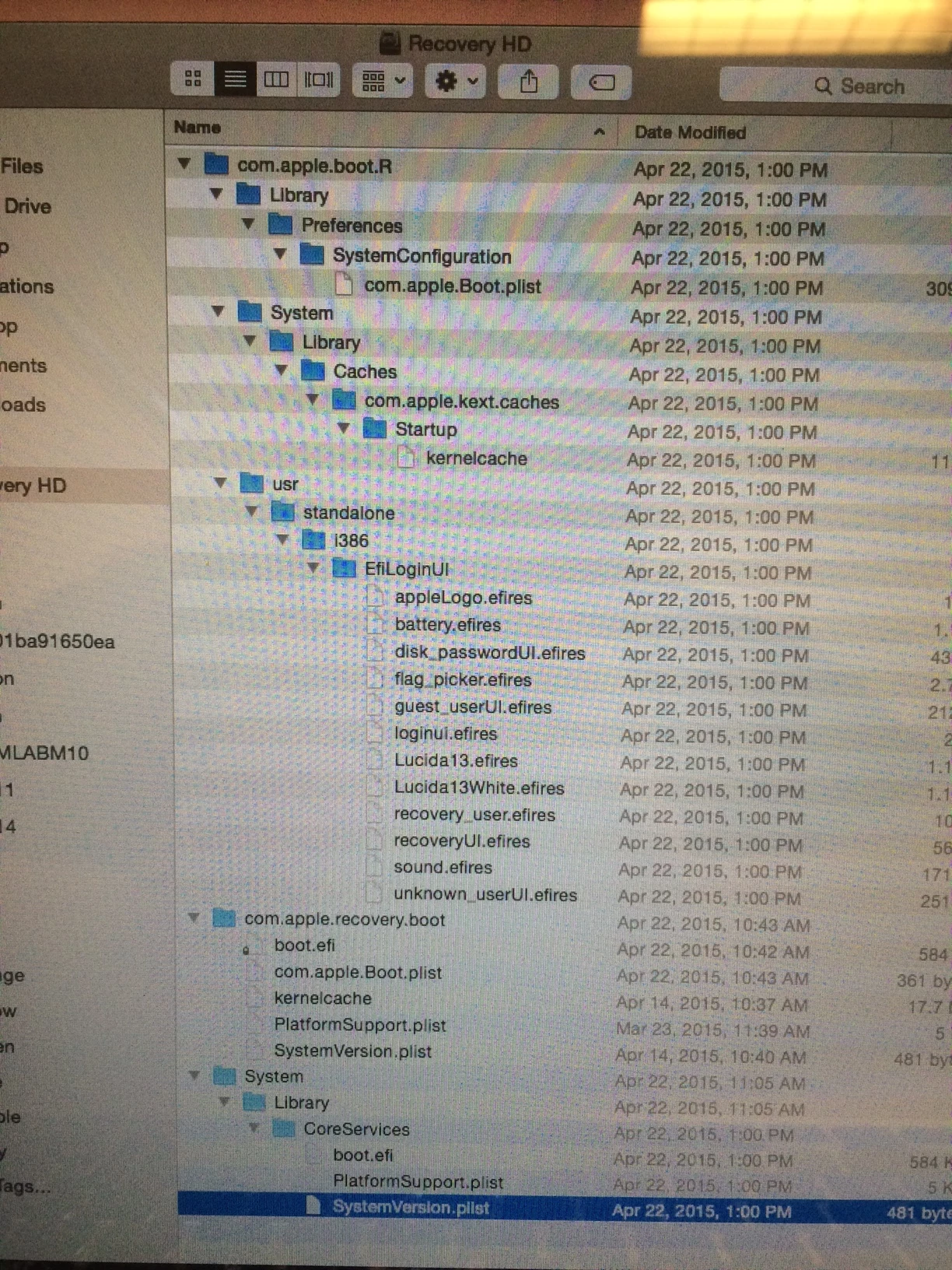
We have upgraded everything to Casper 9.7, created new netboot sets, and are attempting to create a base 10.10.3 OS using Composer. I understand everyone is all about the AutoDMG and AutoCasperNBI, but for my purposes here I am trying to use the tools JAMF says they've provided and support.
- Neboot sets work great (except being a bit large, but even with AutoCasperNBI it was over 9GB)
- Casper 9.7 seems to be working, when I capture the image using composer with both the recovery partition and main drive selected.
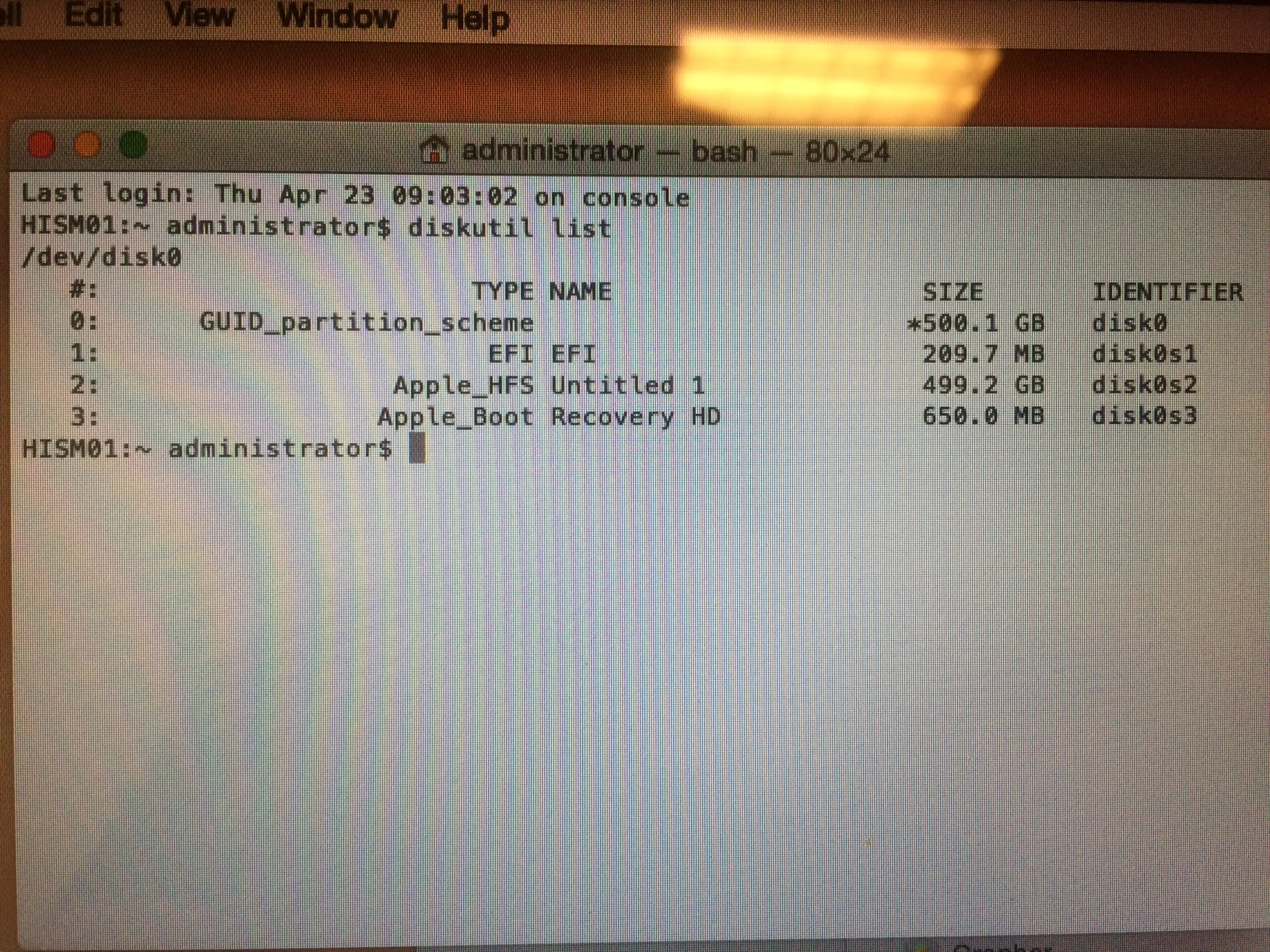
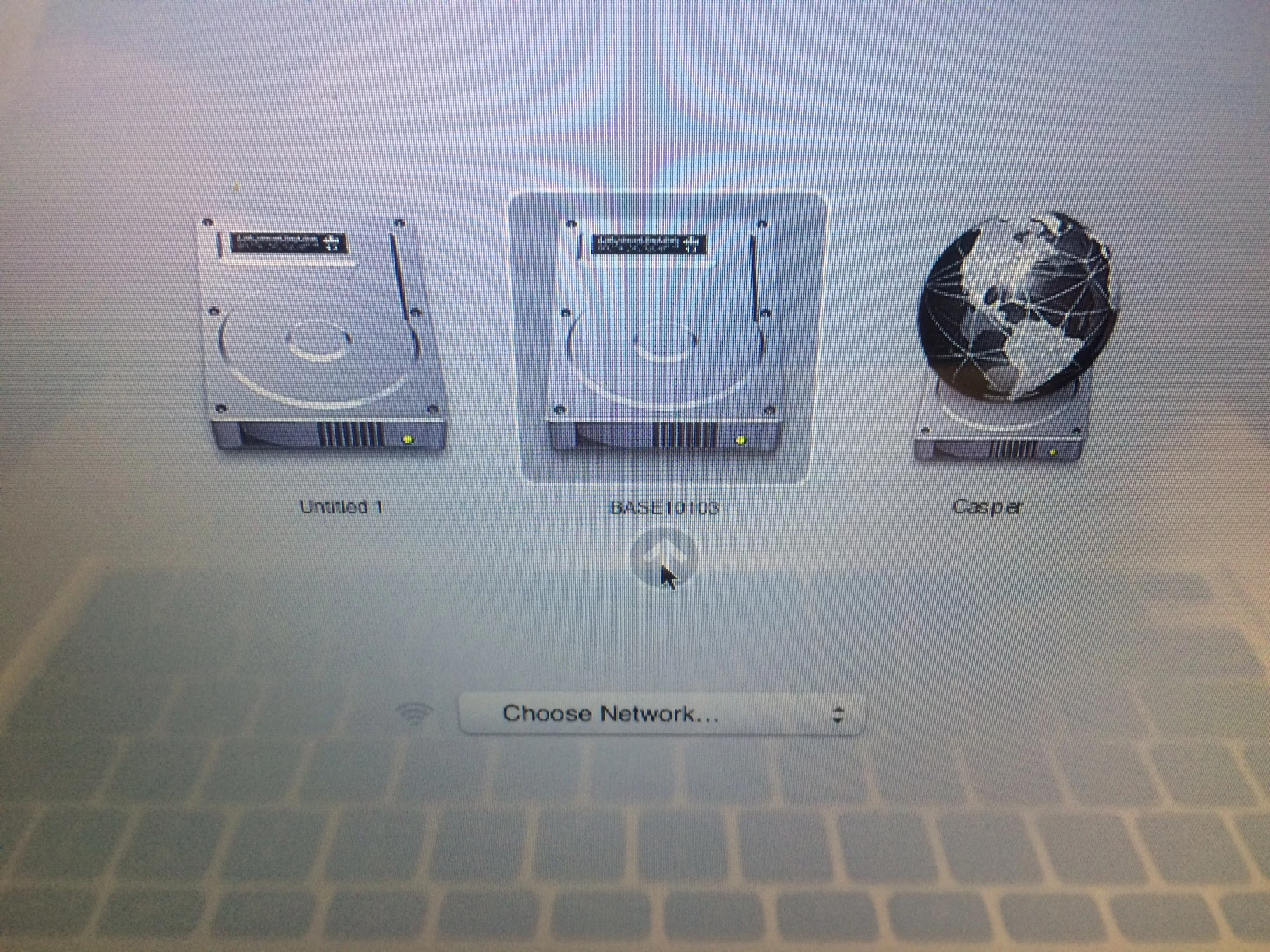
- If I restore to any machine that I have in my office I get a phantom drive showing up as the name of the DMG I created as the base OS using Composer 9.7. I thought maybe it was the recovery drive, but when I select to boot to it, I get a prohibitory sign. I have tried creating the HD DMG and Recovery DMG separately, and get the same thing.
- If I hold Command + R, the machine boots into the Recovery partition with no problems.
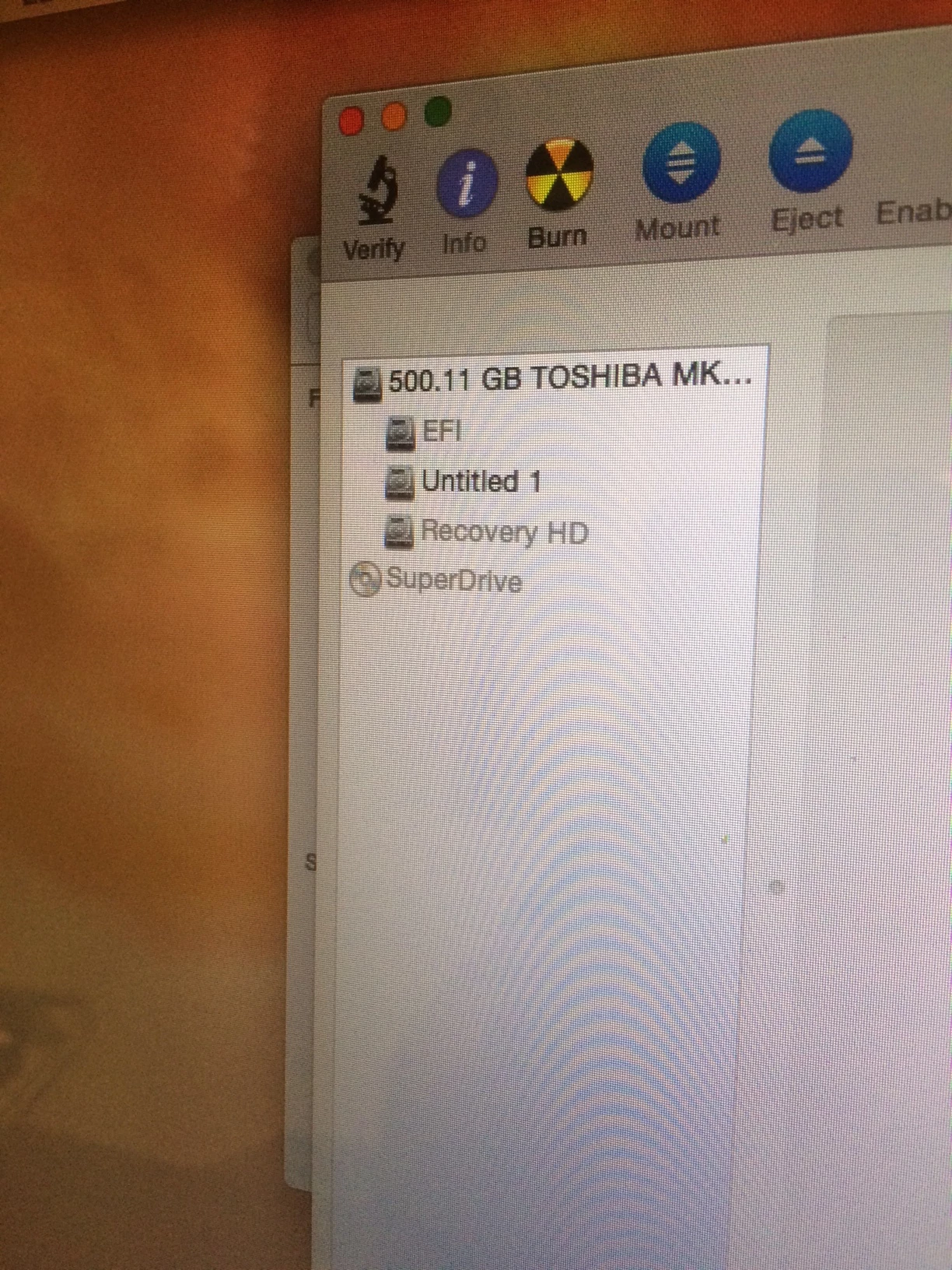
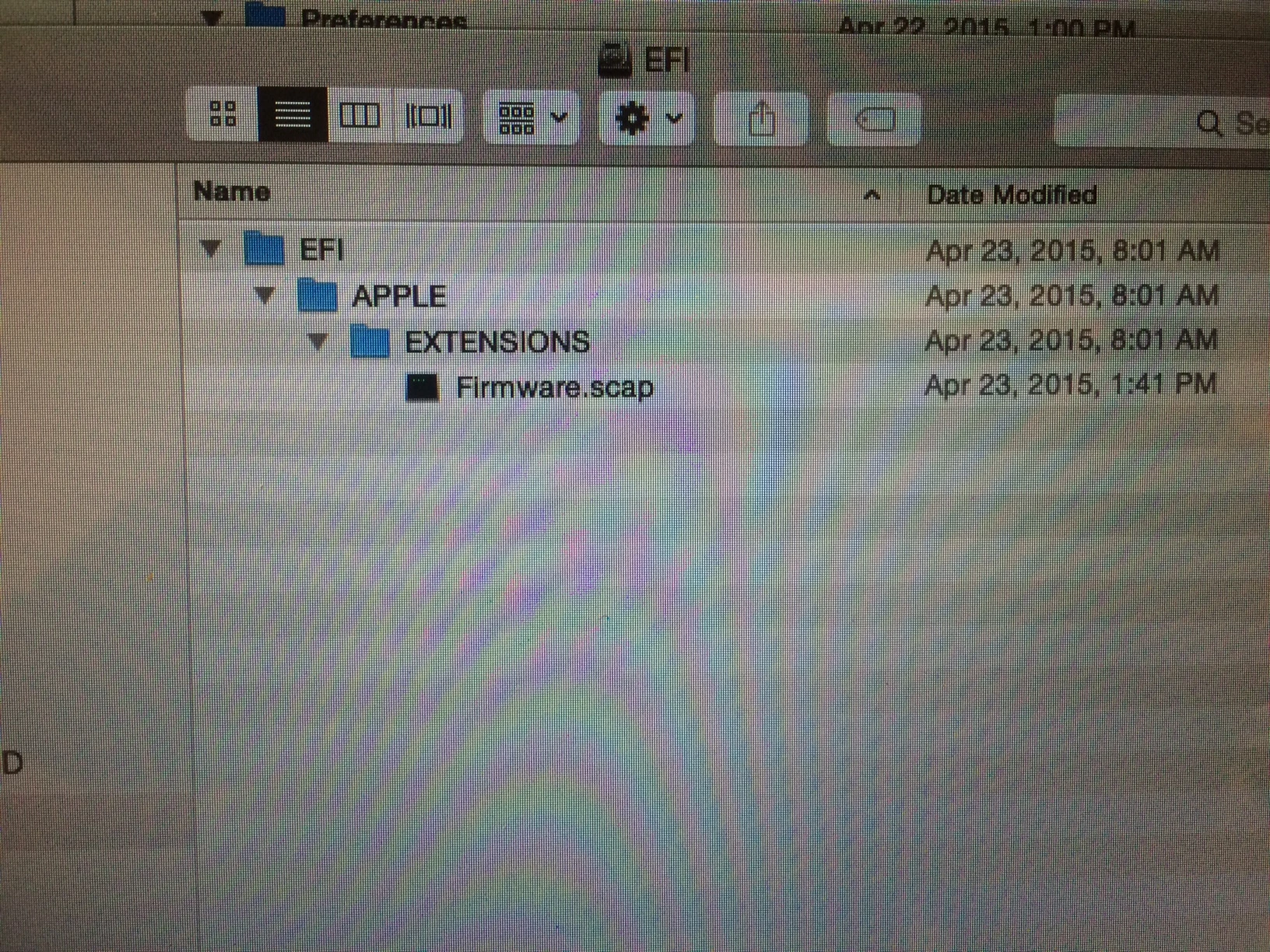
- If I enable the Debug Menu in Disk Utility and select show all partitions, the Main HD called Untitled 1 (I gave up on renaming it Macintosh HD after the 80th time); and the Recovery partition is called Recovery HD. There's also a small EFI partition, but it's called EFI.
- We have tried creating the base OS using: 2013 Retina Machine, 2011 MacBook pro, External SSD Thunderbolt Drive, 2012 MacBook Pro.
- We have installed the base 10.10, using: Internet recovery to install 10.9 and app store upgrading to 10.10; followed https://support.apple.com/en-us/HT201372 to create a bootable 10.10 USB to install the base 10.10.3 OS.
I am at a loss as to where this phantom drive is coming from or how to get rid of it. I have logged the issue with my TAM, but all I've received back is I'll look into that and I'm getting the same thing.