Hello all!
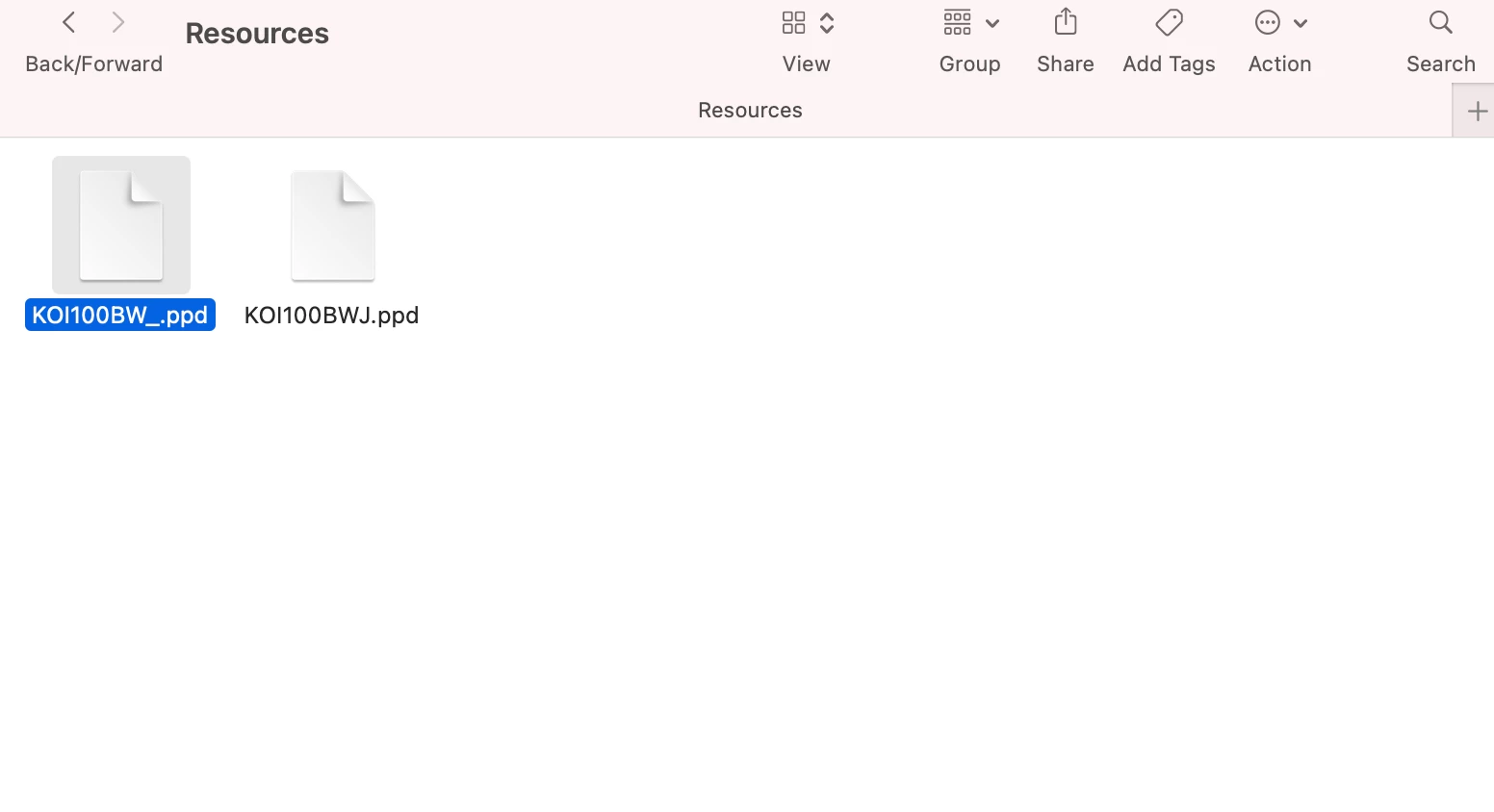
I feel like my knowledge on the printers section of Jamf Pro to be lacking, and I feel that the docs are a little lacking on them. We have been running into printing issues a lot recently at my workplace, so I thought the first step would to look at our printers in Jamf. I am seeing a PPD in one of our printers that is not on my machine (I did not set up the printers, this was someone before me). So my question would be, what is the uploaded PPD actually doing? Does it get downloaded to my machine, and if so where? I do not see it in my PPD folder location (See attached). Also, does this part need to actually get filled out, or is it more of a section for custom PPDs given by manufacturers? Any help would be greatly appreciated!