
Question

Problem with installation

  • September 8, 2015
  • 3 replies
  • 24 views

Forum|alt.badge.img+4

During the installation , the installer fails .
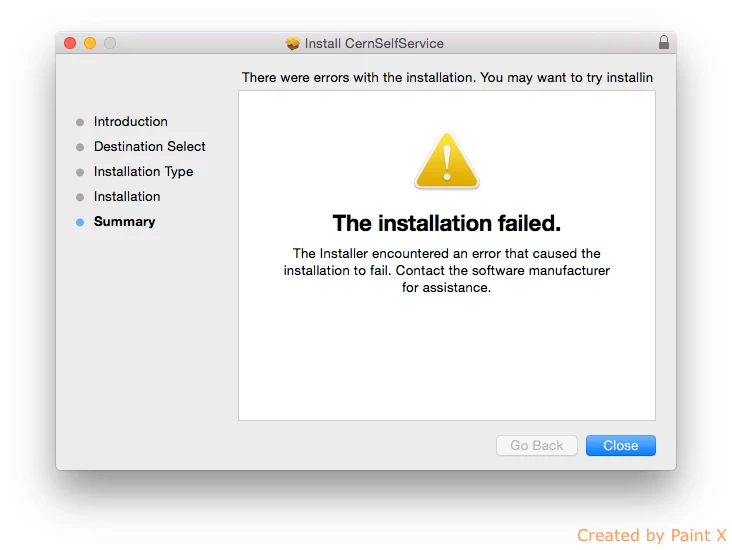
The current OS version is 10.10.3

The console logs are this .
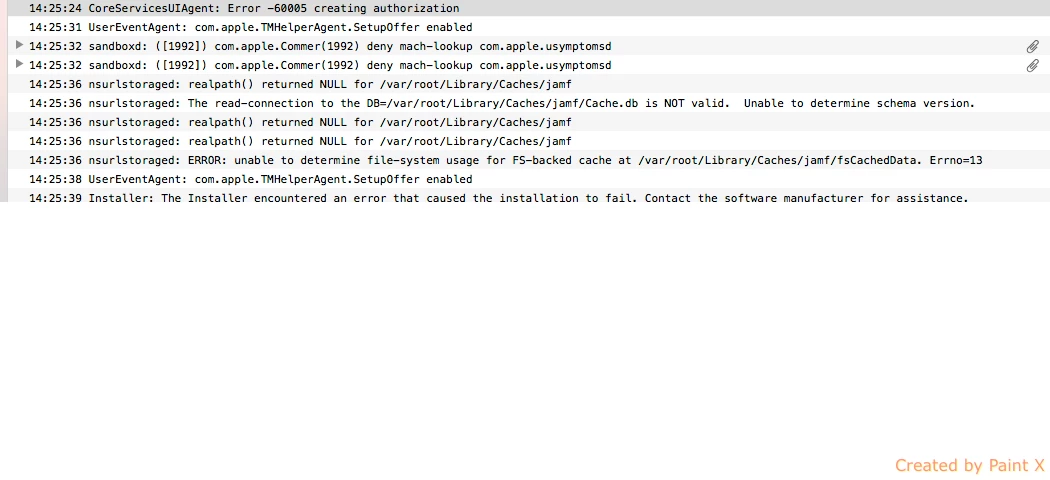
I have tried many different OS versions but the problem still exists . I cannot fully install .

I tried also to execute the .pkg via sudo command but neither this worked .

There is also a similar post but without any solution .

3 replies

mpermann
Forum|alt.badge.img+22
  • Valued Contributor
  • September 8, 2015

@dgkanavias is this a QuickAdd package that you are trying to install or something else? What version of the JSS are you running?


Forum|alt.badge.img+4
  • Author
  • Contributor
  • September 9, 2015

@mpermann Yes it is a quick add package & the version of JSS is 9.72 .


mpermann
Forum|alt.badge.img+22
  • Valued Contributor
  • September 9, 2015

@dgkanavias is the QuickAdd package one that was built using the Recon application or did you download it from the /enroll URL? If you are using a QuickAdd package from the /enroll URL I would suggest you build a package using the Recon application and try that instead.

Do these systems already have a version of Casper installed or are they systems that have never had the jamf binary installed? If they've already had the jamf binary installed you may need to do a

sudo jamf removeFramework

on the system before installing from the QuickAdd package. I've occasionally run into problems installing a QuickAdd package when the jamf binary already exists on the computer.

Edit: Also, you might want to take a look at the /var/log/install.log file to see if there is anything helpful in there.