Question

Promethean Driver Uninstall and update policy

  • November 17, 2015
  • 2 replies
  • 39 views

Forum|alt.badge.img+6

Hello All,

I work in a K-12 school and we use promethean boards. I'm looking for a workflow to uninstall a driver from our promethean software so i can deploy the update through a JSS policy (Self Service is not an option for this deployment). I can create smart groups and scope deployments based on version numbers...but i'm at a loss for how to run the app with out a prompt:

(sudo open /Applications/Promethean/ActivDriver/uninstall.app)
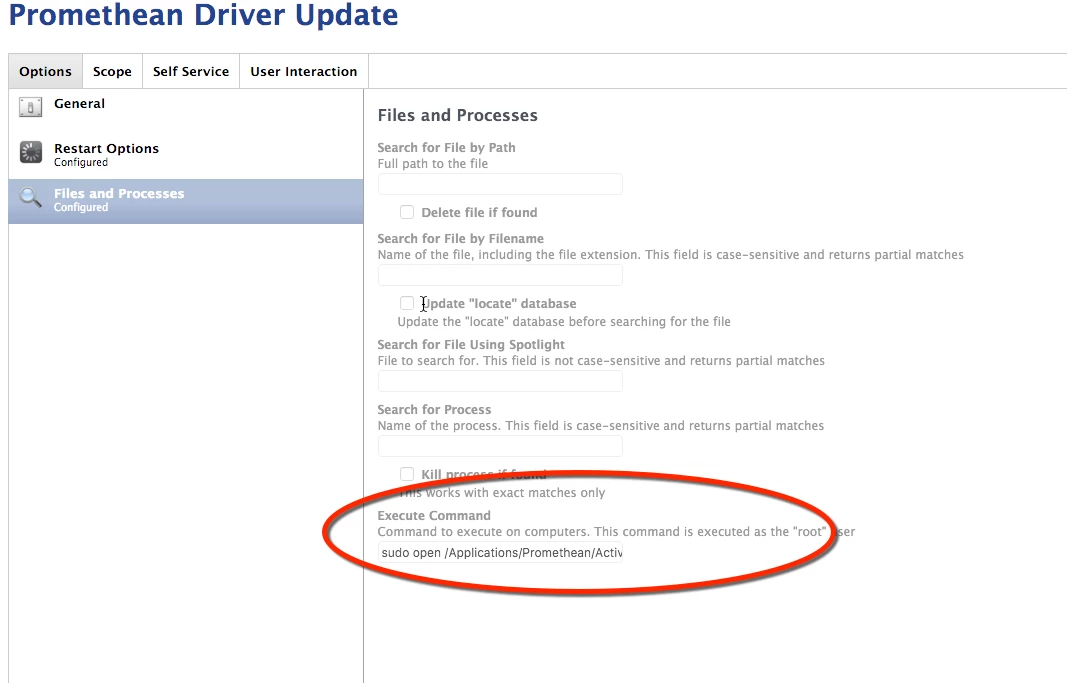
When the command is run user are prompted:
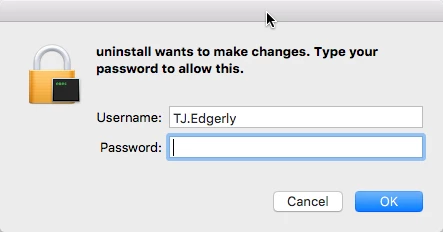
The installer is part of the APP that needs to be run, before i can send the updated software:
*(KB Article from Promethean Planet)
my link text


2 replies

Forum|alt.badge.img+1
  • New Contributor
  • November 17, 2015

We wrote a script that uninstalls the ActivInspire. It seems to do the trick.

!/bin/bash

/Applications/Promethean/ActivDriver/uninstall
/Applications/Promethean/ActivInspire_Uninstaller.app/Contents/MacOS/ActivInspire_Uninstaller
if [ -e "/Applications/Promethean/ActivInspire_Uninstaller.app" ]
then
rm -fR /Applications/Promethean/ActivInspire_Uninstaller.app
rm -fd /Applications/Promethean/
fi


mpermann
Forum|alt.badge.img+22
  • Valued Contributor
  • November 17, 2015

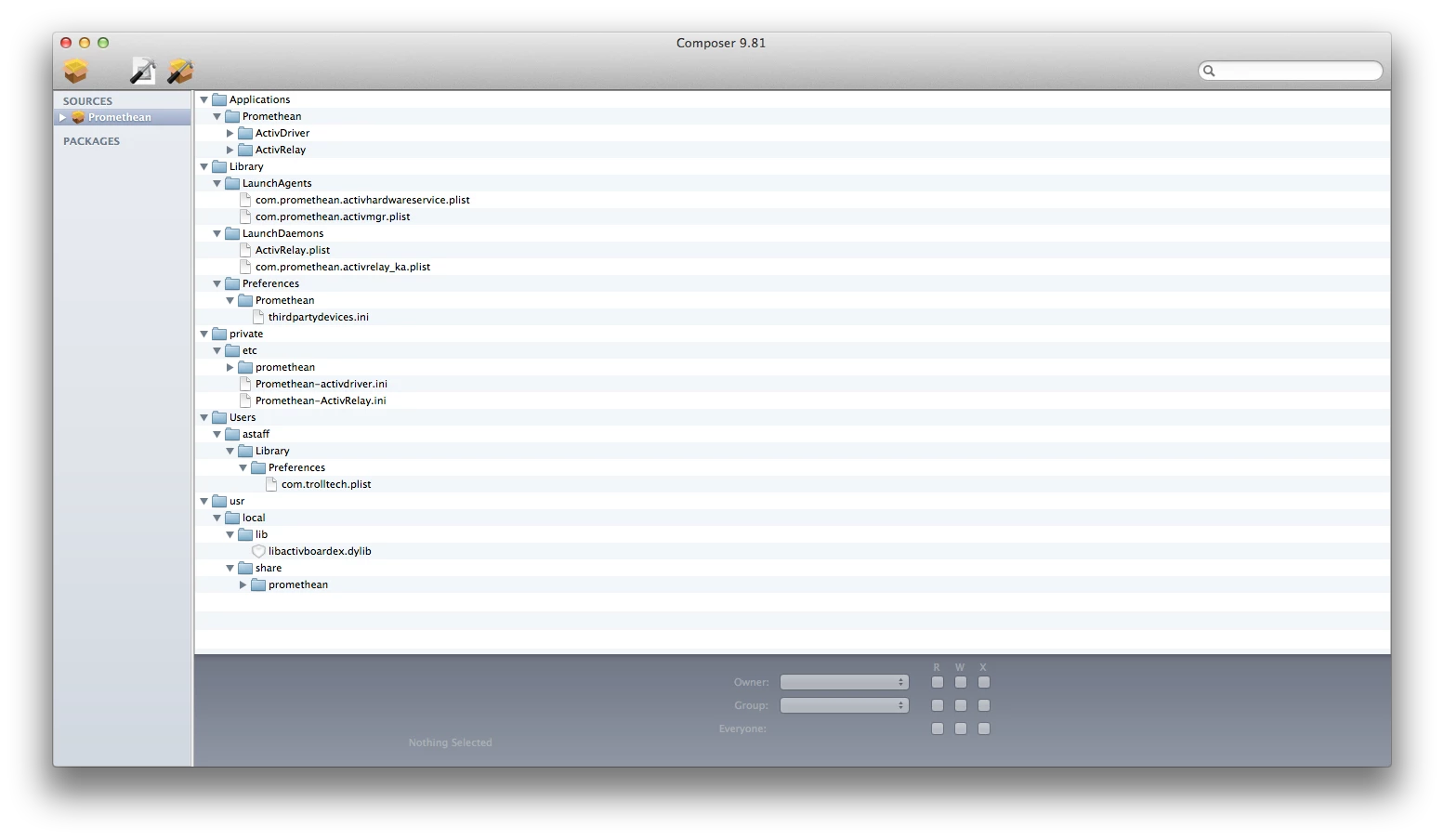
@TJ.Edgerly you may want to use Composer to see what all is being installed so you have an idea about what needs to be removed. I took a quick look at their installer and you're likely going to have problems deploying the installer as it is with Casper. It's not a standard Apple .pkg file it's an installer.app file. So you may be forced to use Composer to snapshot the installer so you can even install it. I used Composer to snapshot what the installer was doing and it is putting stuff in all sorts of places. Have a look at the attached screen shot. Their installer is not an enterprise friendly installer.