So the situation I am running into:
Mac devices are pointed to a proxy.pac file in our environment.
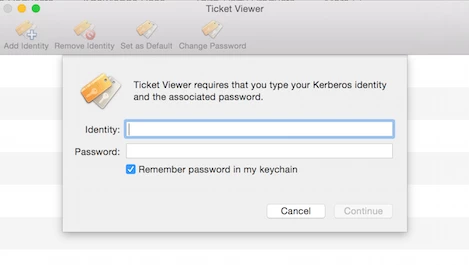
The first time a user logs in, they are prompted for HTTP and HTTPS credentials to get out to the internet.
The users enter the credentials, and everything is alright UNTIL some application decides to try to get out to the internet. Then they are prompted again, over and over.
The solution appears to be to go into keychain access, go into the properties for the HTTP and HTTPS entries under login keychain, Passwords category, and click Access Control, Allow all applications to access this item.
My question is: is there a way to script this before the user ever logs into their account (local accounts, not AD)? Could I somehow create dummy entries automatically in the keychain with the proper bluecoat servers and the user's ID and a bogus passwords and have the allow all applications box checked automatically? That way, when they logged in, there would be an incorrect password try, but they could correct it and everything would function properly from that point forward. Any thoughts?