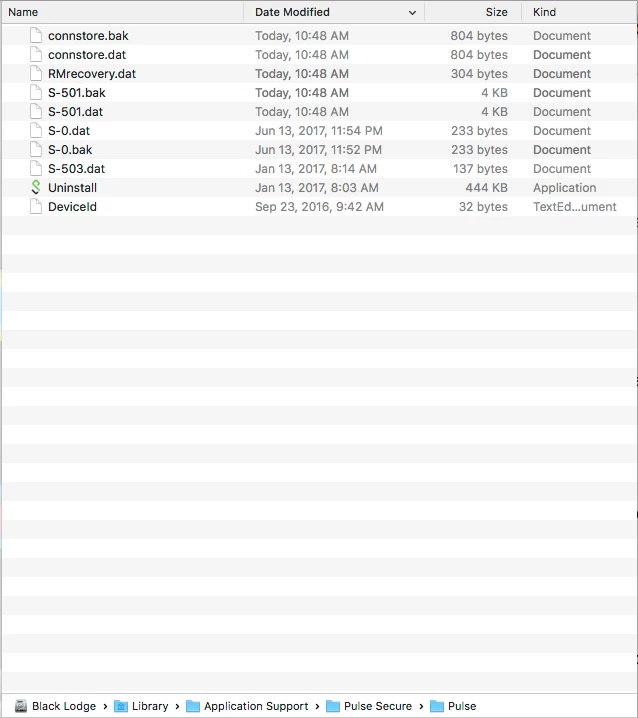
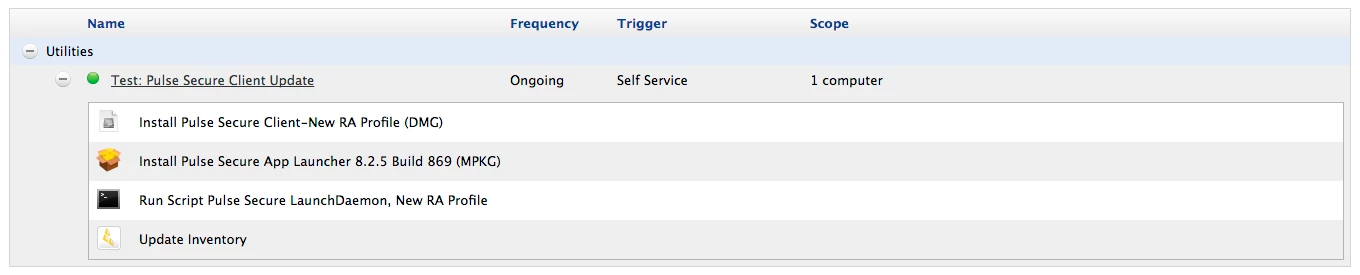
I think I've figured this out! I created two DMG files using Composer: one without any connection profiles and another with a new connection profile. Using a test virtual machine, I deployed a current build of Pulse Secure 5.2.5 (Build 869) which has two connection profiles.
Test #1: Two Connection Profiles
Step 1. To verify that the installation was successful, I loaded the LaunchDaemon, opened the Pulse Secure.app and confirmed that the two packaged connection profiles were present.
sudo launchctl load /Library/LaunchDaemons/net.pulsesecure.AccessService.plist
sudo open -a /Applications/Pulse Secure.app/
Test #2: No Connection Profiles
Step 1. Once the initial installation with two connection profiles was verified, I opened the Pulse Secure Client-No Profiles.dmg, copied the files in the ~/Library/Application Support/Pulse Secure/Pulse/ directory and copied them to the corresponding location, locally, overwriting the existing files.
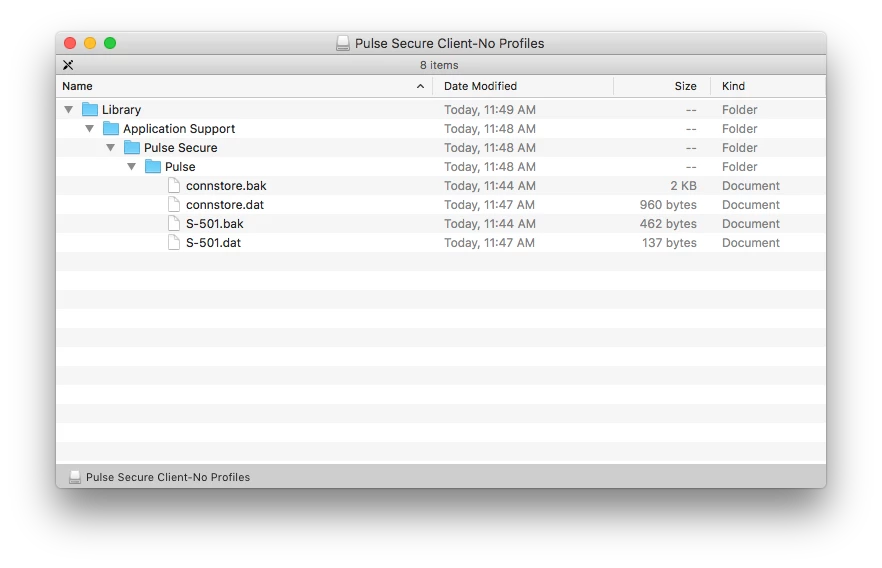
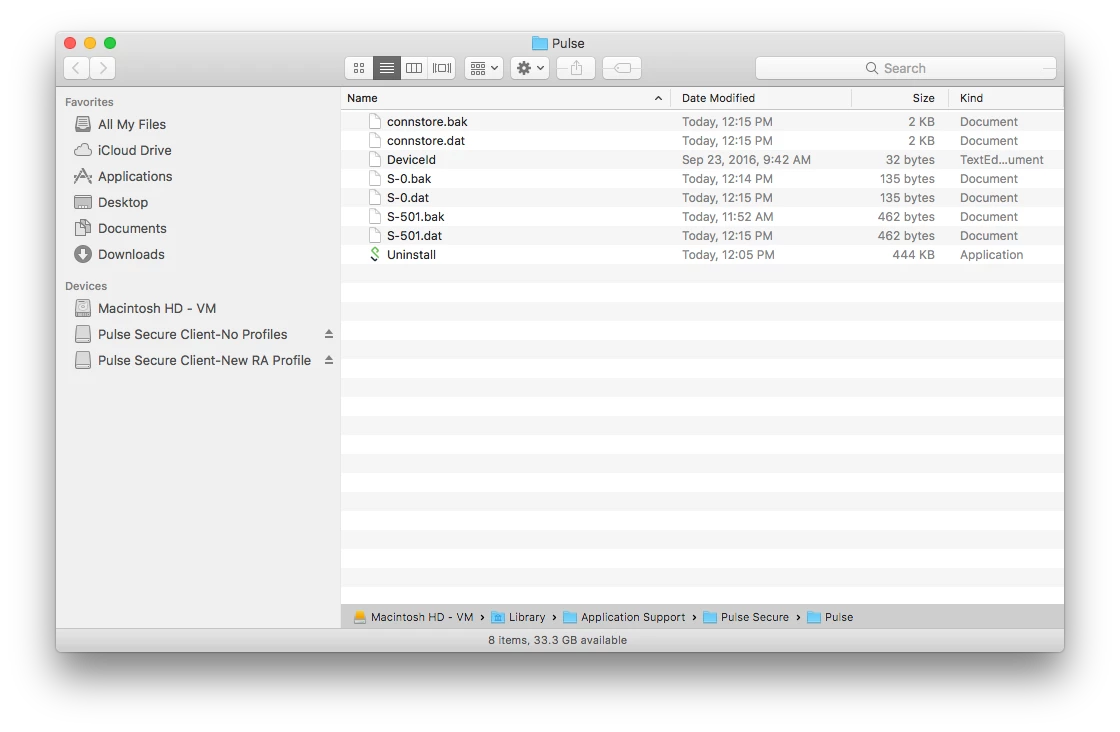
Step 2. To verify that the copying was successful, I unloaded and then re-loaded the LaunchDaemon, opened the Pulse Secure.app and confirmed that the two packaged connection profiles were present.
sudo launchctl unload /Library/LaunchDaemons/net.pulsesecure.AccessService.plist
sudo launchctl load /Library/LaunchDaemons/net.pulsesecure.AccessService.plist
sudo open -a /Applications/Pulse Secure.app/
Test #3: New Connection Profiles
Same as above in Test #2 but referencing the Pulse Secure Client-New RA Profile.dmg containing the new connection profile.
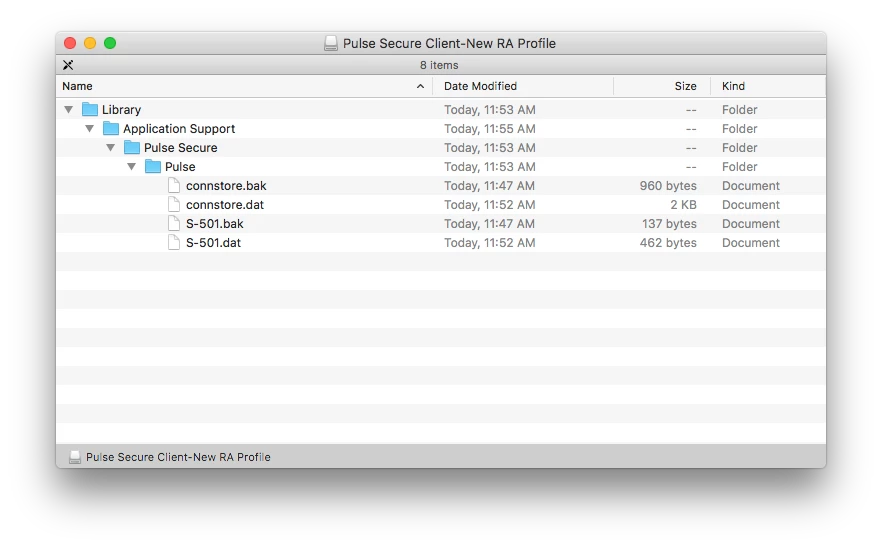
Since these above steps simply deal with local, non-Jamf based deployments, I will report back with a scalable enterprise solution using Jamf Pro :)