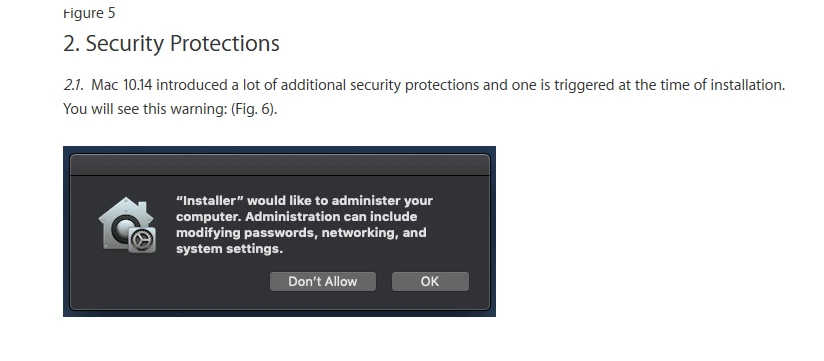
I'm trying to make Panopto 7.0.0 available on Self Service, however, it always seems to error out at the very end. After digging through some logs, I found that the installer should prompt the user with the message in the title (due to Mojave's "enhanced" security) and that is were Jamf is calling the error. Is there a way to get this to work through Self Service? I have tried to script a better installation for the Panopto package but I can't seem to get it to actually function correctly afterwards (in-app upload always breaks). Any help would be much appreciated.

Solved
"Installer" would like to administer your computer
 +4
+4Best answer by neilmartin83
This is down to the installer package creating a user account using dscl which gets intercepted by PPPC/TCC. FWIW Panopto is the only app I know of that creates its own user account to do stuff in the background (upload video) - highly peculiar. Anyway...
Props to macdude22 on the Slack who came up with this script that does the needful before you install the package (so run it in the same policy as a Before action):
https://macadmins.slack.com/files/U08E367K8/FLXDADVAS/fix_panopto.sh





Enter your E-mail address. We'll send you an e-mail with instructions to reset your password.