Hi,
And again an issue that is on my "to fix" list:
Random MacBooks are unable to boot after enabling FileVault during an enrollment. This is happening since Yosemite all the way up to El Capitan 10.11.4.
Our current scenario:
MacBook boots up from external drive with Casper tooling, if FileVault is enabled before the drive gets manually wiped.
Deployment runs which deploys OS X (10.11.4 at the moment), installs a few software packages like Chrome and Firefox and reboots when it's done.
A first boot script runs after the reboot that configures some basic settings like AD binding etc. and 2 command lines to reset the enrollment history and an enrollmentComplete trigger.
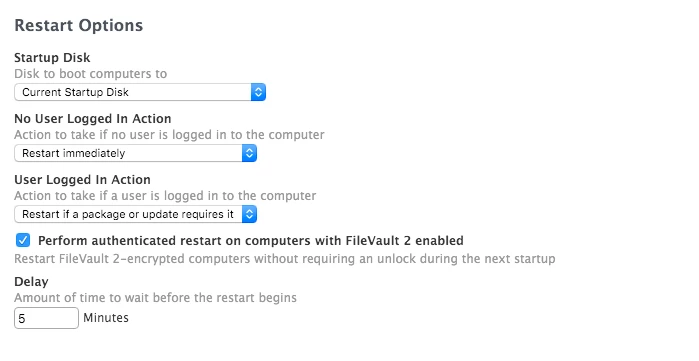
All enrollmentComplete policies are executed, like installing Office 2016, configuring our printer, installing SEP and finally configuring FileVault which is a basic configuration containing our institutional recovery key.
Another reboot occurs after that and if all went well we are presented with a FileVault login option for our management account.
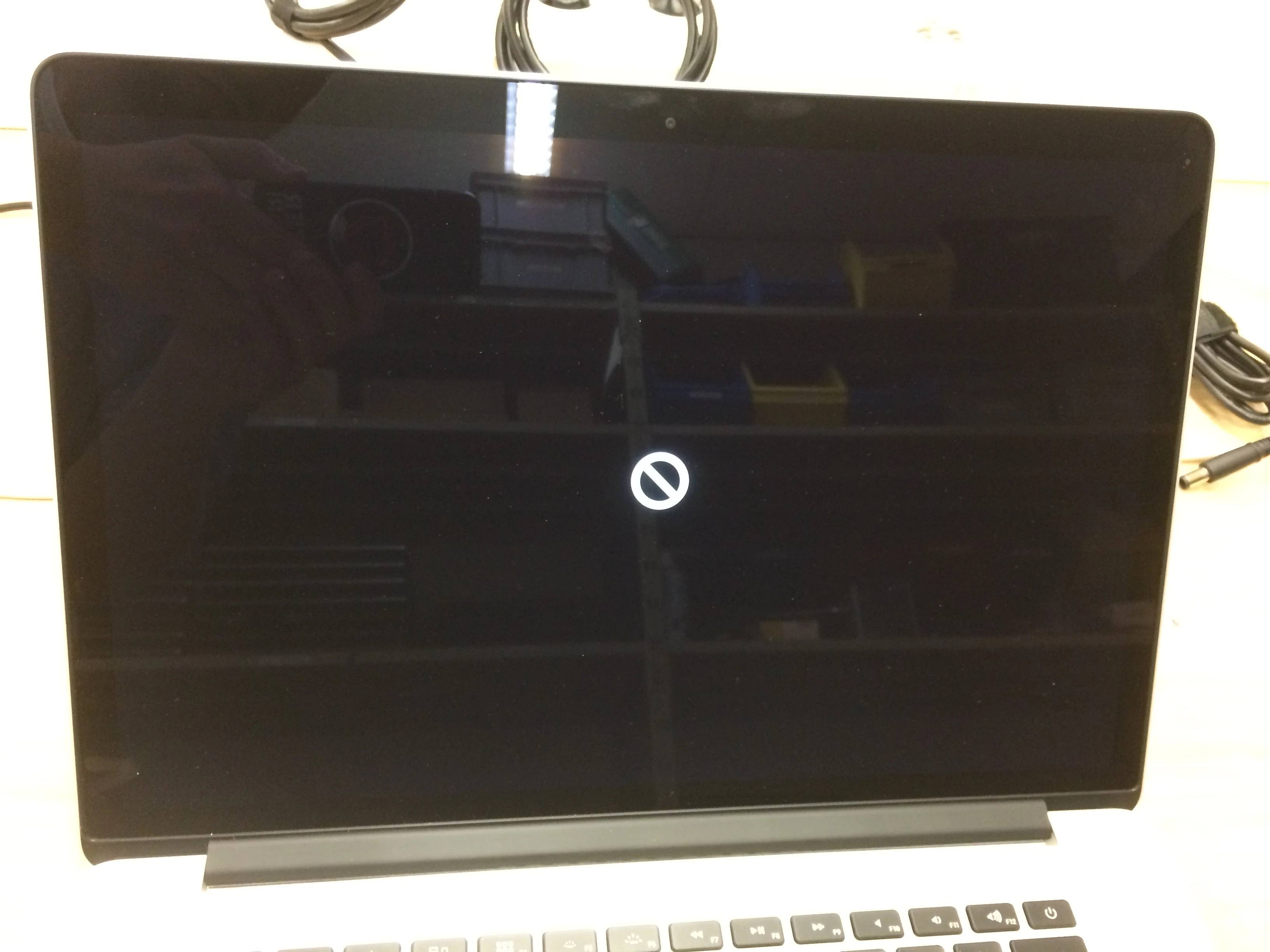
But here is the issue: the machine doesn’t want to boot sometimes after this reboot and eventually presents the infamous stop sign. After checking the drive within the Recovery Environment I see that the partition is completely marked as untitled and first aid says that everything is fine.
Re-rolling the machine 2 or 3 more times fixes this but I can’t seem to pinpoint what is going on here and why it doesn’t work the first time.
Does anyone have an idea?
Thanks in advance!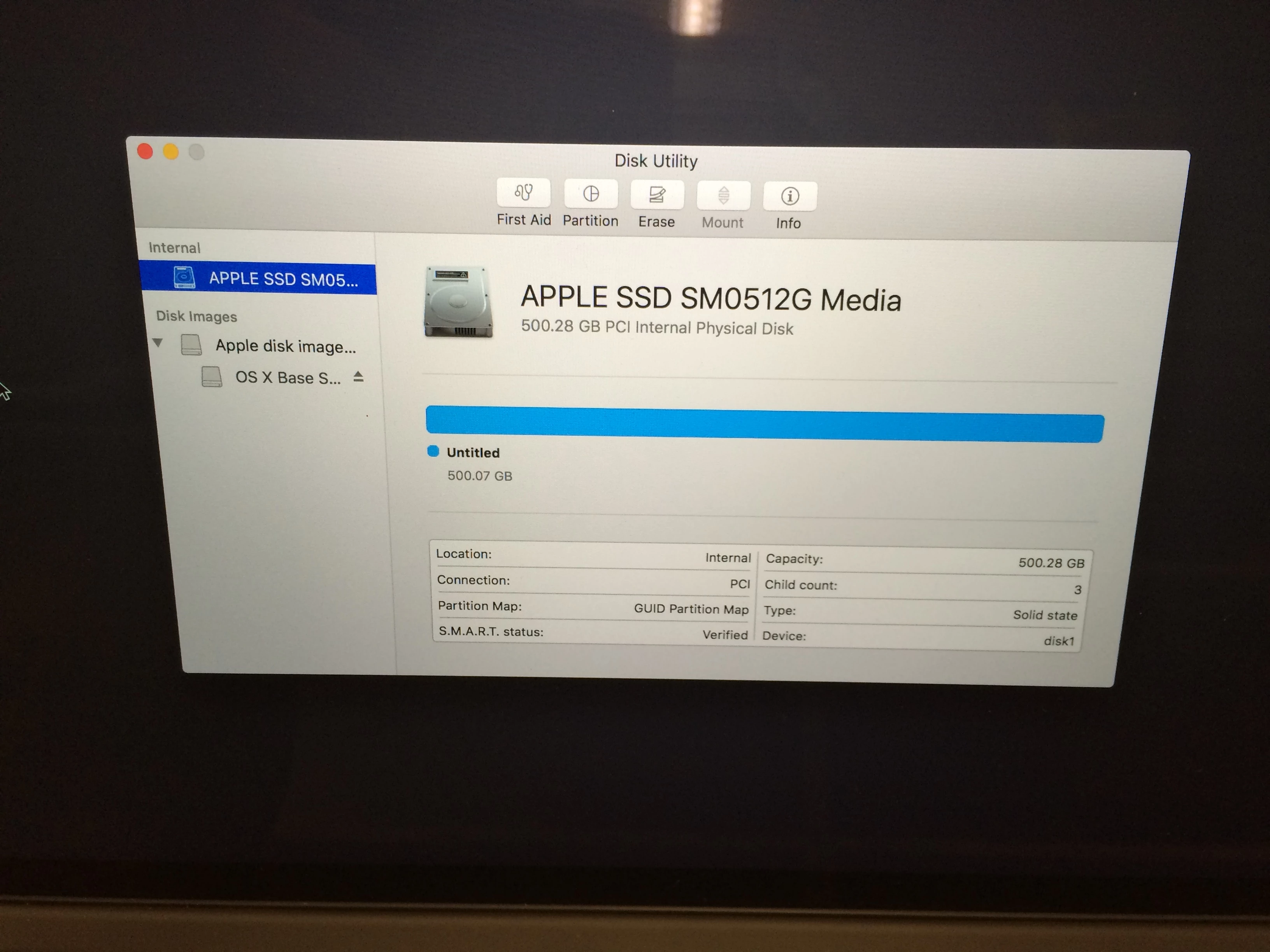
PS: the images are flipped upside down for some reason :')