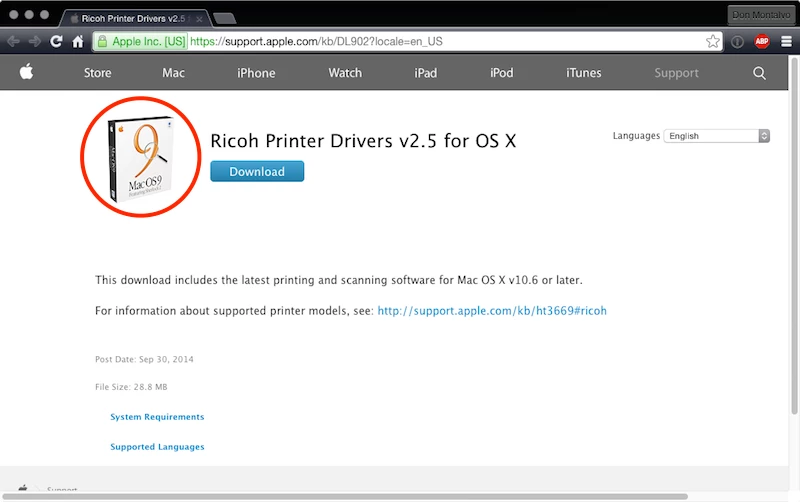
Anyone else having issues with the Apple supplied Ricoh print drivers (v2.5) on Yosemite? The driver installs but then when attempting to print a user will see 'Some of the software for the printer is missing'. The user can then reinstall the driver package and be able to print but the error will start to recur. I checked Ricoh's site and they haven't offered up a newer driver as far as I can tell.

Question
Ricoh Print Driver not working on 10.10.3 Yosemite
 +11
+11


Enter your E-mail address. We'll send you an e-mail with instructions to reset your password.