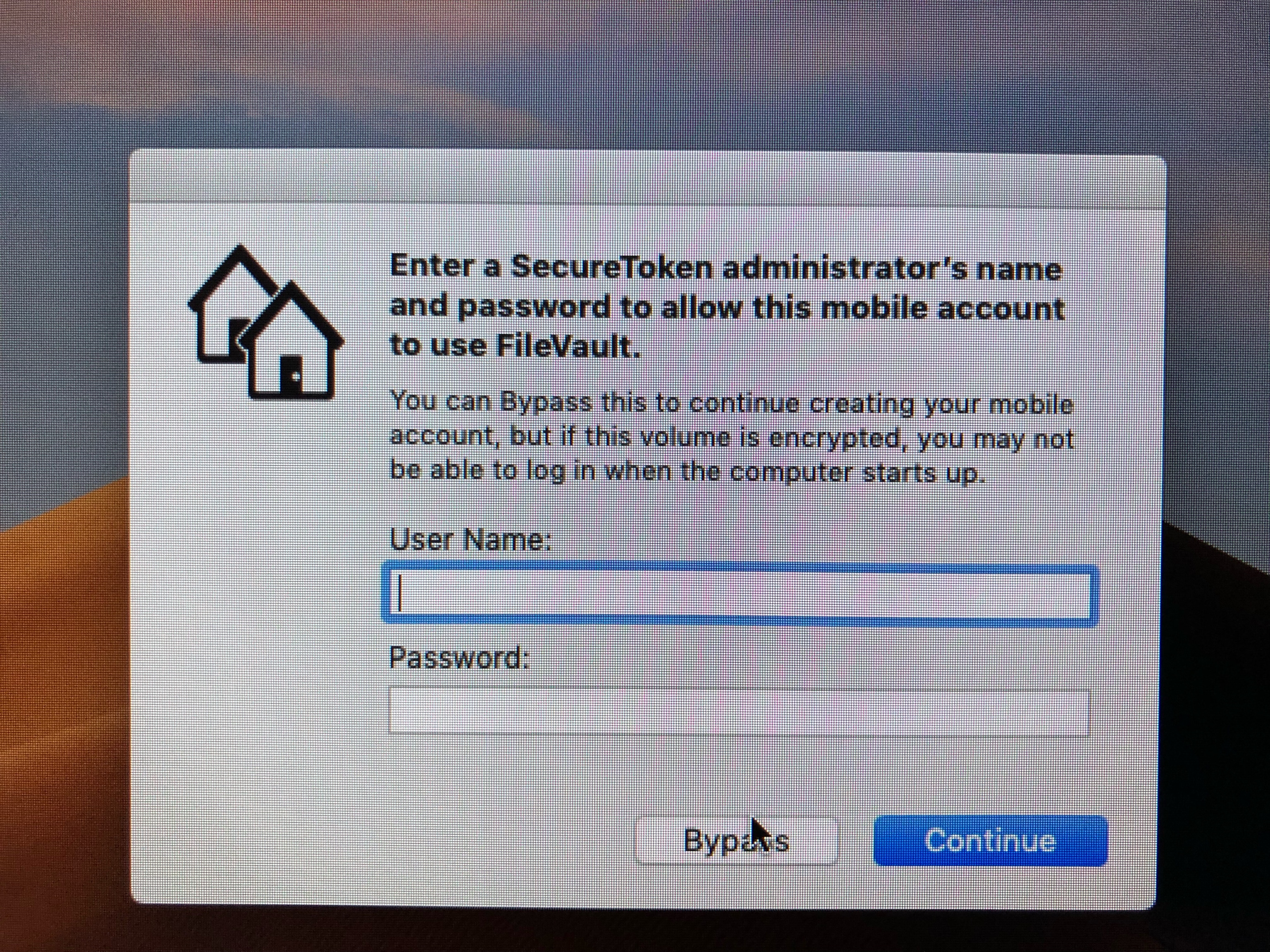
Is there any way I can disable this prompt for users logging on ?
I don’t have FV turned on and these are network users
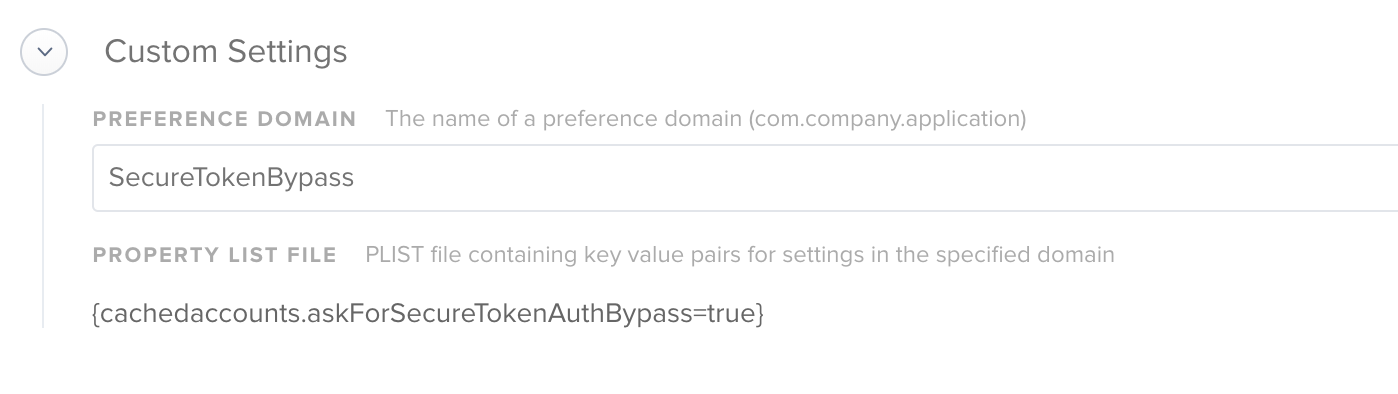
Create a Configuration profile
Then 'custom settings'
Preference Domain : com.apple.MCX
This is what you want in the plist : {cachedaccounts.askForSecureTokenAuthBypass=true}
done!
There is a very good write-up on this here.
But the answer is above???
am i being silly or have i forgotten something ...... ? its still not stopping the prompts ?
Change your Preference domain to com.apple.MCX
SecureTokenBypass is not a preference domain :)
@VitorCostaUK The preference domain is com.apple.MCX.
@larry_barrett & @cbrewer
Thanks ive updated the profile and will test tomorrow
Already have an account? Login
Enter your E-mail address. We'll send you an e-mail with instructions to reset your password.
Sorry, we're still checking this file's contents to make sure it's safe to download. Please try again in a few minutes.
Sorry, our virus scanner detected that this file isn't safe to download.