Question

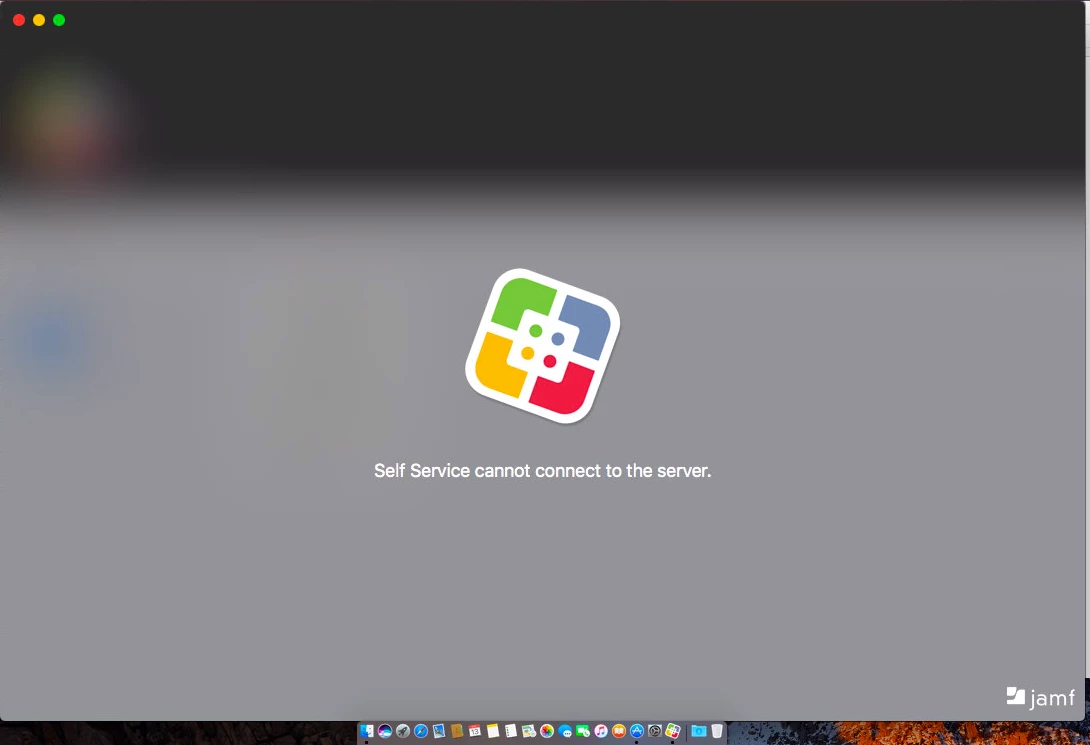
Self Service cannot connect to the server. Since v10.0.0 upgrade

  • November 13, 2017
  • 37 replies
  • 277 views

Forum|alt.badge.img+5

A lot of our macOS devices are seeing "Self Service cannot connect to the server." since updating Jamf Pro to v10.0.0. Anyone else seeing this? How do we fix it?

37 replies

Forum|alt.badge.img+1
  • New Contributor
  • November 13, 2017

We are seeing the same thing on some machines. No discernible pattern yet...


Forum|alt.badge.img+9
  • Contributor
  • November 13, 2017

+1


Forum|alt.badge.img+3
  • New Contributor
  • November 13, 2017

I got this on my first Mac (10.12) post upgrade (this morning), but force quitting and reopening Self Service fixed it in that case. Have not seen it since, but limited test sample so far.


Forum|alt.badge.img+5
  • Author
  • Contributor
  • November 15, 2017

I have figured out what's causing it for me. If we have a Building associated, under User and Location, it fails. If I set the Building to None, it works fine.

@JS_WWU @rwinfie @Schawk_SFO


Forum|alt.badge.img
  • New Contributor
  • November 16, 2017

Experiencing the same issue on 10.12.6.

Tried the Building association with no luck, force quit no luck, clear cache no luck.


Forum|alt.badge.img+3
  • New Contributor
  • November 17, 2017

I had this problem as well. I deleted the associated "user" information too, so that user and location was completely empty. As soon as I did that, I quit Self Service and reopened. It is now functional again.


aram
Forum|alt.badge.img+3
  • New Contributor
  • November 20, 2017

Just ran into the same snag after upgrading to jamfPRO... I was able to determine that in our environment it came down to BOOKS!!!

I had multiple iBooks (In-house) scoped to me as a USER; to accommodate both iPads and my MacBook Pro. This caused the Self Service on macOS to show the 'cannot connect to server'-message as above. On my iPad Self Service works fine for Profiles, Books and Apps.

When un-assigning my name from the Computer-record in the JSS, my Self Service started working on macOS. As soon as I scoped a (or multiple) Book(s) to my MacBook again, Self Service stops working straight away! The bug seems to be in the (In-house) Books on macOS, I think. (iOS works fine!)

Also, when I deleted my User record from the JSS, it got deleted from all the scoped Books too. It was after re-adding my User-account and testing Self Service on macOS, that I found that Self Service stopped working again as soon as I added the Books back in.

All is working fine now, with the exception of having no Books in Self Service.


Forum|alt.badge.img+5
  • Author
  • Contributor
  • November 20, 2017

@aram The books thing makes sense. We have a handful of books that are tied to the building. I'll have to remove scope for the books and see what happens.

Thanks for the info.


Steven_Xu
Forum|alt.badge.img+7
  • Contributor
  • November 22, 2017

You can go to the Users tab, if you see the user migration required information, then you need to migrate the users. I guess some policy base on users or user group, and self service cannot read the information correctly.


Forum|alt.badge.img+17
  • Valued Contributor
  • November 28, 2017

For us, problems like this occur if there are duplicate users. We get duplicate users because of Apple School Manager sync which we are still trying to fix. So to fix this issue, we look for the affected user, see if there is a duplicate, we delete the ones that didn't came from Powerschool/ASM. Then Self Service starts working again.


Forum|alt.badge.img+1
  • New Contributor
  • November 28, 2017

The "Migrate Users" did the trick for us. Prior to that, Self Service would fail on any Mac that had a username assigned.
Thanks to Steven.Xu!


Forum|alt.badge.img+2
  • New Contributor
  • January 27, 2018

+1
I still don't know the root cause of this issue. It will display some time.


Forum|alt.badge.img+13
  • Contributor
  • January 31, 2018

Having the same issue. Any update on this?


mark_mahabir
Forum|alt.badge.img+15
  • Jamf Heroes
  • February 14, 2018

I was able to reproduce this on v10.1.1 and now v10.2.0 with a client running macOS 10.13.3.

Removing the User and Location information completely from the JSS Inventory record solved this, and luckily this is on one of our dev/test Jamf Pro instances, has anyone heard anything definitive from Jamf support?


Forum|alt.badge.img+13
  • Valued Contributor
  • February 22, 2018
I still don't know the root cause of this issue. It will display some time.

Same for us, rare but happens occasionally.


Forum|alt.badge.img+13
  • Valued Contributor
  • February 26, 2018

[deleted]


Forum|alt.badge.img+18
  • Valued Contributor
  • February 27, 2018

We are running 10.1.1 and to the best of my knowledge we have not seen this. I have heard about some Self Service issues with 10.2 and 10.2.1 but maybe these all trace back to 10.0.

Lots of talk about that here : https://www.jamf.com/jamf-nation/discussions/27188/jamf-pro-10-2-1-maintenance-release


Forum|alt.badge.img+2
  • New Contributor
  • March 8, 2018

+1
Same for us. Happens randomly for newly enrolled Macs. Seems to work for every older Mac.


Forum|alt.badge.img+2
  • New Contributor
  • March 8, 2018

We solved this!
After a little trial and error we found this info in an older post, that suggested this fix for the Self Service-app when crashing.

Delete these keychain objects in the users login keychain:

com.jamfsoftware.SelfService.privatekey
com.jamfsoftware.SelfService.publickey
com.jamfsoftware.SelfService.condentials

Then restart Self Service.
These are going to re-create when restarting the program.


Forum|alt.badge.img+4
  • Contributor
  • April 18, 2018

We had this same problem and resolved it.

Turned out that the Jamf Infrastructure Manager we had in place as an LDAP Proxy had crashed, and I guess that Self Service prods the LDAP when it starts up to determine whether or not the ability to login is available to users.

Restarted the Ubuntu VM running Jamf Infrastructure Manager, and after it had checked in with the JSS Self Service started working again.

So anybody suffering same issue might want to check that their LDAP lookup is working properly from the JSS whether or not you are using the JIM as an LDAP Proxy.


Forum|alt.badge.img+1
  • New Contributor
  • June 4, 2018

I came across this from time to time in versions various of Self Service and found it to be an non-trusted root certificate in the system keychain. If you are logged in as the user (and the user has admin rights), you can move it to the login keychain, mark it as always trust and move it back. Bingo.


Forum|alt.badge.img+13
  • Valued Contributor
  • June 5, 2018
Delete these keychain objects in the users login keychain: com.jamfsoftware.SelfService.privatekey com.jamfsoftware.SelfService.publickey com.jamfsoftware.SelfService.condentials Then restart Self Service.

I tried this and they didn't get recreated and now Self Service won't launch.


mark_mahabir
Forum|alt.badge.img+15
  • Jamf Heroes
  • July 17, 2018

For us, the issue seems to be the username in the User and Location section of the computer's inventory record. This is different from the Self Service crashing issue mentioned elsewhere on the Nation, which we have seen once or twice (the fix being remove the
com.jamfsoftware.SelfService.privatekey and com.jamfsoftware.SelfService.publickey items in Keychain Access).

Whenever a username is set, the user gets the error in the original post.

Removing this - in the 10.6.0 Beta 2 at least - allows Self Service to open as normal.

I spent quite a bit of time working this through with Jamf Support - they could only mark the case with the product issue PI-004995 with no ETA for a fix.


Forum|alt.badge.img+8
  • New Contributor
  • September 6, 2018

@mark.mahabir I ended up just having the same issue but only for one very specific user in particular (recon was also failing but policies and MDM were working). If I tried to assign the user to a Mac, Jamf wouldn't do it. It would do the AD lookup so I saw his user details but the Save button did nothing. I looked up the user's username in the users tab and there were two entries for him. Deleted both entries and re-assigned to his Mac and Self Service worked again, same with recon. This was a 2017 MacBook Pro on 10.13.6 with a Jamf Pro version 10.6.


Forum|alt.badge.img+11
  • Contributor
  • October 8, 2018

Found a solution!
If you enable Self Service logon, allow users to log in to view and ldap or jss account, Self Service starts with an additional log in-button but at least you can start Self Service and login is not required!