Question

set ADR for a client

  • November 6, 2018
  • 3 replies
  • 23 views

Forum|alt.badge.img+3

Dear All,

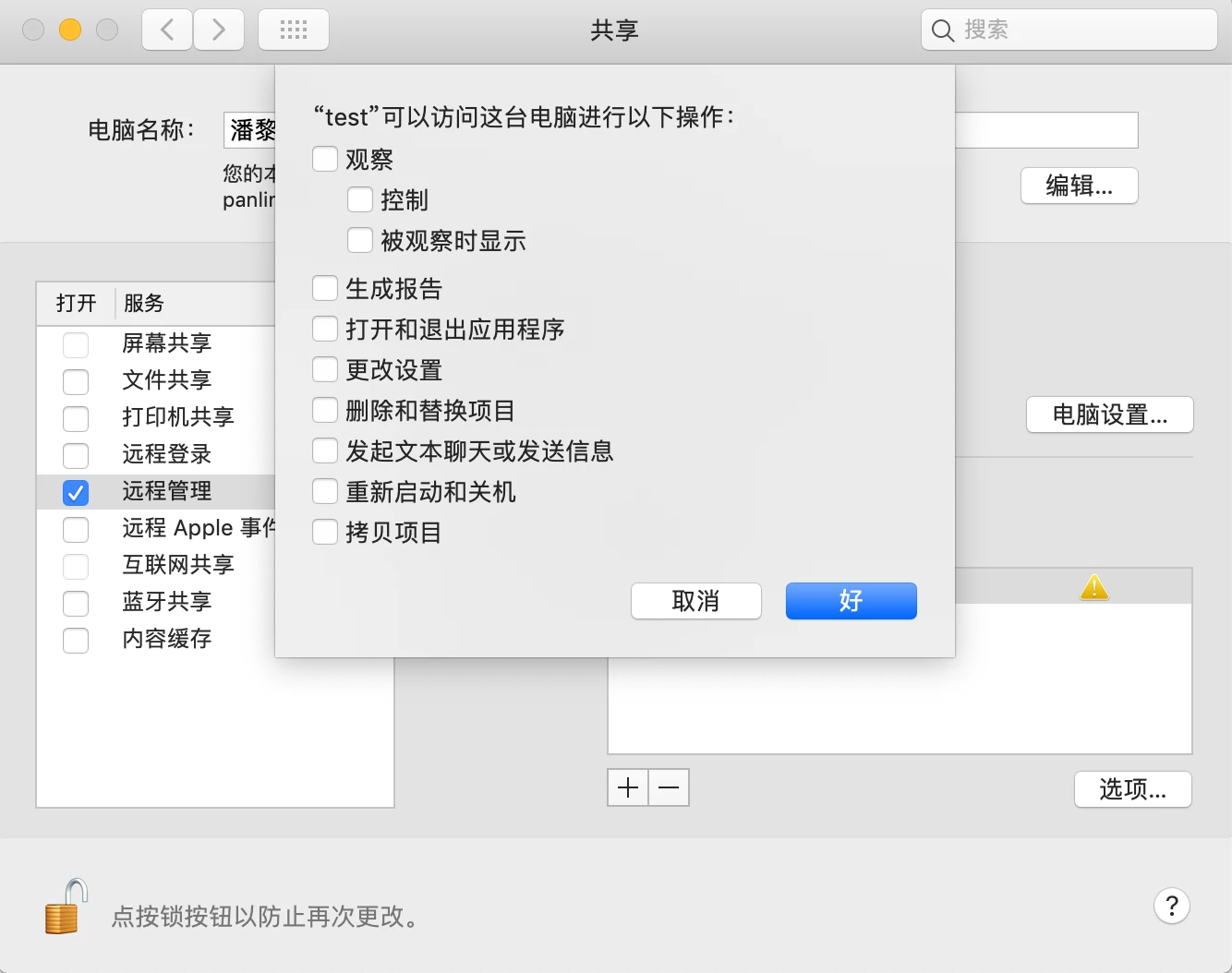
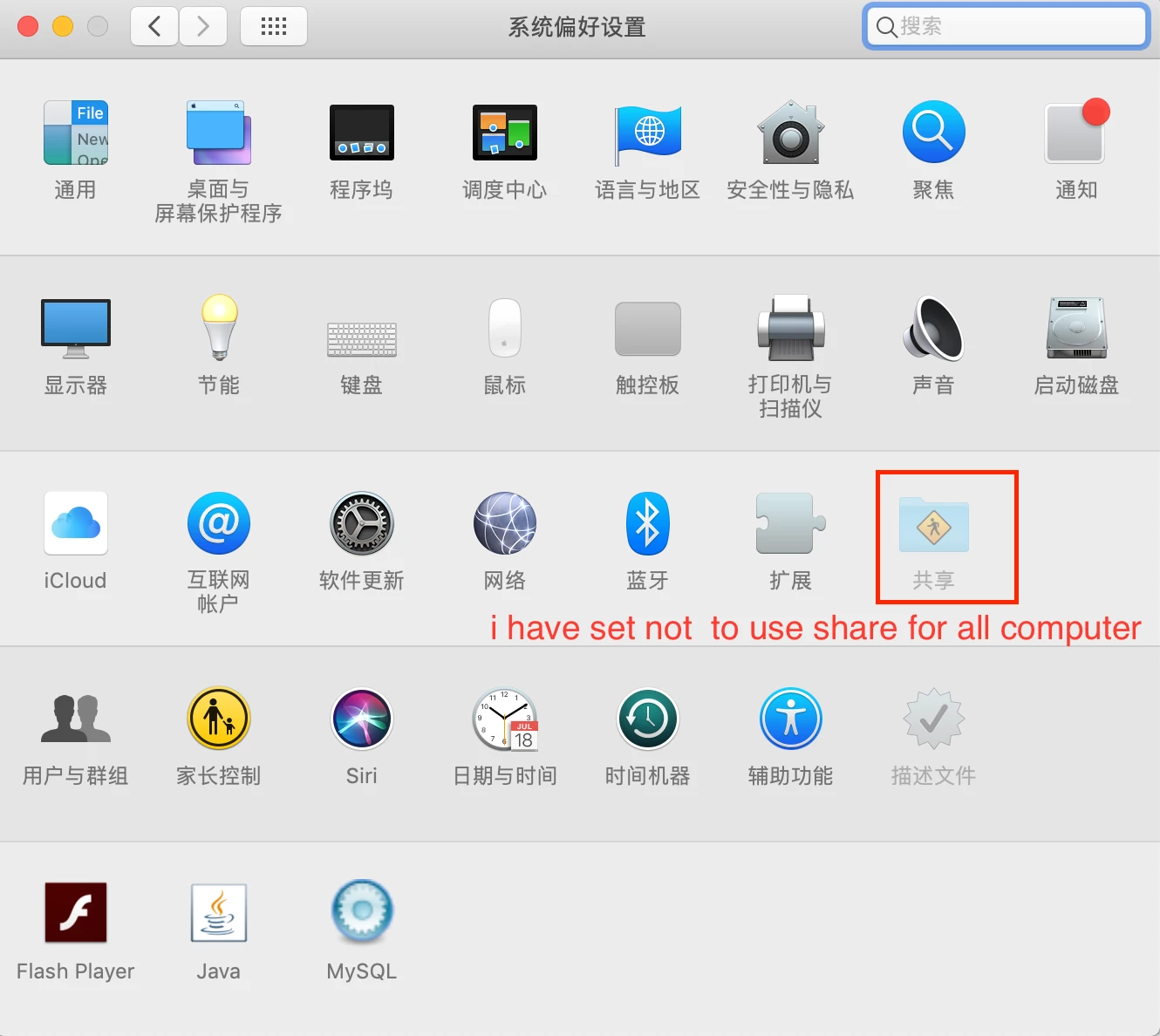
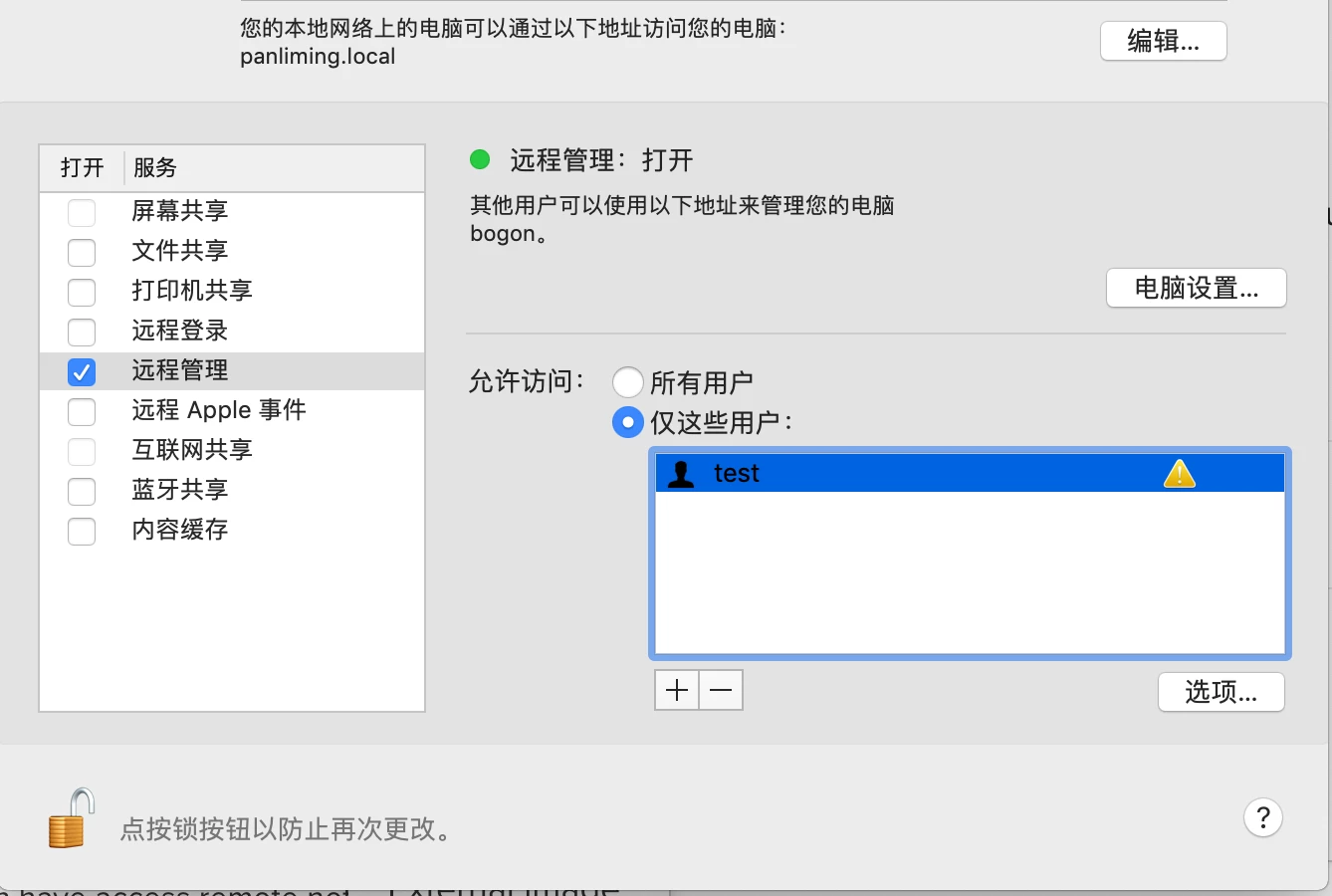
I set not allow share in the OS System preference , but now i want use a account to remote some Computer. So i run a script for special computers. while it's not working. OS is 10.13.6
please help me check the problems.

thanks in advance!
#!/bin/sh
sudo /System/Library/CoreServices/RemoteManagement/ARDAgent.app/Contents/Resources/kickstart -configure -users oaks,test -access -on -privs -all -activate -allowAccessFor -specifiedUsers

#the local account of oaks and test  have create in this computer, but after ran the script i also not remote the computer.
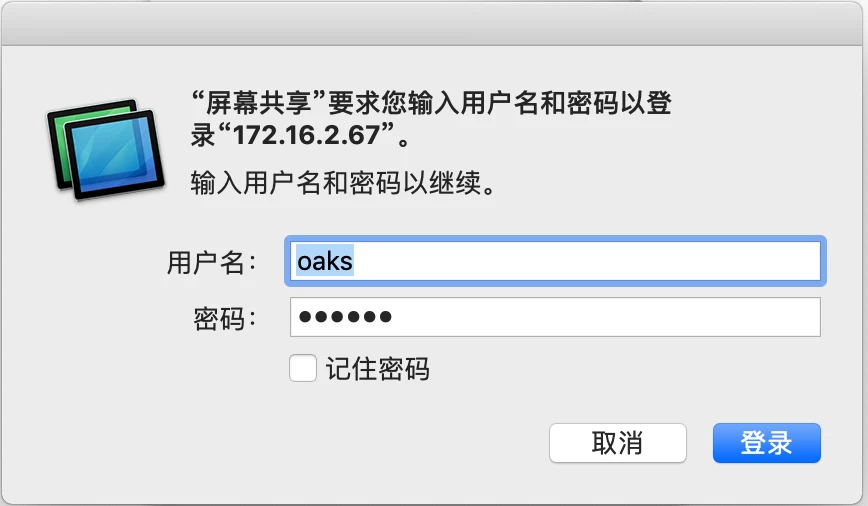
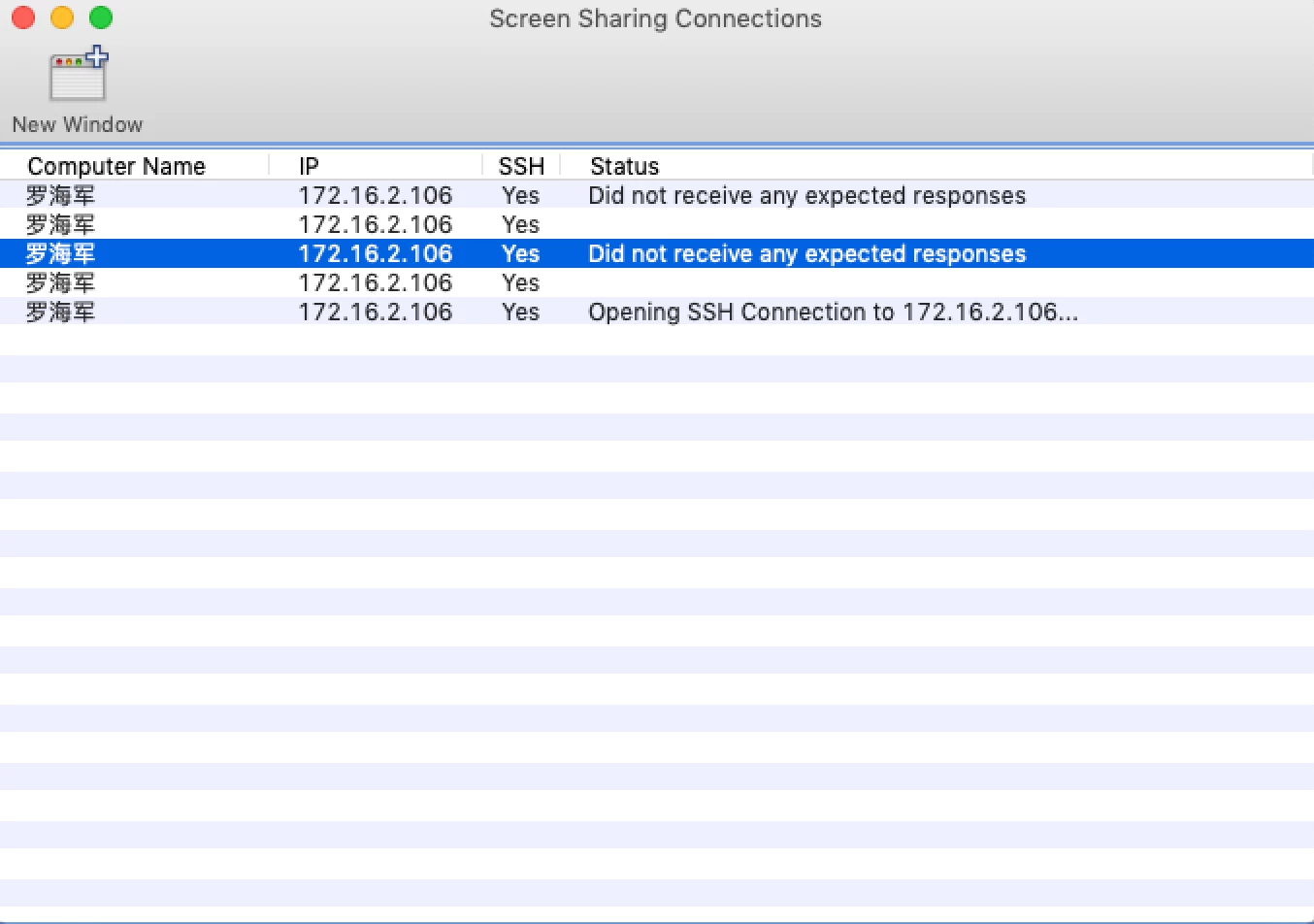
i want to remote the computer by Jamf Remote , while it's not working .
3 replies

Forum|alt.badge.img+3
  • Author
  • New Contributor
  • November 6, 2018
#!/bin/sh
sudo /System/Library/CoreServices/RemoteManagement/ARDAgent.app/Contents/Resources/kickstart -configure -users oaks,test -access -on -privs -all -activate -allowAccessFor -specifiedUsers

#the local account of oaks and test  have create in this computer, but after ran the script i also not remote the computer.

Forum|alt.badge.img+6
  • Contributor
  • November 6, 2018

This is what we use, and it works. You seem to be missing -activate

!/bin/sh

sudo /System/Library/CoreServices/RemoteManagement/ARDAgent.app/Contents/Resources/kickstart -activate -configure -access -on -users oaks,test -privs -all
sudo systemsetup -setremotelogin on


Forum|alt.badge.img+3
  • Author
  • New Contributor
  • November 7, 2018

@JustCallMeAJ i find the user which have access remote not all privs. but i have grant all privs.