Question

Show of your self service

  • November 5, 2013
  • 65 replies
  • 246 views

Show first post

65 replies

Forum|alt.badge.img+23
  • Esteemed Contributor
  • December 16, 2013

Gah! double post


mm2270
Forum|alt.badge.img+24
  • Legendary Contributor
  • December 17, 2013

@franton][/url][/url, its actually a little easier than that even. Just highlight the file/app in the Finder with the icon you want, then do Command+C (no need to pull up the Info window), then open Preview and choose New from clipboard.

This works because many applications are context sensitive and multiple types of data get copied to the clipboard. If you did the same but opened say, Terminal or TextWrangler and did a Paste, you'd get either the full path or the name of the file. Since Preview is about images, it only accepts the icon data.

BTW, nice Self Service views everyone! These look great.


Forum|alt.badge.img+4
  • Contributor
  • December 17, 2013

@franton what do you have in your First Aid section?


Forum|alt.badge.img+23
  • Esteemed Contributor
  • December 17, 2013

It's the easy stuff like prebinding updates, clear caches etc.

I should move the mcx stuff in there really.


donmontalvo
Forum|alt.badge.img+36
  • Hall of Fame
  • December 17, 2013

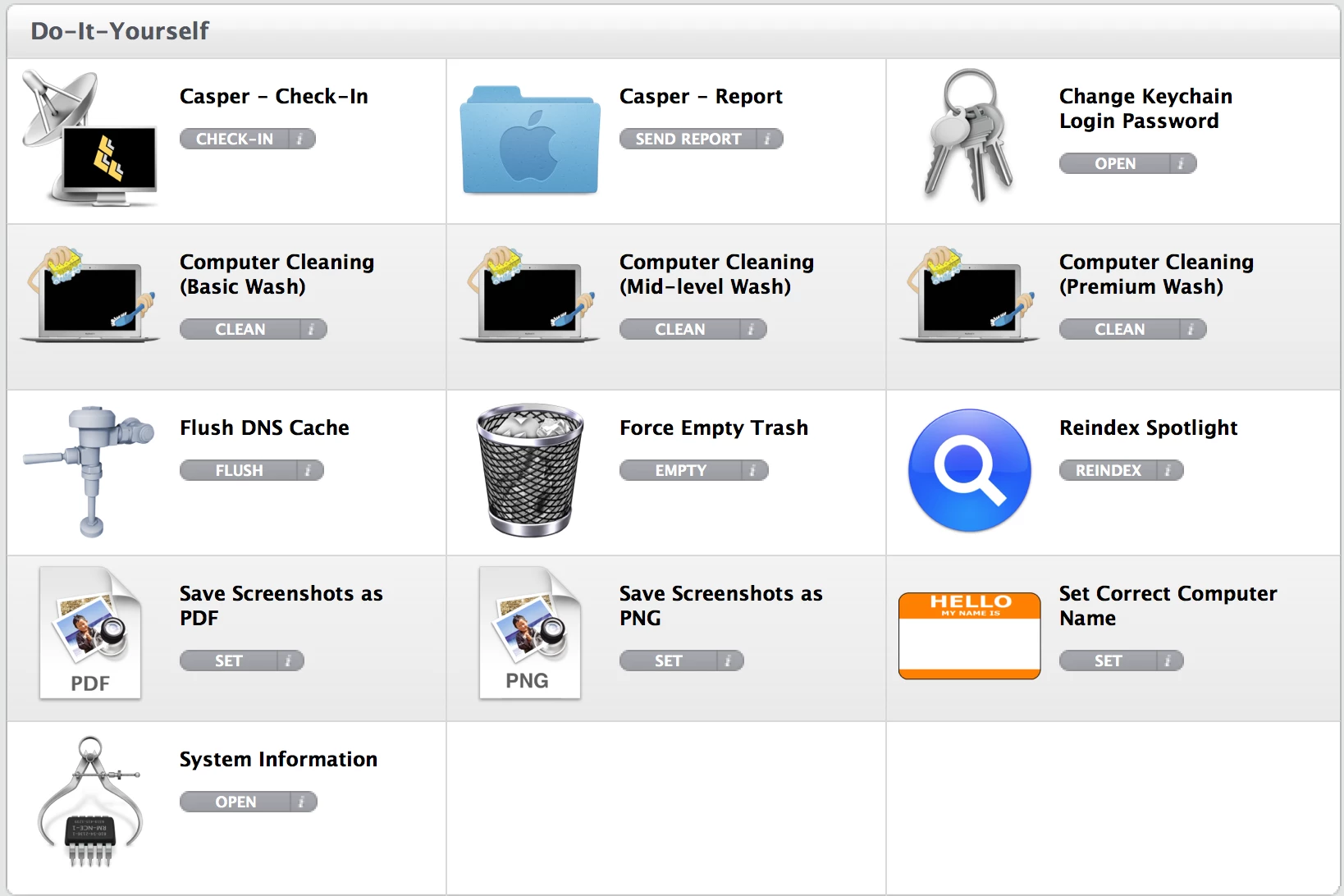
@rlandgraf Loving the Flush Caches icon. :)


Forum|alt.badge.img+12
  • Employee
  • December 17, 2013

@franton
Great minds think a like.


Forum|alt.badge.img+5
  • Contributor
  • December 18, 2013

Some awesome stuff here! Great topic idea and posts. It's cool to see what others are doing. I'm inspired, thanks.


Forum|alt.badge.img+13
  • Valued Contributor
  • December 18, 2013

Thanks a lot guys!, We are heading toward the Kick Start soon for at least 50 - 100 users, The self Services portal has been kind of a big question mark for me on what ill even be able to offer in it at the start of my Deployment, What kind of things did you put in place when you first started?


  • December 18, 2013

@Gabriel.Duff - since Self Service can handle anything that can be done via policy (or anything scriptable), and runs as root, I'd say you should focus on starting with whatever the most common requests are to your IT group.

For example, when I last changed out my color workgroup printers, I ran into many issues with replacing the Canon Fiery drivers and removing the old printers from the fleet. Self Service to the rescue - script to remove the old printers, remove the old problematic driver, install the new driver and then map the new printers. Obviously this could be done with a policy (and was, for the desktops), but for mobile users it was a huge win as it not only let them perform the task whenever was convenient for them, but also gave them the confidence that something was actually being done - no more "I don't know if they updated me yet" kinds of questions.

My desktop users don't rely on SS very much, but the laptop owners love it.


Forum|alt.badge.img+5
  • Contributor
  • December 18, 2013

@Gabriel.Duff,
We have an environment where our users are not administrators. We have to pretty much package everything from Flash, Java, MS Office and about 80 or so developer apps. This ties in to our legacy Windows "app certification" process where we package/test/support apps to insure they all play well together. We also publish all network printers which, admins or not, is convenient because users (read: Mac newbies) don't have to call asking how to get connected.


Forum|alt.badge.img+14
  • Honored Contributor
  • February 9, 2014

never mind. spoke too soon. found the answer.


Forum|alt.badge.img+11
  • Valued Contributor
  • February 9, 2014

@rlandgraf I was looking threw this thread today and was just wondering about your "Remove Users Older than 90 days" Is that a script you are running? If so would you be willing to share it?

Thanks in advance
Shaun


Forum|alt.badge.img+14
  • Contributor
  • February 10, 2014

@ShaunM9483

This is the script we use to remove all older users. It actually just checks the home folder for changes in the last 90 days, so may not be perfect but it worked for what we needed. The users that are skipped are local accounts that we do not want deleted.

#!/bin/sh

oldUsers=`find /Users -type d  -mtime +90 -maxdepth 1 | cut -d"/" -f3`

for i in $oldUsers; do
    if [[ $i = "technolo" ]]; then next
    elif [[ $i = "Shared" ]]; then next
    elif [[ $i = "student" ]]; then next
    elif [[ $i = "teacher" ]]; then next
    else 
        jamf deleteAccount -username $i -deleteHomeDirectory
        rm -Rf /Users/$i
    fi
done

Forum|alt.badge.img+11
  • Valued Contributor
  • February 10, 2014

@rlandgraf

It sounds very similar to what we are trying to accomplish so I really appreciate you taking the time to share the script.

Thanks again
Shaun


Forum|alt.badge.img+10
  • Author
  • Contributor
  • February 21, 2014

external image link


Forum|alt.badge.img+9
  • Contributor
  • February 21, 2014

@bentoms What's your Webex Install Fix doing? Our clients are constantly receiving Webex issues when trying to connect to meetings.

Thanks! ;)


Forum|alt.badge.img+14
  • Honored Contributor
  • June 4, 2014

@jacob_salmela
Hey man.. What is the syntax of the command you have to remove WiFi network from list of preferred networks?

-A


Forum|alt.badge.img+13

For the Self Service version of this script, I use this.


Forum|alt.badge.img+14
  • Honored Contributor
  • June 4, 2014

@jacob_salmela

Thank you sir. Aside from the undesiredNetwork="" variable, are there any other in the script I need to change, as when I add an SSID into that variable, the newtork is not removed from the list???


ImAMacGuy
Forum|alt.badge.img+23
  • Esteemed Contributor
  • June 4, 2014

@jacob_salmela If I'm reading your script right, how do you account for the multitude of hotel SSIDs and stuff? Wouldn't it be better to have the desiredSSID(s) and remove the rest? Or is that what it's actually doing and I just can't read a script? (which is entirely possible)

I've seen people's machines that have tons of SSIDs if they travel frequently, and each unique one would be too many to guess.. not to mention hotspots and such


stevewood
Forum|alt.badge.img+38
  • Hall of Fame
  • June 4, 2014

@ooshnoo I recently had to setup a policy to run through and remove a network from our machines. This was the script I used:

#!/bin/sh

wifiPort=`networksetup -listallhardwareports | awk '/Hardware Port: Wi-Fi/,/Ethernet/' | awk 'NR==2' | cut -d " " -f 2`

networksetup -removepreferredwirelessnetwork $wifiPort "Integer Public"

Forum|alt.badge.img+14
  • Honored Contributor
  • June 4, 2014

@stevewood

Perfect sir. Worked just fine. Thank you!


Forum|alt.badge.img+13

@ooshnoo Oops. I had some syntax problems. I fixed them on that link now. If your SSID has whitespace in it, it might not work. I recall having trouble with that when originally making it...


Forum|alt.badge.img+13

@jwojda
I'm not the best script-writer, but I'm only removing the undesired SSID and not touching the other ones.


Forum|alt.badge.img+9
  • Valued Contributor
  • December 4, 2014