Question

System Extensions blocked after upgrading to High Sierra 10.13.4

  • March 30, 2018
  • 49 replies
  • 334 views

Show first post

49 replies

AVmcclint
Forum|alt.badge.img+21
  • Esteemed Contributor
  • April 10, 2018

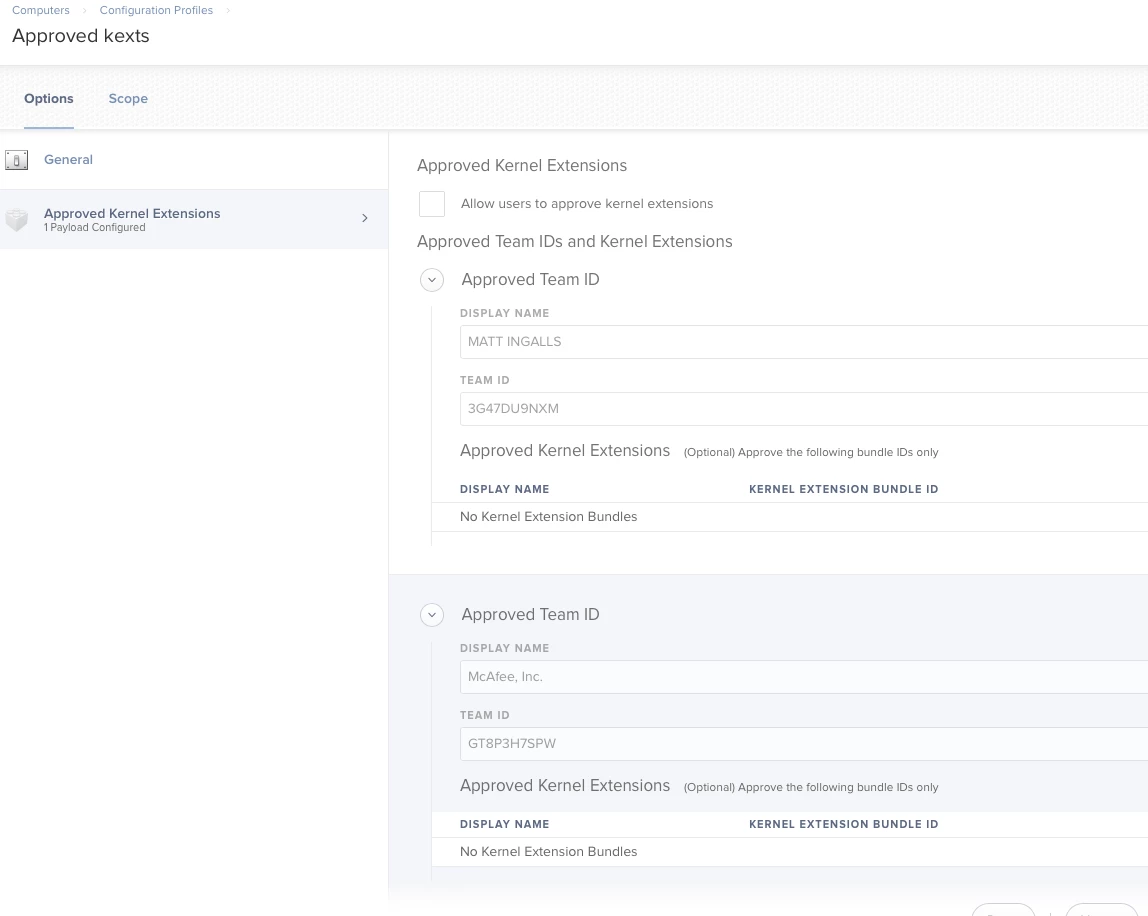
I used the instructions here to get the Team ID, then I built a Config profile specifically for pre-approving kexts.


Forum|alt.badge.img+6
  • Contributor
  • May 4, 2018

here is the apple article about this

https://developer.apple.com/library/content/technotes/tn2459/_index.html

I have had to do this for Cisco, Carbon black, and Now Forescout Secure Conenctor.


Forum|alt.badge.img+7
  • Contributor
  • July 18, 2018

To tag on to what @AVmcclint stated, you can just download this python script to list the Team ID's if you don't want to do completely manually.


Forum|alt.badge.img+12
  • Contributor
  • July 25, 2018

I am not on Jamf 10 yet. Question is can I create a custom config profile manually and deploy it via policy/script to my 10.13 clients?


Forum|alt.badge.img+11
  • Contributor
  • July 31, 2018

@wmateo You can in theory do it in J9.9 by creating a custom setting in Config profiles and import a pre-made kext list (By using Franton's script https://www.jamf.com/jamf-nation/discussions/26583/kextpocalyse-2-the-remediation-blog-post-by-our-own-franton).
If you want to add them manually you'll need to upgrade to Jamf 10 which provides you with the "Approved Kernel Extensions" option.
Keep in mind that the approved kext list needs to be installed before the apps that require them so might need some re-arrangement in in smart groups and policy's.


Forum|alt.badge.img+4
  • Contributor
  • August 3, 2018

I have a bundle_id without a team_id.

Using @AVmcclint 's post on this thread, as well as @donmontalvo's post for quidance, I get the following result:

6HB5Y2QTA3 | com.hp.kext.io.enabler.compound | Hewlett Packard | (blah blah blah...)
| com.ni.Fantom.nxtFwdl | 1 | Legacy Developer: N1 | 1

It's for the LEGO Mindstorm NXT software, which is old.

JAMF requires a team_id be input, and I cannot leave it blank. Does anyone have any thoughts?


scottb
Forum|alt.badge.img+18
  • Valued Contributor
  • August 3, 2018

@costes try: SKTKK2QZ74


Forum|alt.badge.img+4
  • Contributor
  • August 7, 2018

@scottb How'd you come across SKTKK2QZ74? I'll throw it on some test units


scottb
Forum|alt.badge.img+18
  • Valued Contributor
  • August 7, 2018

@costes Pulled from an install. I also verified it on the google doc. Once I reimage a Mac in my downtime, I'll test it too for kicks.


Forum|alt.badge.img+7
  • Valued Contributor
  • August 9, 2018

Somebody is nice enough to compile this into one spreadsheet. Link of known Team IDs


Forum|alt.badge.img
  • New Contributor
  • August 9, 2018

@khey Thanks for this, bookmarked!


Forum|alt.badge.img+4
  • Contributor
  • August 10, 2018

@scottb and @khey thank you for the resources.

I entered SKTKK2QZ74 as my missing Team_ID in my Config Profile and redeployed to affected devices.

HOWEVER I am getting the same symptom now as @howie_isaacks original post. I'll still get the pop up in regards to the specific KEXT for com.ni.Fantom.nxtFwdl, and nothing happens when clicking Allow. Redeploying the Config Profile did not resolve the issue either.


Forum|alt.badge.img
  • New Contributor
  • August 15, 2018

Any updates on this situation? Also trying to install Lego Mindstorms NXT with the missing Team_ID. Thanks!


scottb
Forum|alt.badge.img+18
  • Valued Contributor
  • August 16, 2018

@Costes, is the Profile loaded on the Mac before you install the package?
Are you using ONLY the TEAM ID?


Forum|alt.badge.img+3
  • New Contributor
  • August 22, 2018

Regarding Lego Mindstorms NXT issue, the Fantom.kext is indeed very very old and is missing the Team ID.

But according to this:
https://github.com/JrMasterModelBuilder/Mindstorms-Fantom-Drivers-Mac-Install

the Fantom.kext is not actually required, although the other parts from the legodriver.pkg are needed, so just use the nice script provided to skip the kext installation. (the script is not mine, so thanks goes to the creator!)

So, my package installer for NXT (latest version 2.1.f6) is containing the following packages from the original dmg:

MindstormsUnivEdu.pkg
MindstormsEngUnivEdu.pkg
MindstormsEngi386Edu.pkg (it is called for installation when you run the MindstormsEngUnivEdu.pkg)
Mindstormsi386Edu.pkg (it is also called for installation when you run the MindstormsEngUnivEdu.pkg)
legodriver.pkg
legodriverinstaller.sh

And I'm creating a package that will contain all the files above and will install (actually just copy them) to a temporary folder.
And then, either you can add a postinstall.sh script to the package, but I prefer to create a script in JSS interface, that looks like this:

#!/bin/bash
/usr/sbin/installer -pkg /path/to/temporary/folder/MindstormsUnivEdu.pkg -target /
/usr/sbin/installer -pkg /path/to/temporary/folder/MindstormsEngUnivEdu.pkg -target /
/path/to/temporary/folder/legodriverinstaller.sh /path/to/temporary/folder/legodriver.pkg
/bin/rm -rf /path/to/temporary/folder

*please note again that those 2 packages containing "i386" are not supposed to be installed manually, they are automatically called for installation from the MindstormsEngUnivEdu.pkg

Also, you will need to have Adobe Flash npapi preinstalled, otherwise when you run the first package to install (MindstormsUnivEdu.pkg) it will pop-up to install an old version of Flash found inside the package, and I didn't bother to find another way to suppress that.

I just tested it now on High Sierra 10.13.6, and it worked flawlessly, for a crappy old not updated app that is still required in some environments.


Forum|alt.badge.img+1
  • New Contributor
  • August 30, 2018

@wryder not sure if this has been answered, but you can easily find the TEAM ID's for any application installed (that uses one) by opening up a terminal window and typing the following:
- sqlite3 /var/db/SystemPolicyConfiguration/KextPolicy
- (in the new sqlite prompt type) SELECT * FROM kext_policy;


Forum|alt.badge.img+12
  • Valued Contributor
  • September 25, 2018

How does one scope this? Will it hurt anything to apply to all computers (computer level) even if they already have approved kexts?
Thanks for any assistance.


Forum|alt.badge.img+26
  • Honored Contributor
  • September 25, 2018

I would target 10.13 and higher Macs. I wouldn’t think it should affect already approved stuff, but I might test that. There is the option to allow users to approve their own on top of what is supplied in the profile.


Forum|alt.badge.img+12
  • Valued Contributor
  • September 25, 2018

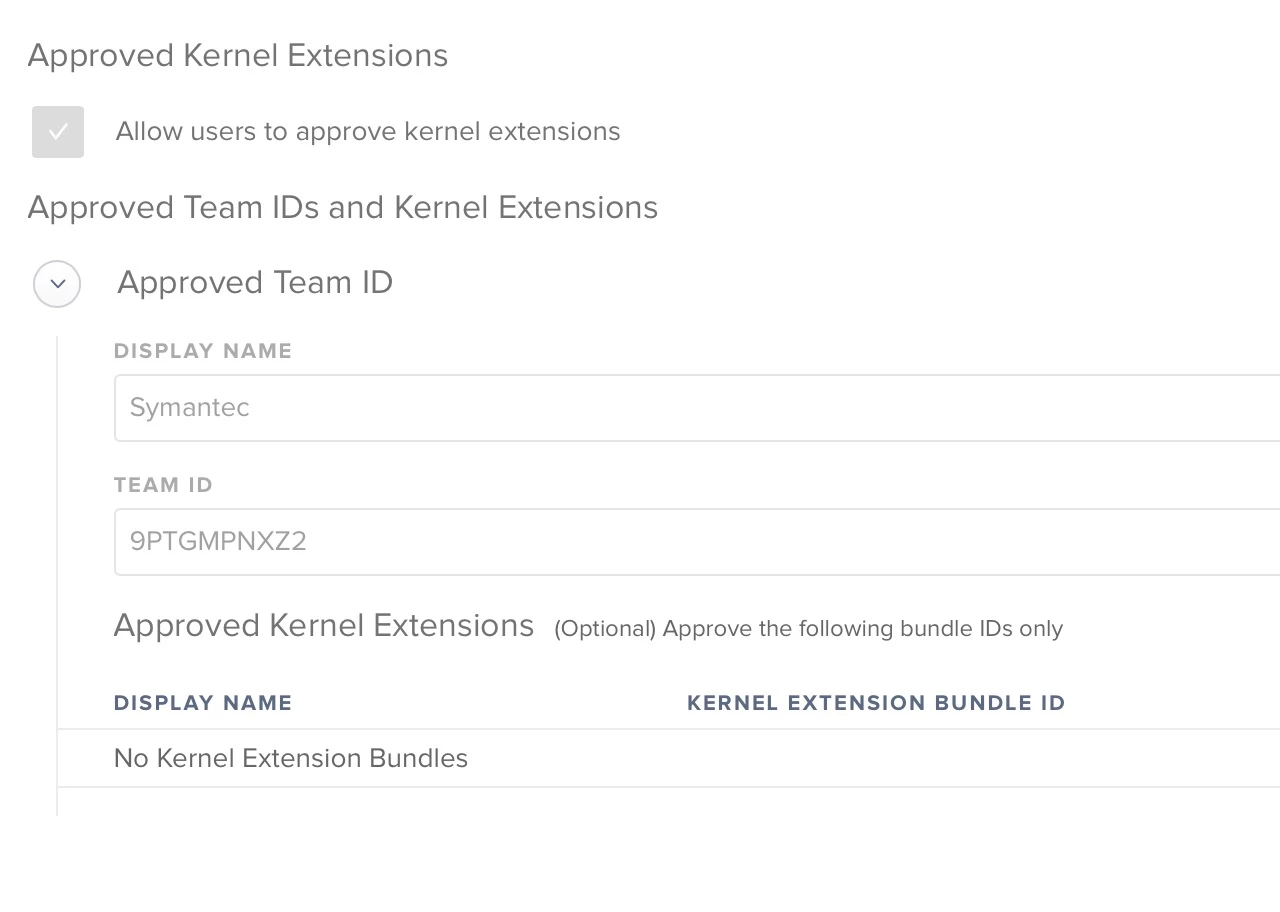
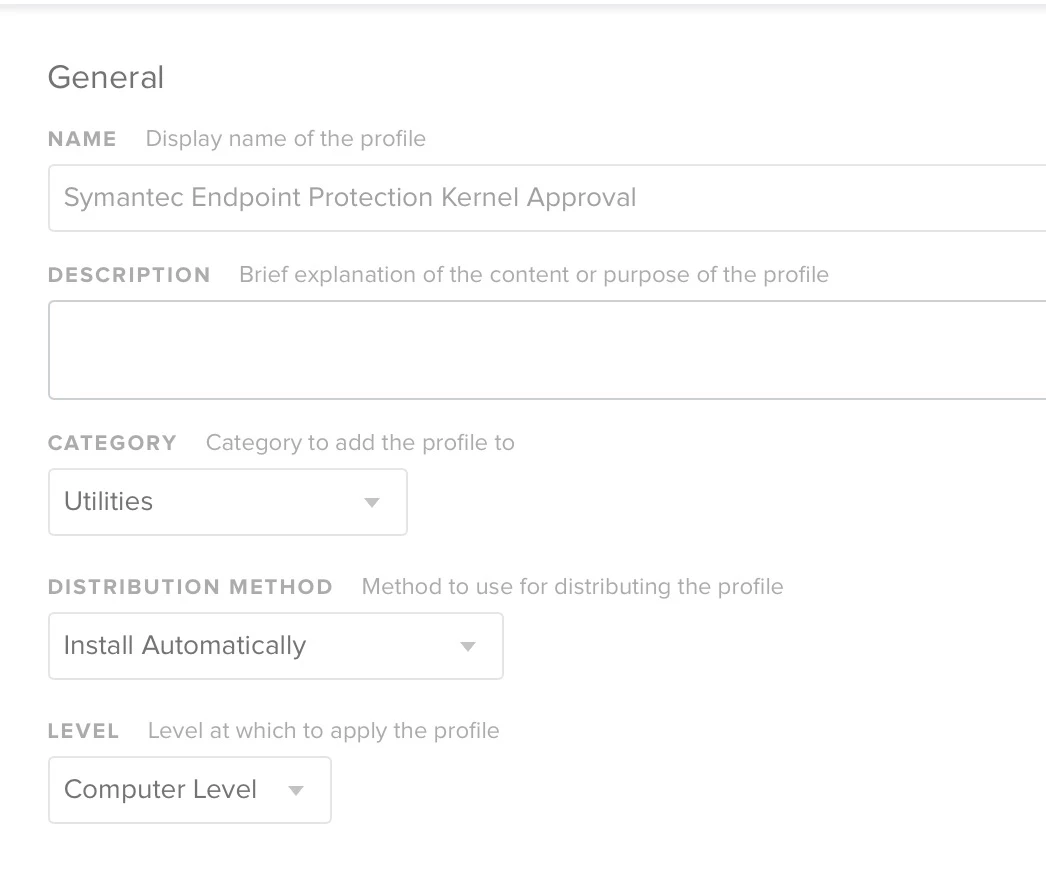
I tried creating the profile and used the following settings and it kernel panic'd my test machine.


I have no idea why.
I was able to resolve by booting into user account in safe mode and manually allowing the kexts is system prefs.
Also, does anyone know how to reset so that we get the "allow" button back in system prefs?
Thanks for any assistance.


Forum|alt.badge.img+7
  • Contributor
  • December 17, 2018

We spent a few days trying to get this to work with Sophos Endpoint (ie Cloud). Submitted a ticket to Sophos and got this link.

Advisory: Apple MacOS 10.13 High Sierra Support

Not sure why they won't submit their KEXTs to Apple. This makes administering 700+ iMacs a nightmare. Good thing this happened during Winter Break.


Forum|alt.badge.img+15
  • Valued Contributor
  • December 21, 2018

@SFRANCIS004 That is crazy! I was able to get this working for Palo Alto Traps. Before I set up the KEXT in Jamf I had to manually approve, now, Traps installs without any interaction on the remote device. I'm testing out Cisco Anyconnect next, however, I have issues with the pkg where it's not installing correctly. One thing at a time.


donmontalvo
Forum|alt.badge.img+36
  • Hall of Fame
  • December 24, 2018

Myea, race condition...might want to have a look at...

Jamf slays the dreaded enrollment race condition #kudos


Forum|alt.badge.img+6
  • Contributor
  • May 6, 2019

When the KEXT, can you separate them out into individual config profiles or do they have to have everything listed in a single config profile?


AVmcclint
Forum|alt.badge.img+21
  • Esteemed Contributor
  • May 6, 2019

@roethelbc I have a single config profile just for approved kexts. It is easy enough to add to it and push out as you encounter more that need to be approved.