Question

The macOS Catalina 10.15.1 Update (19B88) is live. It's the largest ever released at 4.49gb!

  • October 29, 2019
  • 12 replies
  • 63 views

Forum|alt.badge.img+20

10.15.1 is now live. Keep a close eye on the size as it weighs in at 4.49gb, the largest ever for a point release update.

The Mac may need up to 25gb (including the update) of free space available for the update. MacAdmins have already started to report issues when not having at least 20gb available.

https://mrmacintosh.com/whats-new-in-the-macos-catalina-10-15-1-update-19b88/

12 replies

Forum|alt.badge.img+8
  • Valued Contributor
  • October 29, 2019

Unfortunately the Release Notes don't note anything about the MAIL.app Issue as being resolved...

PSA: Apple Mail Bugs Can Lead to Data Loss in macOS Catalina


mhasman
Forum|alt.badge.img+22
  • Valued Contributor
  • October 30, 2019

Is there url to download the 10.15.1 update? As well as 10.14.6 Security 2019-001?


Forum|alt.badge.img+12
  • Valued Contributor
  • October 30, 2019

There's this:

Apple Support - macOS


mhasman
Forum|alt.badge.img+22
  • Valued Contributor
  • October 30, 2019

Here is 10.14.6 Security Update 2019-001:

https://support.apple.com/kb/DL2024?locale=en_US


stutz
Forum|alt.badge.img+5
  • Contributor
  • October 30, 2019

Anyone else having issues downloading 10.15.1 from the App Store or using installinstallmacos.py?


sdagley
Forum|alt.badge.img+25
  • Jamf Heroes
  • October 30, 2019

@stutz Not that it helps identify your failure, but I just successfully downloaded the 10.15.1 installer using installinstallmacos.py. (I'm using the September 27th version of the script)


Forum|alt.badge.img+2
  • New Contributor
  • October 31, 2019

We still have problems mit Jamf and Catalina. So after fresh install via internet recovery and controlled profiles with Jamf, the only thing that works, is the Wifi Profil and the Jamf Servicepage app. We miss the jamf verify and jamf connect on the clients, file vault activation is prompted after first lockout, but after password and restart, there is still no file vault active. And last but not least, no applications where rolled out in Catalina. With Mojave all works fine...
Does someone have a solution. We are using jamfcloud


stutz
Forum|alt.badge.img+5
  • Contributor
  • October 31, 2019

installinstallmacos.py version is 9/27.

I get the following error:

installer: The install failed (The Installer could not install the software because there was no software found to install.) Command '[u'/usr/sbin/installer', u'-pkg', u'./content/downloads/61/56/041-83630-A_8RCIBB415Y/7jqh3nh97ood2mjej7hdgpx7fgh5c3fi9g/041-83630.English.dist', u'-target', '/private/tmp/dmg.866P5N']' returned non-zero exit status 1 Product installation failed.

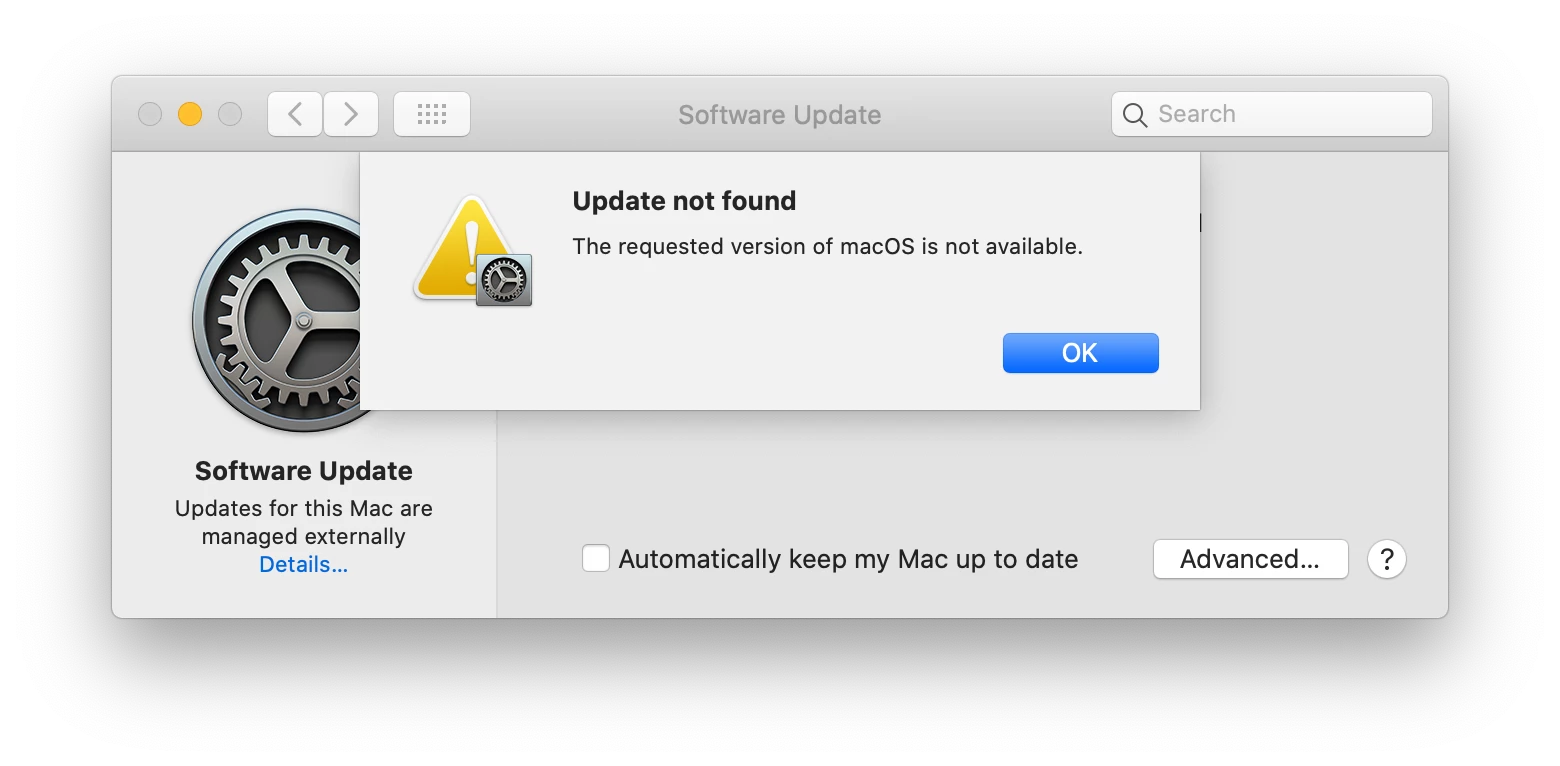
When I use the App Store I get:

The weird thing is it's happening on different machines connected to different networks.


Forum|alt.badge.img+11
  • Valued Contributor
  • October 31, 2019

@stutz Are your devices pointing at an internal software update server?


Forum|alt.badge.img+8
  • Valued Contributor
  • October 31, 2019

Why are you all want to upgrade to Catalina (?) especially with the MAIL.app Bug still present in 10.15.1
that loses Data when Exchange + IMAP Accounts are being used...


Forum|alt.badge.img+13
  • Contributor
  • October 31, 2019

@H3144-IT

  1. We don't use the Mail.app.
  2. We're pilot-testing Catalina to get ready to update the fleet. We won't be upgrading until we're ready.
  3. I would guess the majority of JAMF Nation forum users are not on Catalina yet. I've got it on 4 of 560 computers.
  4. You'll get more discussion about your mail.app issue in a separate discussion topic, it's not really what this one is about.

Forum|alt.badge.img
  • New Contributor
  • November 6, 2019

Has anyone seen an issue with password requirement help popup displaying requirements in different language?
We have this issue, several password requirements are pushed via Jamf Policy (Passcode payload); when changing the password, and not meeting the criteria, criteria are displayed in (most probably) Hebrew (which unfortunately is useless for us, system language being English or Swedish).
Tested this on Mojave, Catalina 10.15.0 => no problem; only Catalina 10.15.1.