
Question

The MUT cannot authenticate to server

  • November 5, 2019
  • 3 replies
  • 20 views

Forum|alt.badge.img+4

I am hoping @mlev or any f
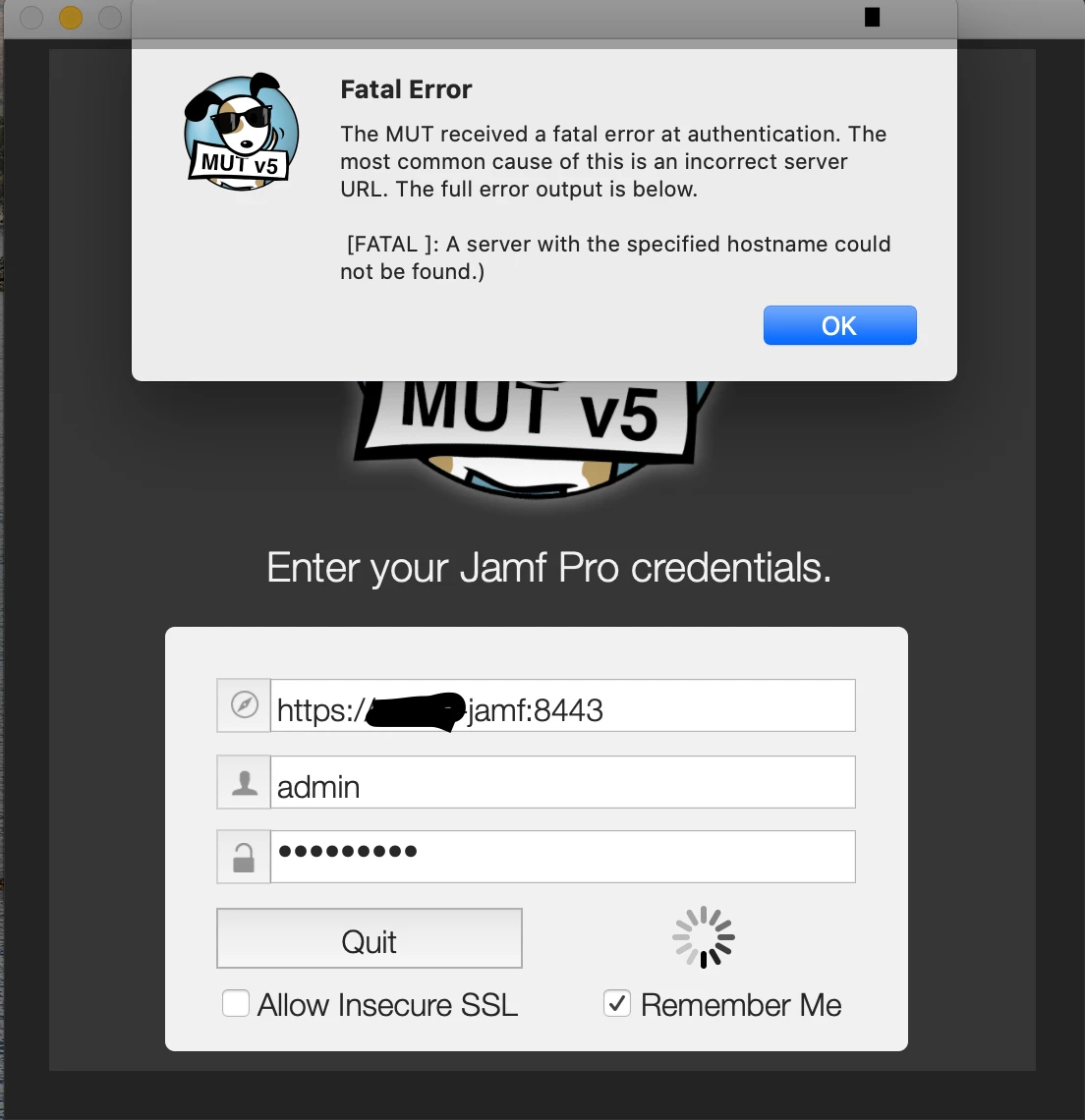
ellow MUT users will see this! I have been using MUT for years but just recently I am getting a fatal error when trying to authenticate to our on-prem JSS that says the server with the specified hostname cannot be found. Our server name hasn't changed in years and this error has just started occurring after migrating my work station to a new MacBook pro.

Has anyone seen this and/or is able to assist?

Thanks!

3 replies

Forum|alt.badge.img+13
  • Contributor
  • November 5, 2019

I have Allow Insecure SSL checked. Tried that?

Slash after the port / ?


sdagley
Forum|alt.badge.img+25
  • Jamf Heroes
  • November 5, 2019

@jmichels It looks like you're not using a Fully Qualified Domain Name (FQDN) for the address of your server (e.g. https://myjamfserver:8443 instead of https://myjamfserver.mycompany.com:8443). Your old Mac may have had a search domain defined that matched the domain your server is on, but the new one might not. Try using the FQDN and see if that works.


Forum|alt.badge.img+10
  • Contributor
  • November 22, 2019

You could also try just using the IP address. You'd likely need to allow insecure SSL for that, as your SSL cert won't match the IP, but you should be able to get in. I highly recommend using FQDN over hostname or IP address though.