Question

Unix script for opening a log in items in the macbook through terminal

  • July 21, 2017
  • 2 replies
  • 1 view

Forum|alt.badge.img+1

open -b com.apple.systempreferences /System/Library/PreferencePanes/ParentalControls.prefpane
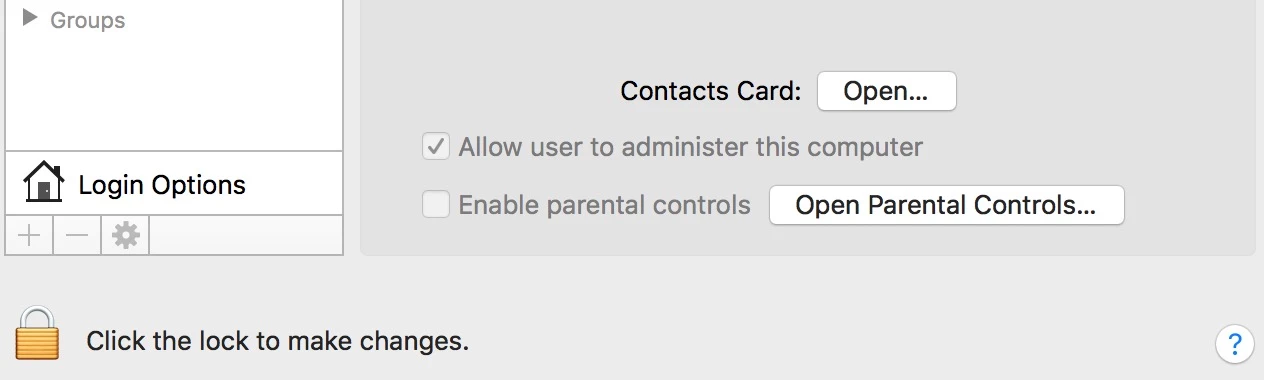
When I run this script in the terminal it is entering in to a parental control .
like that way i want to open a users & groups in that i want Loginitems is their any script to open directly this loginitems?

2 replies

Forum|alt.badge.img+5
  • New Contributor
  • July 21, 2017

I don't fully understand why you want to help users opening the Login items.
If you goal is to help (or manage) users to open specific apps/files I suggest to look at the tools outset and dockutil. They work great in combination.

I am a supporter to help users finding app's (by filling the Dock) but I am no fan to manage users to auto-start some apps.
Or is a loginhook what you are looking for? I strongly suggest to use it only for background tasks, not for starting Apps.


Forum|alt.badge.img+8
  • Contributor
  • July 24, 2017

try >sudo open -b com.apple.systempreferences /System/Library/PreferencePanes/Accounts.prefPane