Question

What scripts and helpdesk tools do you use with self service?

  • January 31, 2019
  • 130 replies
  • 787 views

Show first post

130 replies

Forum|alt.badge.img+4
  • Contributor
  • August 27, 2019

@Naren What does your toolbox maintenance policy do exactly?


Forum|alt.badge.img+5
  • Contributor
  • August 27, 2019

Hi

What key-chain reset script are you people using?

Thanks!!


scottb
Forum|alt.badge.img+18
  • Valued Contributor
  • August 27, 2019

@PE2000 - here's one that nukes the local keychain:

#!/bin/bash

## Placed by me

#current_user=finger -s -l | grep Login | cut -c 8-25
if test -e /Users/$USER/library/keychains/????????-????-????-????-????????????; then
    echo "Local Items keychain found"
    rm -rf /Users/$USER/library/keychains/????????-????-????-????-????????????
else
    echo "No local items keychain found"
    exit 1
fi

Forum|alt.badge.img+13
  • Valued Contributor
  • October 23, 2019

Could anyone share what they use for the reset or Fix Keychain scripts? I just started my jump start and am building out self service. Any tips or suggestions are welcome.


ImAMacGuy
Forum|alt.badge.img+23
  • Esteemed Contributor
  • October 23, 2019

@scottb where is the

$USER
coming from?


Forum|alt.badge.img+7
  • New Contributor
  • February 26, 2020

@emily Can you possibly share the Gatekeeper script or the link where you got the Gatekeeper script? We have devs that would need that sometimes. As long as it is approved by our security first. Thanks.


Forum|alt.badge.img+16
  • Valued Contributor
  • February 26, 2020

Forum|alt.badge.img+5
  • Contributor
  • February 28, 2020

@wildfrog

How does "Allow Printer Administration" policy work?

Thanks


atomczynski11
Forum|alt.badge.img+18
  • Jamf Heroes
  • February 28, 2020

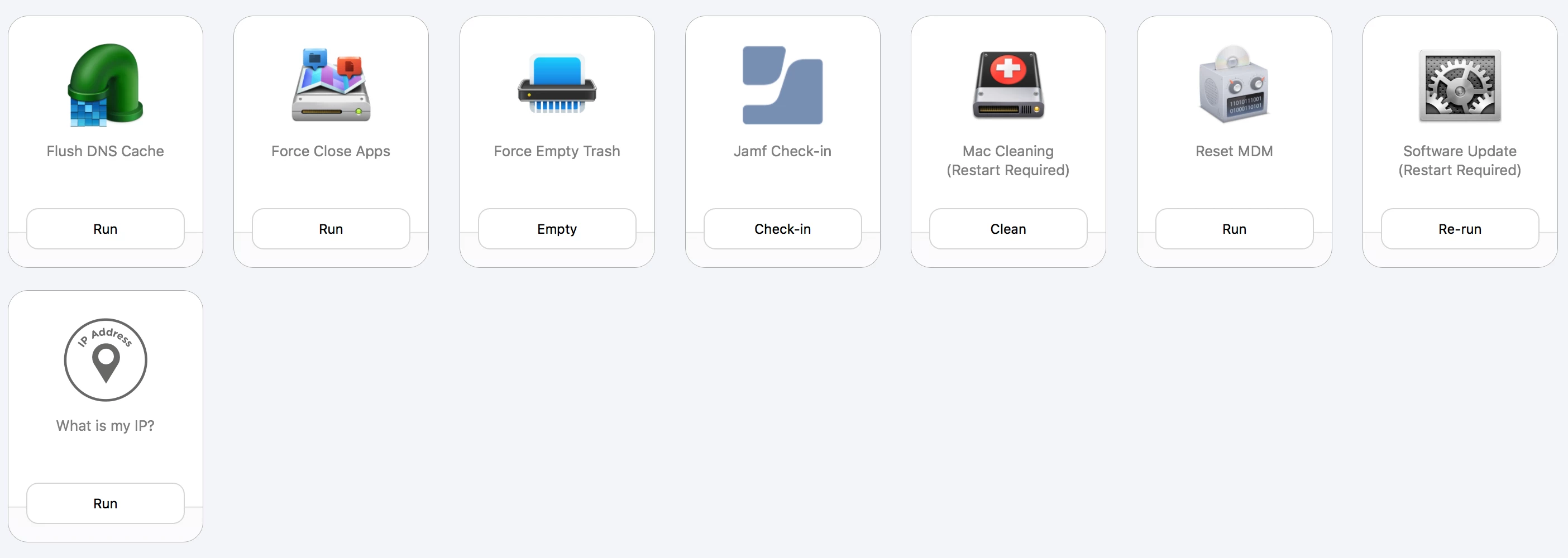
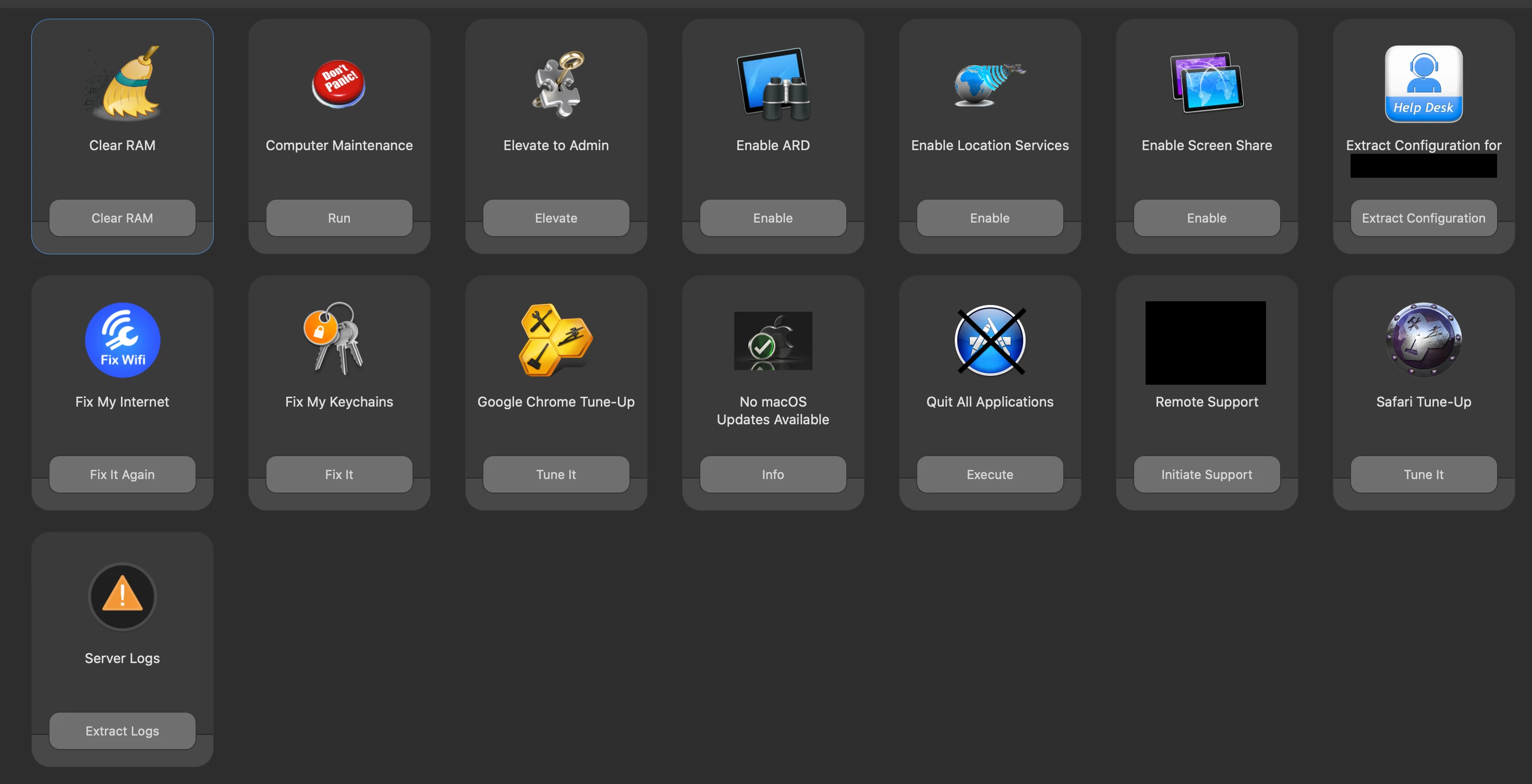
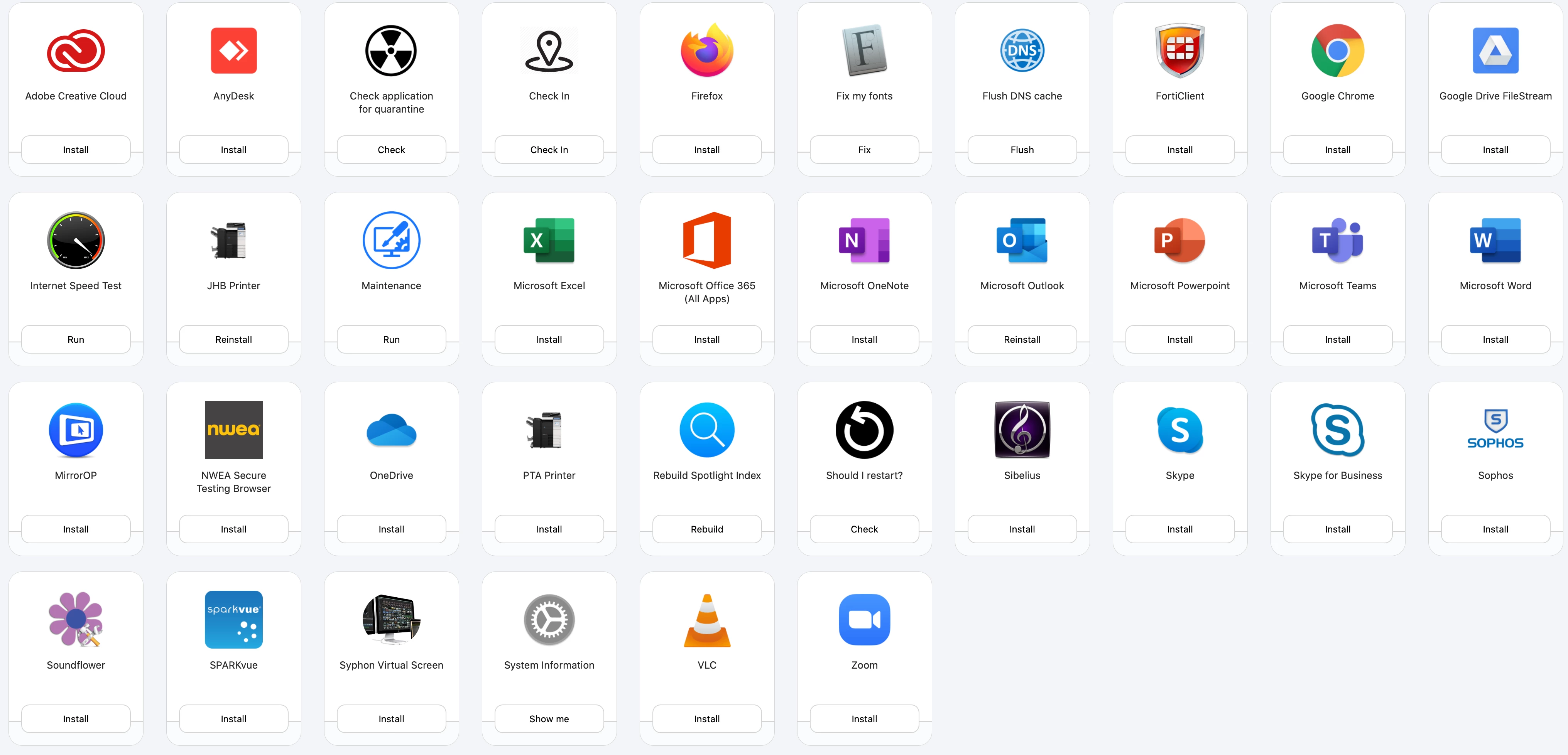
Lots of pretty icons.

Can someone post their scripts or links to:

Optimize My Mac

Allow Printer Administration

Reset NVRAM

Computer Maintenance

Display Computer Information

Collect Diagnostic Logs

Optimize My Computer

... Toolbox Maintenance


Forum|alt.badge.img+5

Thanks to all the posts above, this is what is set up in my environment!


Forum|alt.badge.img+6
  • Contributor
  • June 7, 2020

@emily Hello, What does your fix parental control policy do? I have found some issues after getting some computers off AD.


Forum|alt.badge.img+4
  • Contributor
  • June 8, 2020

@fernandez.payen if possible can you please share the script for Screen sharing and also please what dose Remote Support dose in Self service ?

thanks a lot in advance


Forum|alt.badge.img+5

@Santosh

#!/bin/sh

sudo defaults write /var/db/launchd.db/com.apple.launchd/overrides.plist com.apple.screensharing -dict Disabled -bool false
sudo launchctl load -w /System/Library/LaunchDaemons/com.apple.screensharing.plist

/usr/sbin/dseditgroup -o edit -a (ADMIN_ACCOUNT) -t user com.apple.access_ssh

Remote Support installs a QuickSupport application and launches it. Also provides a prompt telling the user to provide the ID and password to IT to authorize the remote session.


Forum|alt.badge.img+2
  • New Contributor
  • June 10, 2020

@fernandez.payen Could you share the script for Google chrome clean up?


Forum|alt.badge.img+5

@GabeDevOps

#!/bin/sh

# # # # # # # # # # # # # # # # # # # # # # # # # # # # # # # # # # # # # # # # # # # # # #
#
# ABOUT THIS SCRIPT
#
#       Written by: Fernandez Payen
#       Created on: April 24, 2020
# 
#       Purpose: Closes application "Google Chrome". Locates all cache 
#                and cookies directly from saved location on mac and
#                deletes them. Once completed, it relaunches Google Chrome.
#
#       IMPORTANT: Google Chrome must be downloaded and installed.
#
# # # # # # # # # # # # # # # # # # # # # # # # # # # # # # # # # # # # # # # # # # # # # #
#
# # # # # # # # # # # # # # # # # # # # # # # # # # # # # # # # # # # # # # # # # # # # # #
# USER VARIABLES
# # # # # # # # # # # # # # # # # # # # # # # # # # # # # # # # # # # # # # # # # # # # # #

# Get current user
CURRENT_USER=`ls -l /dev/console | awk '{ print $3 }'`


# # # # # # # # # # # # # # # # # # # # # # # # # # # # # # # # # # # # # # # # # # # # # #
# MAIN PROCESS
# # # # # # # # # # # # # # # # # # # # # # # # # # # # # # # # # # # # # # # # # # # # # #

# Close Google Chrome
killall "Google Chrome"

# Removes cache and cookies
rm -R /Users/$CURRENT_USER/Library/Application Support/Google/Chrome/Default/Cookies
rm -R /Users/$CURRENT_USER/Library/Caches/Google

# Relaunches Google Chrome
cd /Applications
open Google Chrome.app

Forum|alt.badge.img+4
  • Contributor
  • June 18, 2020

Where can you find those nice icons?


Forum|alt.badge.img+5

Forum|alt.badge.img+5
  • Contributor
  • June 27, 2020

@ neilrooney_old

Hi

How did you setup software update in self service?
on the back end?
many thanks!!!


Forum|alt.badge.img+3
  • New Contributor
  • July 21, 2020

This is mine. What does "Fix my internet" do? @fernandez.payen


Forum|alt.badge.img+16
  • Valued Contributor
  • July 21, 2020

@djquazzi Curious what your Maintenance, Internet Speed Test and Should I restart policies do?


Forum|alt.badge.img+31
  • Honored Contributor
  • July 22, 2020

Do any of you all have actual usage data on these policies? UX and adoption should be somewhat data driven though usage data. I am just curious because I am finding out my employees rarely use self service, or they don't use it at the rate I would expect. We do have a lot of automation in place though, so that is a factor for us.


Forum|alt.badge.img+3
  • New Contributor
  • July 22, 2020

@strayer
Maintenance

User caches, User Saved Application State, System Caches, Turns Off Open windows after login, Flush DNS, Restarts,

Internet Speed Test

https://github.com/danielnovello/Jamf/blob/master/speed_test.sh

Should I restart

If machine has been up for X days, inform and restart

https://github.com/danielnovello/Jamf/blob/master/should_I_restart.sh


Forum|alt.badge.img+10
  • Valued Contributor
  • July 22, 2020

@tlarkin I wish jamf would make it easier to get stats from Self Service for the exact same reasons. We seem to maintain a lot of Sefl Service items but find users are fairly ignorant to it.


DBrowning
Forum|alt.badge.img+25
  • Esteemed Contributor
  • July 22, 2020

@tlarkin We used to require login to SS. I would then capture the AccessLogs in splunk. That was when we had an On-Prem JSS. Now that we are cloud, we've lost access to that kind of data.


Forum|alt.badge.img+31
  • Honored Contributor
  • July 22, 2020

We ship policy webhooks to our data platform, and self service is barely used at my Org. If people want an app they typically just go download it. They also want IT to just patch it. Looking at the data by policy ID (since jamf does not include self service == True/False in the hook) it is very low for the total number of policies ran. To give context though, we actively try to patch non running apps at every check in. So, obviously the automation is going to run a lot more than self service, but the number of self service policy execution is very low.