Question

What scripts and helpdesk tools do you use with self service?

  • January 31, 2019
  • 130 replies
  • 766 views

Show first post

130 replies

chris_kemp
Forum|alt.badge.img+20
  • Jamf Heroes
  • October 16, 2023

Interesting thread. In my experience you have to make efforts to educate your users about Self Service if you want them to use it; but once they know they start telling others about it (assuming you're giving them value with your tools, of course!). I don't see any competition with automation, actually SS is a great way to put automated tasks behind a single button. 

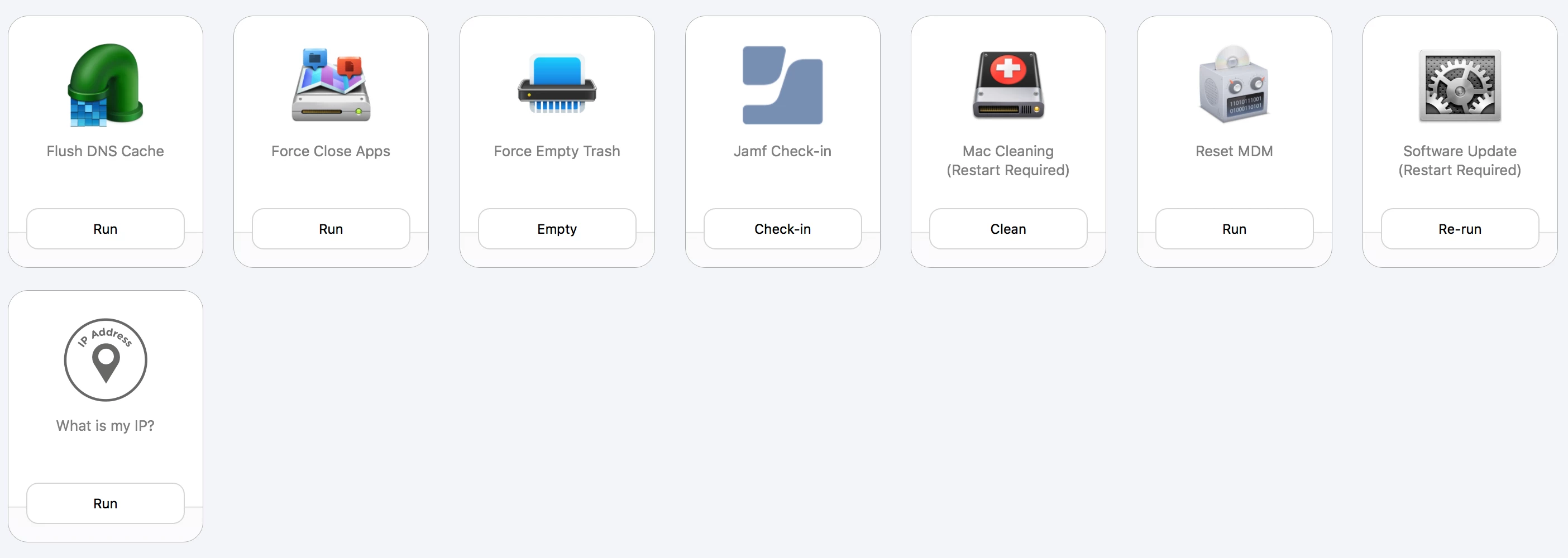
We don't use it to deploy our standard software, but we do have a few additional titles available (usually stuff that requires an additional chargeback), and we do publish rip-and-replace tools for reinstalling things (particularly useful if the uninstaller leaves behind a bunch of junk). For the most part it's fix tools. Work with your support desk to find out what their big call drivers are and see if you can build/acquire a tool around fixing it. 


dvasquez
Forum|alt.badge.img+16
  • Valued Contributor
  • October 17, 2023

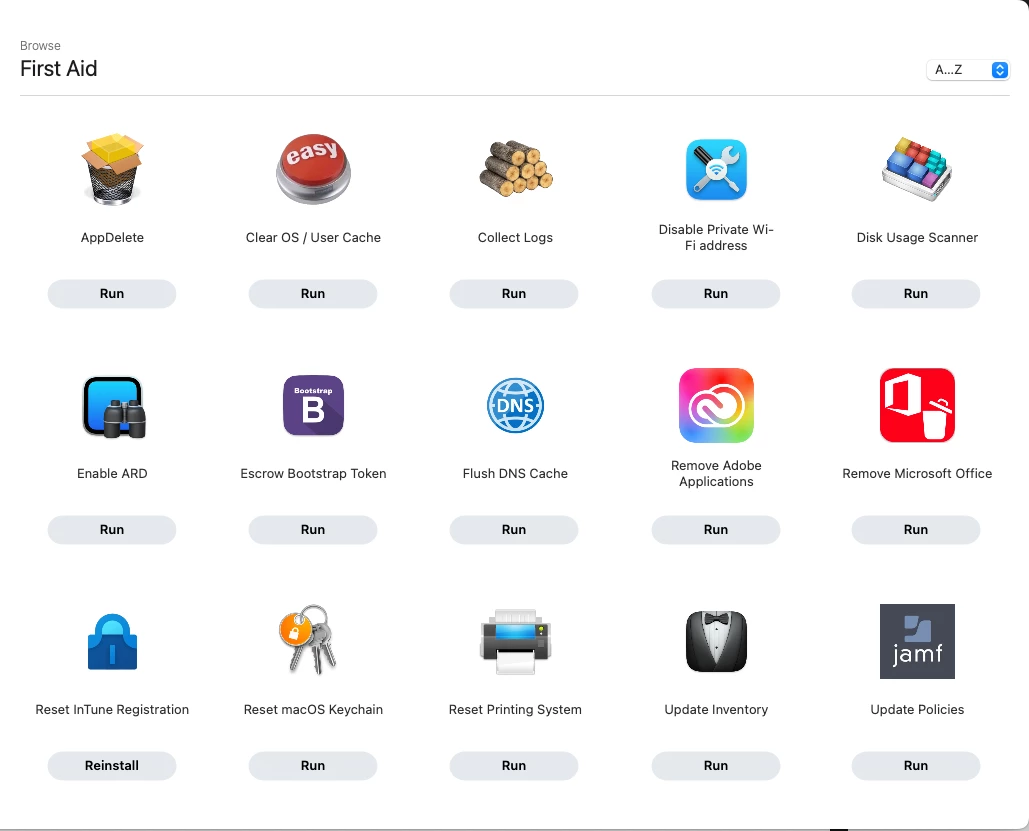
I really like the icons!


Ahadub
Forum|alt.badge.img+5
  • Contributor
  • September 6, 2024

For updating Adobe apps, found this one.  It will let the users pick which ones to update (all by default) incase there are holdouts who want the previous versions.

https://github.com/theahadub/sDrum 


Forum|alt.badge.img+9
  • Valued Contributor
  • December 10, 2024


This is what I have...always looking for more ideas to empower the users and stop the help desk tickets.


dvasquez
Forum|alt.badge.img+16
  • Valued Contributor
  • December 19, 2024

@kevinwilemon How do your Helpdesk folks log in to Self Service if there's no directory system for them to authenticate against? For policies that display the "This item is no longer available" message, have you looked in the policy log to see if anything was logged regarding the attempt to run? I've seen that behavior on policies that have actually run, and have a inventory update at the end of the policy so they go out of scope at the completion of the policy, which causes Self Service to display that message.


You can enable login. They can then use their local admin/user accounts in Jamf Pro.

You can also allow the use of self-service within their permission set.

We use a directory system but I believe this can be done regardless.