Question

Prestage Enrollment with Google Auth - can it populate the add user screen?

  • April 15, 2021
  • 3 replies
  • 49 views

Forum|alt.badge.img+3

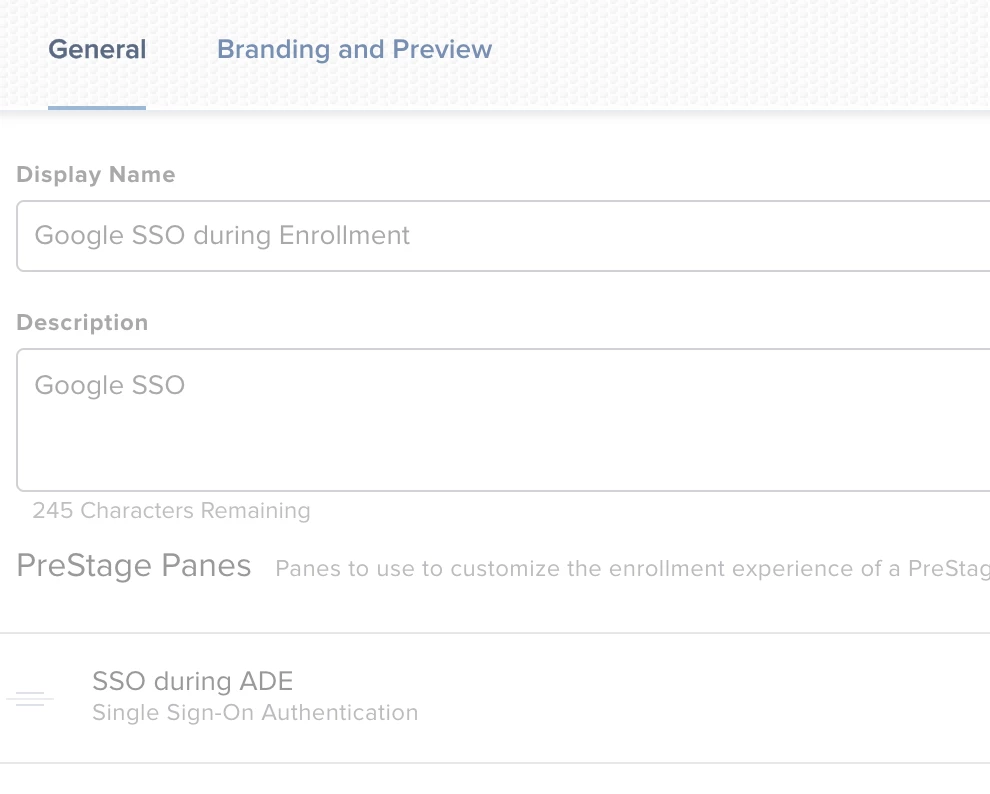
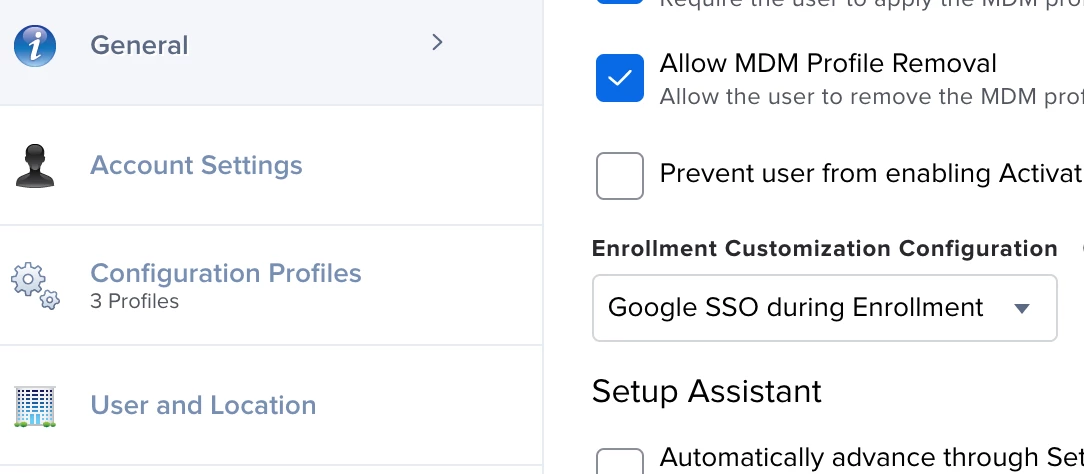
HI everyone - my Prestage Enrollment includes an Enrollment Customization Configuration wherein I have a PreStage Pane connected to my Google SAML App. I have a similar setup in JAMF School and the Setup Assistant > Add User fields are already populated and read-only.

Can JAMF Pro also do this? The guides seem to indicate that it can when using LDAP, but not seeing anything about Google SSO.

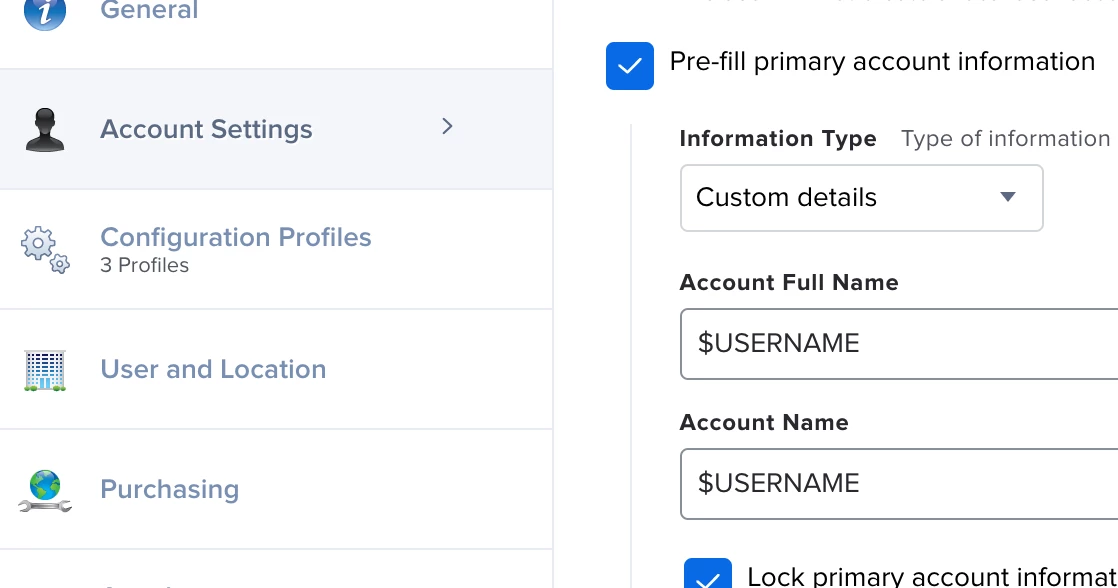
The Pre-fill primary account information box is checked, Custom Details selected and I've entered $USERNAME into the Account Full Name box and $USERNAME in the Account Name box

During Setup, the fields are not populated nor read only
3 replies

Bigmike
Forum|alt.badge.img+3
  • New Contributor
  • March 26, 2022

HI Jkraniak. did you manage to resolve this? I am in the same boat as you now. :-(


Forum|alt.badge.img+2
  • New Contributor
  • May 31, 2022

I have the same question. Would be really nice to have this!


Forum|alt.badge.img+3
  • Author
  • New Contributor
  • May 31, 2022

Although I abandoned this setup for other reasons, I do believe I got it to work after reading the following:


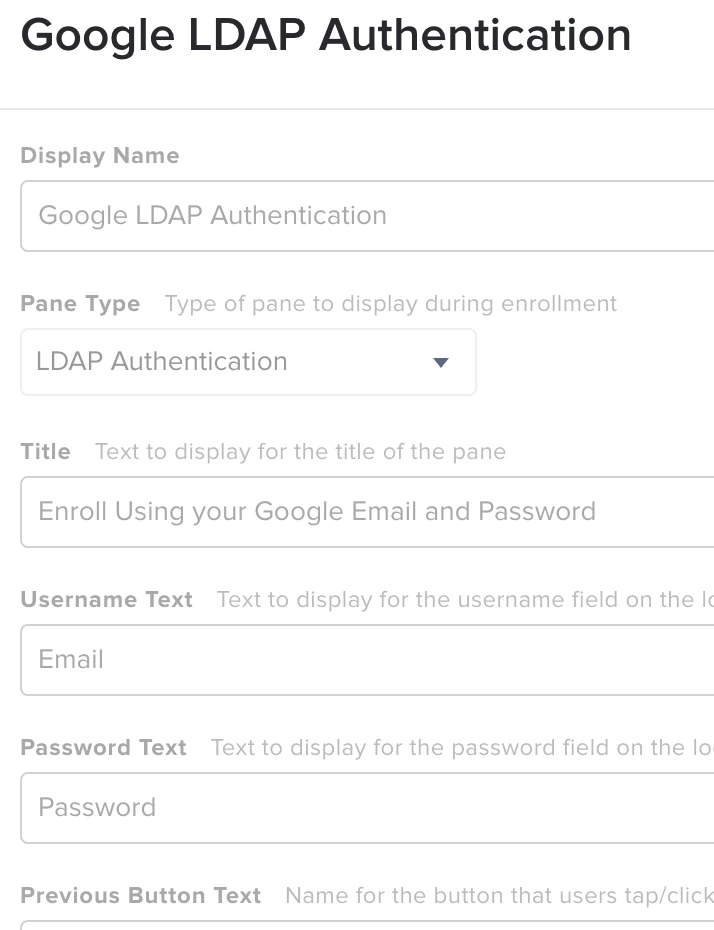
I then unchecked Require Authentication, created an Enrollment Customization that included a pane for Google LDAP Service (setup as a cloud identity in settings - see below) and added it to my pre-stage:


Screenshot of the PreStage Pane

Which is tied to:


Sorry if this is as clear as mud, but it's been a few months.  I remember being confused because although this is an LDAP connection, you don't add it to LDAP Servers in settings - rather you add it as a Cloud Identity Provider.  This is also one of those scenarios where you have to be smart naming all the pieces and parts, otherwise everything just looks like it's called Google Something Something such as in my case.