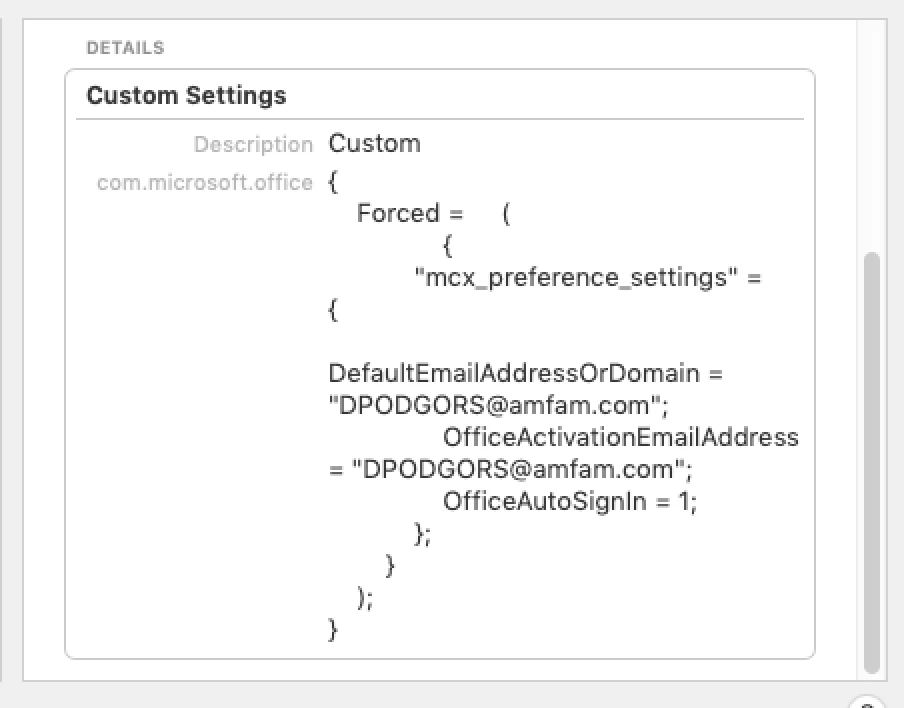
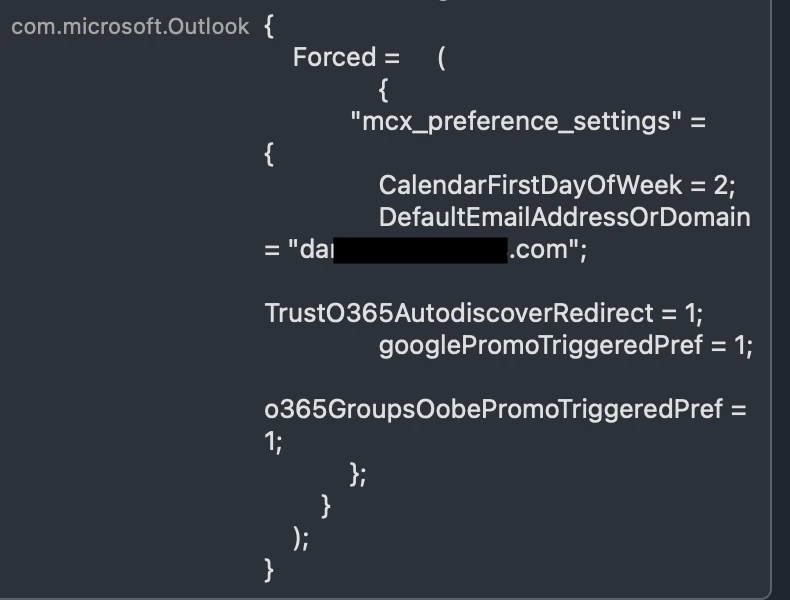
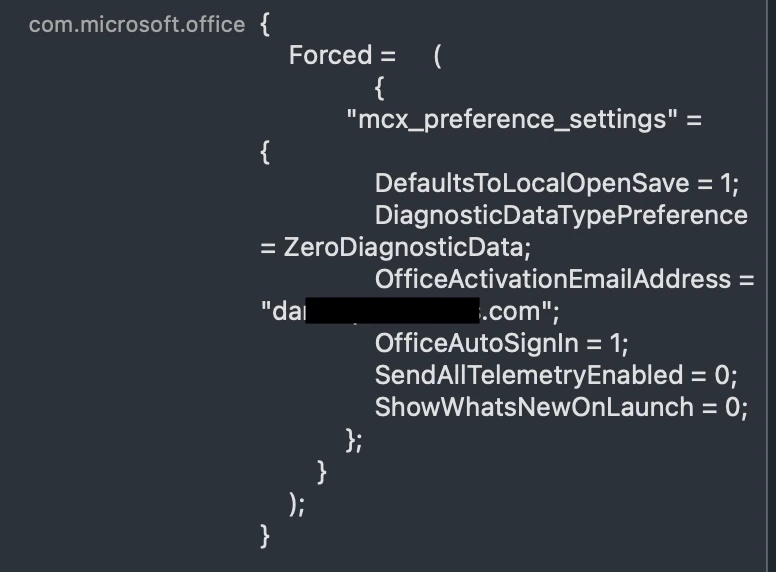
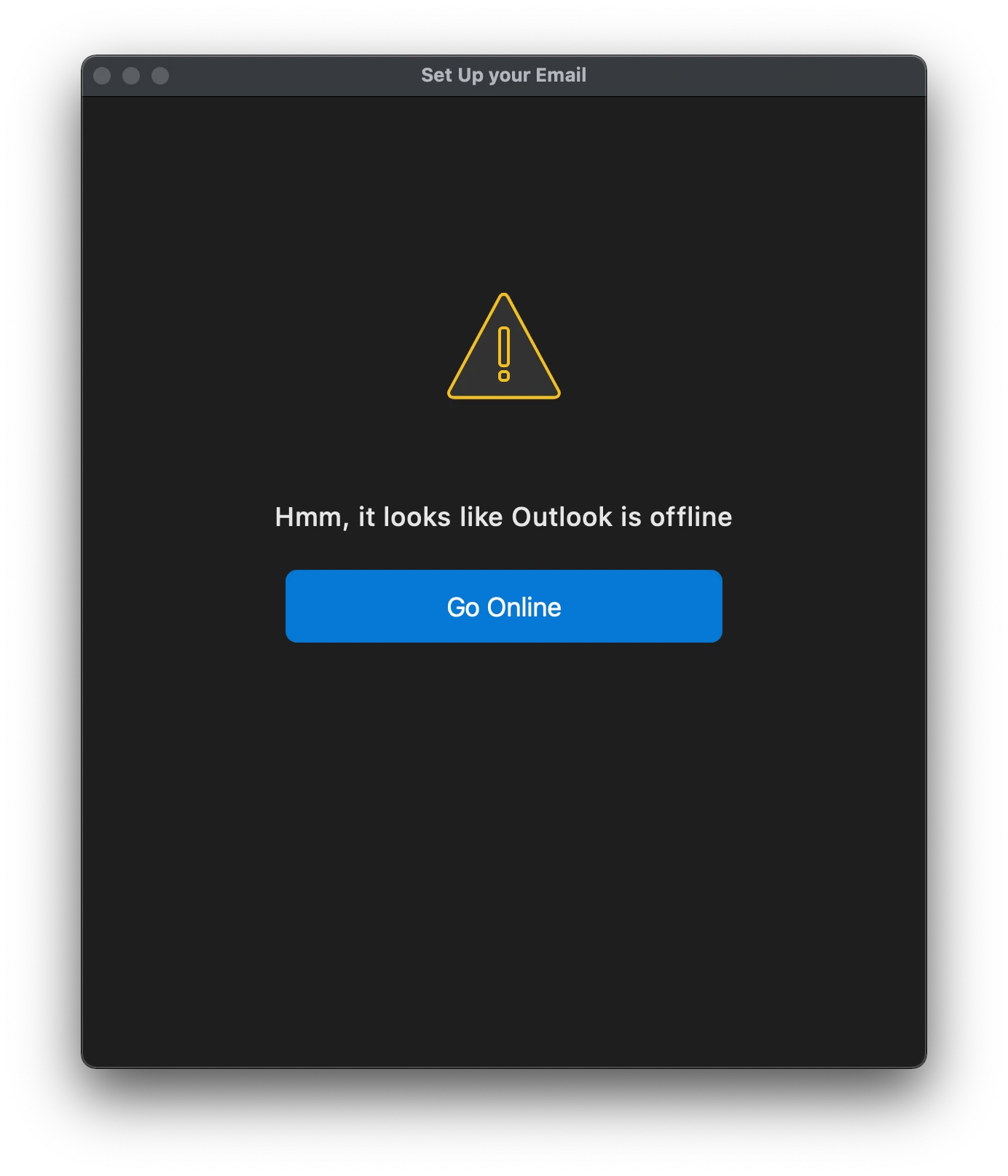
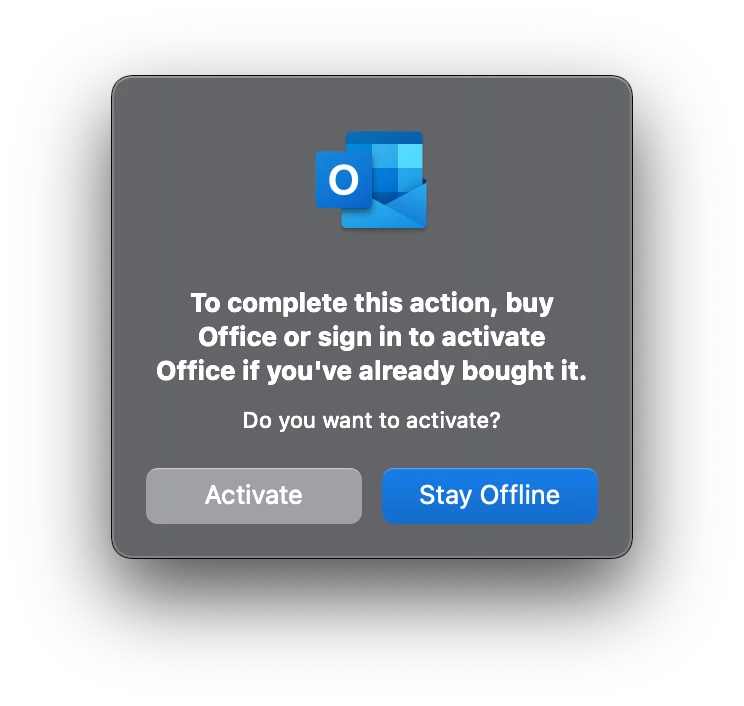
When we were using Office 2016/2019 with volume license, the first time in Outlook, the user would be presented with a "Setup your Email" Dialog box and they could follow the prompts.
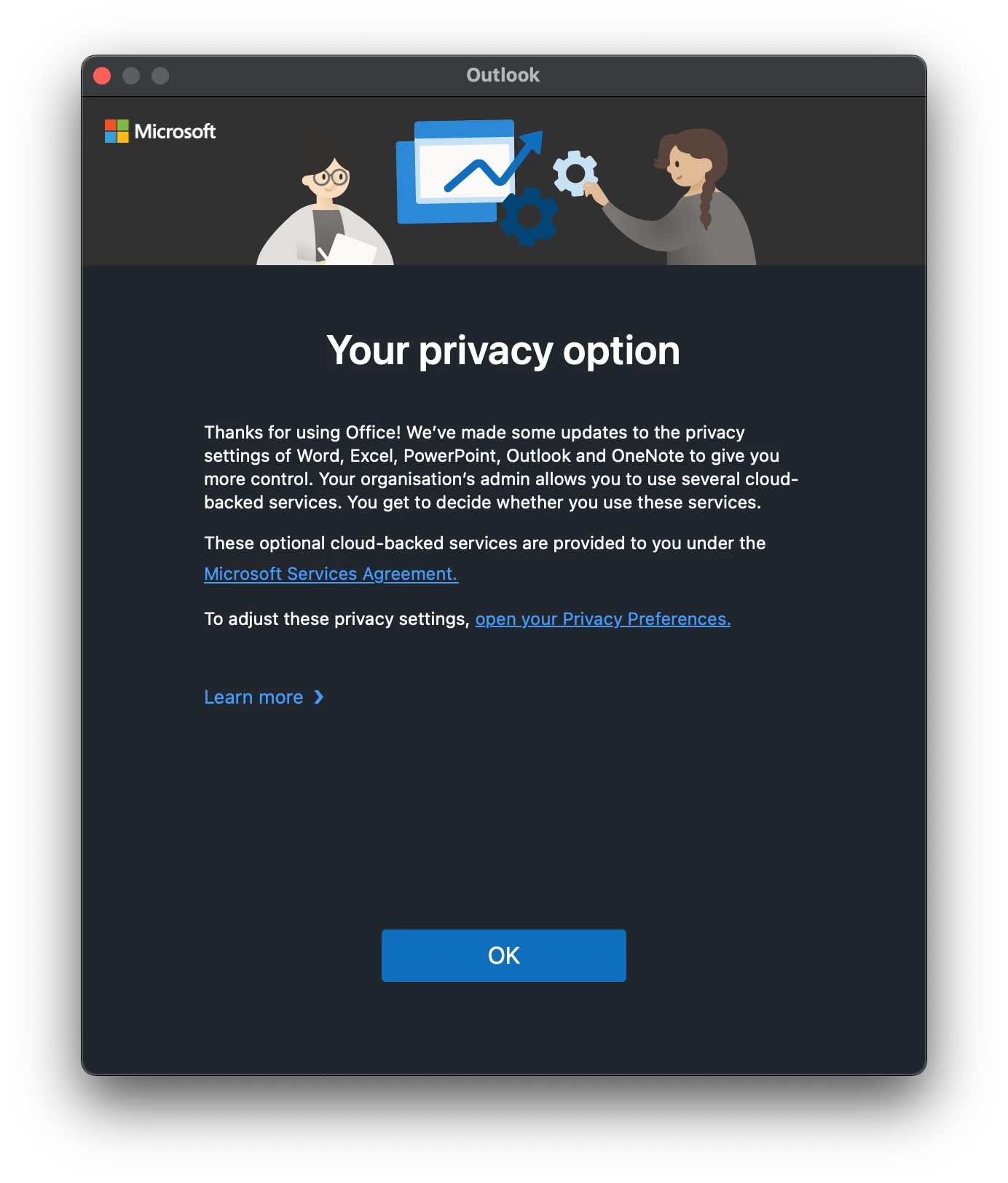
Now we are switching to O365 and installing Microsoft_Office-16.22.19021100_BusinessPro_Installer.pkg. Except first time in Outlook, we get nothing.
The user has to go to "Tools" and create the account, which is (I guess) too cumbersome for first time users.
I've tried the common solutions - SignInHelper and One Click (https://www.jamf.com/blog/help-users-activate-microsoft-office-365-and-configure-outlook-in-one-click/), but I get the same results. All we get is the "Help Us Improve Dialog".
Any thoughts?
Thanks