Question

Mojave and Self Service 10.7.1 not connecting

  • October 24, 2018
  • 7 replies
  • 54 views

Forum|alt.badge.img+20

anyone also not able to get into Self Service 10.7.1 with Mojave ??

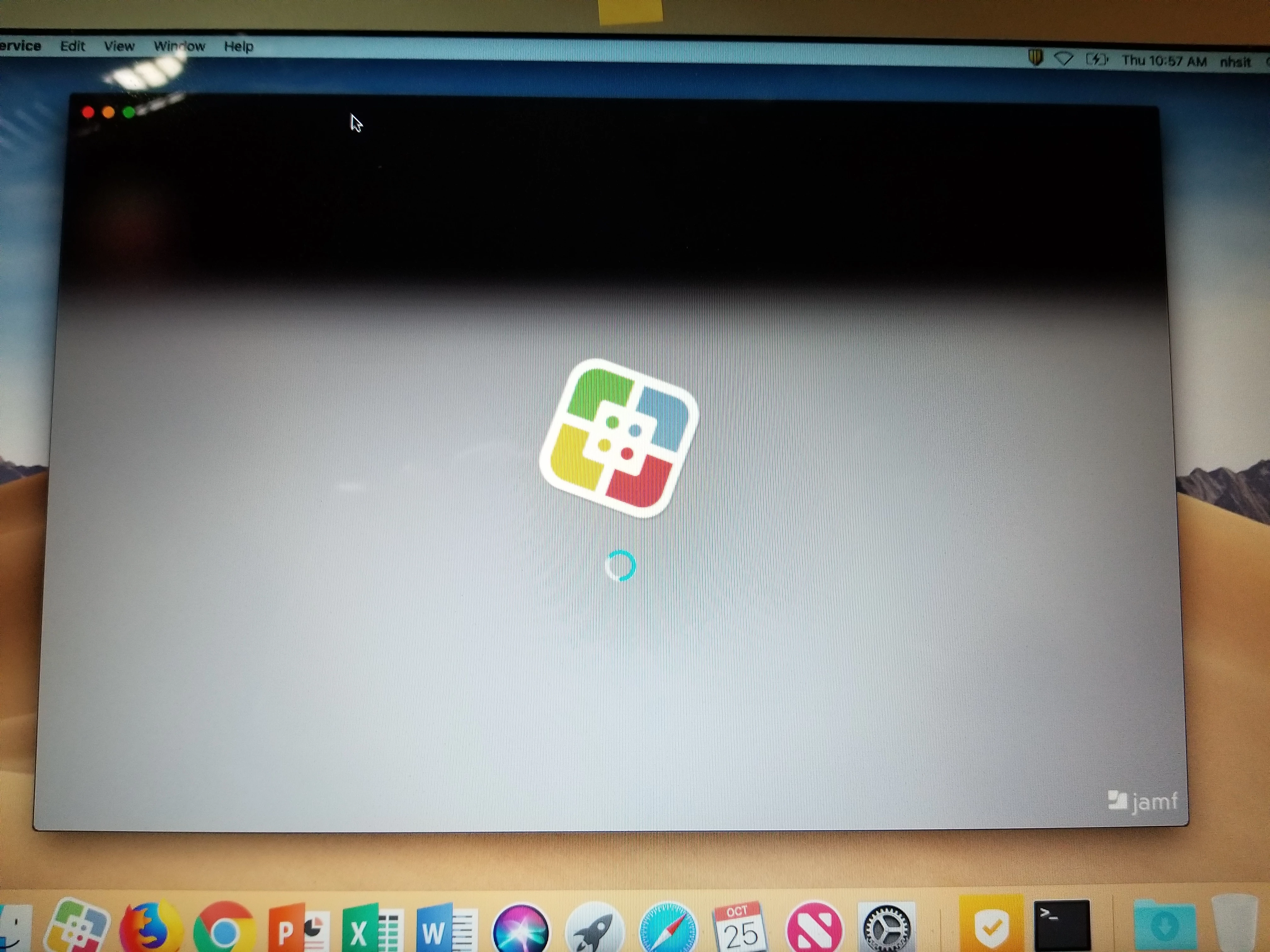
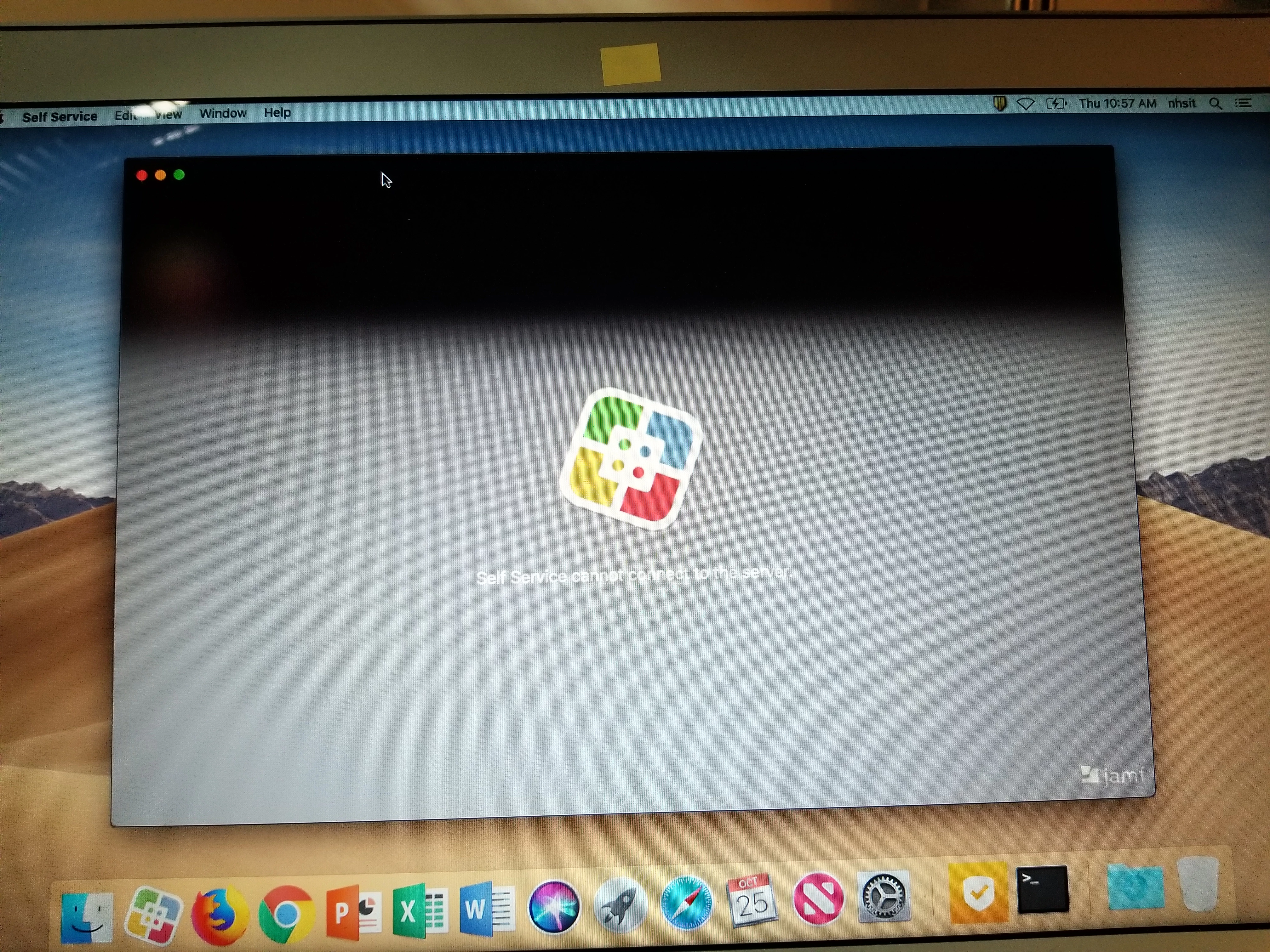
previously it was fine, was able to run self service policies, all of a sudden now getting 'self service cannot connect to the server'

7 replies

RobertHammen
Forum|alt.badge.img+29
  • Esteemed Contributor
  • October 24, 2018

Check ~/Library/Logs/JAMF/selfservice_debug.log

I had this issue with a user, and it wasn't trusting the JSS's cert, even though Safari did. After nuking any/all selfservice prefs and cache files/directories, and reopening it, it ended up that it started working after a restart.


Forum|alt.badge.img+20
  • Author
  • Contributor
  • October 25, 2018

@RobertHammen this worked the first time, self service opened up. after i quit self service and tried to open it again, i was back to the 'self service cannot connect to the server'.

so the first time 'self service' works i'm not going to have a user clear the log each time.

i can't even get to the https://casper.midget.edu:8443 -- that also can't connect to server

works fine from Sierra. having this issue with high sierra and mojave

seems to have all started when upgraded to 10.7.1 Jamf Pro


Forum|alt.badge.img+7
  • Contributor
  • October 25, 2018

Hello,

Its happening to us also. It disconnects once in a while and we have to re-connect by pressing the re-connect button on SS.


Forum|alt.badge.img+20
  • Author
  • Contributor
  • October 25, 2018

@aaelic24 what are you running, mojave or high sierra?

I don't see a 're-connect' button anywhere in SS. The 'VIEW' menu
has 'reload self service' but since i cannot connect to server it is greyed out.

check out the images


GeorgeCasper
Forum|alt.badge.img+4
  • Contributor
  • October 31, 2018

I saw this on a client's machine and then mine this afternoon. I had a co-worker try to log in and succeed, and then I tried again and succeeded. I grabbed the logs, which say:

[2018-10-31 14:09:31] Application successfully launched
[2018-10-31 14:09:32] registered for remote notifications
[2018-10-31 14:09:32] JSS Connectivity State change - state: negotiating, user: nil
[2018-10-31 14:10:32] JSS Connectivity State change - state: notActive, user: nil
[2018-10-31 14:14:58] Request: getJSSDeviceInfo
[2018-10-31 14:14:58] JSS Connectivity State change - state: negotiating, user: nil
[2018-10-31 14:14:58] JSS Connectivity State change - state: notActive, user: nil
[2018-10-31 14:15:00] Request: getJSSDeviceInfo
[2018-10-31 14:15:00] JSS Connectivity State change - state: negotiating, user: nil
[2018-10-31 14:15:00] JSS Connectivity State change - state: notActive, user: nil
[2018-10-31 14:15:03] Request: getJSSDeviceInfo
[2018-10-31 14:15:03] JSS Connectivity State change - state: negotiating, user: nil
[2018-10-31 14:15:03] JSS Connectivity State change - state: notActive, user: nil
[2018-10-31 14:15:09] Request: getJSSDeviceInfo
[2018-10-31 14:15:11] JSS Connectivity State change - state: negotiating, user: nil
[2018-10-31 14:15:11] JSS Connectivity State change - state: active, user: Optional("casper")
[2018-10-31 14:15:11] Request: updateDevicePushToken
[2018-10-31 14:15:11] user logged in: casper
[2018-10-31 14:18:16] Application successfully launched
[2018-10-31 14:18:17] registered for remote notifications
[2018-10-31 14:18:17] JSS Connectivity State change - state: negotiating, user: nil
[2018-10-31 14:18:17] JSS Connectivity State change - state: active, user: Optional("casper")
[2018-10-31 14:18:17] Request: updateDevicePushToken
[2018-10-31 14:18:17] user logged in: casper
[2018-10-31 14:18:17] Request: getJSSDeviceInfo
[2018-10-31 14:18:19] Request: getAppSettings

("casper" is in fact my username.) I and the co-worker are on 10.14; the client is on 10.13.6. We're running 10.7.1.


Forum|alt.badge.img+17
  • Valued Contributor
  • November 1, 2018

I saw this today, and in my case it was because the client computer's time was off. The other symptom was that the user couldn't log into his Outlook 365 webmail. The system clock was ahead by an hour and automatic date/time was turned off. We fixed that and it worked. Not sure if this is THE answer though.


Forum|alt.badge.img+2
  • New Contributor
  • November 25, 2019

We have the same issue that GeorgeCasper and we explain some more here below. No solution yet though:

https://www.jamf.com/jamf-nation/discussions/32187/specific-user-can-t-login-to-self-service