
Question

DisplayLink and using PPPC Utility to auto grant accessibility use

  • October 26, 2018
  • 3 replies
  • 39 views

Forum|alt.badge.img+5

Hey folks

So we have a new port replicator for USBC laptops that my company wants to be universal, to the extent that have packaged the drivers, realised it had kernel module so added them to our increasingly growing kext whitelist mdm but now wants user permission to the accessibility system for proper displaylink via airplay.
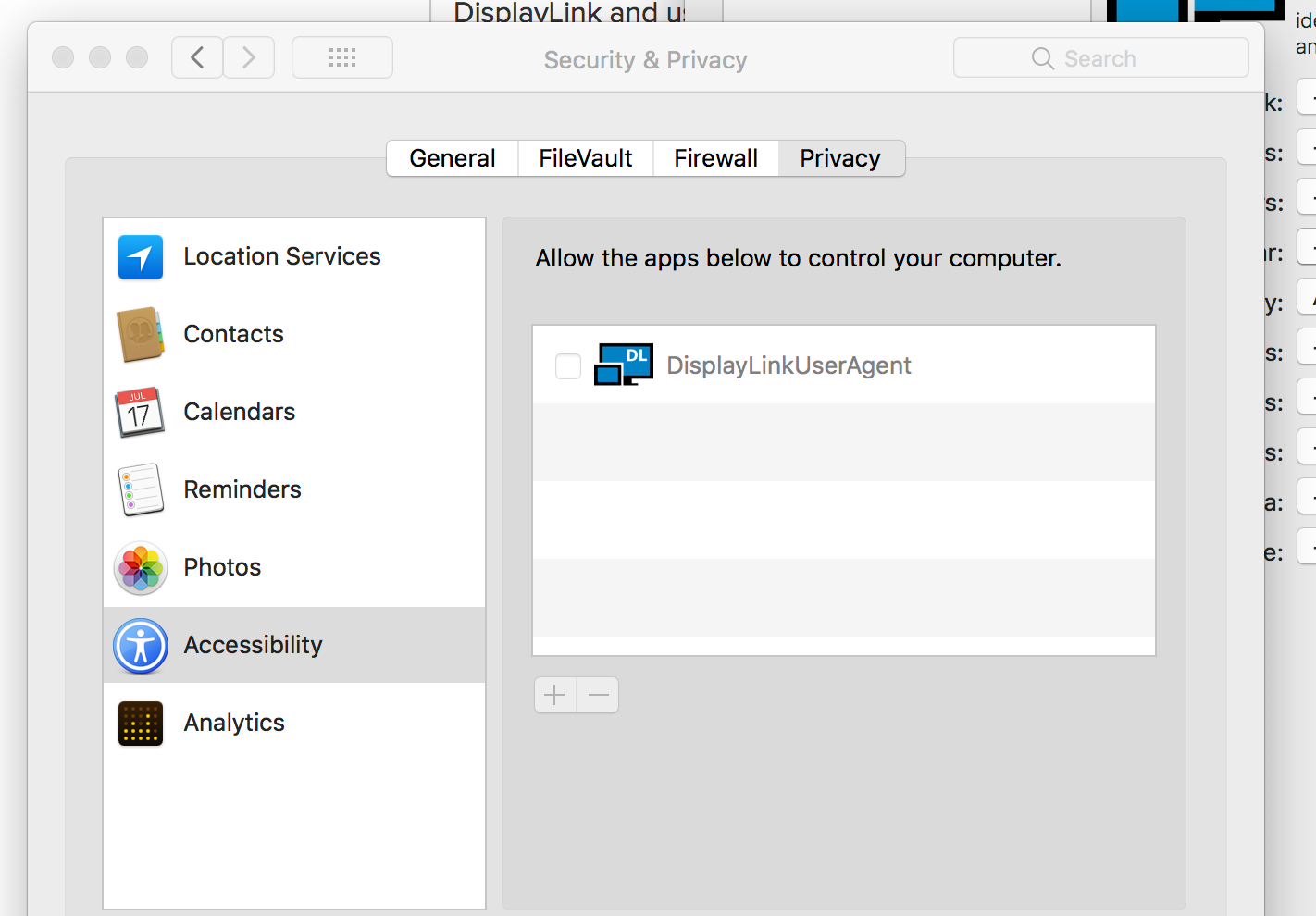
So using the PPPC utility i can quite happy just do a quick MDM has nothing else we have needs the user prvicy settings (yet) but i dont get the signing as im not a develoiper
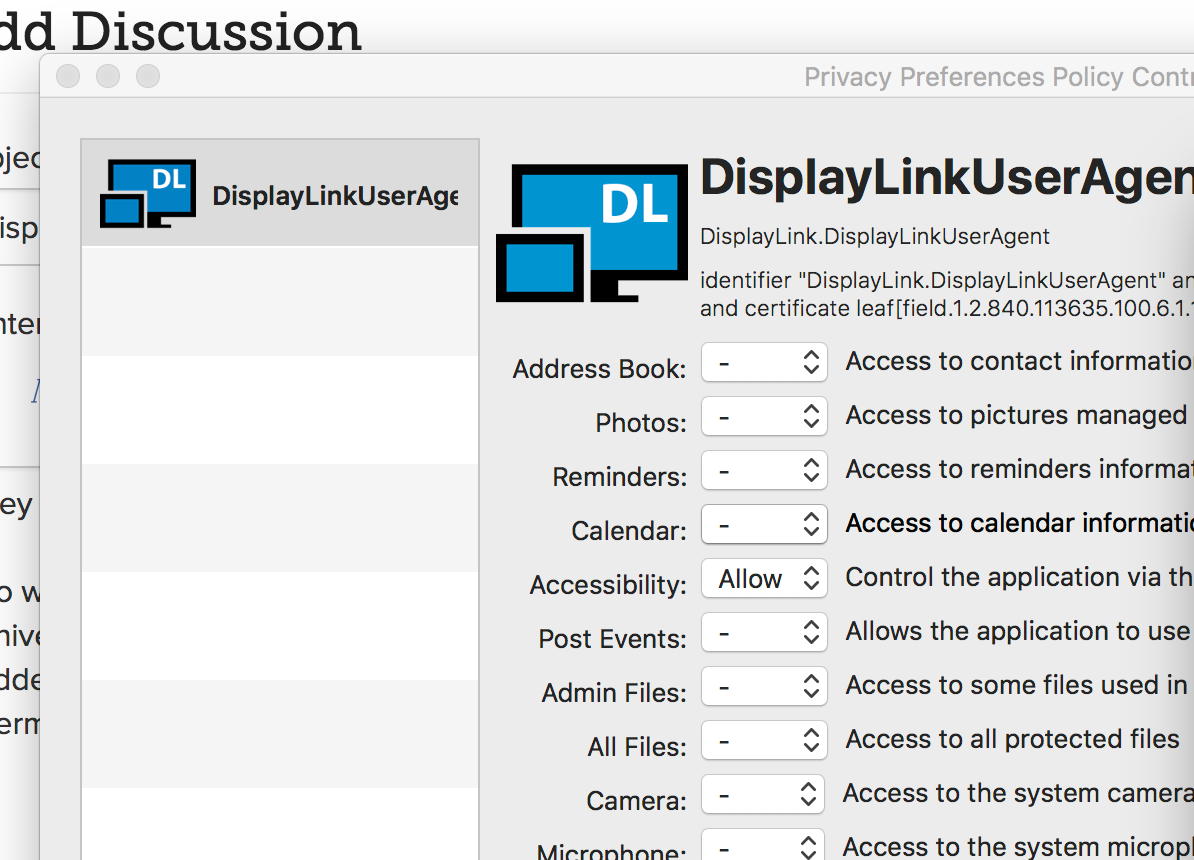
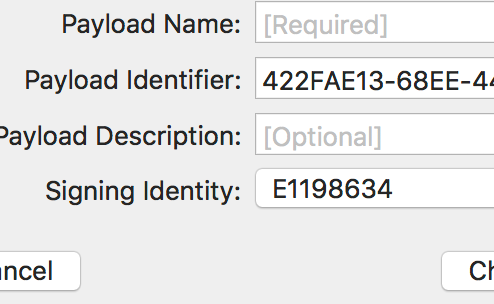
Do i need to wait until we upgrade to a point when signing, or is there a workaround to sign it locallty using jamf's sytem ahead of time??

3 replies

Forum|alt.badge.img+11
  • Valued Contributor
  • November 30, 2018

I can't answer your question, but I had a question for you. When using this, I assume it was successful and if so, will it check the box next to the App in Accessibility? Trying to get this to work for Google File Stream and MS Office Real Time Presence.

Thanks!

Mike


Forum|alt.badge.img+19
  • Contributor
  • November 30, 2018

You don't have to sign the profile if you are using Jamf Pro, as it will sign the profile when you upload it. Signing the profile might be necessary if you are distributing the profile outside of Configuration Profiles in Jamf.


Forum|alt.badge.img+15
  • Valued Contributor
  • November 30, 2018

@L-plateAdmin @Mike_Meyers in my experience, if you’re whitelisting anything with accessibility, you need to add an AppleEvent for your target app to control System Preferences. This “checks the box” for you.