I recently ran into this and figured I would post my solution as when I searched it there were zero results.
I was having issues getting Slack to install via Self Service and couldn't figure out why. Then I noticed a under Management for a specific Macbook the notice that it was stuck in a pending state.

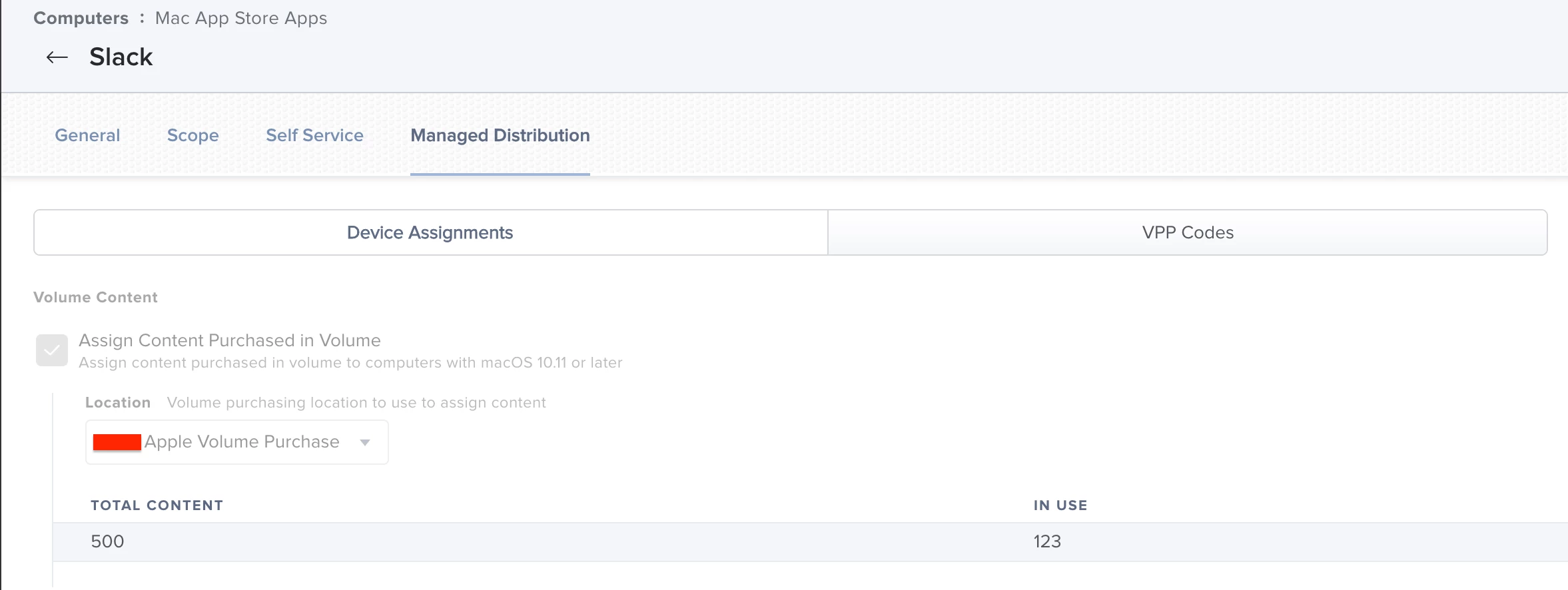
After looking further I found that the issue was within the Mac App Store App itself. Under Managed Distribution the Assign Content Purchased in Volume was unchecked. Once I checked it and set my Apple VPP as the purchasing location it started working right away.