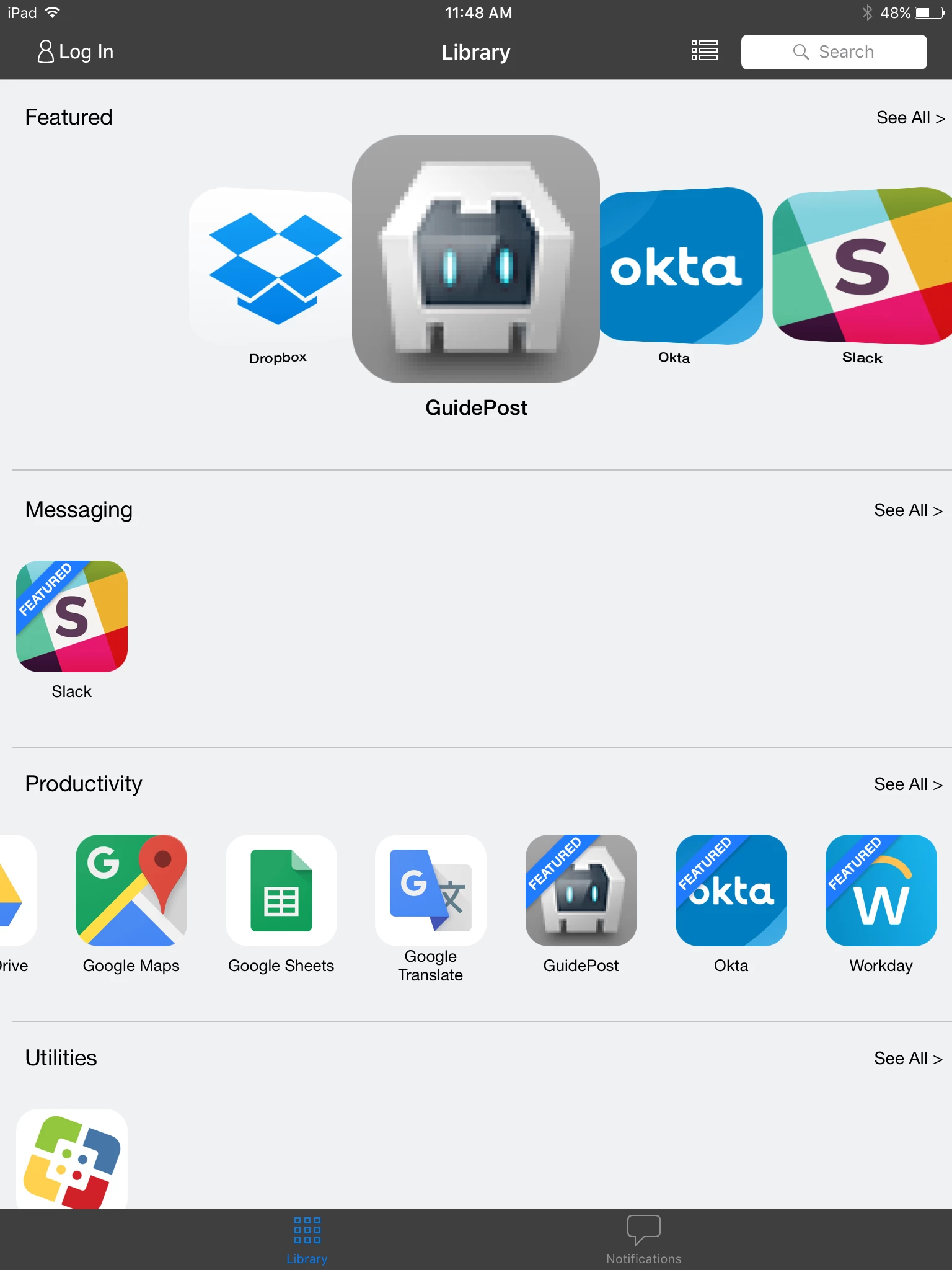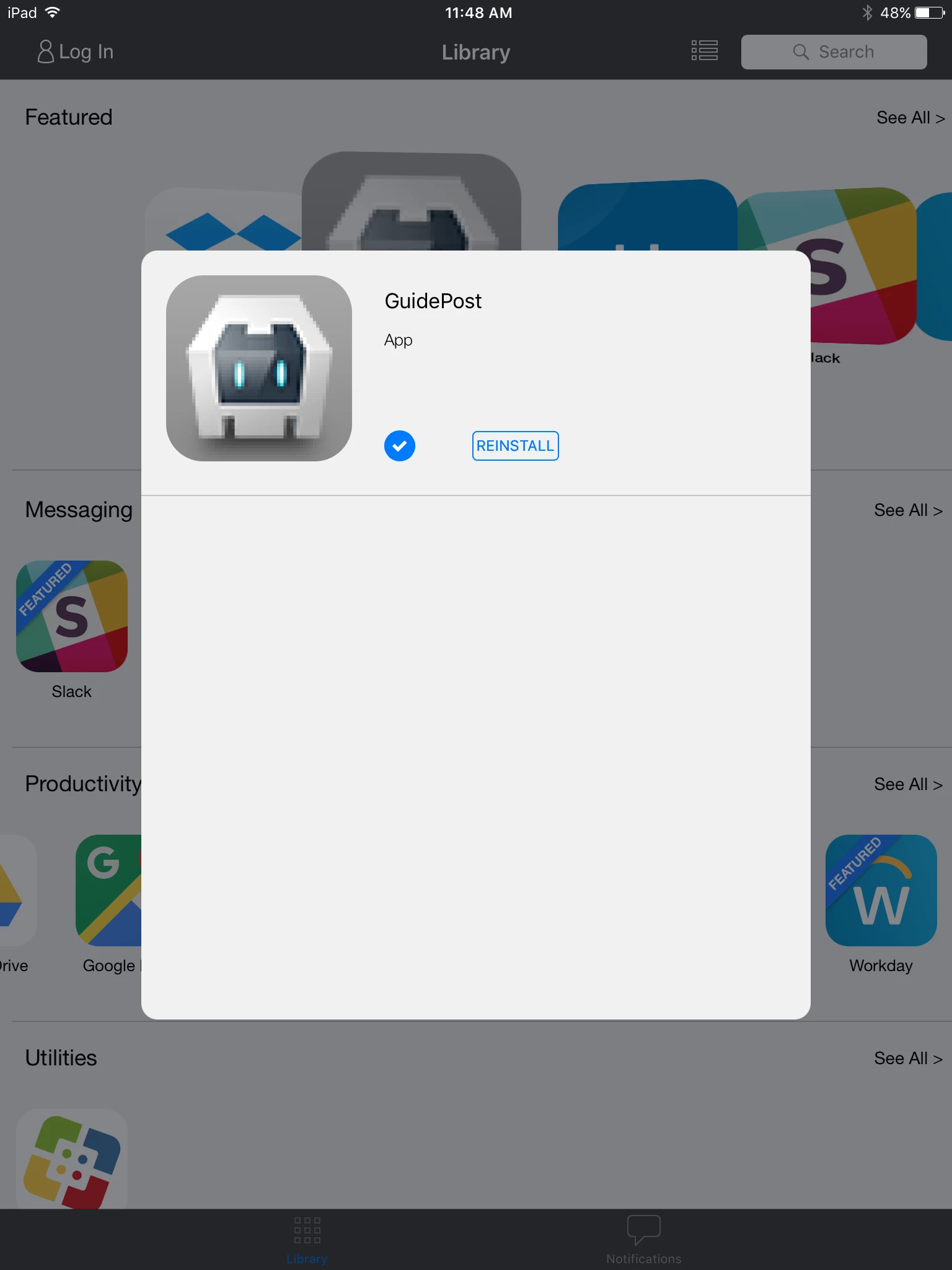

I am in the process of configuring an in-house app to deploy to our fleet of iOS devices within our organization. I would like to include this in-house app in Self Service.
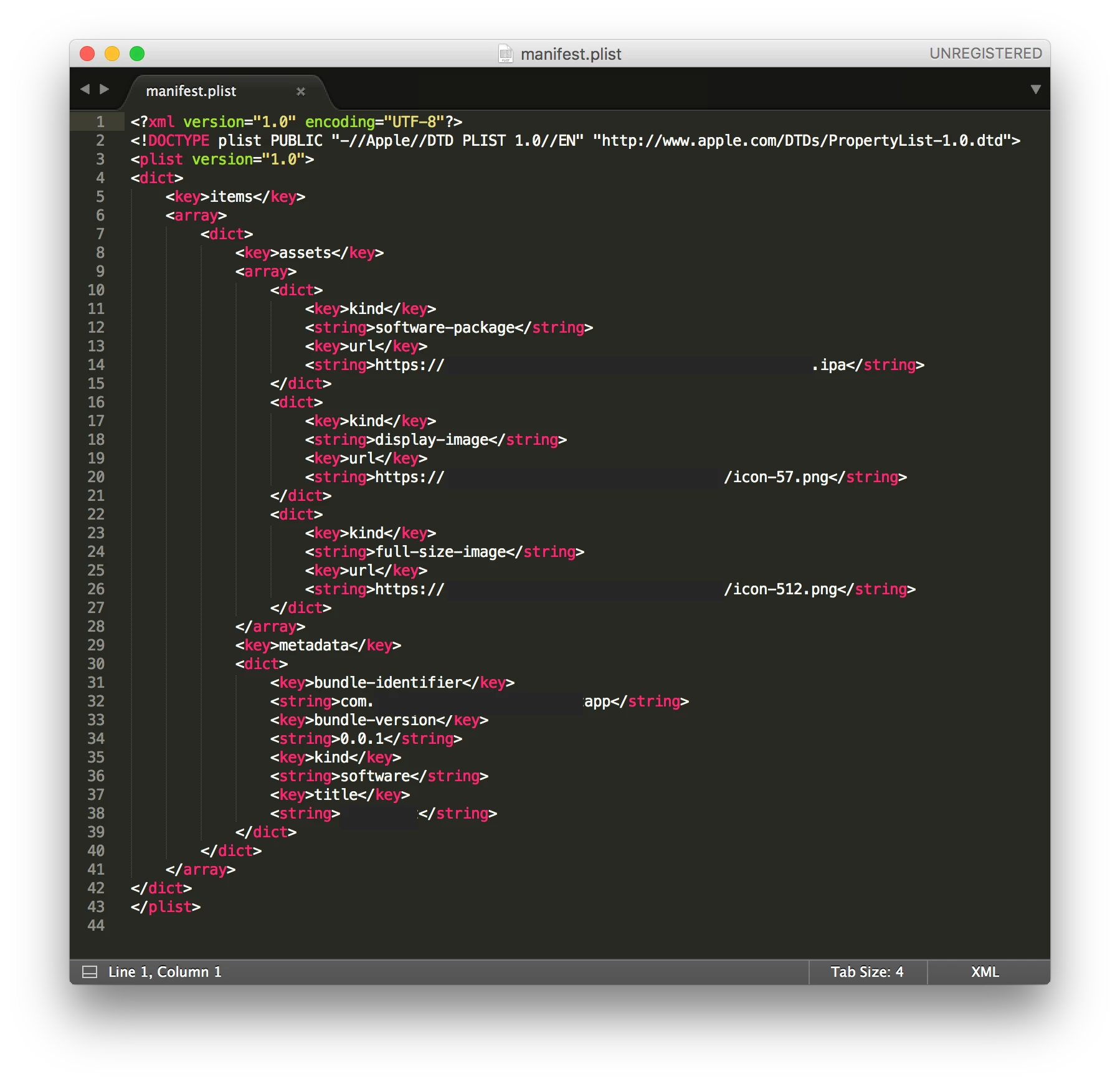
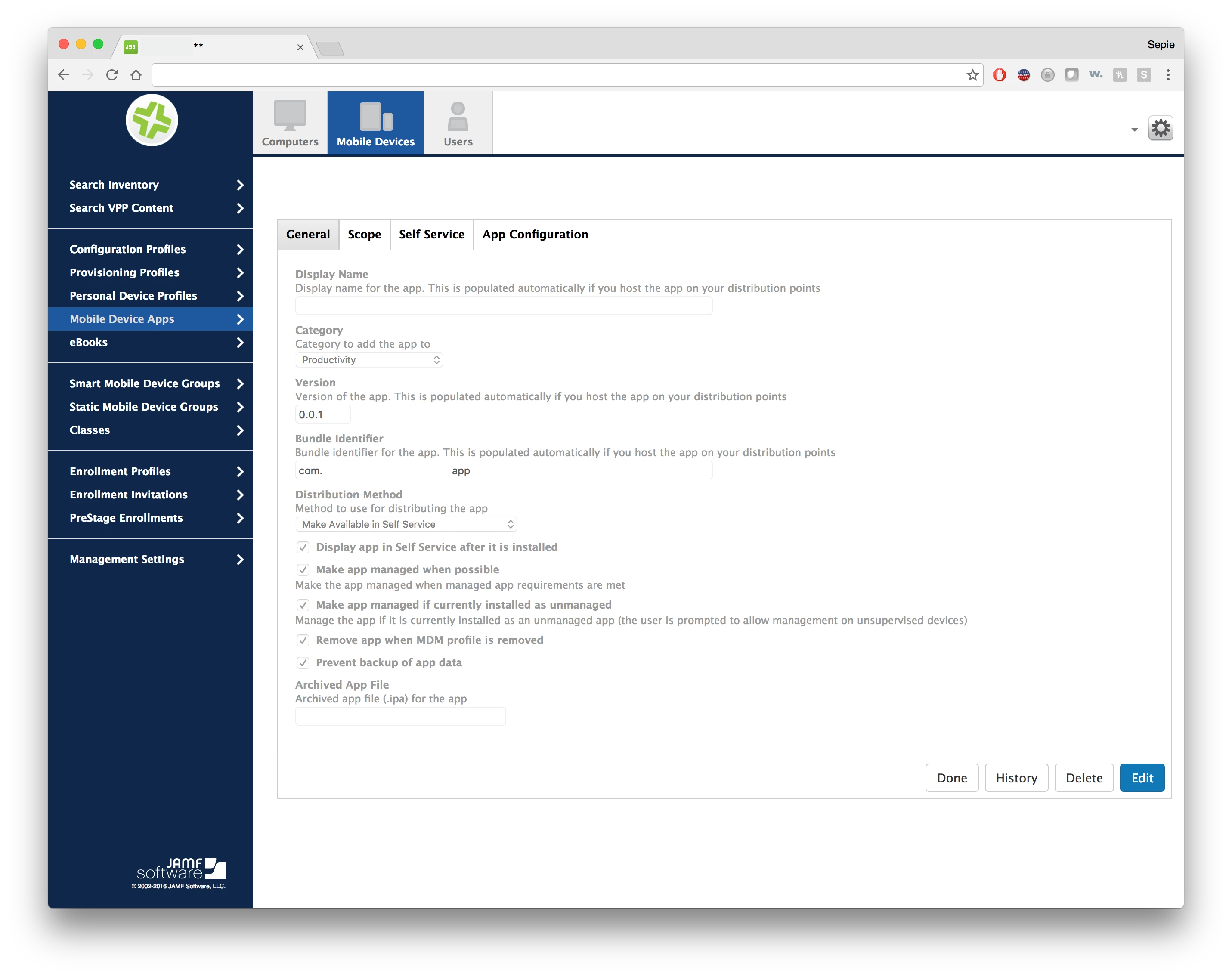
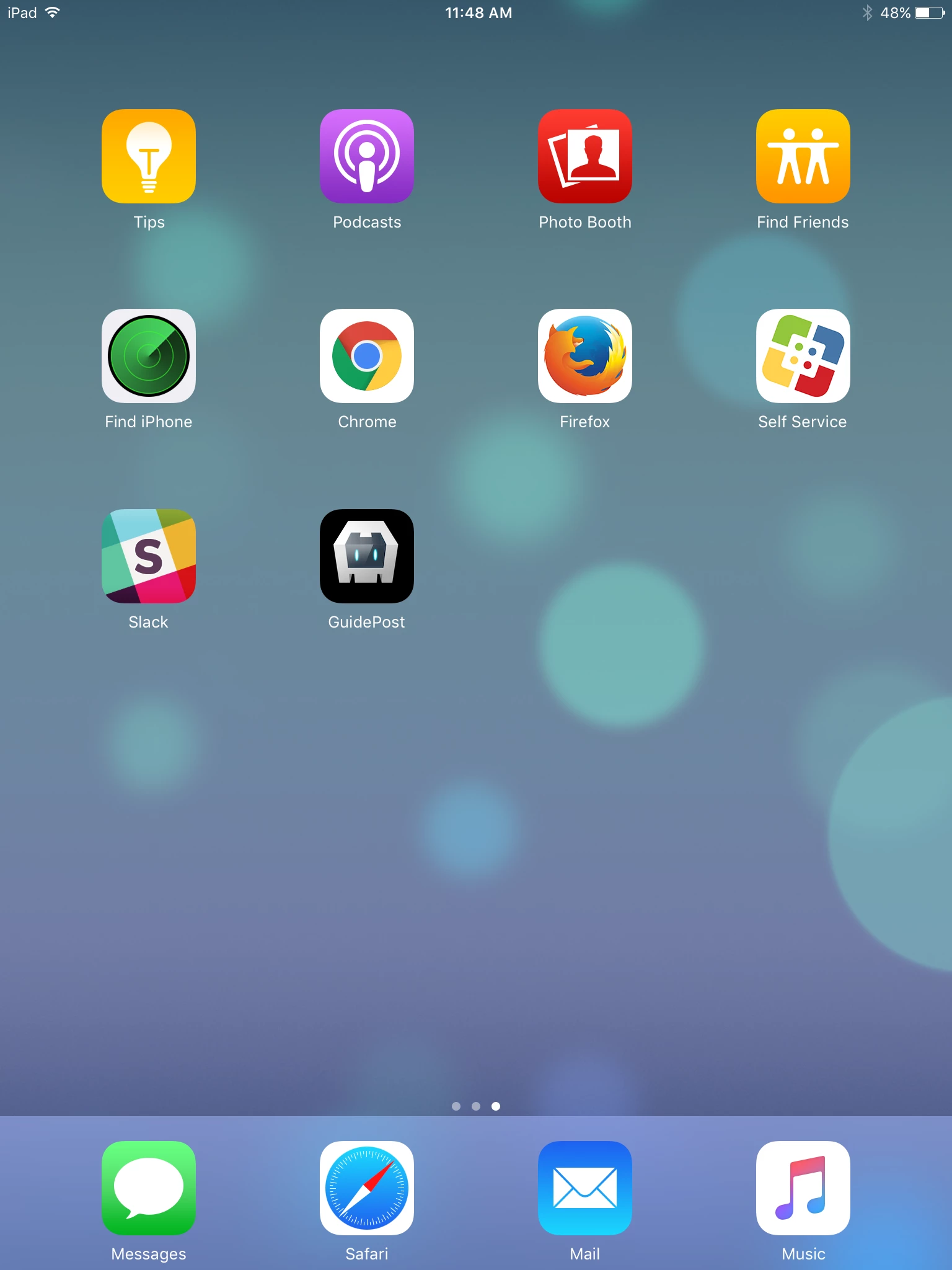
From our internal site, I was able to find the manifest.plist file and extract the embedded link to the app.ipa file. I was able to upload this into my JSS and confirm that the fields were properly populated. These fields matched the contents of the manifest.plist file; specifically the bundle identifier and the version fields. The app successfully installs during iOS app deployment but the automatically populated icon used in this workflow is not either png files found in the manifest.plist file but instead a generic icon.
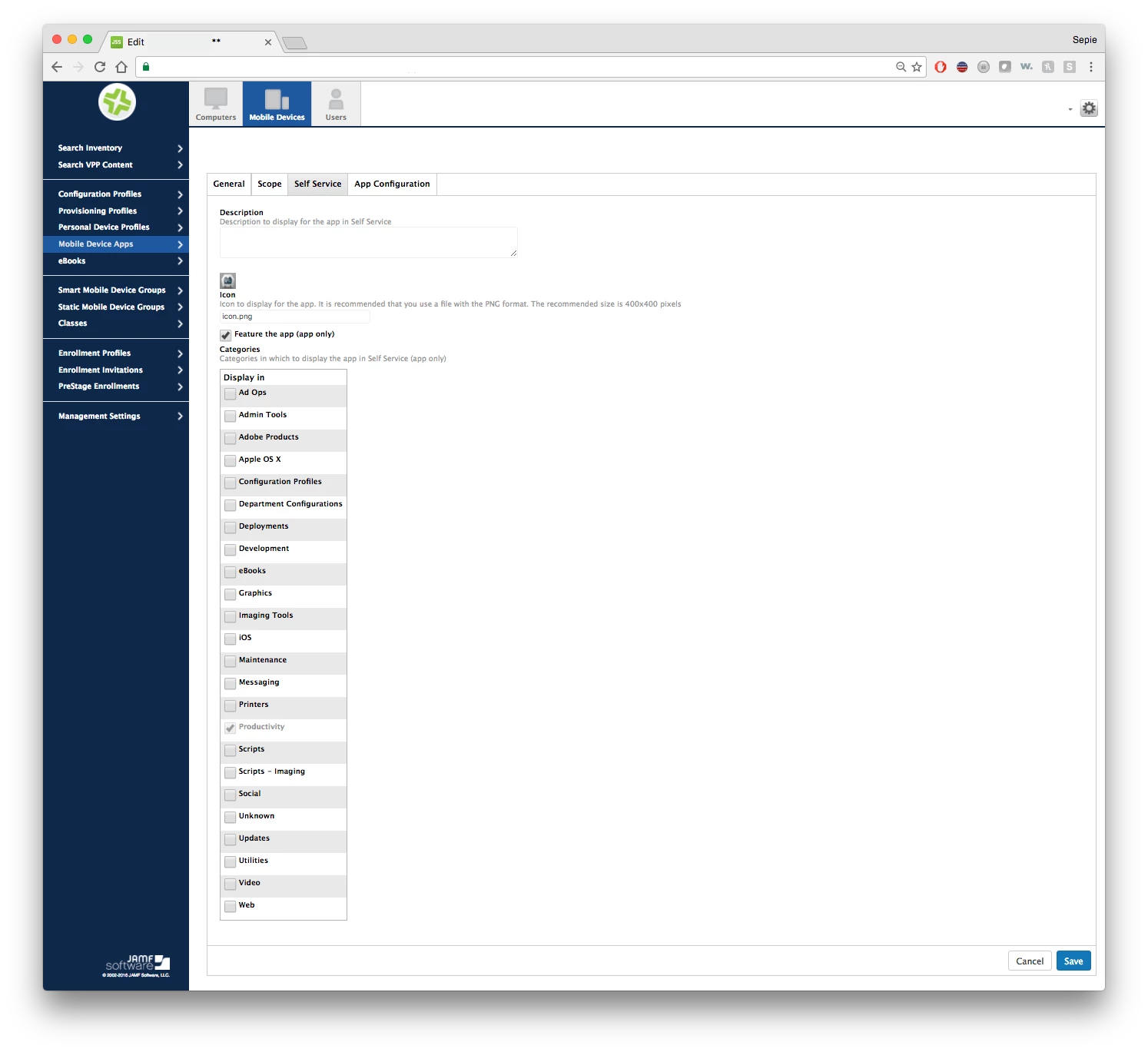
Before reaching out to our internal mobile developers, I wanted to see if there was an option within the JSS to manually update the icon used for in-house apps within the Self Service tab listed below. This option appears to be locked at the moment as does editing the description field. Because the app is installing and behaving properly, I do not believe the observed issue with the icon is related to app validation.
Can anyone provide some insight on how the default icon used and gathered from the uploaded app.ipa file can be modified? Please also note that the provided images below have been modified to conceal sensitive information pertaining to my organization.