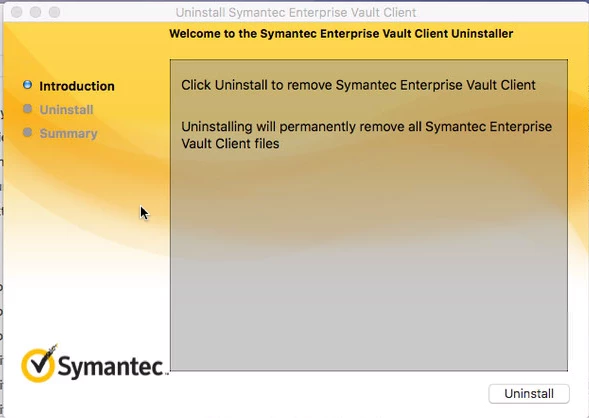
All, I'm trying to uninstall/remove Symantec Enterprise Vault from my systems. There is an uninstaller provided in /Library/Application Support/Symantec Enterprise Vault/uninstaller.app. When i call that in a script it pops a gui window up which just requires the user to click uninstall. Of course i don't want that. I want it to run silently in the background. I then went a step further and went into uninstaller.app/Contents and found the uninstaller binary. Calling that from terminal also brings up the gui window. Anyone know how i can get this to run quietly? Is there a switch i can use to run it quietly or a plist in the uninstaller.app that i can manipulate so that it selects uninstall and continues silently?
Thanks