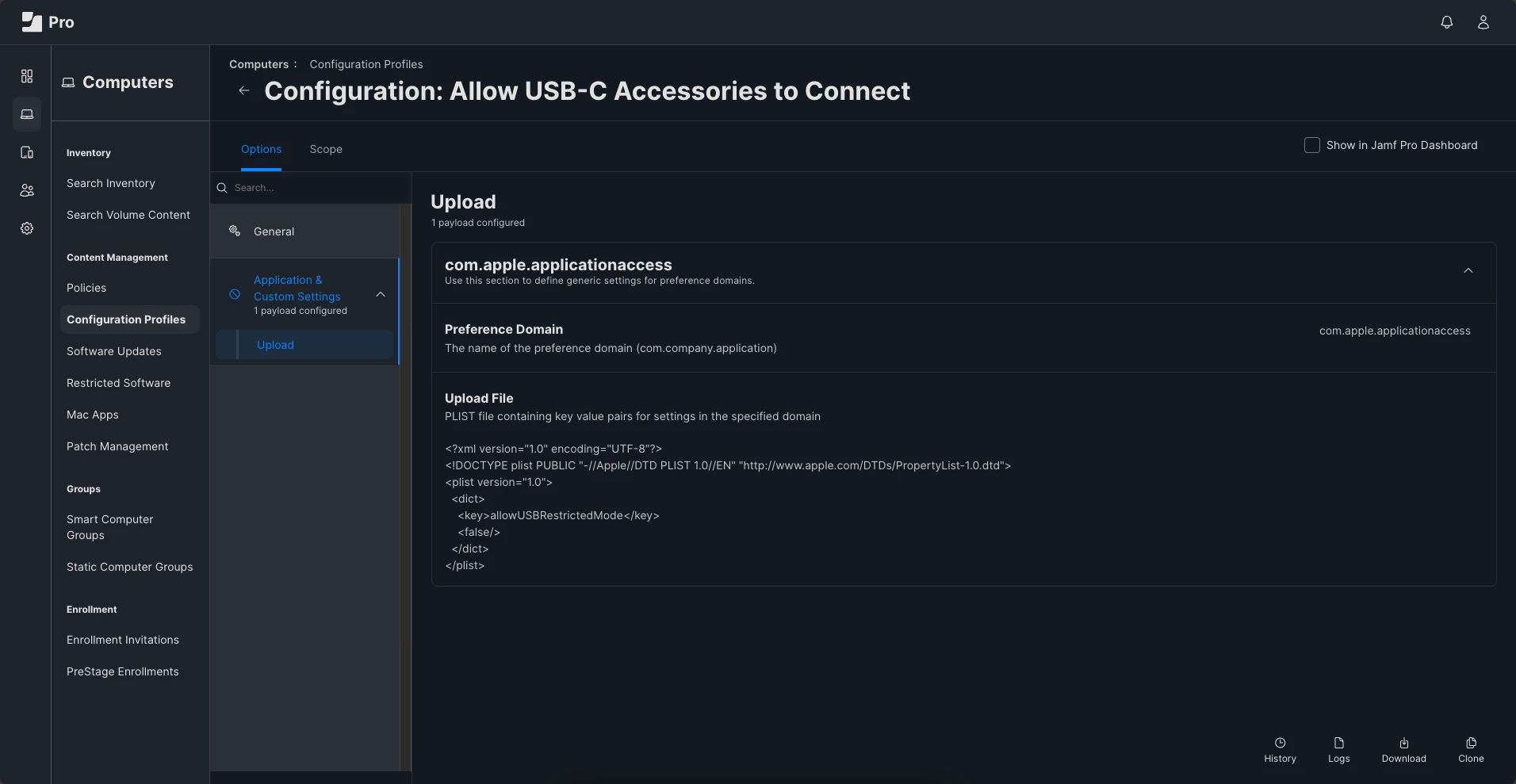
We recently implemented Okta Verify for our desktop MFA logins. Which works good most of the time but does require an active network connection most of the time to function correctly. Our office WiFI is radius authenticated, so it won't connect at the Mac login window. We do have ethernet at desks, but the network USB-C network adapters don't always connect at the login window either. Once a user is logged in the adapter gets authorized and will connect. So if there is no network connection, Okta verify wants you to use a off-line device access code to log into the machine, and if a use hasn't restarted or logged out in more than five days that factor is disabled, thus requiring an admin to login get the network adapter activated and then log out and let the user log in again and get a push verification factor, and then they are in. Here is the question.... How do I allow network adapters to activate at the login window, always? I understand that not allowing without a user login is the secure thing, but sometimes it needs to happen. We have thought about adding another hardware verified WiFi that will auto connect at the login window but that seems a bit cumbersome. Thoughts, ideas, solutions appreciated.

Question
Allow Ethernet adapters
 +7
+7



Enter your E-mail address. We'll send you an e-mail with instructions to reset your password.