Question

APNS - Invalid Certificate Signing Request

  • February 8, 2016
  • 19 replies
  • 93 views

Forum|alt.badge.img+3

Since this morning I am trying to get APNS to work for a customer. After downloading the signed CSR from JAMF. The apple certificate portal always gives the Invalid Certificate Signing Request error.
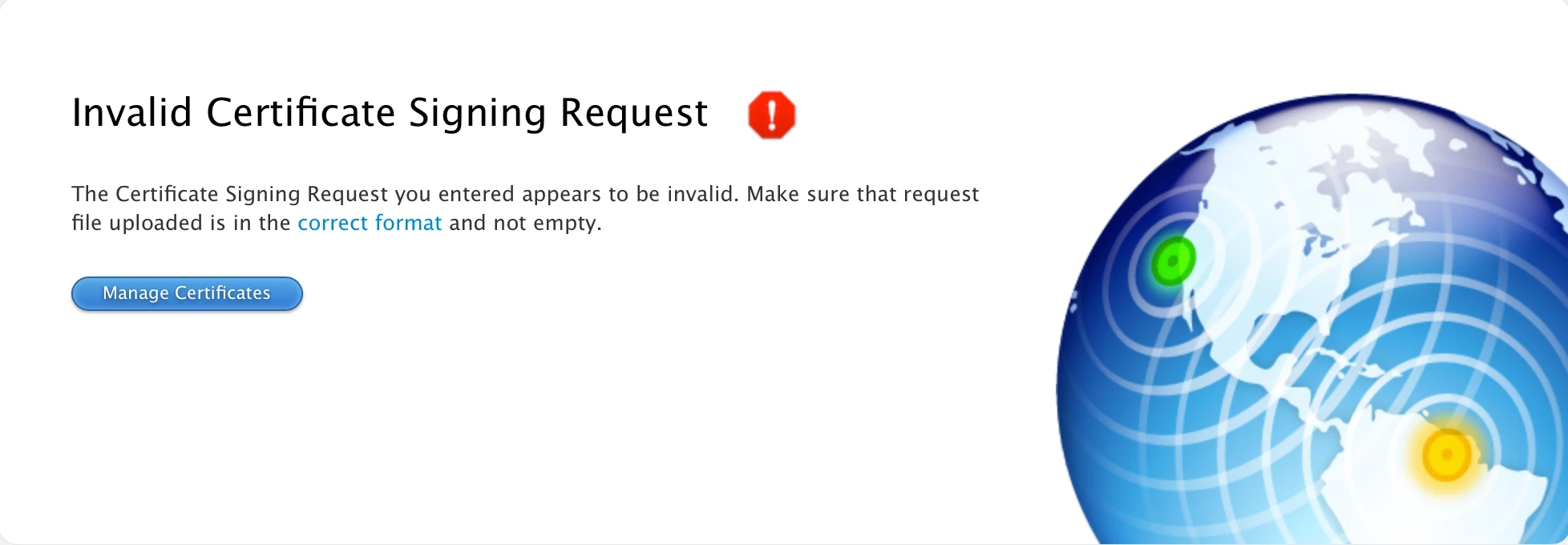
The Certificate Signing Request you entered appears to be invalid. Make sure that request file uploaded is in the correct format and not empty.
19 replies

Forum|alt.badge.img+1
  • New Contributor
  • February 8, 2016

Same problem here! Any help JAMF?


mtruskowski
Forum|alt.badge.img+7
  • Contributor
  • February 8, 2016

Same for us trying to renew our push certificate (thankfully we have 30 days still). Something wrong on Apple's end perhaps?


kishjayson
Forum|alt.badge.img+7
  • Contributor
  • February 8, 2016

@sebastienleroy Thanks for the heads up! I was literally just about to renew ours, but am going to hold off a little bit before proceeding. Curious to see what's going on.


john_sherrod
Forum|alt.badge.img+17
  • Valued Contributor
  • February 8, 2016

I'm in the same boat. Actually attempting to set up our JAMF trial today. :-)


Forum|alt.badge.img+7
  • Contributor
  • February 8, 2016

We are in the same boat. My account rep thinks it is a JAMF issue and is hoping to have some more info today.


bmortens115
Forum|alt.badge.img+14
  • Contributor
  • February 8, 2016

anyone heard anything yet?


Forum|alt.badge.img+9
  • Contributor
  • February 8, 2016

JAMF is aware and is working to rectify the issue.


Forum|alt.badge.img+1
  • New Contributor
  • February 8, 2016

I am having the same issue here using a CSR from Meraki.


john_sherrod
Forum|alt.badge.img+17
  • Valued Contributor
  • February 8, 2016

I just went through the process of creating a Push cert again, and didn't get the error this time. I got a success message and was able to download the cert and add it to my JSS.


bmortens115
Forum|alt.badge.img+14
  • Contributor
  • February 8, 2016

yep, JAMF said they fixed the issue and I was also about to create an APNS cert now


Forum|alt.badge.img+14
  • Employee
  • February 8, 2016

Looks like it's fixed. I was able to create a new Push Cert without the error.


Forum|alt.badge.img+3
  • Author
  • New Contributor
  • February 9, 2016

I think the problem was on Apple's end. I used the same CSR file as yesterday. It works now.


Forum|alt.badge.img+1
  • New Contributor
  • February 9, 2016

I agree with Sebastien--I tried the same CSR later yesterday and this time it worked just fine.


Forum|alt.badge.img

Same issue here... still.


Forum|alt.badge.img+2
  • New Contributor
  • August 5, 2019

We are having this issue today. I have chatted with Jamf Support and they said:
"Hey Josh, if we are having issues with uploading the CSR file to Apple Push Portal and are getting the 'Invalid Certificate Signing Request' message, it is on Apple's end as I've also tried recreating this issue earlier and experienced this same problem.

The next step is to contact Apple Support as the issue is on Apple's side and there is no issues with Jamf Nation."


Forum|alt.badge.img+3
  • New Contributor
  • August 5, 2019

@tigsict please let me know how you were able to resolve this, should be pretty straight forward process but unable to complete, tried it a number of times already to no avail.


Forum|alt.badge.img+10
  • Valued Contributor
  • August 5, 2019

APNS identity.apple.com works for me now.


Forum|alt.badge.img+3
  • New Contributor
  • August 6, 2019

Weird, it's now working.


Forum|alt.badge.img
  • New Contributor
  • January 15, 2024

Same here - just set up an account and immediately hit this issue.