Solved

Apple Menu - Shutdown and Restart Missing

  • September 24, 2013
  • 42 replies
  • 149 views

Show first post

42 replies

daz_wallace
Forum|alt.badge.img+13
  • Contributor
  • October 10, 2013

I imagine that because it's a system / OS restriction (the availability of restart options etc) it might take one reboot to grab the updated settings and the second to apply them.

Darren


Chris_Hafner
Forum|alt.badge.img+27
  • Jamf Heroes
  • October 10, 2013

Yes... for us profiles caused this issue and removing them solved it. I'm glad that 9.12 take care of this because we like our profiles ;-)


Forum|alt.badge.img+2
  • New Contributor
  • October 26, 2013

We updated straight from 9.11 to 9.2 and it did not solve the issue. If we disable the profile the buttons appears instantly. We really need the profile because it does all of our cache redirection. Any hints?


Forum|alt.badge.img+2
  • New Contributor
  • October 26, 2013

We ended up manually managing the MCX for that option. Thanks for your help gents.


Forum|alt.badge.img+7
  • Author
  • Contributor
  • October 28, 2013

sparedes i would recommend deleting your configuration profile and recreating it possibly, we re-created all of ours after the upgrade.


easyedc
Forum|alt.badge.img+16
  • Esteemed Contributor
  • October 28, 2013

We're having the same issue and jumped from 9.11 to 9.2 as well. I'd rather not re-create the profile if I don't have to.


Forum|alt.badge.img+2
  • New Contributor
  • October 28, 2013

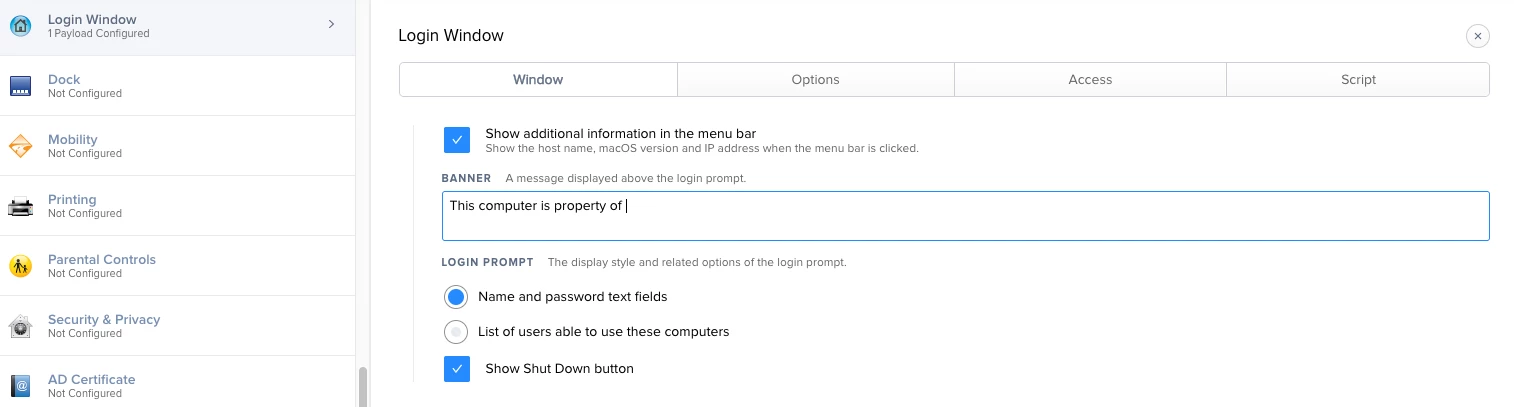
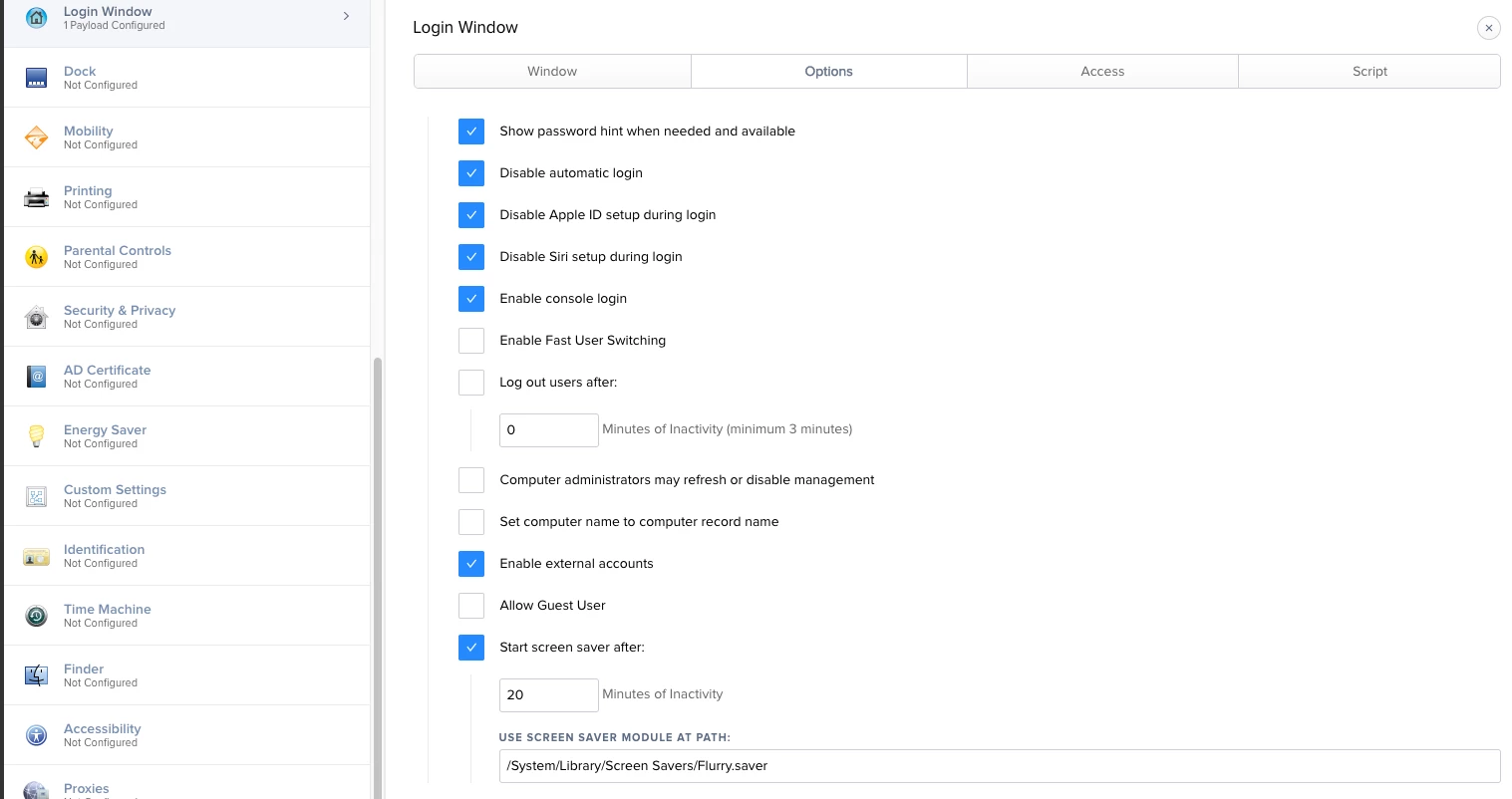
We did recreate the profile, we even created two empty profiles one with the shut down button enabled and one disabled. No difference. The only thing that worked for us was to create a managed preference and set in com.apple.loginwindow - RestartDisabledWhileLoggedIn to FALSE and ShutDownDisabledWhileLoggedIn to FALSE.


Forum|alt.badge.img+6
  • Contributor
  • October 28, 2013

I have an open bug: Version 9.1. D-005308

I agree it was fixed in 9.12 but seemed to have came back in 9.2.


Forum|alt.badge.img+5
  • New Contributor
  • October 28, 2013

+1 with the same issue. Any help would be appreciated. On 9.2


Forum|alt.badge.img+3
  • New Contributor
  • October 29, 2013

We are also having the same problem on 9.2.


Forum|alt.badge.img+9
  • Contributor
  • October 29, 2013

we are missing the shutdown/sleep options as well. All we can do is log off, and then shut down. We also are using a login window config profile


Forum|alt.badge.img+7
  • Contributor
  • October 29, 2013

ditto - removed loginwindow Config Profile and setup in MCX for now...


Forum|alt.badge.img+7
  • Contributor
  • October 30, 2013

Only one problem with using mcx instead of config profiles on our end using Casper to push mcx records seems to be breaking our active directory binding


Forum|alt.badge.img+7
  • Contributor
  • October 30, 2013

Using 9.2


Forum|alt.badge.img+12
  • Contributor
  • October 30, 2013

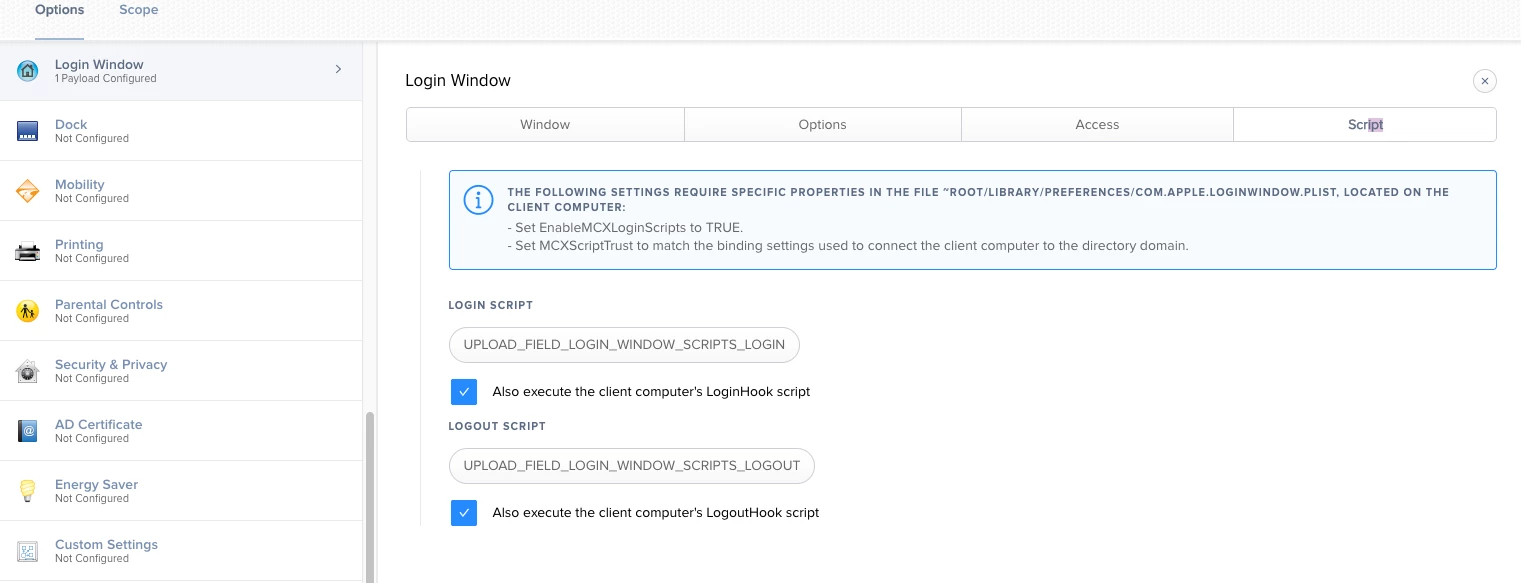
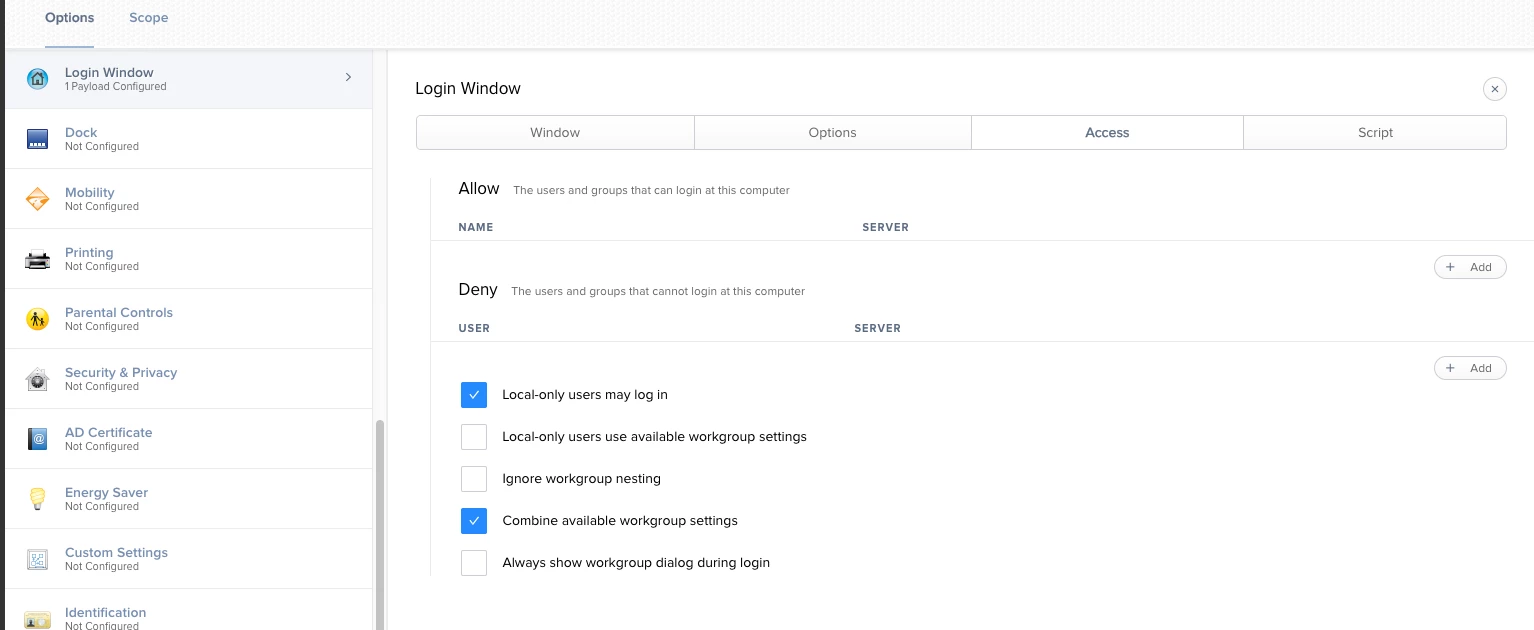
Removed the profile from effected computers and then removed Login payload from profile and re-distributed to to newly assigned devices without the profile and resolved issue for us. Since we really only had a custom message in login and preference to show name and a couple other non-essential settings was not a big deal for us for time being. Looks like configuration profile stuff still buggy in 9.2 though especially with existing profiles.


Forum|alt.badge.img+6
  • Contributor
  • October 31, 2013

Getting this issue with 9.2 also. Removing the profiles brings back these options and re-creating the profiles didn't solve the issue.


Forum|alt.badge.img+12
  • Contributor
  • November 28, 2018

D-005329 has returned?

I am now seeing this issue with JAMF Pro 10.8.0-t1539715549 and High Sierra devices

After removing (excluding) Login Window Configuration Profile


from the High Sierra Mac, Restart and Shut Down returned to the menu.