Answer

Apple Software Update Delay and Message not being applied.

  • October 31, 2016
  • 3 replies
  • 33 views

Forum|alt.badge.img+6

I have seen this for my self and many users are complaining about it because it is restarting to quickly before they can save everything.

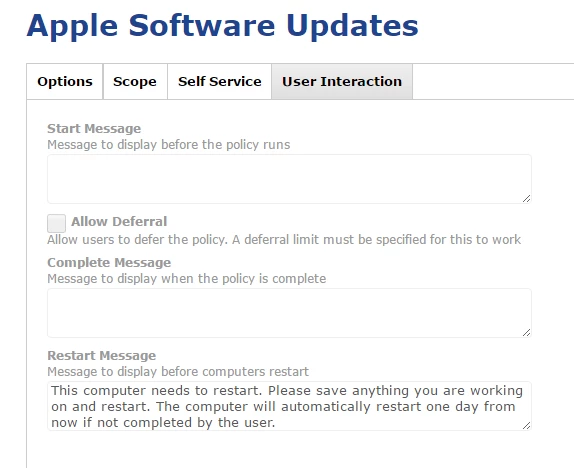
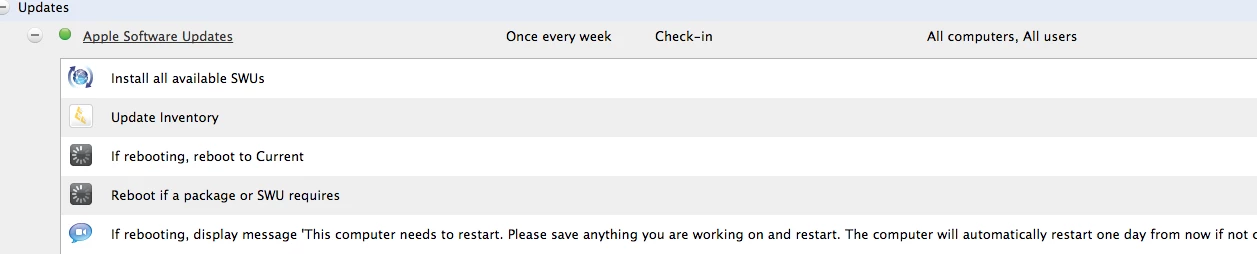
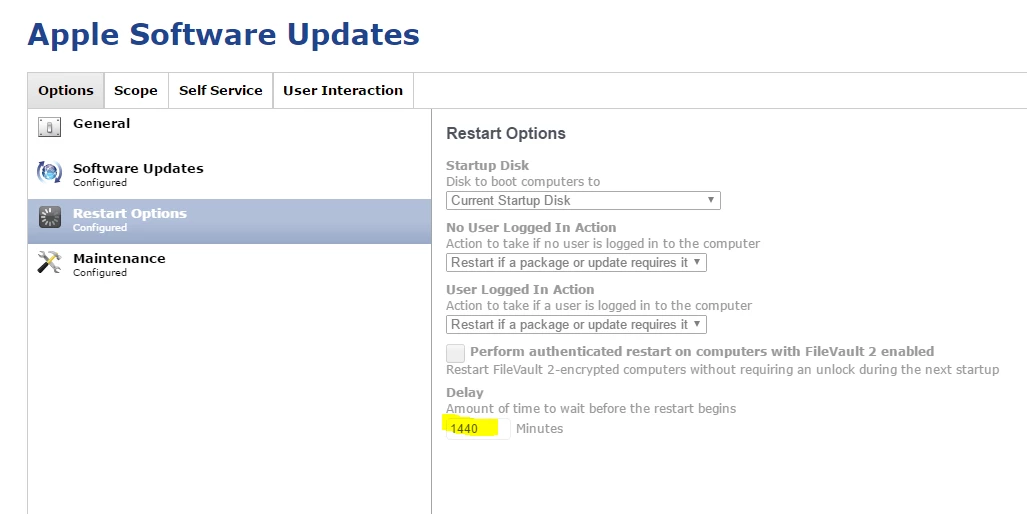
It is restarting 5 minutes after new software updates are installed and prompting a message it will restart in 5 minutes. This is not how it is configured in the JSS. The delay should be 1440 minutes (24 hours). Even the message is not correct that is prompted for the user.

I have looked around and can not find anything similar thus far.

Best answer by TylerC11

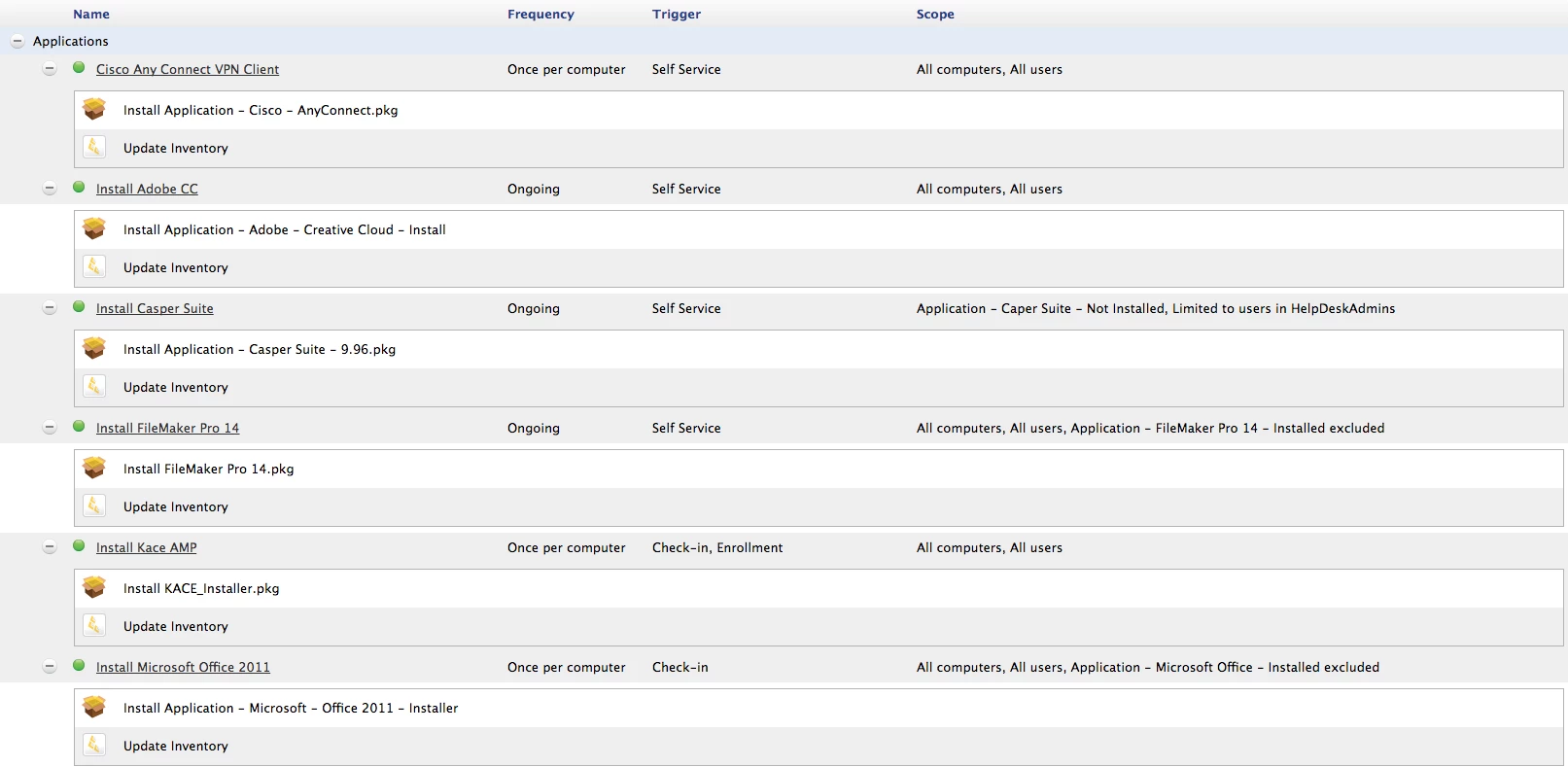
I was able to figure it out with looking through console log. It was applications that needed the restart not the apple software update. I would have seen this sooner but it appears that the JSS does not display restart options in the drop down like it does for updates which really threw me off. I went through every script and application and made the change to the minutes and display message.

3 replies

Forum|alt.badge.img+16
  • Valued Contributor
  • October 31, 2016

Is that policy the only one which is running during your tests? I'm not sure what the behavior would be if two policies run which have different reboot delay times/messages.


Forum|alt.badge.img+6
  • Author
  • Contributor
  • October 31, 2016

This is the only policy which has an automated reboot on it


Forum|alt.badge.img+6
  • Author
  • Contributor
  • Answer
  • October 31, 2016

I was able to figure it out with looking through console log. It was applications that needed the restart not the apple software update. I would have seen this sooner but it appears that the JSS does not display restart options in the drop down like it does for updates which really threw me off. I went through every script and application and made the change to the minutes and display message.