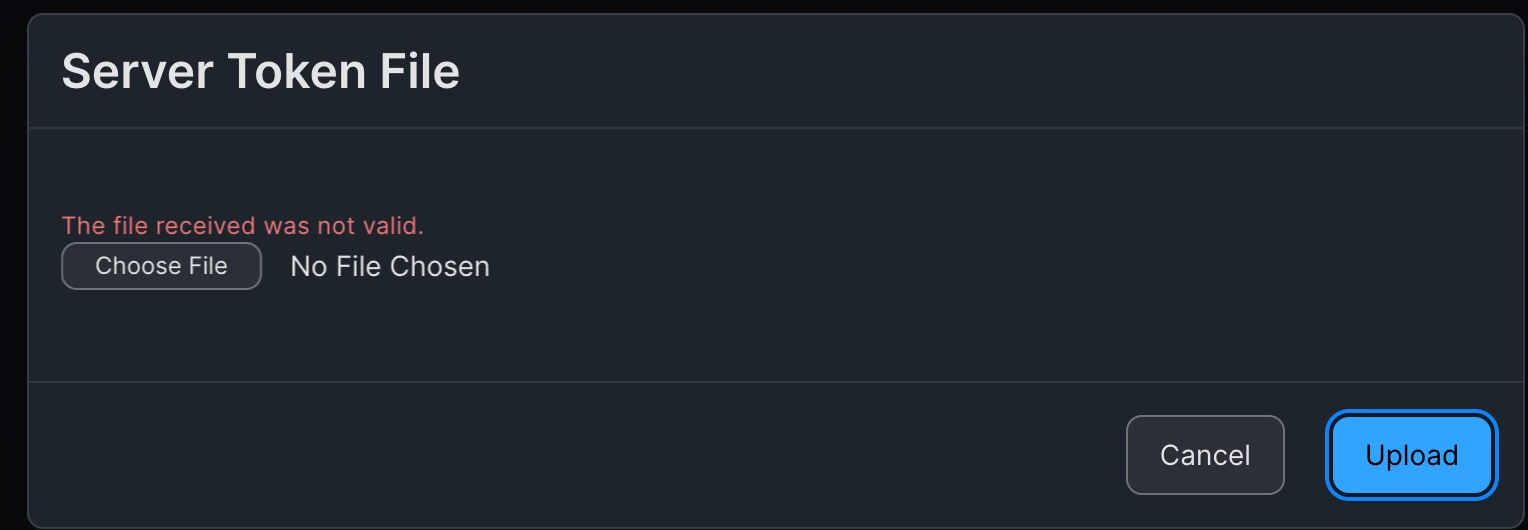
Question

Automatic Device Enrollment Certificate Upload Error

  • January 13, 2026
  • 36 replies
  • 3340 views

Show first post

36 replies

Forum|alt.badge.img+6
  • Contributor
  • February 9, 2026

We ran into this issue today.

Thanks to this thread we were able to switch to Safari and complete the task.


Forum|alt.badge.img
  • New Contributor
  • February 9, 2026

After trying all options multiple times.

Using Safari exclusively to:

  1. download a new public key from Jamf
  2. Upload public key to ABM
  3. Download DEP token from ABM 
  4. Upload to Jamf 

Worked.

this seems to be the working solution.From what ​@Greg1 has mentioned, you also need an up-to-date version iPadOS. 17 is too old.


C_B_
  • New Contributor
  • February 10, 2026

I just ran into this problem. Looks like a classic line terminator issue. I opened the p7m file in Notepad++, changed from Windows to Mac style line terminators, saved, and Jamf accepted the modified file without error.

This works, and I used Chrome to upload the file.


Forum|alt.badge.img+4
  • Contributor
  • February 18, 2026

Just ran into this problem as well with JAMF cloud hosted. Had to use Safari to download and upload the token. 


BenEvCabra
  • New Contributor
  • February 23, 2026

I also just ran into this problem - was able to complete ASM and VPP renewal on windows - but had to go through the ADE renewal process on a Mac machine


Ramón_Cota
  • New Contributor
  • February 23, 2026

I had been struggling with this for a couple days. I tried from my Intel-based iMac as well as an M4 Macbook Pro, using Chrome on both, or a combination of Chrome and Safari.

The solution was to just use Safari for ALL parts of the process. Downloading the Private Key from JAMF Automated device enrollment page, then uploading that into ABM Device Management Services, and then downloading the Token from the ABM page.

I was originally downloading the private key via Chrome and trying to finish the process via Safari. Nope, you’ve got to use Safari to do the whole process.


Forum|alt.badge.img+5
  • Contributor
  • February 25, 2026

This is so stupid. I work in an enterprise environment and everyone has a Windows computer. Incredible. I just wasted 2 hours of my life fighting this until coming across this thread.


  • New Contributor
  • February 25, 2026

I also ran into this issue today and was informed that this issue will be resolved in the upcoming 11.25 update, already available for manual upgrade - Jamf Pro 11.25 Now Available | Community.
See also Resolved Issues - Jamf Pro Release Notes 11.25.0 | Jamf (bottom bullet point)


Forum|alt.badge.img+5
  • Contributor
  • February 28, 2026

I also ran into this issue today and was informed that this issue will be resolved in the upcoming 11.25 update, already available for manual upgrade - Jamf Pro 11.25 Now Available | Community.
See also Resolved Issues - Jamf Pro Release Notes 11.25.0 | Jamf (bottom bullet point)

Thanks for the post. I installed the version update and all is good again.


roatridge
  • New Contributor
  • March 3, 2026

Are you using a Mac and Safari? I believe I encountered  this issue before when I was using a Windows computer and switching to a Mac resolved the issue. 

Thank you! I was going insane getting the “Unable to complete file upload. File contents does not match file type.” over and over again. 


Forum|alt.badge.img+3
  • New Contributor
  • March 4, 2026

Can confirm the same for everyone, fails to upload using a windows device. Use a mac device, safari and the problem is gone..  3-4-26