
Question

"AvailableOSUpdates" failed

  • September 21, 2026
  • 3 replies
  • 32 views

Forum|alt.badge.img+3

Hey,

since the last iOS update for iPads, I've noticed that the devices are still showing up under Devices > Update even after a successful update.

In the activity log, I see that "AvailableOSUpdates" is not a valid request type.

I haven't found a way to solve this problem yet. I'm using Jamf School.


Regards
3 replies

Forum|alt.badge.img
  • New Contributor
  • September 21, 2026

Yes, got the same problem in JAMF School as well. On a mac installed 27.0 even the update 26.7 is still available. 


GregBobbett
Forum|alt.badge.img+12
  • Jamf Heroes
  • September 21, 2026

This is likely due to it being depreciated and Jamf not updating this section. I did find this using the Jamf AI:

1. Devices > Updates — Removal Timeline

Yes, there is a confirmed plan to remove this section. According to the Jamf School release notes published on 21 May 2026:

"The ability to deploy software updates via update command to an individual device or group of devices on the Devices > Updates page will be removed in late 2026."

Given that the Devices > Updates section is being removed later this year anyway, this is also a good prompt to prioritise the move to Blueprints — the DDM-based approach reports state changes proactively via the status channel, so inventory accuracy is significantly improved compared to the legacy update command approach.

Not sure if this helps any on your question though. I stopped using that section for updating last spring since it was going away.


Forum|alt.badge.img
  • New Contributor
  • September 21, 2026

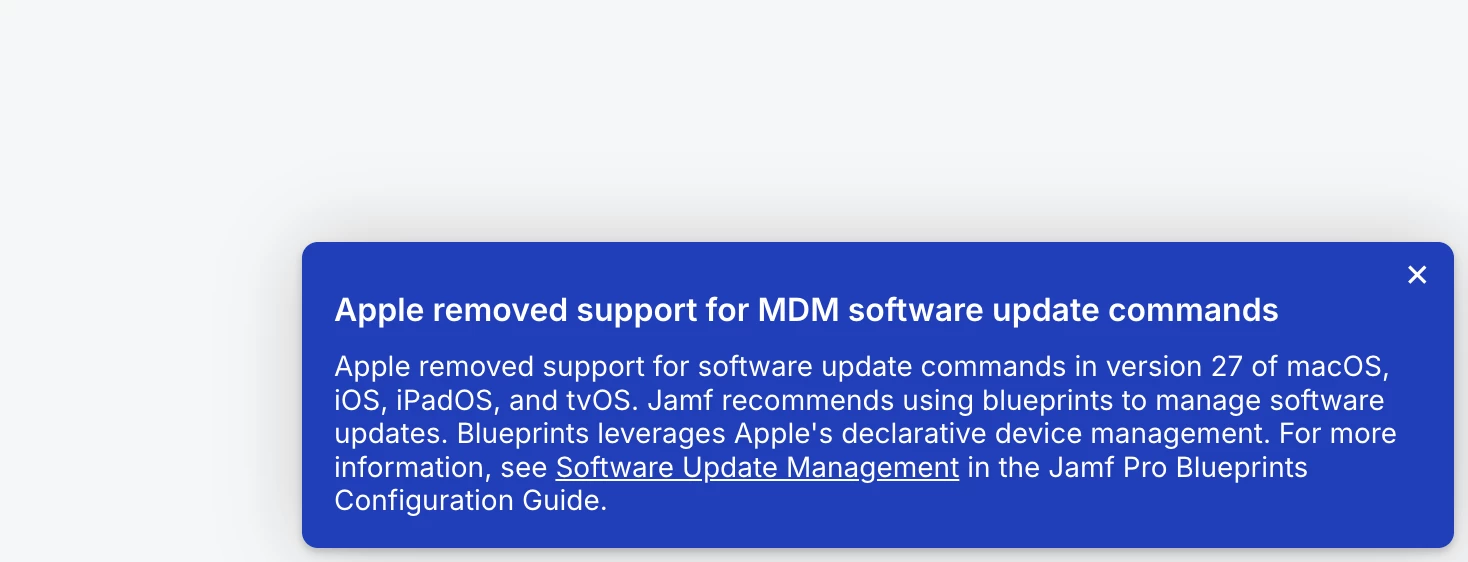
True, This message shows up now in JAMF school. 
But from the JAMF school perspective, this is not going to make it easier for the not so tech minded Administrators. Blueprints makes it harder, in my opinion.
