

Question

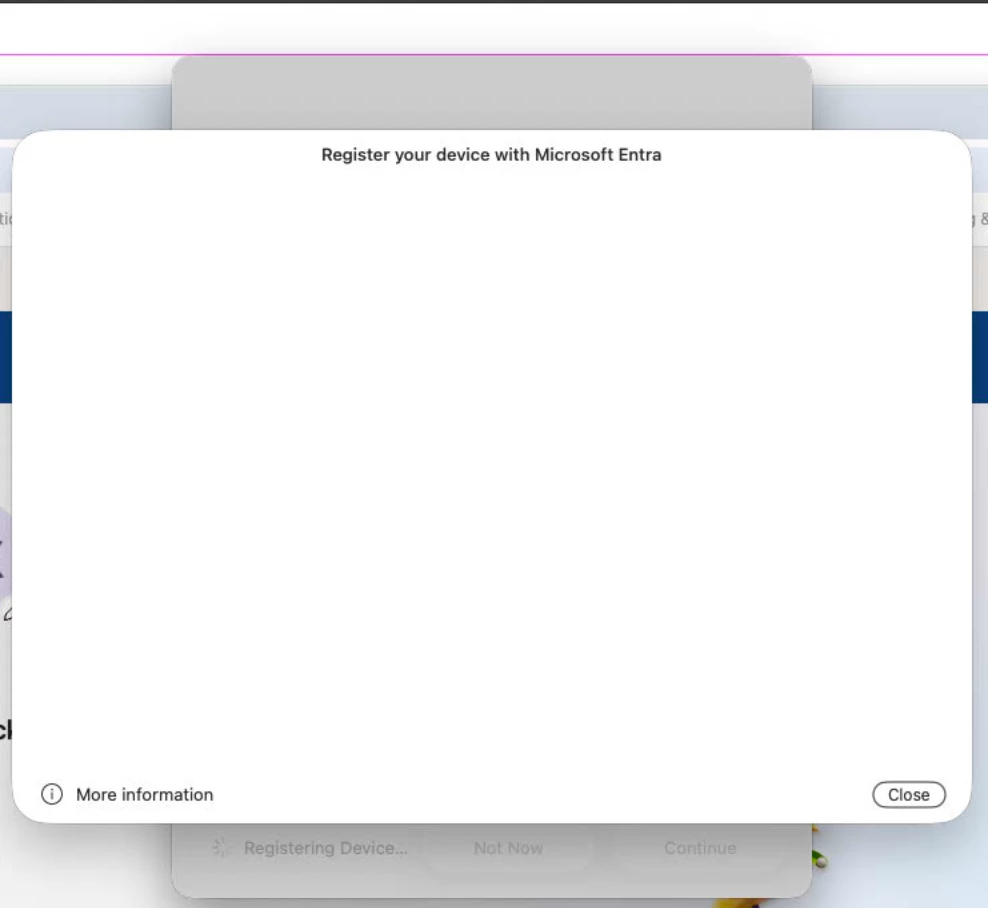
Blank white window during platform single sign-on registration with Entra ID

  • April 10, 2026
  • 1 reply
  • 41 views

howie_isaacks
Forum|alt.badge.img+23

One of my users cannot register for platform single sign-on. She can complete step 1, which is to authenticate with her Mac login password.  Next, she can enter her email address. That’s when the process goes awry. After entering her email address, the window goes blank white. Behind it, we can see that Company Portal is doing something in the background. There’s the spinning progress icon. After seeing this, I removed and reinstalled Company Portal and ensured that the latest version was installed. She’s running macOS 26.3.1 and will have 26.4.1 soon since I just started enforcing that update. Has anyone seen this behavior and solved it? The PSSO login type used is Secure Enclave. We can’t do anything but cancel the registration.
 

1 reply

Forum|alt.badge.img+3
  • New Contributor
  • April 10, 2026

I haven’t seen that exact white-screen variant, but I have seen Platform SSO registration get weird when the macOS-side policy and the Entra expectations drift a bit, especially around Secure Enclave registration.

This Swif writeup is pretty close to the same flow and has a useful checklist for the Apple side of the config: Apple Platform SSO Policy.

I’d compare your Jamf payload and Entra settings against that, then retry after 26.4.1 lands. If Company Portal is still spinning behind a blank pane, I’d also grab Company Portal plus Enterprise SSO plug-in logs, because that usually points to the failing handoff better than the registration UI does.