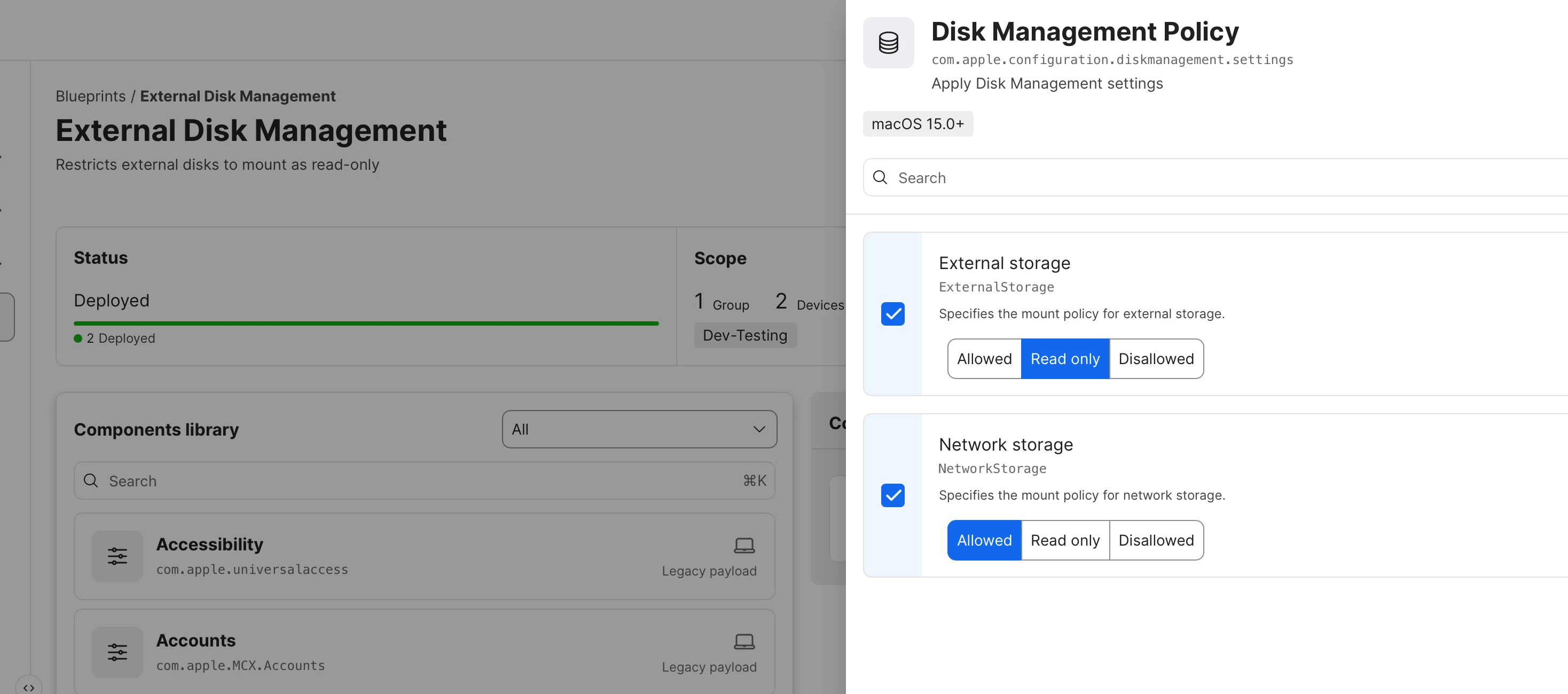
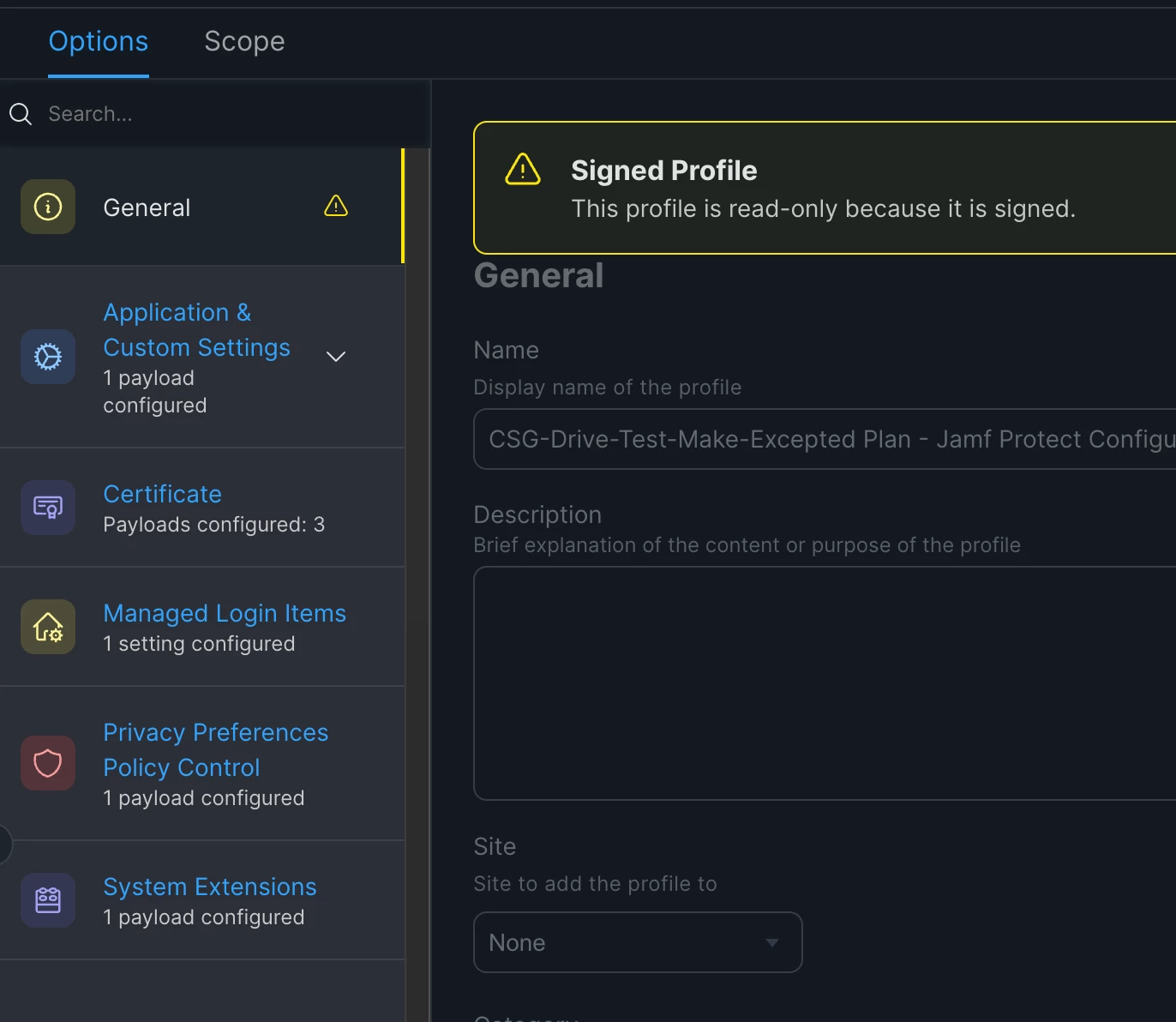
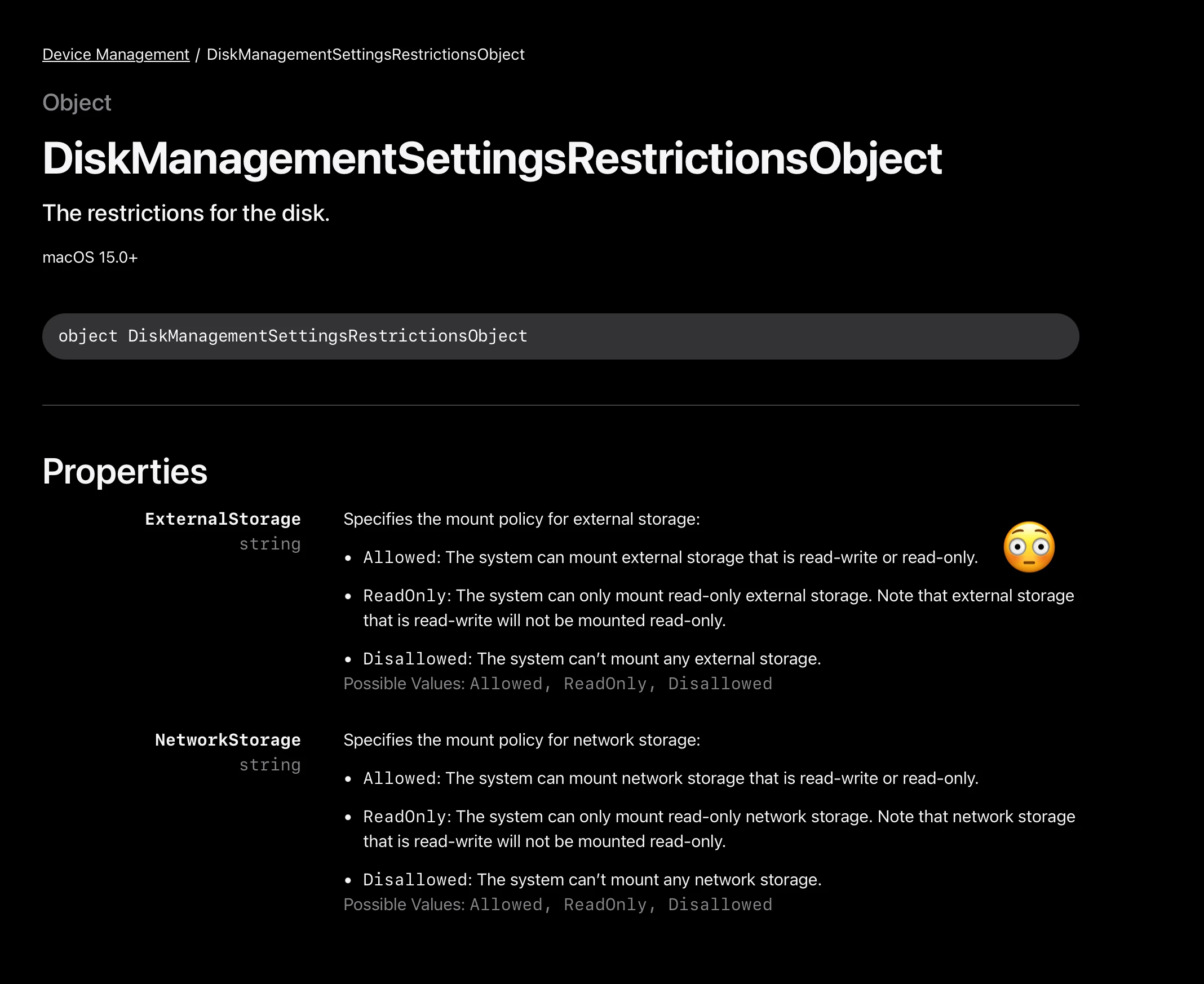
I am gradually learning how to work with blueprints. I have had success managing software updates with blueprints, so I decided to try out restricting external drives to read-only access. I want to stop controlling this using Proofpoint DLP (which I think is crapware) and start controlling it with blueprints.
After configuring the blueprint, I deployed it to one of my Macs, then connected two USB drives. Neither drive appeared on my desktop. I opened Disk Utility and found both there. When I clicked to mount each of them, they would not mount. I saw no errors. They just won’t mount. As part of my testing, I uninstalled Proofpoint DLP, which is being used currently to make external drives mount as read-only. Before scoping the blueprint to my Mac, I confirmed that I could mount drives and write to them. I just recreated this on a second Mac. It’s the same issue. Proofpoint DLP is removed. The blueprint is installed. A PLIST was created at /private/var/db/ManagedConfigurationFiles/DiskManagement/DiskManagement_Settings.plist. I see that it has the correct settings.
<?xml version="1.0" encoding="UTF-8"?>
<!DOCTYPE plist PUBLIC "-//Apple//DTD PLIST 1.0//EN" "http://www.apple.com/DTDs/PropertyList-1.0.dtd">
<plist version="1.0">
<dict>
	<key>DeclarationKeys</key>
	<array>
		<string>com.apple.RemoteManagement.DiskManagementSettingsExtension/CE08B009-C75E-4F16-B4F0-28597E8A7EBF:Qmx1ZXByaW50XzAwNzU4Njc1LTRlYWQtNGM3Zi04M2JkLTJlZTU5M2MzY2MyNV9zMV9jMV9zeXNfY2ZnMQ==.ZGY5YjQwNjYxMWU5NWZhNGU2MzUxZGE2MDUzMzk3MGZiOTM4MTIwMzZkMjljYTc4ZWEzZjliYTE5ZmJiNmRjMQ==</string>
	</array>
	<key>Restrictions</key>
	<dict>
		<key>ExternalStorage</key>
		<string>ReadOnly</string>
		<key>NetworkStorage</key>
		<string>Allowed</string>
	</dict>
</dict>
</plist>
External storage is set to “Read-Only”. Has anyone seen this and figured out how to fix it? I opened a case with Jamf about this. Here’s a screenshot of my blueprint. It’s not complicated. It seems to be very easy to set up.