Question

Can't remove iPad apps, even though it's enabled?

  • July 17, 2025
  • 3 replies
  • 147 views

Forum|alt.badge.img+4

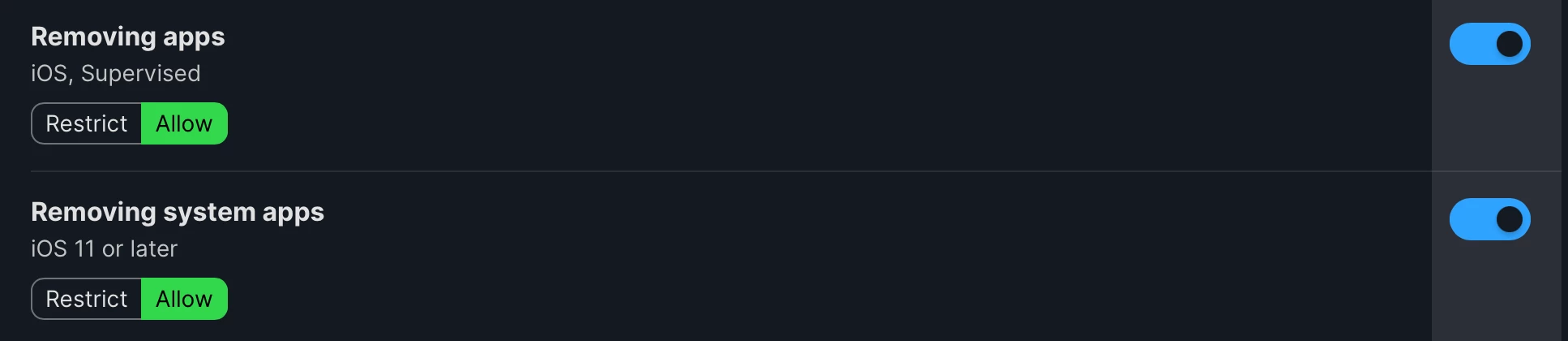
I’m struggling, we’ve got a policy that disables uninstalling apps and system apps, and we have a policy that enables uninstalling apps and system apps.

I’ve confirmed the Disable policy was removed from the device and the Enable policy was installed. I’ve confirmed no other applied policies are affecting those toggles (“remove apps” and “remove system apps”)

For some reason, the device still won’t let us uninstall apps. What am I missing? We’ve restarted the devices and still no luck.

3 replies

Forum|alt.badge.img
  • New Contributor
  • March 4, 2026

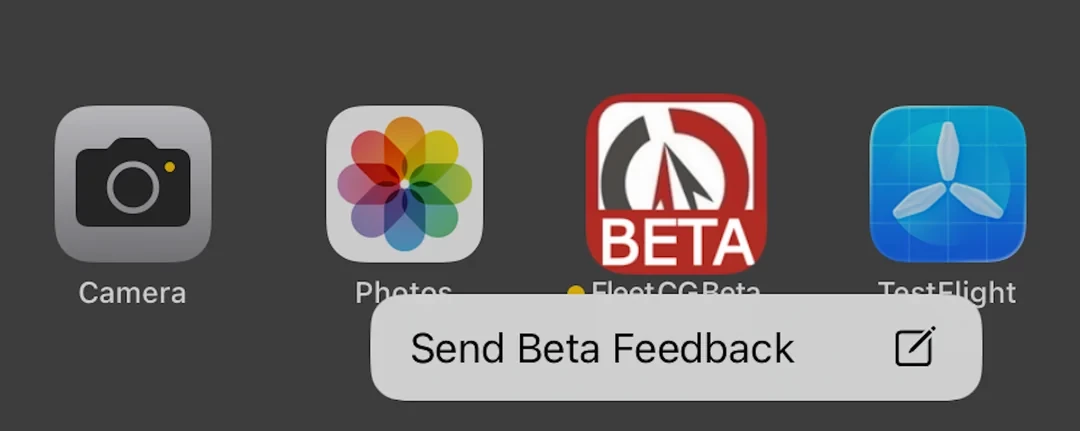
Did you find a solution for this? I have the same issue Removing Apps and Removing System Apps both set to allow. When I press and hold on an app I get no delete / uninstall option.


dletkeman
Forum|alt.badge.img+18
  • Jamf Heroes
  • March 4, 2026

If the app is scoped to the device as auto-install then you won’t be able to delete it.  De-scope the app or change it to assign only (self serve install) and then the user will be able to remove it on demand.


Forum|alt.badge.img
  • New Contributor
  • June 11, 2026

I also can’t enable app removal. I have an iOS app that I need to remove to get rid of license files. I set the app distribution method to “Make available in Self Service” (was auto) and applied a device configuration to allow removal of apps. Restarted device and still have no option to remove the app on the device.