Hi there,
We recently upgraded our JSS server to Yosemite and for some reason the Casper Admin keep prompting the below error message:
Casper Admin requires Mac OS X 10.4 or later.
Please help!
Warm regards,
michael

 +2
+2Hi there,
We recently upgraded our JSS server to Yosemite and for some reason the Casper Admin keep prompting the below error message:
Casper Admin requires Mac OS X 10.4 or later.
Please help!
Warm regards,
michael
Best answer by stevevalle
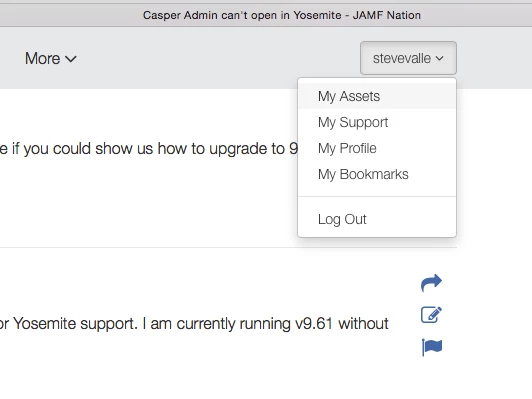
@michael.choong - You will find the installer under the "My Assets" link (click on your account name - top right corner of the window)
Make sure you back up before upgrading :)
Enter your E-mail address. We'll send you an e-mail with instructions to reset your password.

