Has anyone tried enrolling a new Mac with Catalina (10.15.0) and it just hangs on "Retrieving Activation Record "?

Solved
Catalina + Prestage Enrollment + Retrieving Activation Record Hanging
 +8
+8Best answer by zinkotheclown
I never found out the reason why our 2018 MacBook Air Retinas have the “Retrieving Activation Record” issue after installing Catalina but I found a workaround.
Once I get the “Retrieving Activation Record” issue, I reboot the Mac to the Recovery Partition.
I open Terminal and type in “touch /Volumes/Macintosh HD/private/var/db/.RunLanguageChooserToo” and then restart.
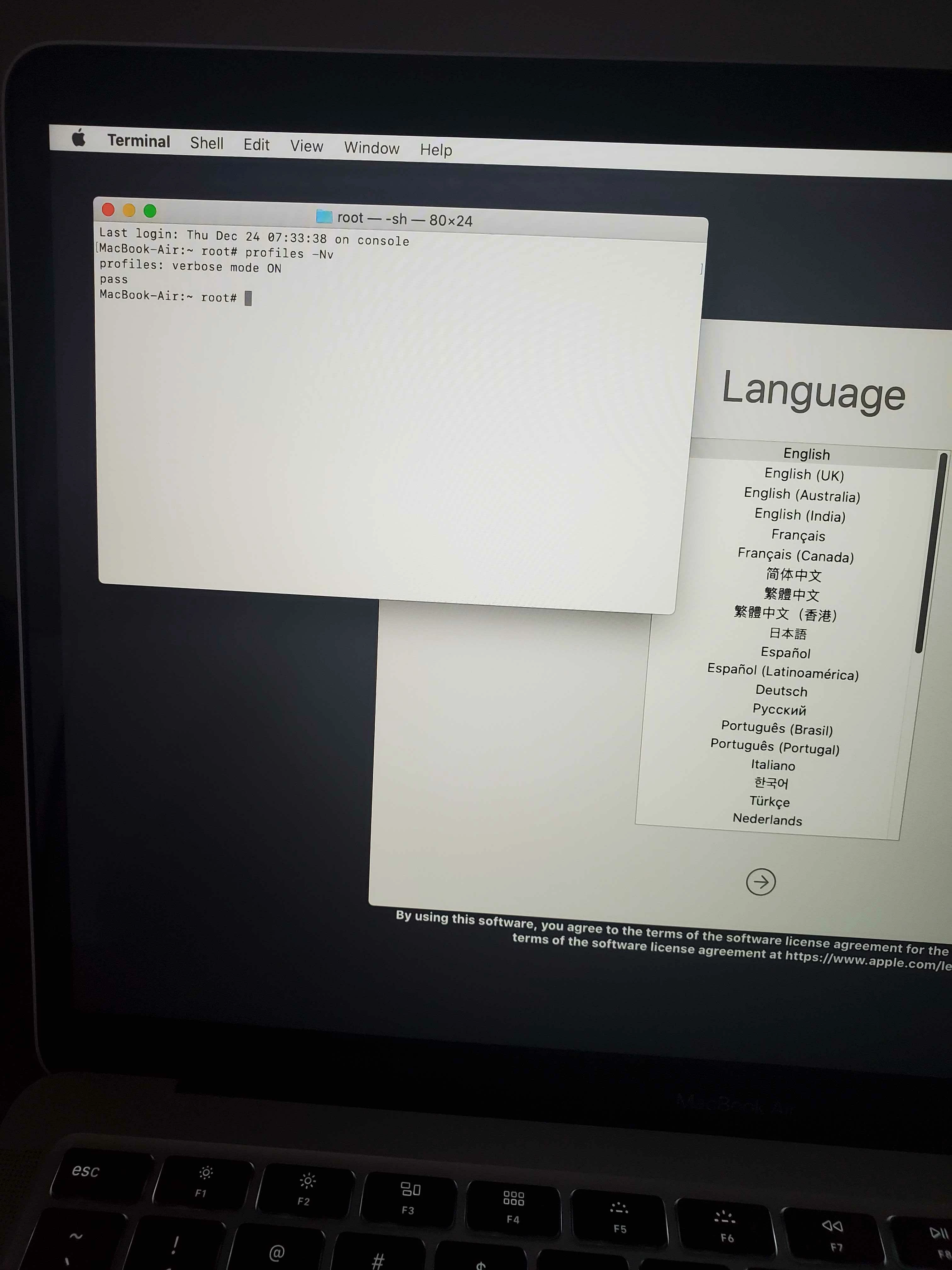
After the Mac restarts, I get the Language Chooser page. At this point I can summon Terminal as root with ctrl shift cmd + t.
I type in “sudo profiles renew -type enrollment”, hit enter, quit Terminal, and go through Setup Assistant. At this point the Mac enrolls to our MDM normally.
This still makes installing Catalina on the MacBook Air Retinas a little more complicated but not so much as re-installing the OS over and over again.



Enter your E-mail address. We'll send you an e-mail with instructions to reset your password.