
Managing Chrome Browsers on Macs.
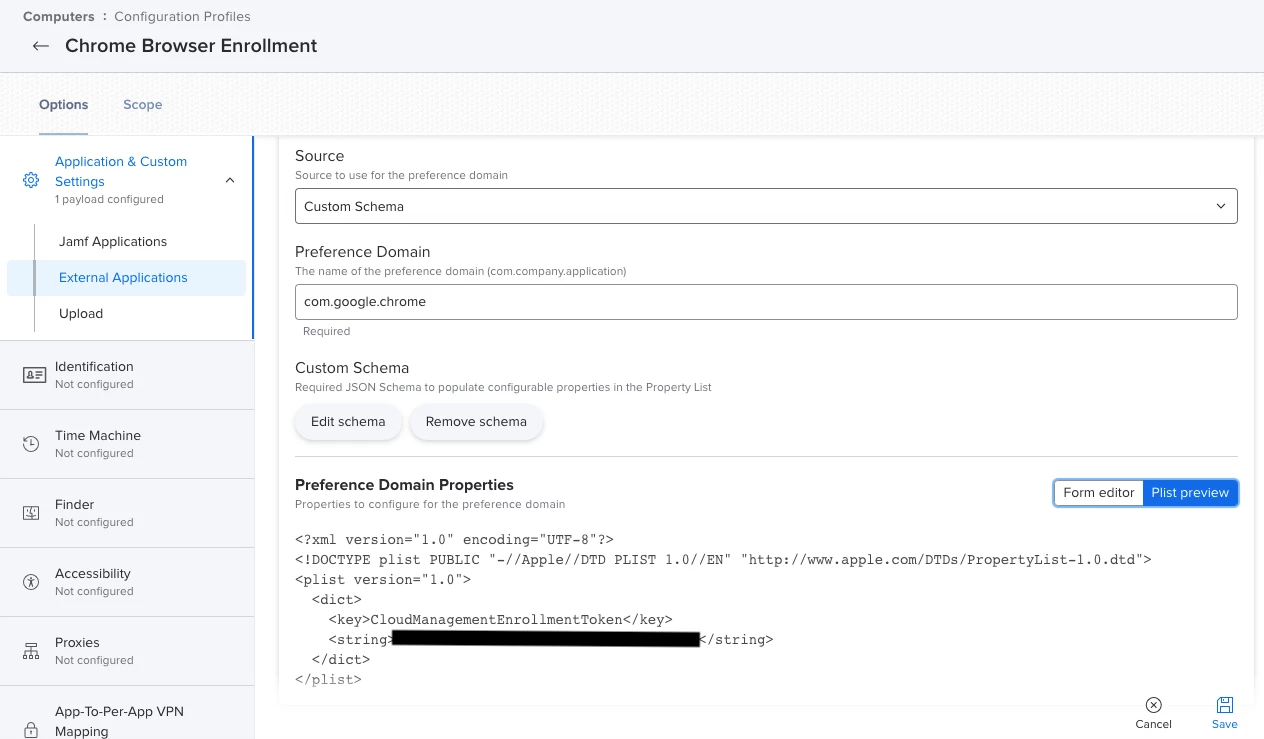
We push out a Config Profile to our macs which enrolls the Chrome browsers using a token taken from our Google Admin console. This works for most things (limiting the users who can sign in, allowing/disallowing extensions, etc).
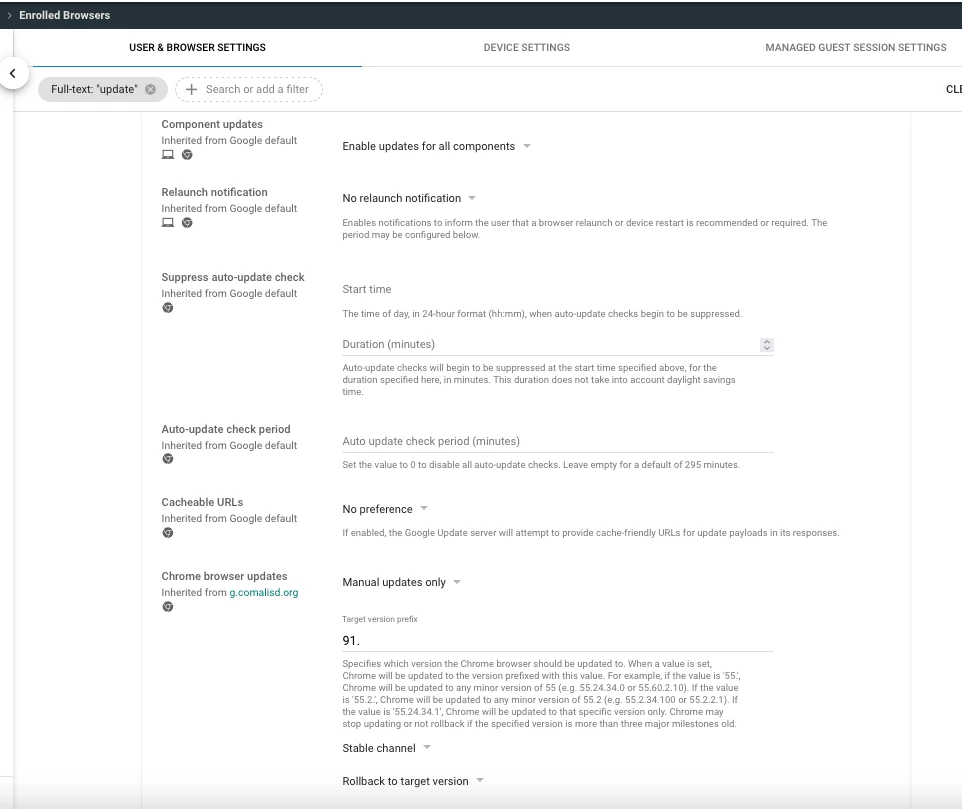
What we want to happen, is to force the updates of the Chrome Browser based on the settings in the google Admin console. For example, Chrome 93 is available, but we havent updated beyond Chrome 91. We have it set in Google Admin to only update to 91. This works for Chromebooks and Windows managed Chrome Browsers. When we change that chrome version from 91 to 92, all chromebooks and Windows managed chrome browsers will update to 92. This doesnt work on the macs. We have to push a separate package to update chrome on the macs. I found this
https://support.google.com/chrome/a/answer/7591084?hl=en#zippy=%2Ccreate-a-new-property-list-file%2Cs[…]pdate-policy-settings%2Csample-property-list
But it only talks about turning auto update on/off. We dont want the browsers to auto update to the newest version because it has previously broken some of our required sites (Seesaw...) We want it to auto update to the highest allowable based off what we have in the Google Admin Console, like the Chromebooks and Windows Managed Browsers do.
Just curious if anyone has a plist for a chrome managed browser on macs that will set them to update to the version allowed in the google admin console? Or anyone have this working?
Im attaching screenshots of the config profile and our browser settings in Google.