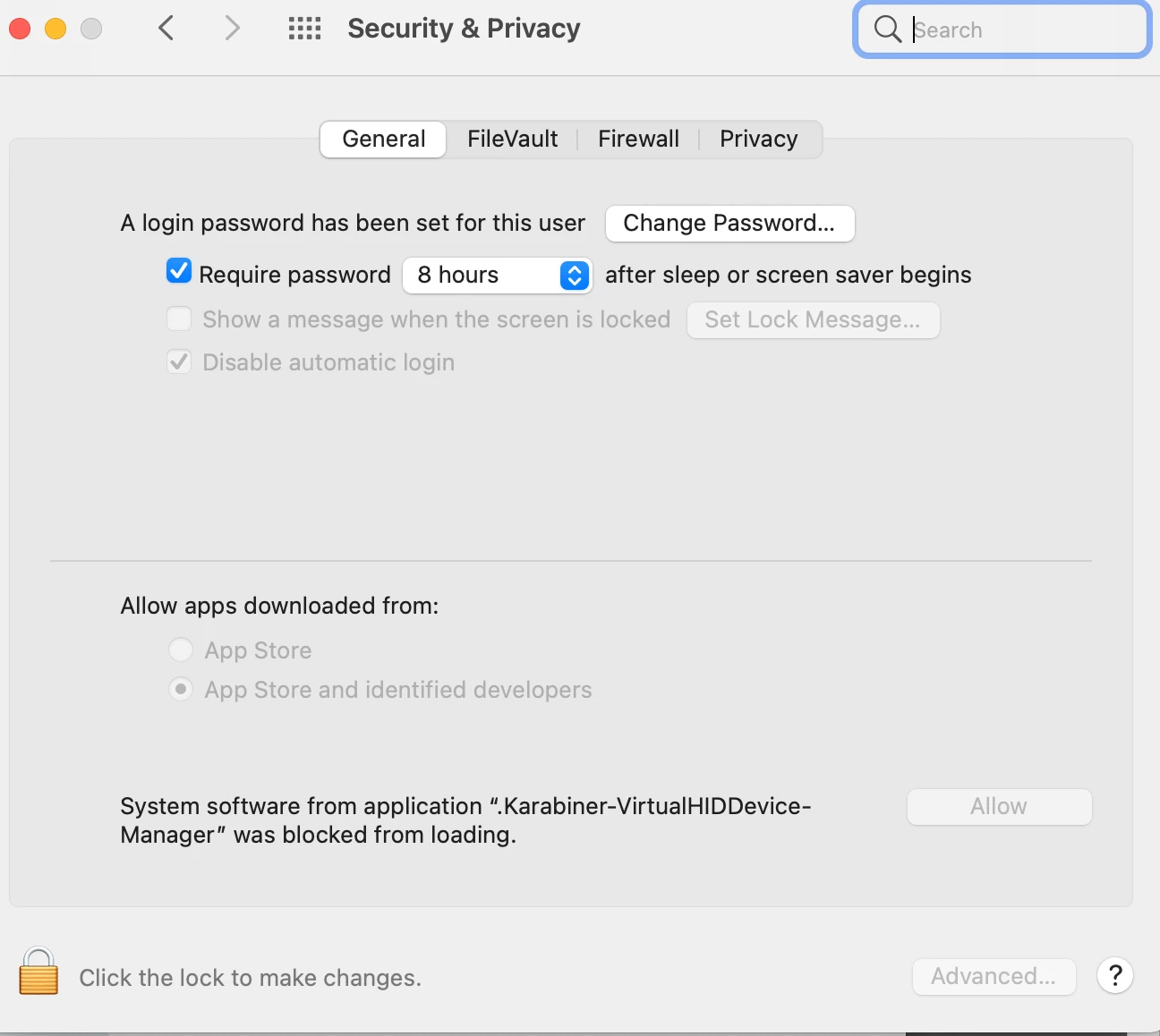
 I am using Composer 10.38.3 to make an installer of Karabiner - Elements, but I keep getting prompted for "System software from application 'Karabiner-VirtualHIDDevice-Manager' was blocked from loading". I am using the snapshot method to capture the installation which I am allowing said software to install. Also I have modified the owner/group to root/admin and applied to all sub folders and files. However, whenever I run the Self Service install, I still get prompted for the "Allow". The software does require Security & Privacy Input Monitoring which I have created a configuration profile for. I still think this is a permissions issue.

Solved
Composer 10.38.3 issue with "Allow" system software to install

 +5
+5Best answer by mainelysteve
Most likely not permissions. This is using words like HID and Device so it's probably a system extension or maybe a kext. Those need to be approved via a configuration profile to allow them to load.
https://technology.siprep.org/getting-the-team-id-of-kernel-extensions-in-macos-10-13-and-higher/
First link explains how to create a profile in Jamf Pro for this and the second will help you get the various ID's needed. Make sure you manually allow it load on one machine to extract that info.

Enter your E-mail address. We'll send you an e-mail with instructions to reset your password.