
Solved

Configuration Profiles Installing after imaging!

  • May 18, 2015
  • 4 replies
  • 41 views

Forum|alt.badge.img+3

Hi All,
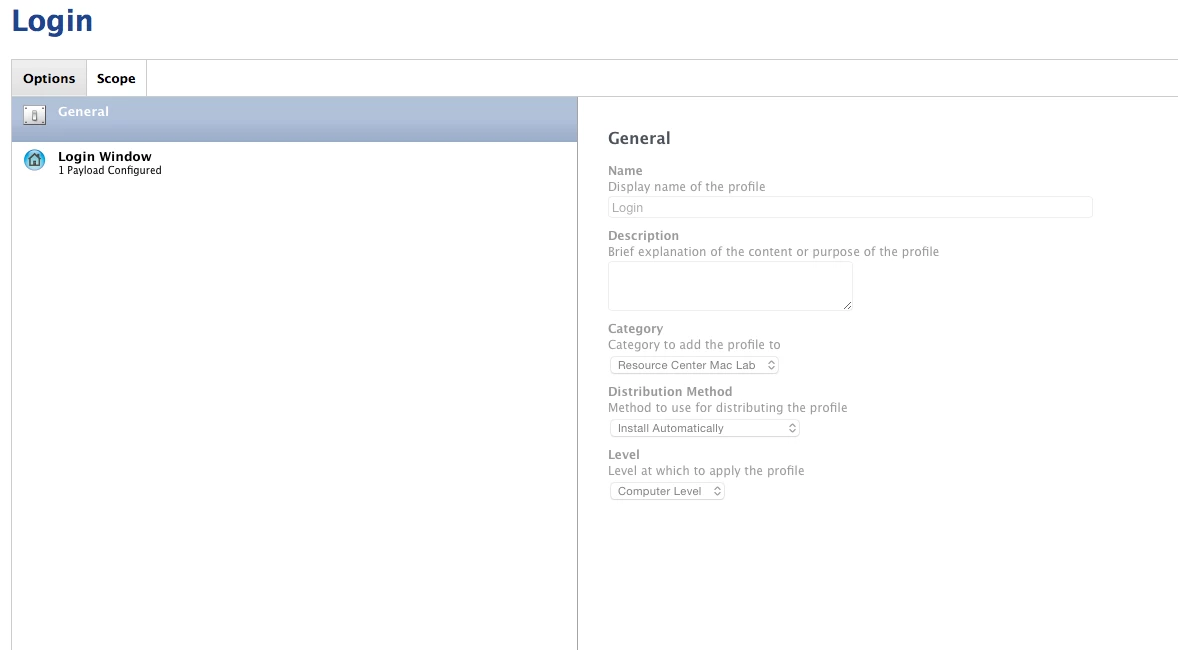
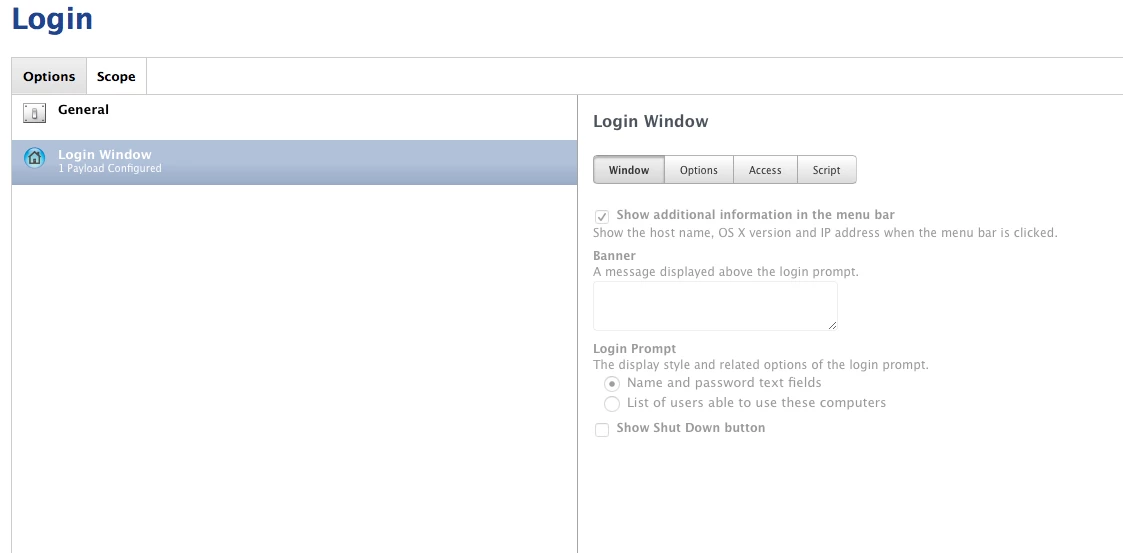
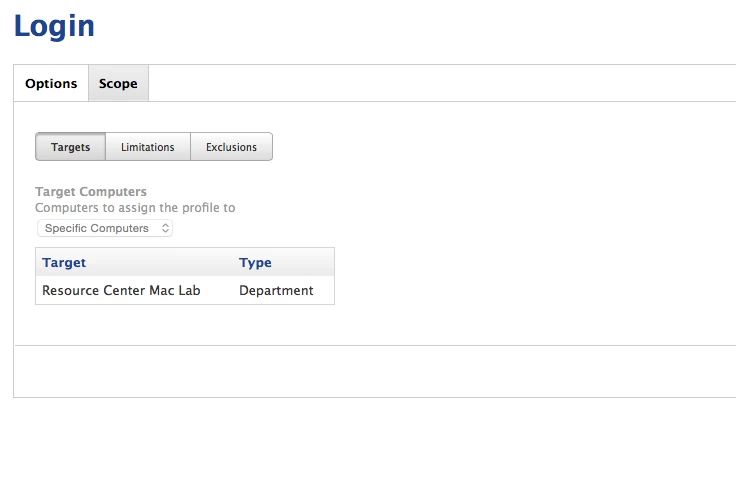
I'm fairly new to casper, but it was my understanding that after imaging (using pre-stage imaging) that configuration profiles should be pushed out automatically. However after we image our computers can sit there and will never get there configuration profiles. i can manually 'sudo jamf manage' to get them to apply to the computers but it would be nice for them to apply with zero touch. Currently have the computers in a a department and have the config profile scoped to that department. example below
Best answer by Simmo

Are the users in the smart group when you look at it before running any commands on the machine?

Is the MDM profile on the machines? It may be that you're pulling down the MDM certificate when you run your jamf manage command, and that is what enables the your profile here to push.

4 replies

Forum|alt.badge.img+12
  • Contributor
  • Answer
  • May 18, 2015

Are the users in the smart group when you look at it before running any commands on the machine?

Is the MDM profile on the machines? It may be that you're pulling down the MDM certificate when you run your jamf manage command, and that is what enables the your profile here to push.


Forum|alt.badge.img+3
  • Author
  • New Contributor
  • May 18, 2015

@Simmo yep that seems to be it. there is not mdm profile on the computer. so how can i add the profile during imaging?


Forum|alt.badge.img+12
  • Contributor
  • May 18, 2015

@Luket It should be pulling it down automatically after enrolment. Does an inventory update/recon make the MDM profile go down, or do you need to use the jamf manage command?


Forum|alt.badge.img+3
  • Author
  • New Contributor
  • May 18, 2015

@Simmo just added a quickadd.pkg to the task sequence and it seems to now be pulling down the mdm profile