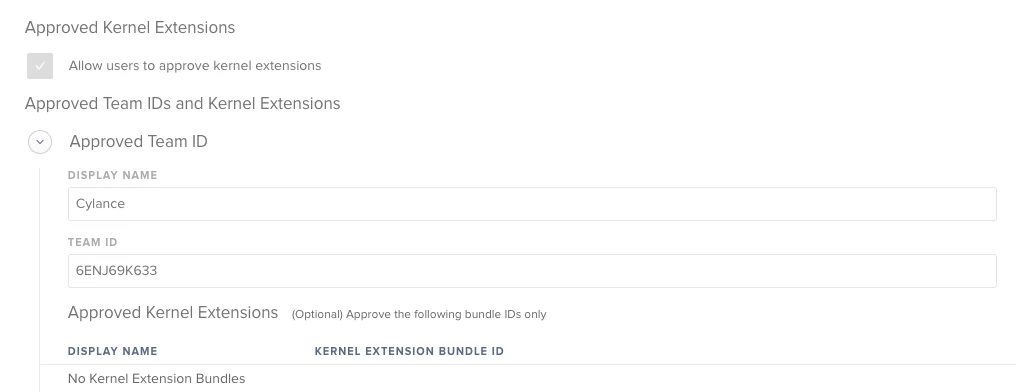
Hi There,
We have computers in our environment that have Cylance installed prior to 10.13.2 when the requirement to consent via System Preferences was Required
Currently all computers get Cylance Protect upon enrollment. If a computer is fresh out of the box it typically comes with 10.13.1, so we haven't had to enable this setting before.
10.13.4. came out today, and the attached error message appears prior to the upgrade.
Is there a way from a root level to consent to this application? 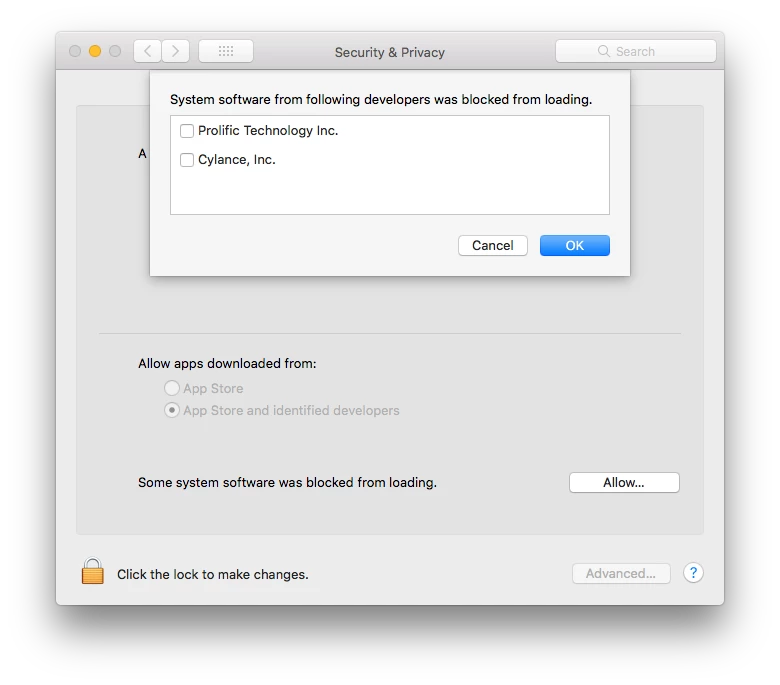
I've already alerted our vendor of Cylance that this issue happens upon upgrade of 10.13.4. Since I have consented to Cylance running on this machine, I have closed and re-opened the application but it still does not function. I have not yet restarted.