Question

Device enrollment issue

  • September 19, 2024
  • 10 replies
  • 50 views

Forum|alt.badge.img+3

Since Jamf Pro was upgraded to 11.9.1 we are getting Profile installation failed message when configuring brand new iPads and also existing devices after erasing them.

Screenshot of the error attached below
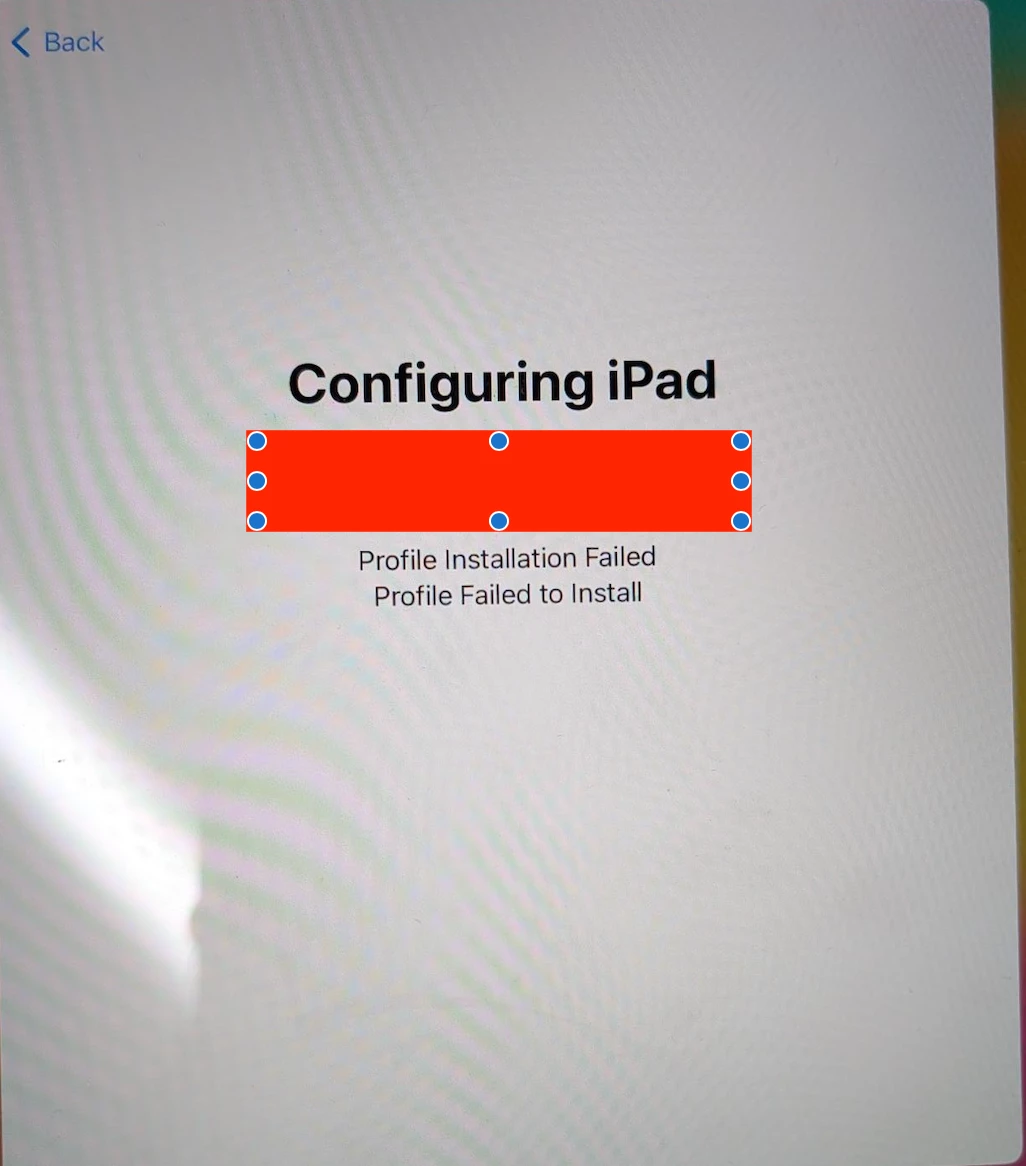
No change on our environment

Any help would be appreciated.


Thank you

10 replies

YanW
Forum|alt.badge.img+11
  • Contributor
  • September 19, 2024

Have you accepted the new agreement in ABM/ASM?


Forum|alt.badge.img+3
  • Author
  • New Contributor
  • September 19, 2024

Have you accepted the new agreement in ABM/ASM?


yes already agreed the new agreement on ABM.

Thank you


atomczynski11
Forum|alt.badge.img+18
  • Jamf Heroes
  • September 19, 2024

There is a thread on slack that talks about this

Are you by a chance pushing out settings to manage wallpaper?


Forum|alt.badge.img+3
  • Author
  • New Contributor
  • September 19, 2024

There is a thread on slack that talks about this

Are you by a chance pushing out settings to manage wallpaper?


Yes we have a automated wallpaper deployment to the prestage devices

Do you have a link for that slack?


Thank you


Forum|alt.badge.img+1
  • New Contributor
  • September 19, 2024

We have a ticket opened with JAMF support and they told me the same thing about the Wallpapers and Automated management in the smartgroup. We use this for all of our devices and are running into the same issues with SCEP errors during provisioning.


atomczynski11
Forum|alt.badge.img+18
  • Jamf Heroes
  • September 19, 2024

Yes we have a automated wallpaper deployment to the prestage devices

Do you have a link for that slack?


Thank you


Mac Admins Slack

#jamfnation channel


kcorser
Forum|alt.badge.img+9
  • Contributor
  • September 19, 2024

Yes, this a known Jamf PI with v11.9.1, apparently a hotfix is in the works and is tentatively scheduled to update cloud deployments on 9/27/24 if I heard correctly. In the interim, you can remove the device record from Jamf and enroll the device if re-enrolling existing devices. You may have to remove the Automated Wallpaper as well, although I didn't when re-enrolling. Not sure what your options are for new devices where you cannot remove the Jamf record other than trying to remove the Automated Wallpaper for the time being. 


Forum|alt.badge.img+3
  • Author
  • New Contributor
  • September 20, 2024

Thank you for the information

We are also seeing sign in and sign out issue as of today on shared devices

only change we did was we not deploying automated wallpaper yesterday


Anyone seen this in their environment?


Forum|alt.badge.img+3
  • Author
  • New Contributor
  • September 20, 2024

To be clear its giving 403 error on jamf setup app


Forum|alt.badge.img+3
  • Author
  • New Contributor
  • September 23, 2024

To be clear its giving 403 error on jamf setup app


Apparently JAMF deleted the record of our jamf setup and reset app so had to restore our jamf server database which did resolve the issue